It is told to reproduce the artwork exactly: the same drawing, colours and spelling. Like any AI edit it can drift on very fine detail or small text, so compare the result with your file and rerun if something changed.
AI Soda Can Mockup: See Your Label on Soda, Seltzer and Beer Cans
AI Soda Can Mockup: See Your Label on Soda, Seltzer and Beer Cans is a free AI tool. Upload a can label design and see it wrapped on a 12 oz or 16 oz soda or beer can, a slim can, a 4-pack or a cold can with condensation and ice. Free to try.
Free to try · first generation free on signup · no credit card
1
Step 1
Upload Image
Start by uploading image
Upload your image
Click to browse or drag & drop
2
Step 2
Select Mode
Choose your transformation style
Label on a 12 oz or 16 oz can
3
Step 3
Options
Configure your options
Related Tools
→try new exterior paint colors on your own photo
→redesign a home exterior from a single photo
→plan a new yard or garden layout from a photo
→repaint a car in any shade before you commit
Output quality:
Mode
Standard Can
Your AI Design Will Appear Here
Fill in the options on the left, then press Generate.
Upload your image
Drag & drop your file here or click to browse
JPG, PNG, WebP
Max 10MB
AI Ready
Quick facts about AI Soda Can Mockup: See Your Label on Soda, Seltzer and Beer Cans
- Tool nameAI Soda Can Mockup: See Your Label on Soda, Seltzer and Beer Cans
- CategoryProduct Photo Tools
- PriceFree to try
- InputPhoto upload + text prompt
- OutputAI-generated image
Before / After
Example results
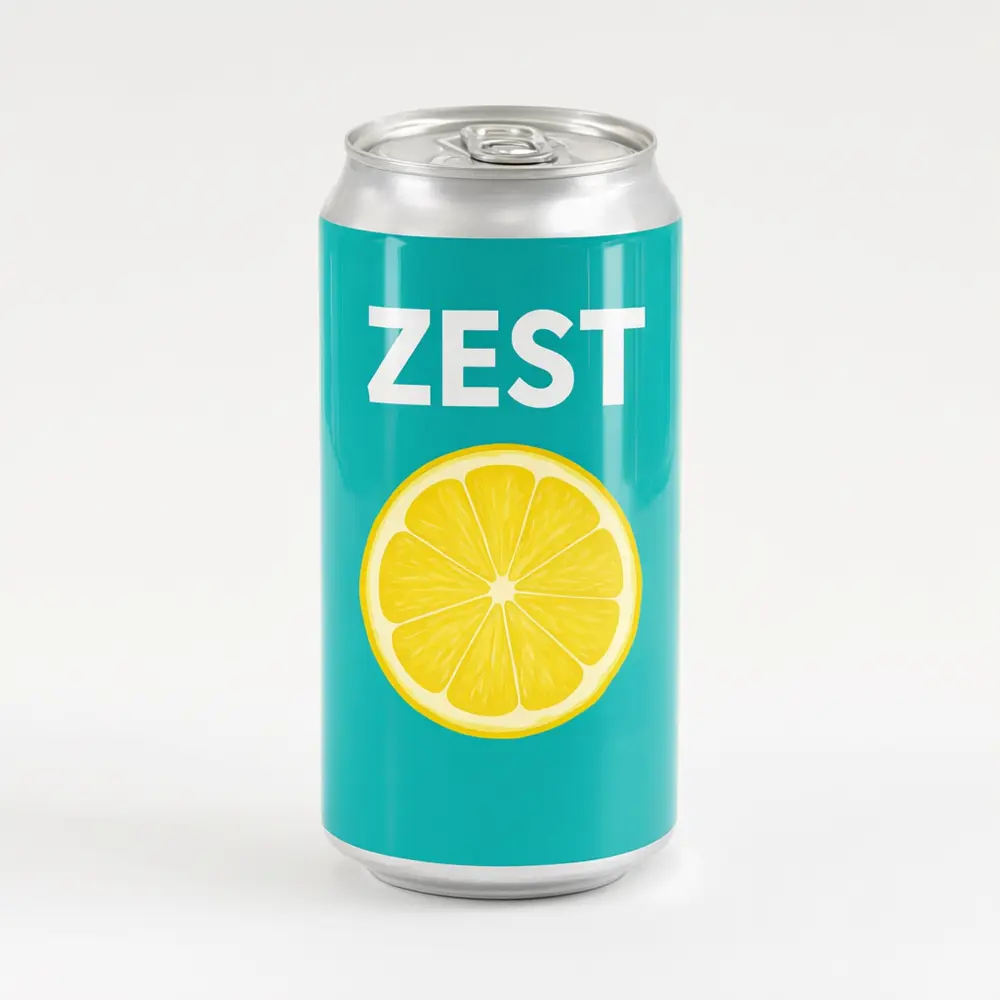
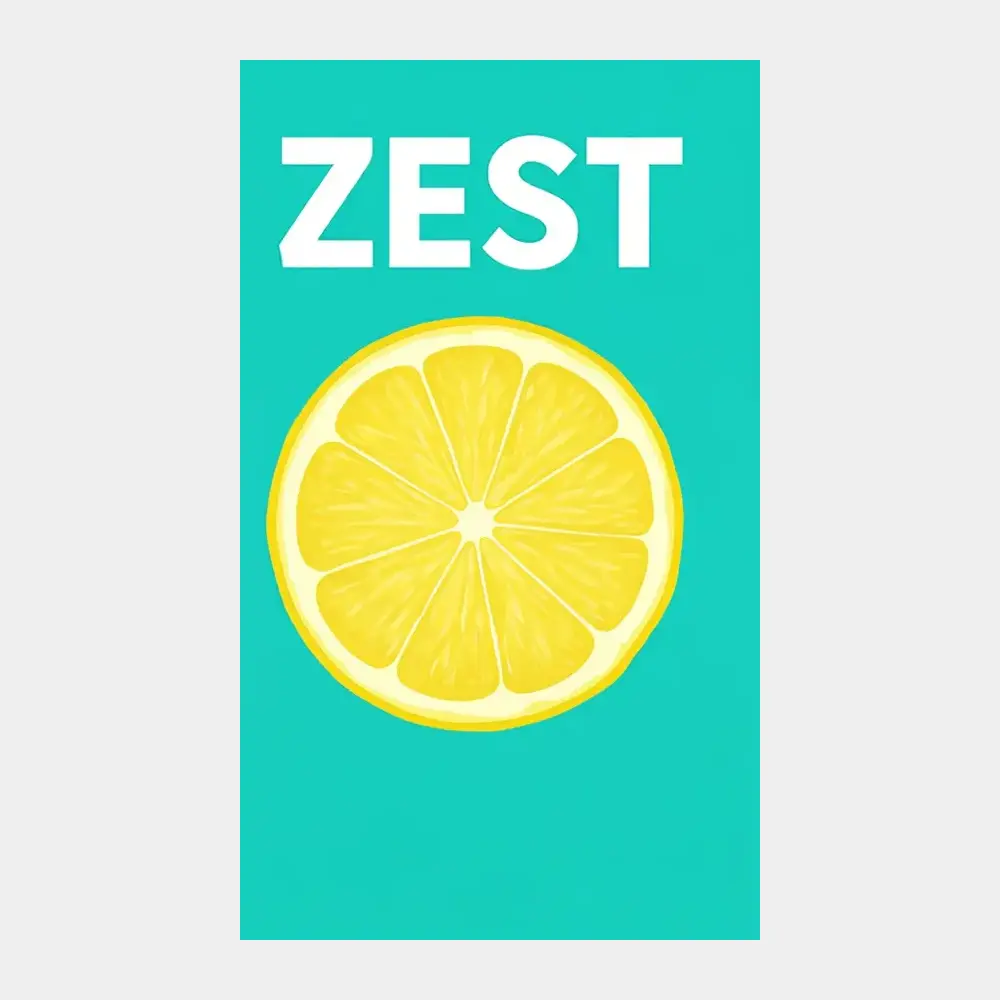
Drag to compare
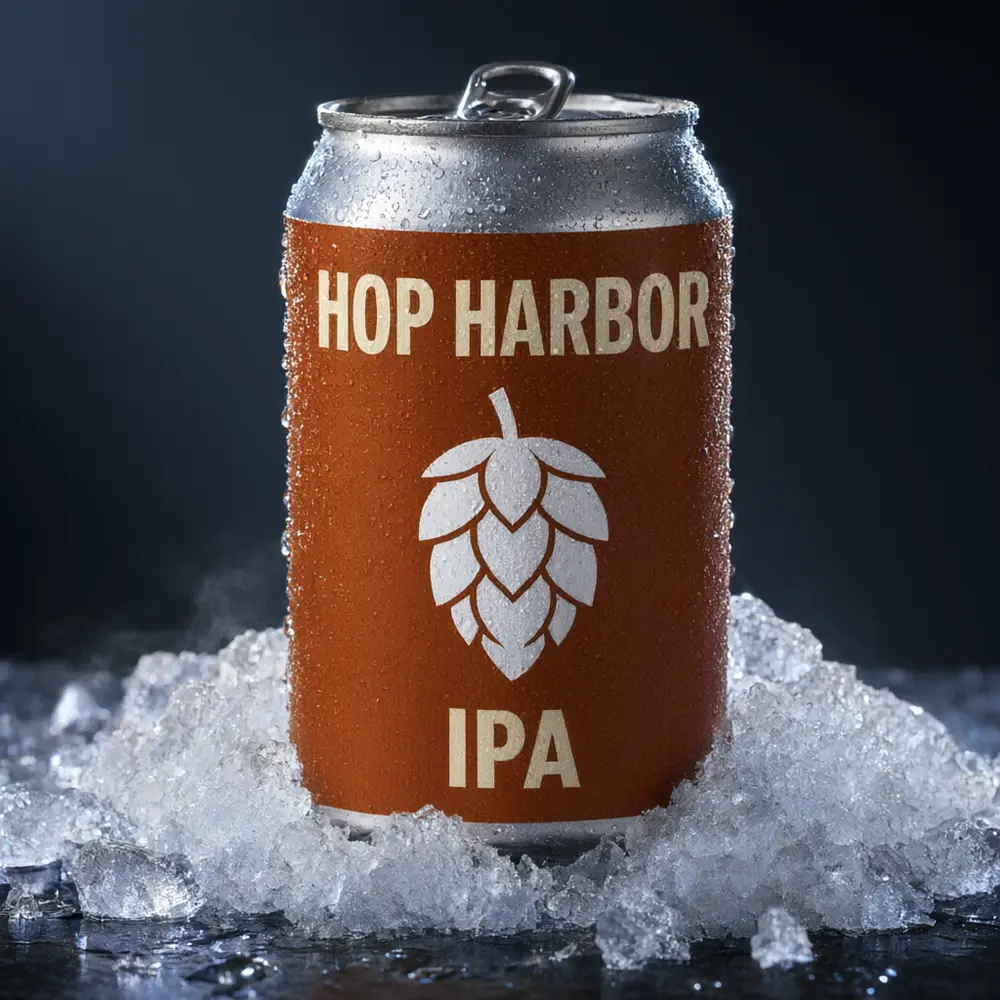
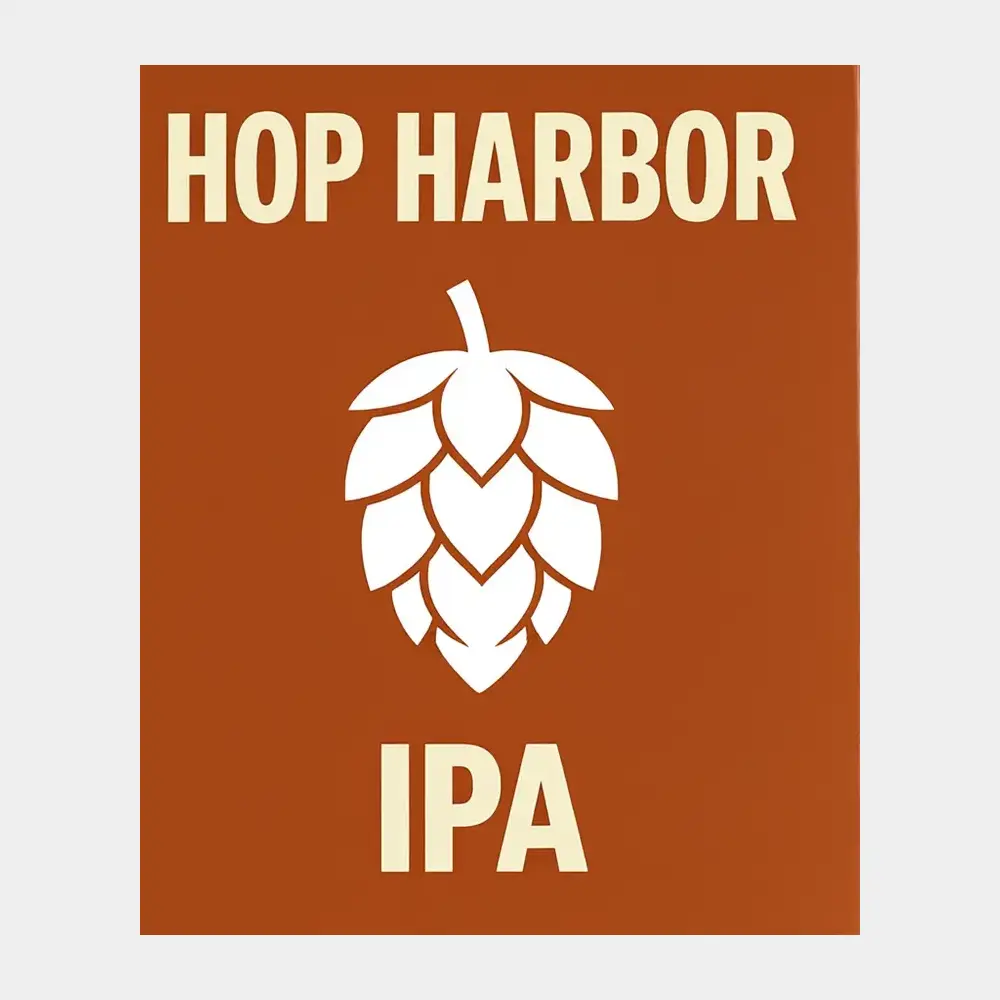
Drag to compare
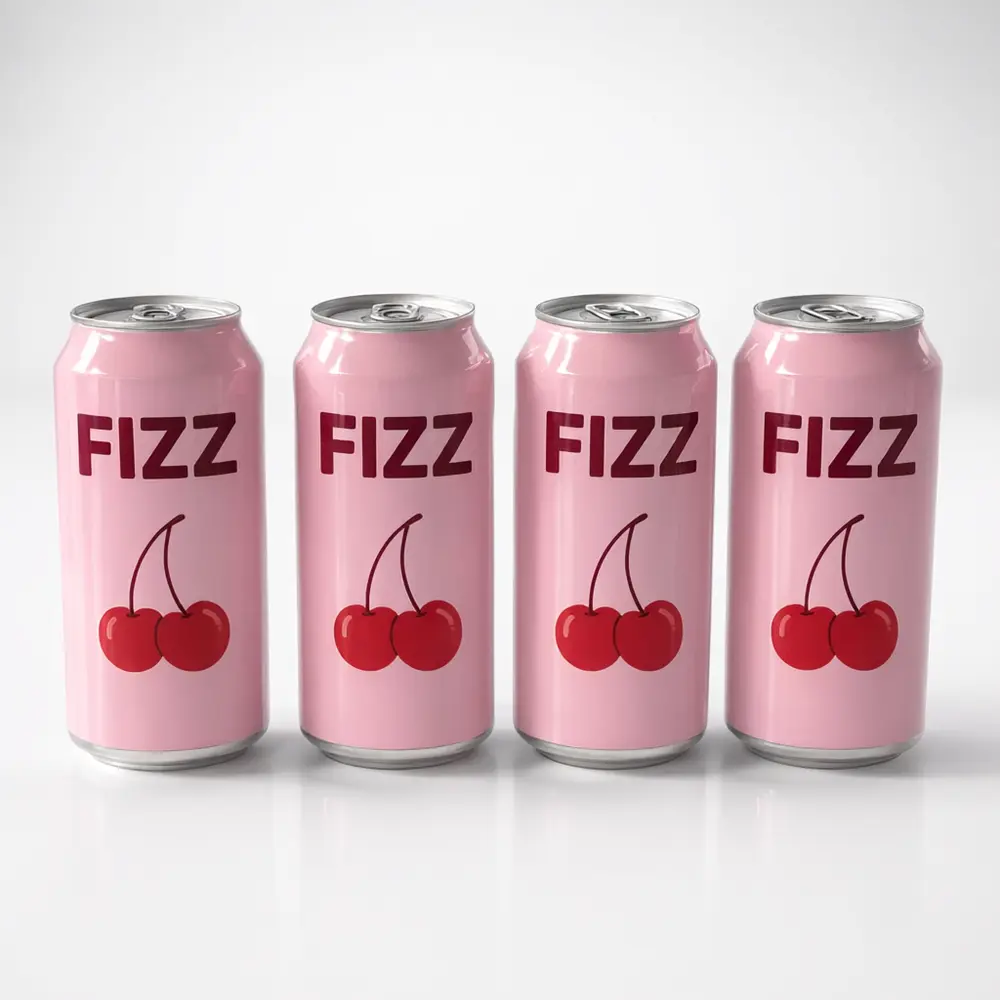
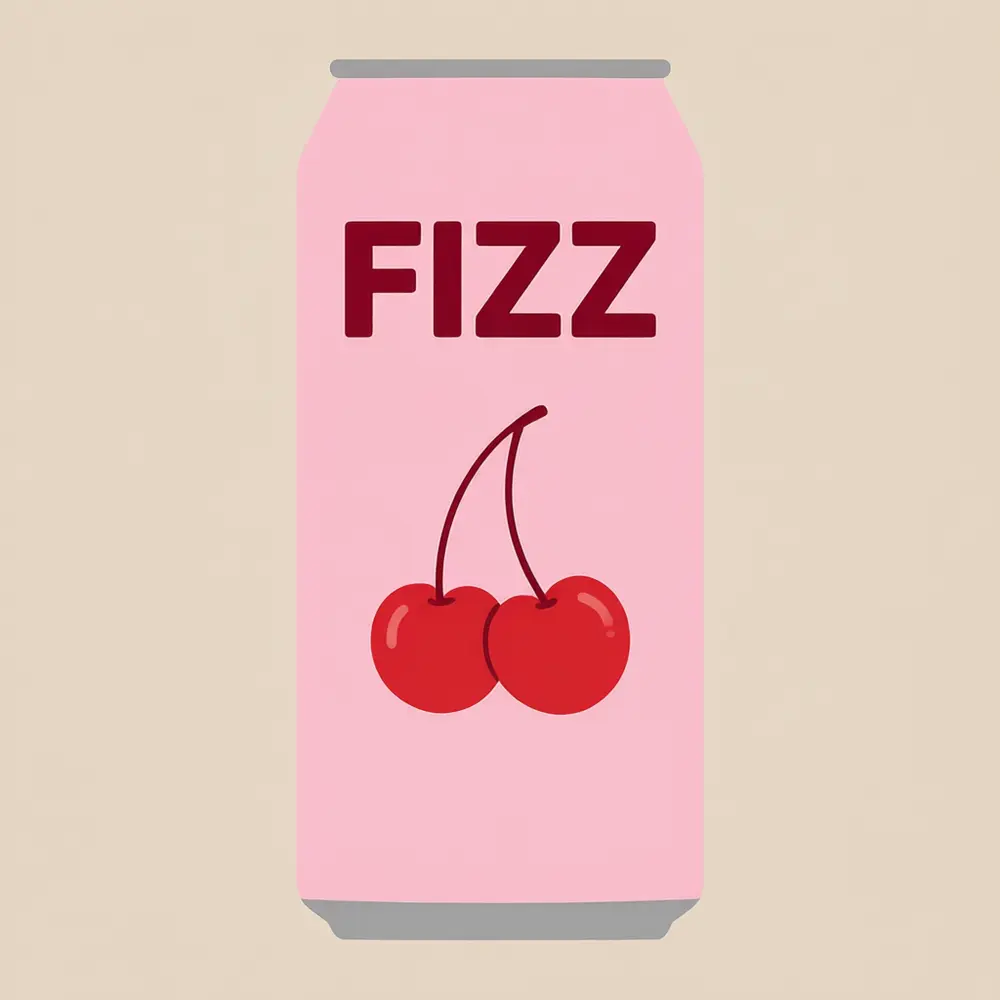
Drag to compare
Real, unretouched output from this tool. Drag any slider to compare.
Upload your can label and see it on a real-looking can before you order a canning run or print shrink sleeves. Show it on a standard 12 oz or a tall 16 oz can, a slim can, a cold can with condensation and ice, or a 4-pack, in a studio shot or a lifestyle scene.
How the AI can mockup generator works
A drink sells on the can, but a flat label file does not show how it looks wrapped round the metal. Upload the label, choose the can and the scene, and the AI wraps the label round the can, following the curve, with the sheen of aluminium.
It is a preview of how the design could look, not a print proof. Compare the artwork and the lettering with your file, since AI can slightly change fine detail or small text.
1
Upload a design
A PNG or JPG of the label design as a wide rectangle, the shape it wraps round the can.
2
Choose a mode
Standard Can, Slim Can, Cold Can, Can Pack, Lifestyle, or your own description.
3
Pick the options
Pick the can, the finish and the scene.
4
Edit, upscale or animate
Rerun with another option, upscale the best result or make a short video.
Can shots to try
A drink listing or a launch post needs more than one photo. Make each one from the same label.
1
Studio can
One can on a plain background, the main product photo.
2
Cold can
Droplets of condensation and ice, for a refreshing look.
3
Can pack
A 4-pack or a row of cans for a multipack listing.
4
Lifestyle
A can on a picnic table, in a fridge or by a pool.
Tips for a clean can mockup
Upload the label as a wide rectangle, the shape it wraps round the can. Put the name and main art in the middle: only the front third of the can shows in a photo, the label bends round the curve so lettering near the sides may warp, and very small text such as ingredients may blur.
A real can label or sleeve must fit your can size and follow the labelling rules for your drink. This tool shows a look; it does not make a dieline, a print file or a vector, and it does not check the size or the legal text. For printing, send your original file, never the mockup.
More tools for sellers
Turn one design into a complete listing.
Who uses an AI can mockup generator
🏠
Craft breweries
✓See a new beer label on a 16 oz can before ordering labels or a canning run.
💡
Soda, seltzer and energy drink brands
✓Make launch and store photos before the first batch.
🏢
Label and packaging designers
✓Show a client their label wrapped on a can.
📸
Print-on-demand and event sellers
✓Show custom can wraps for parties and weddings (preview only).
🥫
AI Soda Can Mockup: See Your Label on Soda, Seltzer and Beer Cans
AI Tool
Upload your imageTap anywhere here — your AI design will appear in this space after you generate.JPG · PNG · WebP
Label on a 12 oz or 16 oz can
Premium users can generate images without watermark
Higher quality options available for premium users
Be specific for better results0/400
Output quality:
Frequently Asked Questions
Your first generation is free when you sign up. Paid plans add credits, remove the watermark and unlock higher resolution.
A PNG or JPG of the label design. Ideally a plain background and good contrast.
This page starts from a label design. If you already have a photo of your finished can, use AI Product Photo Background to put it in a new scene.
No. It makes a photo of how the label could look on a can. Your can supplier or label printer gives you the dieline for your can size.
The cans are drawn in the usual proportions for each size, but nothing is measured. Check your label size against your supplier's template.
No. A mockup shows how it could look. Your printer's proof shows exactly how it will print. Send your original print file, never the mockup.
Yes. After the mockup is made, use the image actions under it to upscale it or make a short video.