Your first generation is free when you sign up. Paid plans add credits, remove the watermark and unlock higher resolution.
Recipe Card Maker: Design Printable Recipe Cards and Cookbook Pages
Recipe Card Maker: Design Printable Recipe Cards and Cookbook Pages is a free AI tool that lets you make a printable recipe card with AI: type the recipe title, pick a look such as farmhouse, vintage or watercolour, and get a card with blank lines to write on. Free to try.
Free to try · first generation free on signup · no credit card
1
Step 1
Select Mode
Choose your transformation style
Kitchen card for a recipe box
2
Step 2
Options
Configure your options
Related Tools
→try new exterior paint colors on your own photo
→redesign a home exterior from a single photo
→plan a new yard or garden layout from a photo
→repaint a car in any shade before you commit
Output quality:
Mode
Classic Recipe Card
Your AI Design Will Appear Here
Fill in the options on the left, then press Generate.
Upload your image
Drag & drop your file here or click to browse
JPG, PNG, WebP
Max 10MB
AI Ready
Quick facts about Recipe Card Maker: Design Printable Recipe Cards and Cookbook Pages
- Tool nameRecipe Card Maker: Design Printable Recipe Cards and Cookbook Pages
- PriceFree to try
- InputText prompt
- OutputAI-generated image
Before / After
Example results
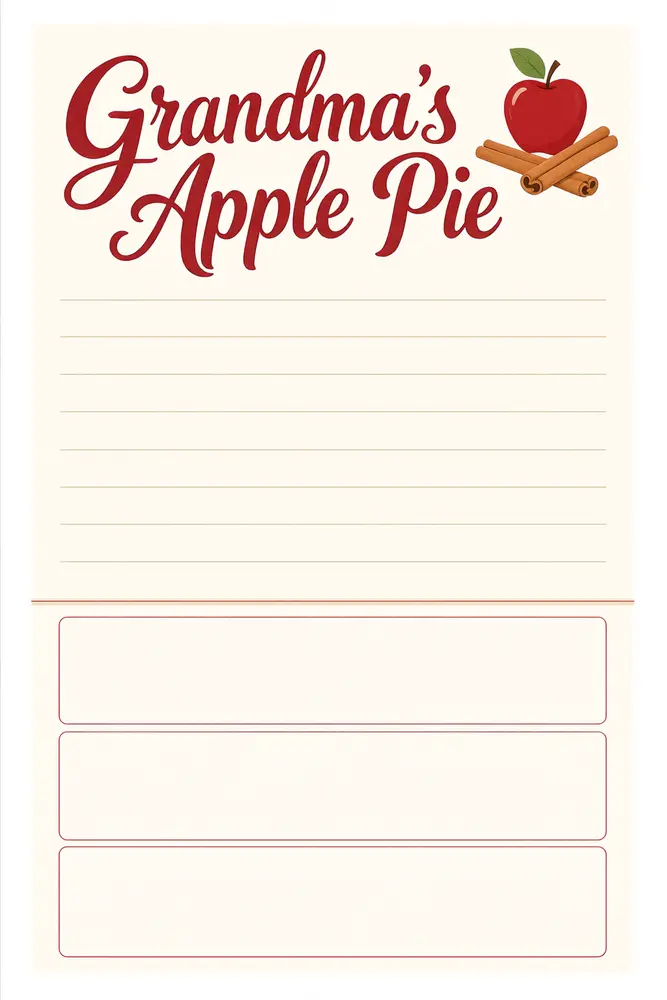
Drag to compare
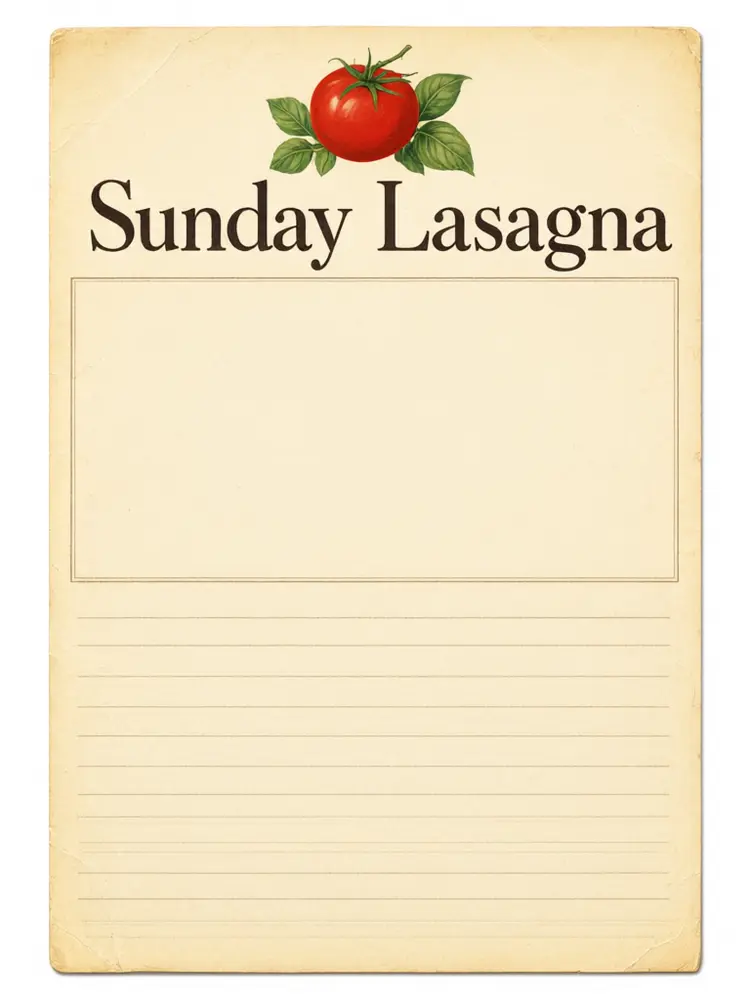
Drag to compare
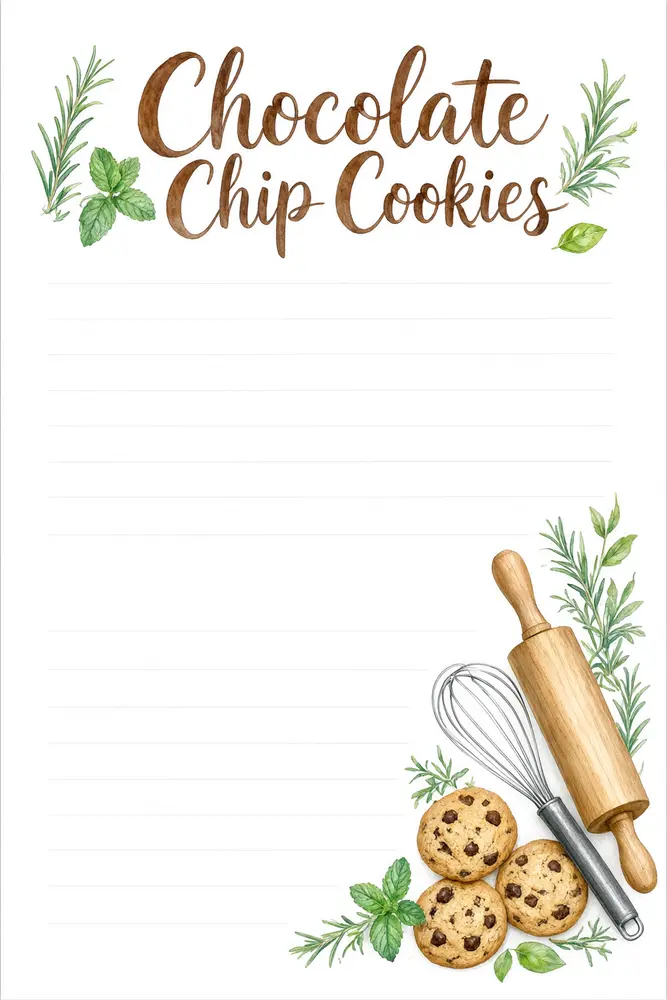
Drag to compare
Real, unretouched output from this tool. Drag any slider to compare.
Make a recipe card in a minute. Type the recipe title, pick a decoration and a look, and the tool draws a printable card or cookbook page with your title in large lettering and neat blank lines to write on. Print a set for a recipe box, a gift or a family cookbook.
How the recipe card maker works
You type the title, describe the decoration and pick a look. The tool draws a finished card with the title in large lettering and ruled space for the recipe.
It is a card designer, not a recipe writer. It does not invent recipes or check measurements.
1
Blank lines by default
Leave the text lines empty and the card has neat empty lines to write the recipe by hand.
2
Short typed lines
You can add a line or two such as Prep 20 min, Serves 6. Keep it short so it is spelled right.
3
Cards and pages
4x6 for recipe boxes, 3:4 for family cookbook pages.
4
Check every word
The title and lines are passed with an instruction to spell them exactly. Always check before printing.
The recipe card modes
Five modes plus your own.
1
Classic recipe card
A kitchen style card for a recipe box.
2
Cookbook page
A full page layout for a family cookbook or KDP interior idea.
3
Holiday recipe card
A festive card for Thanksgiving, Christmas or Eid.
4
Baking card
A card with flour, whisks and sweet treats.
5
Your own idea
Describe the whole card yourself.
Honest limits
It does not write recipes, convert measures or check food safety.
Long typed recipes can come out misspelled. Use the blank lines, or add the text in any editor.
If you sell recipe cards or cookbook pages, check the marketplace and print shop rules on AI-generated art.
More tools for cooks and sellers
Next steps once the card is done.
Who uses a recipe card maker
🏠
Families
✓Collect grandma's recipes in matching cards.
💡
Gift givers
✓Make a recipe box set for a wedding or housewarming.
🏢
Food bloggers and bakers
✓Make a printable card for a recipe or a freebie.
📸
Self-publishers
✓Draft page ideas for a recipe book.
🍳
Recipe Card Maker: Design Printable Recipe Cards and Cookbook Pages
AI Tool
Kitchen card for a recipe box
Be specific for better results19/60
Be specific for better results48/160
Be specific for better results49/140
Be specific for better results0/400
Output quality:
Frequently Asked Questions
No. It designs the card. You write or paste the recipe on the blank lines or in any editor.
Short lines work, such as prep time and servings. Long recipes can come out misspelled, so use the blank lines for the full text.
The common size is 4x6 inches, with 3x5 and 5x7 also used. Pick the shape closest to your box.
The title is passed with an instruction to spell it exactly and came out right in our tests, but long titles can fail. Check before printing.
Yes. Keep the same look and decoration and change the title for each recipe.
Yes. Use the Cookbook Page mode, and the KDP Book Cover Maker for the cover. Check the print shop rules for AI art.
You can use what you make. If you sell them, check the current rules of the marketplace about AI-generated art.
Yes. Use the Image to Video tool for a clip and the Pinterest Pin Maker for a pin.