It can make the front cover image. A KDP paperback also needs the spine, back cover and bleed in one print file, which you build from KDP's own template.
KDP Book Cover Maker: Make a Front Cover With Your Title and Author Name
KDP Book Cover Maker: Make a Front Cover With Your Title and Author Name is a free AI tool that lets you make a book cover for Amazon KDP: type the title and author, pick a genre look, and get a front cover with the text spelled as typed. Fiction, romance, fantasy, kids, non-fiction, journals and workbooks.
Free to try · first generation free on signup · no credit card
1
Step 1
Select Mode
Choose your transformation style
Mystery, horror, literary and crime covers
2
Step 2
Options
Configure your options
Related Tools
→try new exterior paint colors on your own photo
→redesign a home exterior from a single photo
→plan a new yard or garden layout from a photo
→repaint a car in any shade before you commit
Output quality:
Mode
Fiction & Thriller
Your AI Design Will Appear Here
Fill in the options on the left, then press Generate.
Upload your image
Drag & drop your file here or click to browse
JPG, PNG, WebP
Max 10MB
AI Ready
Quick facts about KDP Book Cover Maker: Make a Front Cover With Your Title and Author Name
- Tool nameKDP Book Cover Maker: Make a Front Cover With Your Title and Author Name
- PriceFree to try
- InputText prompt
- OutputAI-generated image
Before / After
Example results
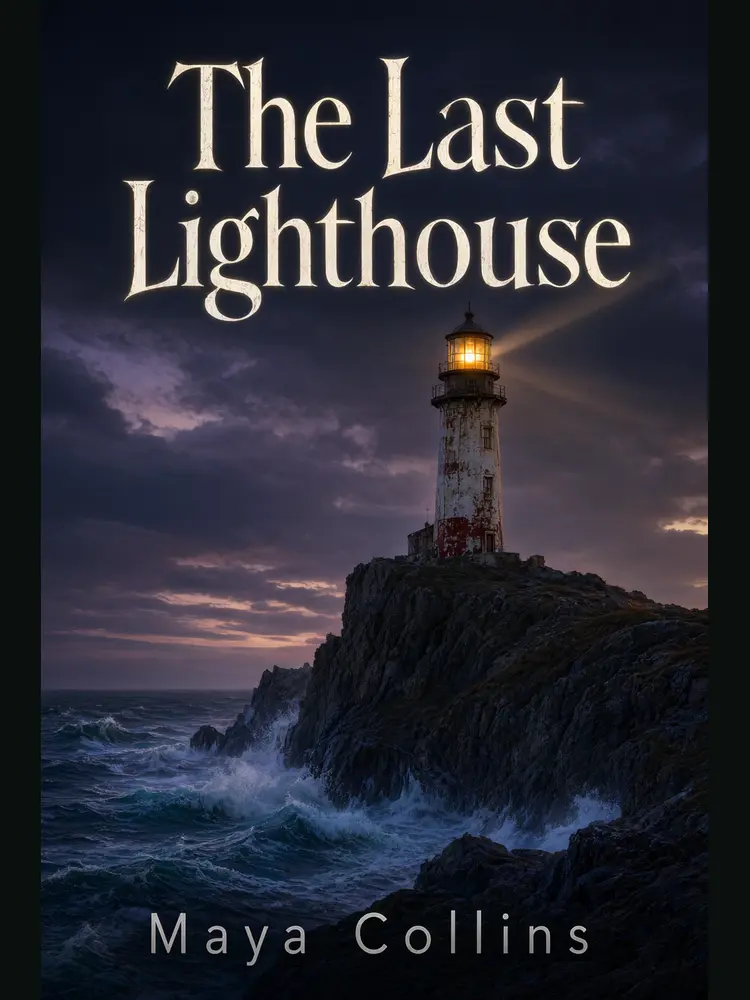
Drag to compare
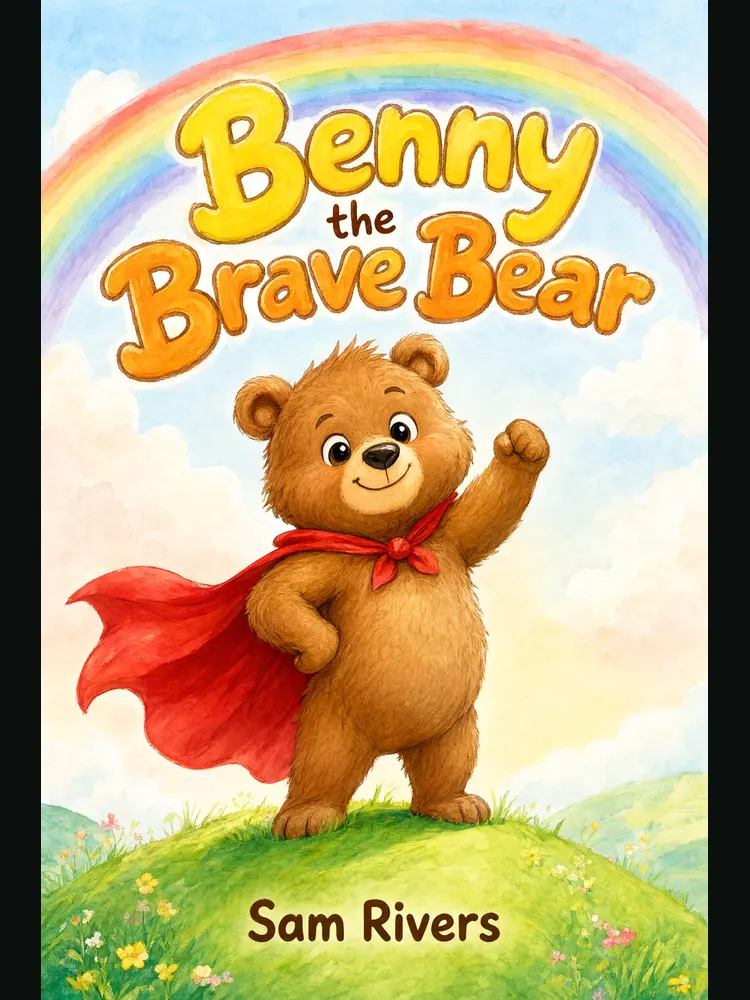
Drag to compare
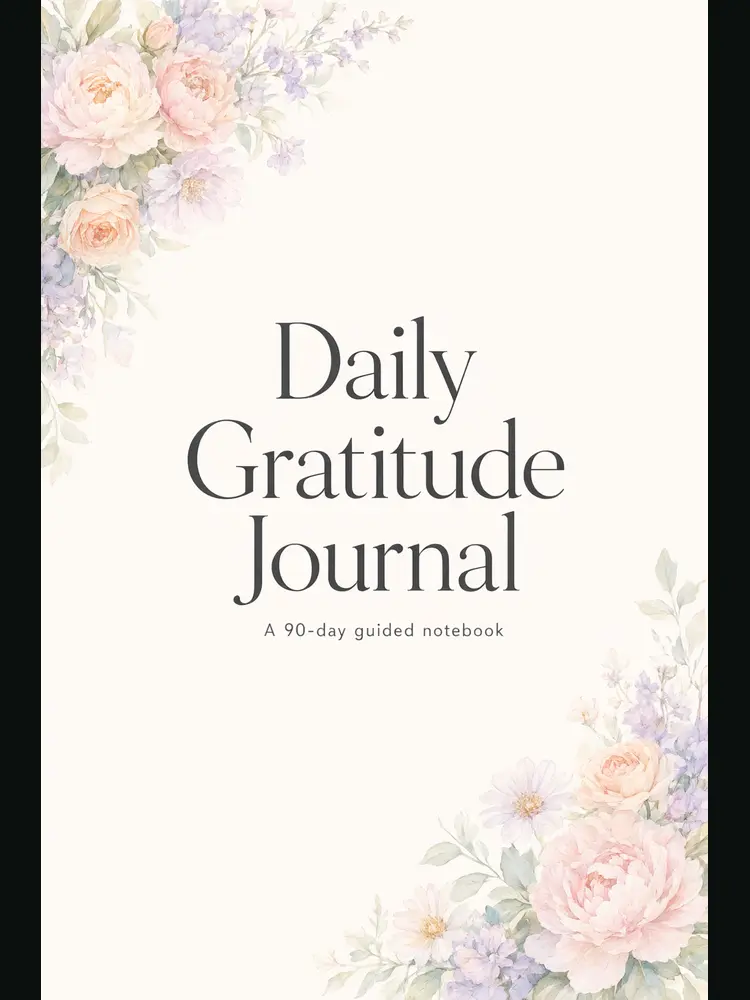
Drag to compare
Real, unretouched output from this tool. Drag any slider to compare.
A cover sells the book before anyone reads a word. Type your title and author name, pick the look of your genre, describe one image, and the tool designs a front cover with the text spelled as you typed it. Make a few versions and choose the strongest one.
How the KDP book cover maker works
You pick a genre mode, type the title and author name, describe the scene and choose a look. The tool designs a front cover from that, with the title large and the author name below.
Each run makes one cover. Change the scene or the look for a different one. A cover is a good first draft or final front image for an ebook.
1
Pick the genre mode
Each mode has its own typography and mood: thrillers are dark and cinematic, romance is soft or bright, children's books are colourful and round.
2
Type the text exactly
The title, subtitle and author name are passed with an instruction to spell them exactly. Check every letter in the result.
3
Describe the picture
One line is enough: what is in the image, where, and the mood. Leave the typography to the tool.
4
Check it small
Shrink the cover to a thumbnail. If you can still read the title, it will work in the Amazon search results.
The genre modes
Seven modes, each with a set of looks.
1
Fiction and thriller
Mystery, horror, literary, historical and crime noir looks.
2
Romance
Illustrated, watercolor, sunset silhouettes and bold typographic looks, without realistic faces.
3
Fantasy and sci-fi
Epic, dark and cosy fantasy, space opera and cyberpunk.
4
Children's book
Watercolor storybook, bright cartoon, pastel and paper cut looks.
5
Non-fiction and self-help
Bold colour block, clean minimal, business and wellness looks.
6
Journal and low-content book
Floral, minimal, boho, dark academia and bold pattern covers for journals and notebooks.
7
Workbook, planner and coloring book
Covers for coloring books, planners, activity books and workbooks.
Front cover only: what KDP needs for a paperback
This tool makes the front cover image. A paperback on KDP needs a full wrap file: bleed, back cover, spine and front cover in one PDF, sized to your trim size and page count.
KDP gives the exact numbers: use its cover calculator (kdp.amazon.com/cover-calculator) to get the template and the spine width for your page count and paper. The usual rules are 0.125 inch of bleed on the outer edges, key text at least 0.25 inch inside the trim, and 300 DPI.
For an ebook, the front cover image is all you upload. For a paperback, place this image on the front panel of the KDP template in a design tool, and add the spine and back cover there. Use the Upscale action first, because the cover is made at about 1,024 by 1,536 pixels, which is below print resolution for a 6 by 9 inch book.
Who uses a book cover maker
Anyone who needs a cover without a designer.
1
Self-published authors
Make a first cover for a novel, a memoir or a series, and test it small.
2
Low-content and journal publishers
Make covers for notebooks, planners, gratitude journals and log books in many styles.
3
Children's book authors
Make a bright front cover for a picture book idea before you commission the illustrator.
4
Coaches and non-fiction writers
Make a clean typographic cover for a guide, a workbook or a lead magnet.
🔦
KDP Book Cover Maker: Make a Front Cover With Your Title and Author Name
AI Tool
Mystery, horror, literary and crime covers
Be specific for better results19/70
Be specific for better results12/40
Be specific for better results83/160
Be specific for better results0/400
Output quality:
Frequently Asked Questions
The text is passed to the model with an instruction to spell it exactly. In our tests the title and author name came out correct every time, but check every letter and run again if one is wrong.
The tall shape is 2:3, which matches 6 x 9 inch and similar trim sizes. The image is about 1,024 by 1,536 pixels. Use Upscale for a larger file.
A paperback needs about 300 DPI at the trim size, plus bleed. Upscale first, then check the result in your design tool. For an ebook, the cover image works as it is.
Use KDP's cover calculator (kdp.amazon.com/cover-calculator) with your trim size, page count and paper type. It gives you a template with bleed lines, spine width and the barcode area. Put this front cover on the front panel.
KDP asks publishers to state whether text or images are AI-generated when you publish. Read the current content guidelines before you submit.
You can use what you generate for your own book. Check that the cover does not copy an existing book or a real person, and read KDP's current content guidelines.
Yes. There are modes for journals, notebooks, planners, coloring books and workbooks. The tool makes the cover only, not the interior pages.
Change the scene or the genre look and run it again. A few versions side by side makes the best one clear.
It is free to try: new users get free generations. Paid plans add credits, remove the watermark and unlock higher resolution.