Upload the photo, choose a mode and a detail level, and generate. The tool redraws the photo as clean black outlines on white, ready to print.
Photo to Coloring Page: Turn Your Photo Into a Page to Colour
Photo to Coloring Page: Turn Your Photo Into a Page to Colour is a free AI tool that lets you turn a photo into a printable coloring page with AI: pets, family scenes, toys, flowers and places become clean black line art on white. Choose simple for kids or detailed for adults. Free to try.
Free to try · first generation free on signup · no credit card
1
Step 1
Upload Image
Start by uploading image
Upload your image
Click to browse or drag & drop
2
Step 2
Select Mode
Choose your transformation style
Big shapes and thick lines for kids
3
Step 3
Options
Configure your options
Related Tools
→try new exterior paint colors on your own photo
→redesign a home exterior from a single photo
→plan a new yard or garden layout from a photo
→repaint a car in any shade before you commit
Output quality:
Mode
Simple Outline
Your AI Design Will Appear Here
Fill in the options on the left, then press Generate.
Upload your image
Drag & drop your file here or click to browse
JPG, PNG, WebP
Max 10MB
AI Ready
Quick facts about Photo to Coloring Page: Turn Your Photo Into a Page to Colour
- Tool namePhoto to Coloring Page: Turn Your Photo Into a Page to Colour
- PriceFree to try
- InputPhoto upload + text prompt
- OutputAI-generated image
Before / After
Example results
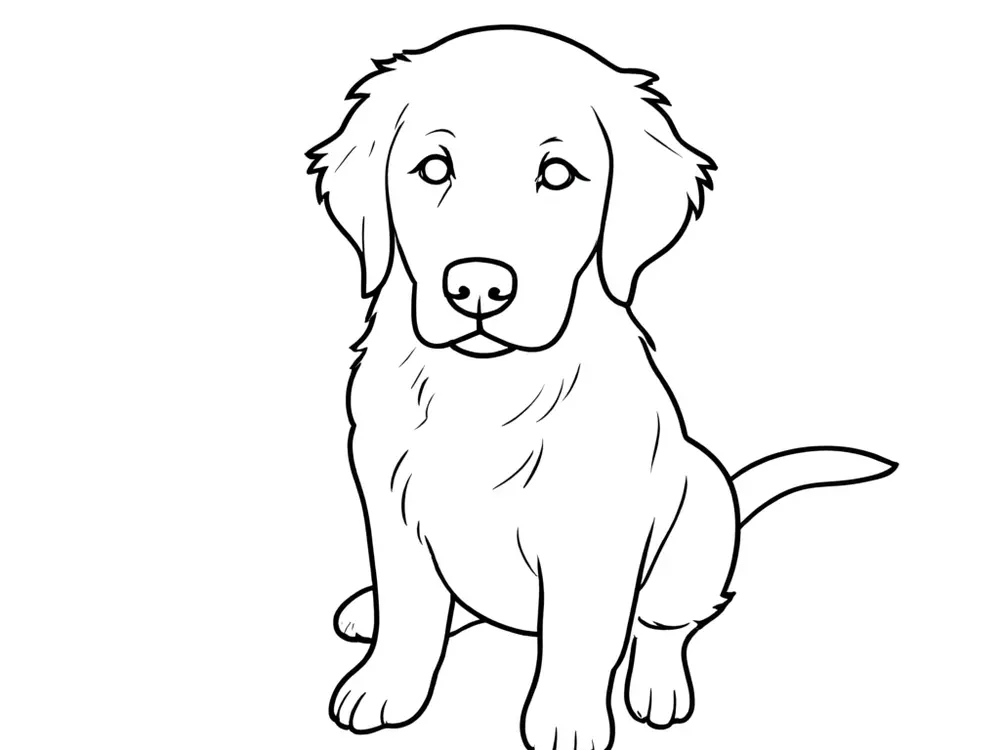
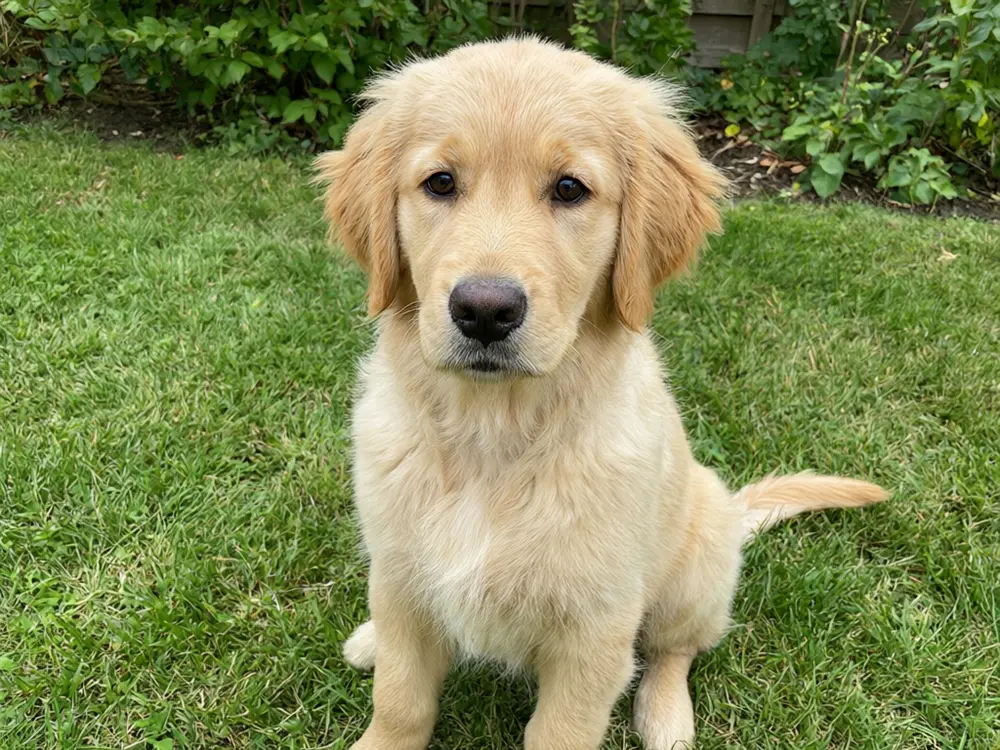
Drag to compare
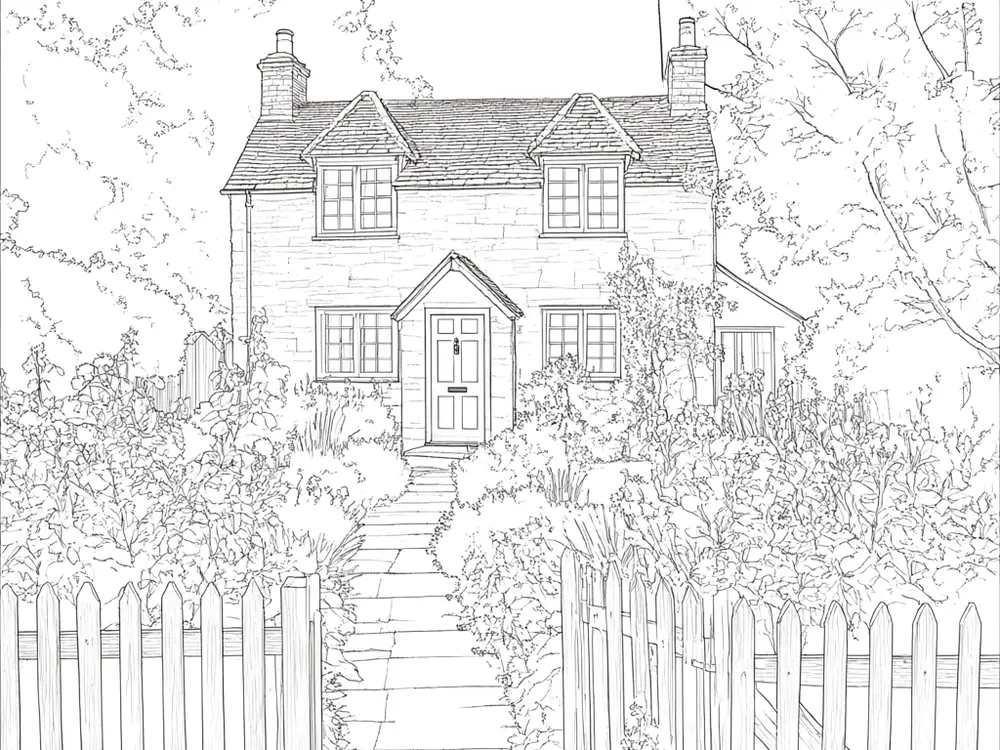
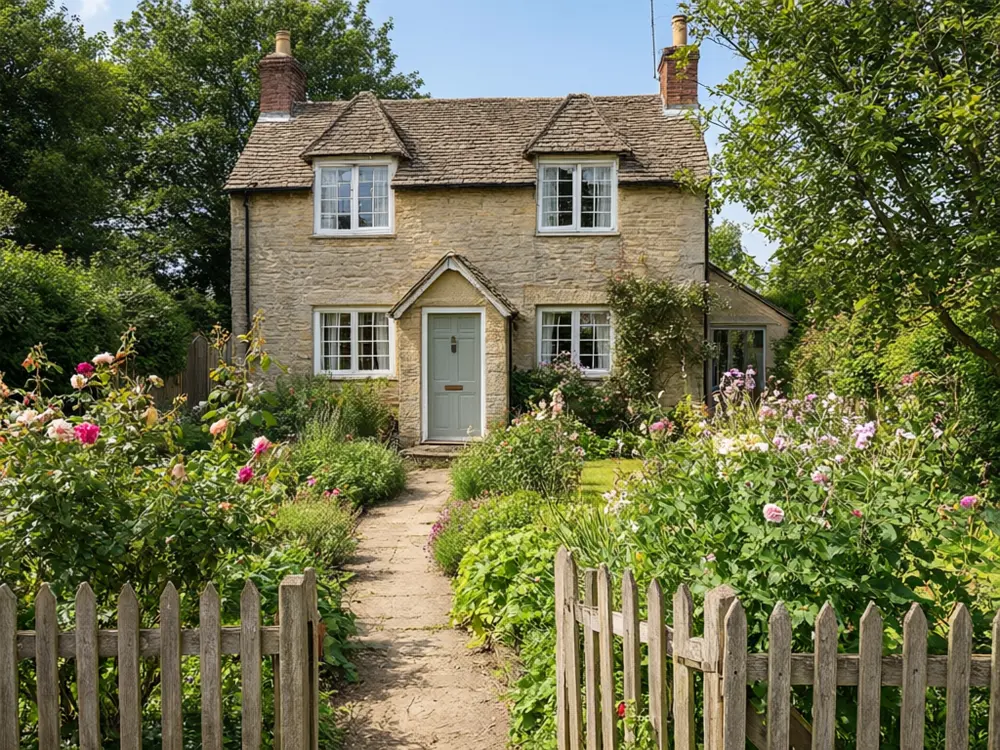
Drag to compare
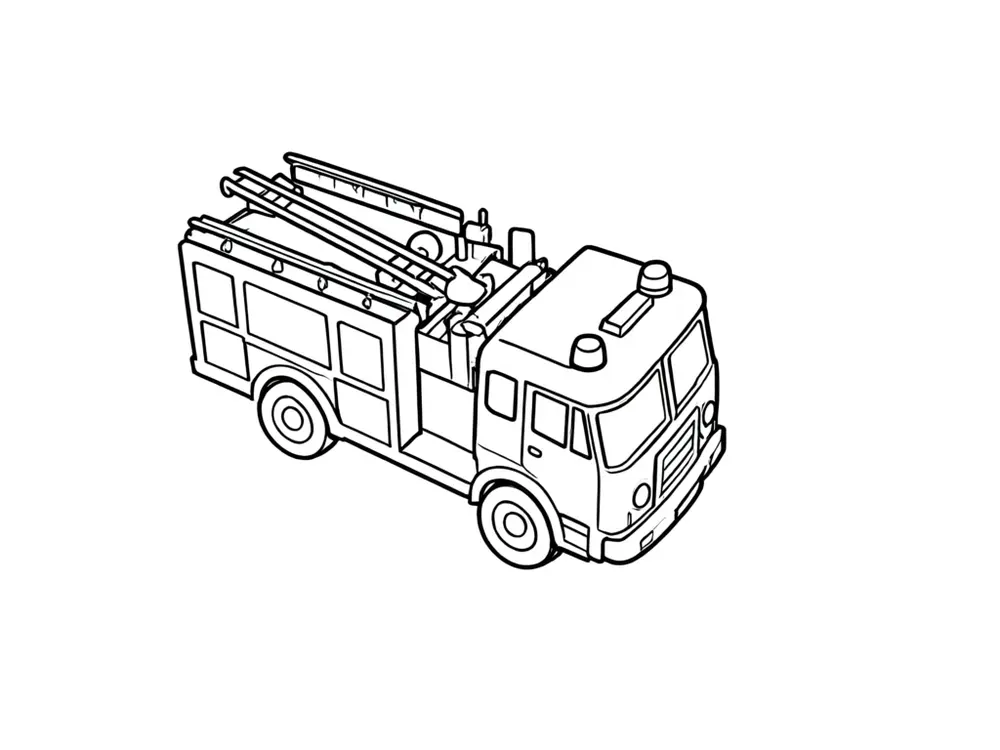
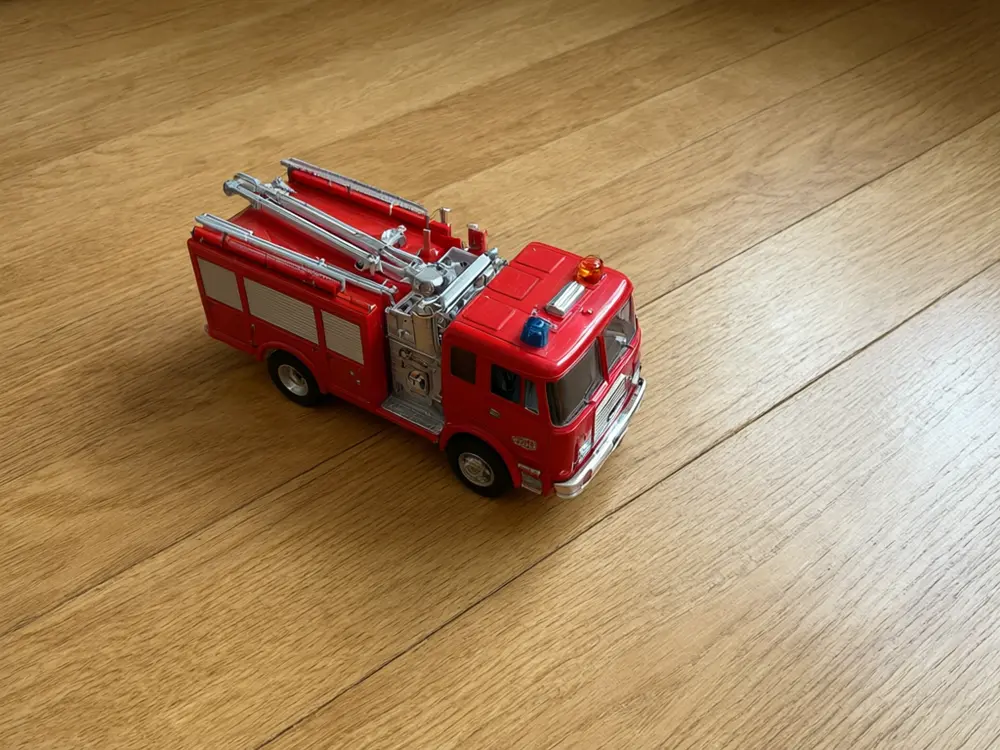
Drag to compare
Real, unretouched output from this tool. Drag any slider to compare.
Turn a photo into a coloring page your family can print and colour. Upload a picture of a pet, a toy, a place or a favourite flower, choose how detailed the lines should be, and get clean black outlines on white. It makes a personal activity page in a minute.
How the photo to coloring page tool works
You upload a photo, choose a mode and a detail level. The tool redraws the photo as clean black outlines on a white page, keeping the main subject and its pose recognisable.
Each run makes one page. Try a simpler or more detailed level, or a different mode, if the first result is too busy.
1
Choose a photo with one clear subject
A pet on a plain background gives a cleaner page than a crowded family picnic.
2
Pick the detail to match the age
Large shapes and thick lines suit little kids. Fine detail suits older children and adults.
3
Check the outlines
Look for closed shapes. If the page is too busy, try the Simple level or crop the photo first.
4
Print on plain paper
Outlines print well on ordinary paper. Use thicker paper for markers or paint.
The modes
Five ways to turn a photo into line art.
1
Simple Outline
Big shapes and thick lines for young children.
2
Detailed Line Art
Fine lines and texture for older children and adults.
3
Pet Coloring Page
Keeps the pet's pose, ears and markings readable as outlines.
4
Scene and Background
Simplifies a place or a garden into clear shapes.
5
Cartoon Style
Redraws the subject in a friendly cartoon style with outlines only.
Honest limits
Busy photos make busy pages. The tool simplifies, but a photo with many small objects will still give a complex page. Crop or choose a simpler level.
It makes one page per run and does not lay out a book. Upload only photos you have the right to use, and be careful with photos of other people's children.
If you want to sell coloring books or printables, read the rules of the platform you sell on, including how it treats AI-made images. This is not legal advice.
More tools for printables and gifts
Next steps.
Who uses a photo to coloring page tool
🏠
Parents and grandparents
✓Make a page from a pet, a toy, a holiday or a favourite place.
💡
Teachers
✓Turn class photos of objects and places into activity sheets.
🏢
Party hosts
✓Make a personalised activity page for a birthday table.
📸
Etsy and KDP sellers
✓Draft personalised printables, then check each platform's rules.
🖍️
Photo to Coloring Page: Turn Your Photo Into a Page to Colour
AI Tool
Upload your imageTap anywhere here — your AI design will appear in this space after you generate.JPG · PNG · WebP
Big shapes and thick lines for kids
Premium users can generate images without watermark
Higher quality options available for premium users
Be specific for better results0/400
Output quality:
Frequently Asked Questions
It is free to try: new users get free generations. Paid plans add credits, remove the watermark and unlock higher resolution.
One clear main subject on a simple background, in good light. Busy photos give busy pages, so crop first if needed.
Yes. Use the Pet Coloring Page mode. It keeps the pet's pose, ears and markings readable as outlines.
Yes. Download the image and print it on plain paper. Paid plans give higher resolution for a sharper print.
AI line art can leave small gaps or extra lines. Try the Simple level, crop the photo, or run it again.
Yes, choose the Simple level and the Simple Outline mode for big shapes and thick lines.
Only photos you own or have permission to use, and subject to the platform's rules on AI-made images. This is not legal advice.
Yes, with the Coloring Page Generator.