It is free to try: new users get free generations. Paid plans add credits, remove the watermark and unlock higher resolution.
Coloring Page Generator: Describe It, Print It, Color It
Coloring Page Generator: Describe It, Print It, Color It is a free AI tool that lets you make a printable coloring page with AI: describe the picture, pick the detail level for kids or adults, and get clean black line art on white. Animals, mandalas, fantasy, cars and more. Free to try.
Free to try · first generation free on signup · no credit card
1
Step 1
Select Mode
Choose your transformation style
Friendly characters, big simple shapes
2
Step 2
Options
Configure your options
Related Tools
→try new exterior paint colors on your own photo
→redesign a home exterior from a single photo
→plan a new yard or garden layout from a photo
→repaint a car in any shade before you commit
Output quality:
Mode
Kids
Your AI Design Will Appear Here
Fill in the options on the left, then press Generate.
Upload your image
Drag & drop your file here or click to browse
JPG, PNG, WebP
Max 10MB
AI Ready
Quick facts about Coloring Page Generator: Describe It, Print It, Color It
- Tool nameColoring Page Generator: Describe It, Print It, Color It
- PriceFree to try
- InputText prompt
- OutputAI-generated image
Before / After
Example results
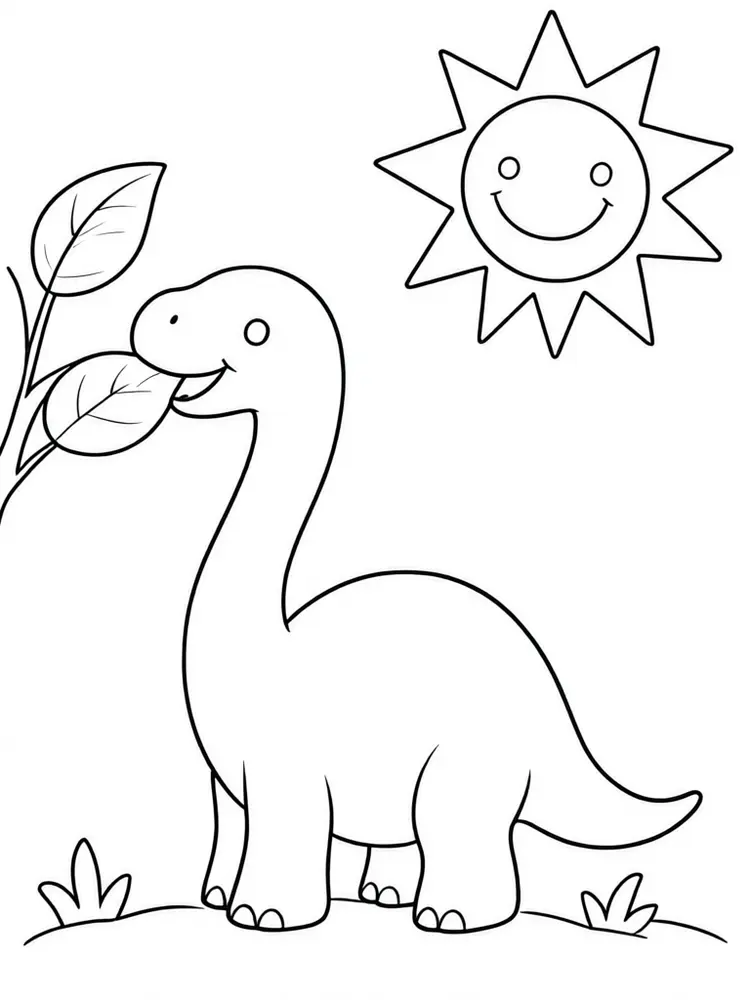
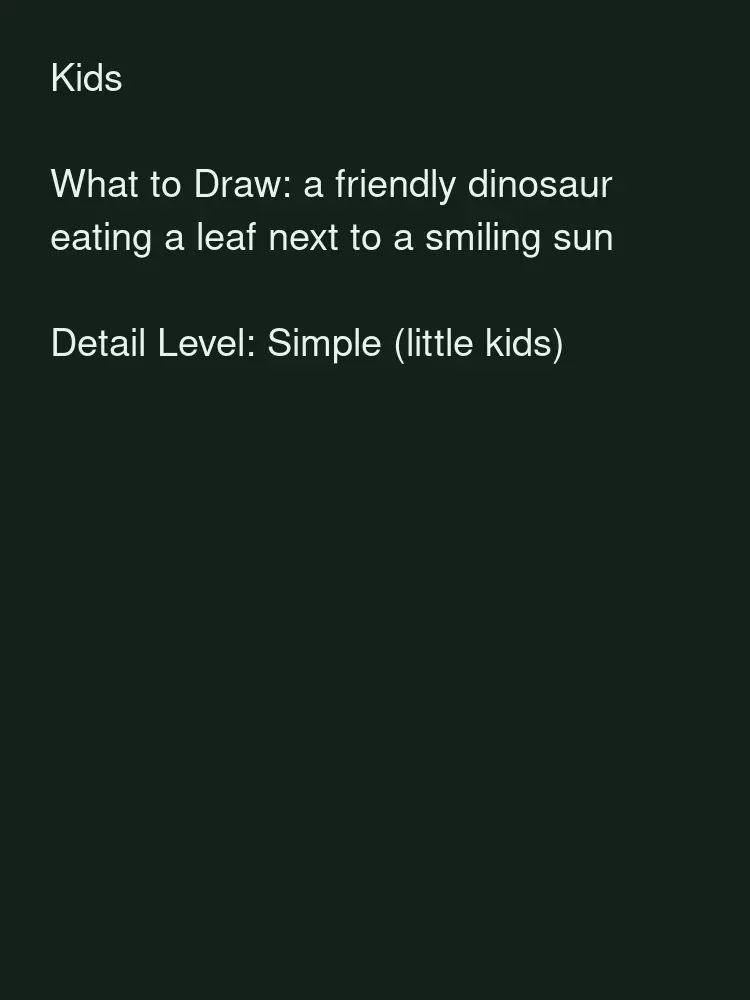
Drag to compare
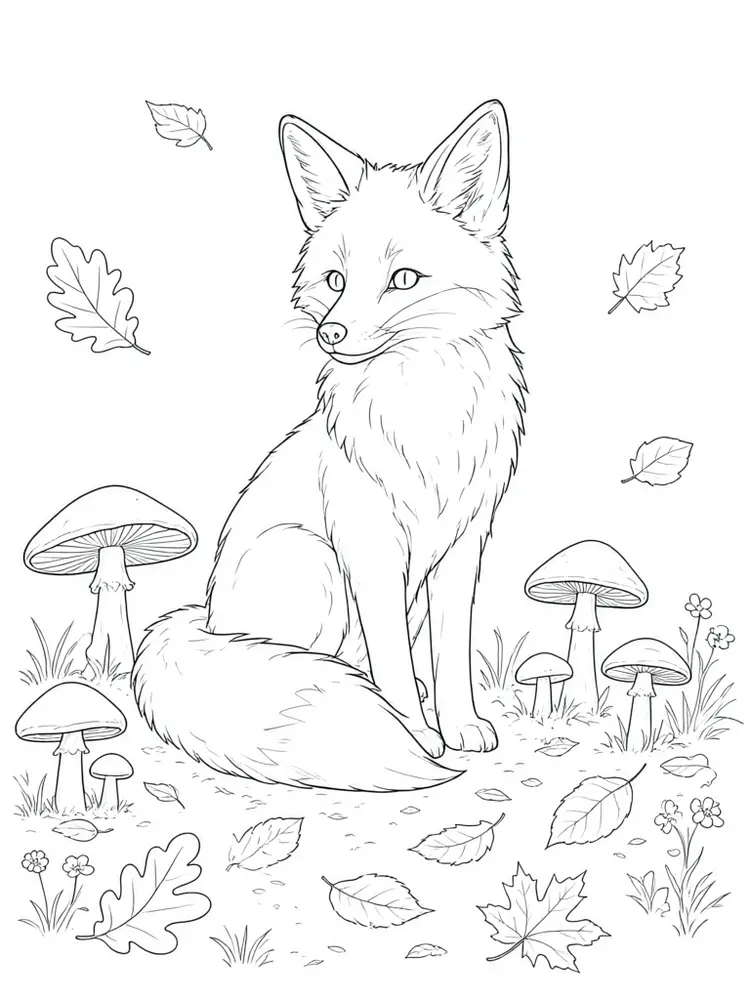
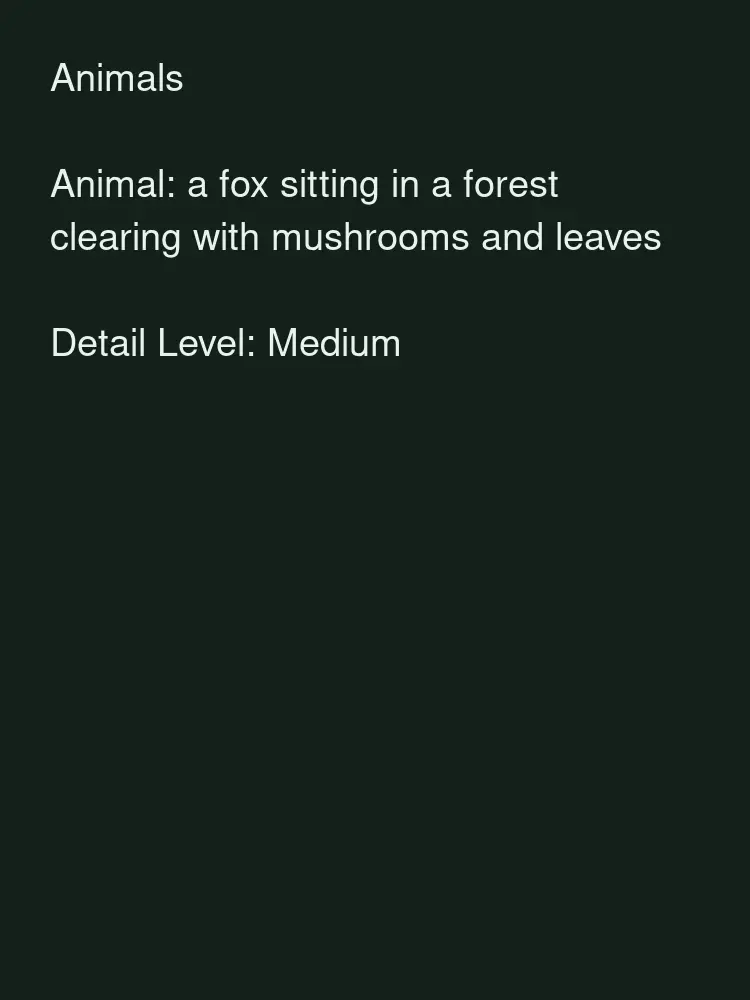
Drag to compare
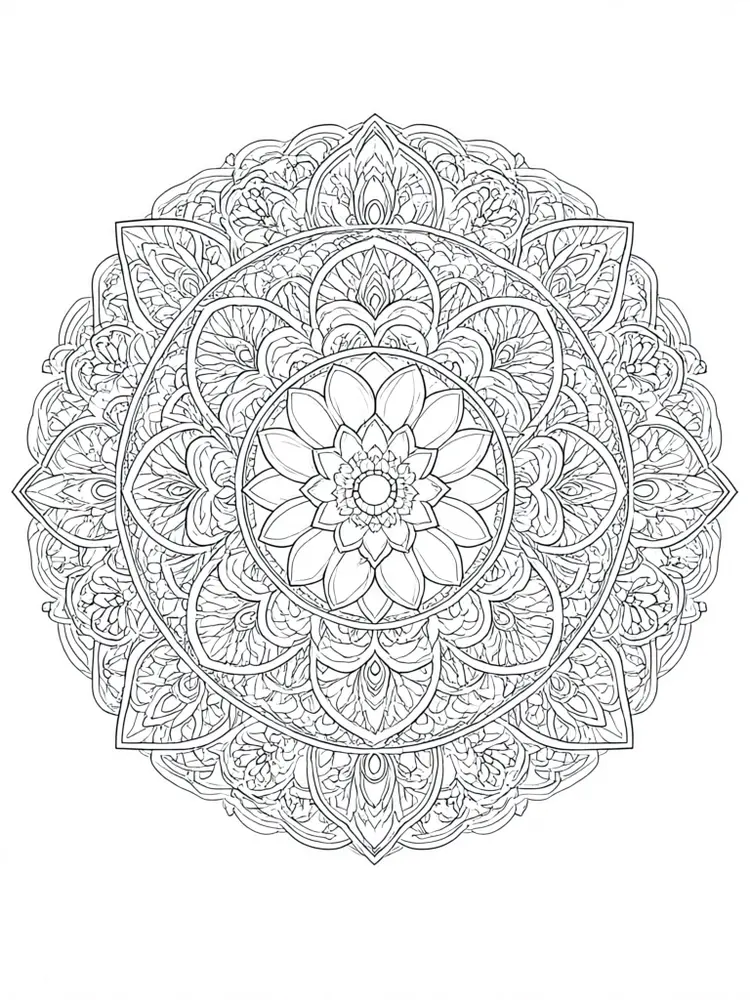
Drag to compare
Real, unretouched output from this tool. Drag any slider to compare.
Describe a picture and get a clean black-and-white coloring page you can print right away. Pick a simple level for little kids or a detailed one for adults, and make as many pages as you need for a classroom, a family afternoon or a project.
How the coloring page generator works
You pick a theme, describe the subject and choose how detailed the page should be. The tool draws clean black outlines on a pure white page, with closed shapes that are easy to colour.
Each run makes one page. Change the subject to build a set, or run the same description again for another version.
1
One clear subject
Describe one main subject and a simple setting. Crowded descriptions make busy pages that are hard to colour.
2
Match the detail to the age
Little kids need big shapes and thick lines. Older children and adults enjoy fine patterns.
3
Print on plain paper
Clean outlines print well on ordinary paper. Use a thicker paper if you plan to use markers or paint.
4
Build a set
Keep the same theme and change one word at a time to make a matching series.
The themes
Six modes with their own style.
1
Kids
Friendly characters and simple scenes with big shapes.
2
Animals
Wildlife, pets and farm animals from simple to detailed.
3
Mandala and patterns
Symmetrical patterns for calm, focused colouring.
4
Fantasy
Dragons, castles, fairies and magical creatures.
5
Scenes and nature
Gardens, towns, seasons and landscapes.
6
Your own idea
Describe anything yourself.
What this tool does not do
It makes one page at a time. It does not lay out a multi-page book or make a PDF, and it does not guarantee that every line is perfectly closed, so check the page before you print.
If you plan to sell coloring books, read the rules of the platform you sell on, including how it treats AI-made images, and keep your own records. This page is not legal advice.
To turn a photo into a coloring page, use the Photo to Coloring Page tool.
More tools for printables and books
Next steps once your pages are ready.
Who uses a coloring page generator
People who need a coloring page for a specific topic.
1
Parents
Make a page about a favourite animal, a trip or a birthday theme.
2
Teachers
Make pages for a lesson topic, a holiday or a reading corner.
3
Self-publishers and Etsy sellers
Draft page ideas for a low-content book or a printable set, then check the platform rules.
4
Adults who colour to relax
Make detailed mandalas and scenes in a style you like.
🧸
Coloring Page Generator: Describe It, Print It, Color It
AI Tool
Friendly characters, big simple shapes
Be specific for better results55/140
Be specific for better results0/400
Fast & affordable image editing
Choose the AI model for image generation
Output quality:
Frequently Asked Questions
Yes. Download the image and print it on plain paper. Paid plans give higher resolution for a sharper print.
Yes. Choose Simple for little kids, Medium for school age and Detailed for adults, or use the Mandala mode for adult patterns.
AI line art can have small gaps or odd lines. Check the page and run it again, or use a simpler detail level.
The tool makes one page per run, so you make the set page by page. It does not lay out a book. You can make a cover with the KDP Book Cover Maker.
That depends on the platform and its rules for AI-made images, which can change. Read them before you publish. This is not legal advice.
Yes, with the Photo to Coloring Page tool.
Plain printer paper works for pencils and crayons. Use thicker paper for markers or paint.
Run it again, or change one detail in the description or the detail level.