Your first generation is free when you sign up. Paid plans add credits and remove the watermark.
Laser Engraved Product Photo AI: Make Shop Photos of Items You Engraved
Laser Engraved Product Photo AI: Make Shop Photos of Items You Engraved is a free AI tool. Upload a photo of a cutting board, coaster, sign or keychain you laser engraved and get a styled surface, a gift scene or a home scene. Your engraving lines and burn marks stay as uploaded. Free to try.
Free to try · first generation free on signup · no credit card
1
Step 1
Upload Image
Start by uploading image
Upload your image
Click to browse or drag & drop
2
Step 2
Select Mode
Choose your transformation style
Table with simple props
3
Step 3
Options
Configure your options
Related Tools
→try new exterior paint colors on your own photo
→redesign a home exterior from a single photo
→plan a new yard or garden layout from a photo
→repaint a car in any shade before you commit
Output quality:
Mode
Styled Surface
Your AI Design Will Appear Here
Fill in the options on the left, then press Generate.
Upload your image
Drag & drop your file here or click to browse
JPG, PNG, WebP
Max 10MB
AI Ready
Quick facts about Laser Engraved Product Photo AI: Make Shop Photos of Items You Engraved
- Tool nameLaser Engraved Product Photo AI: Make Shop Photos of Items You Engraved
- CategoryProduct Photo Tools
- PriceFree to try
- InputPhoto upload + text prompt
- OutputAI-generated image
Before / After
Example results
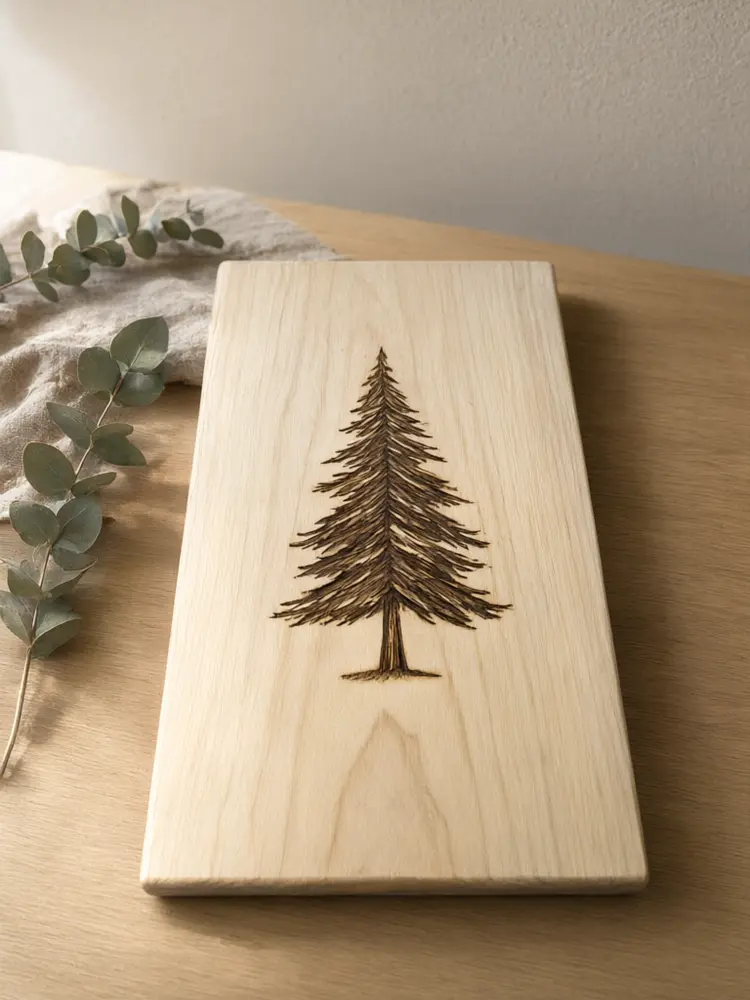
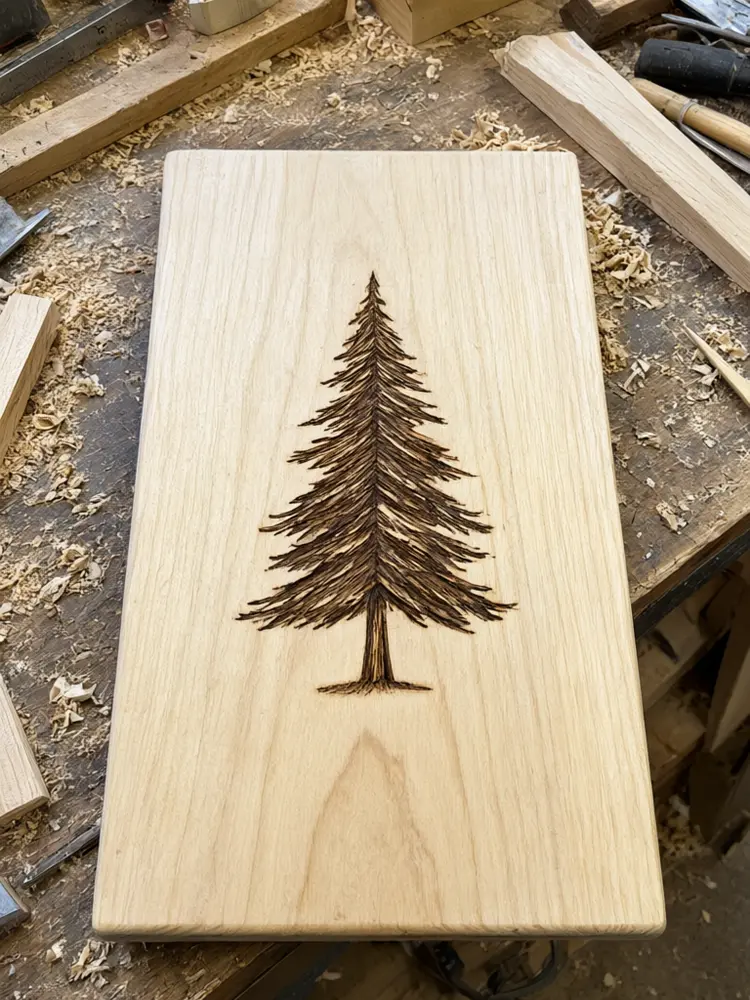
Drag to compare
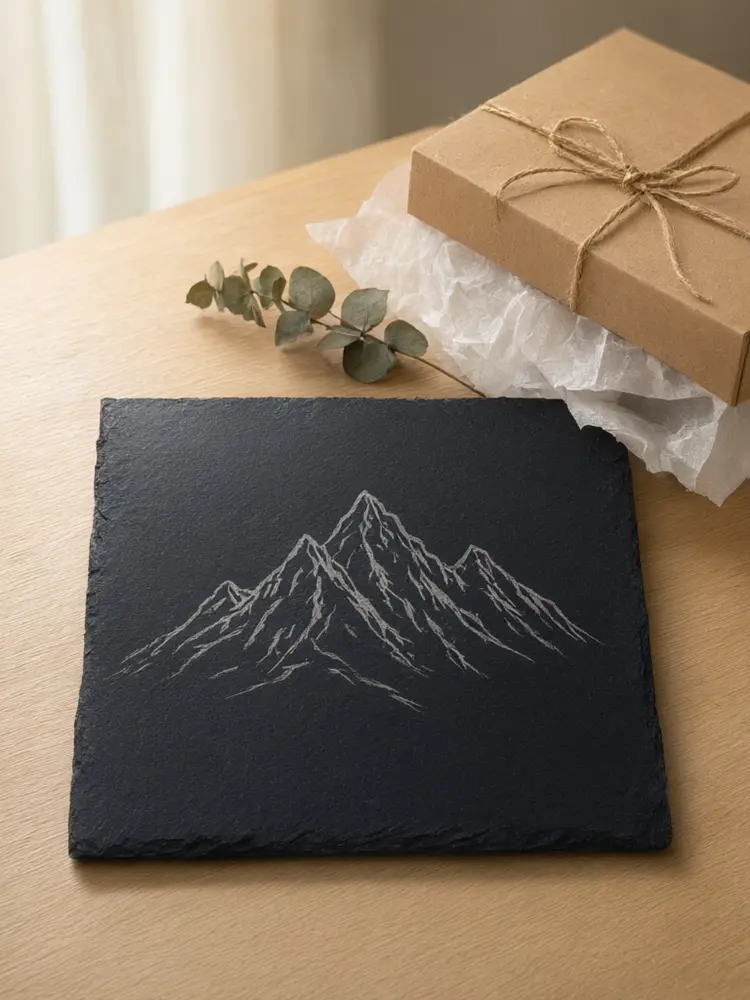
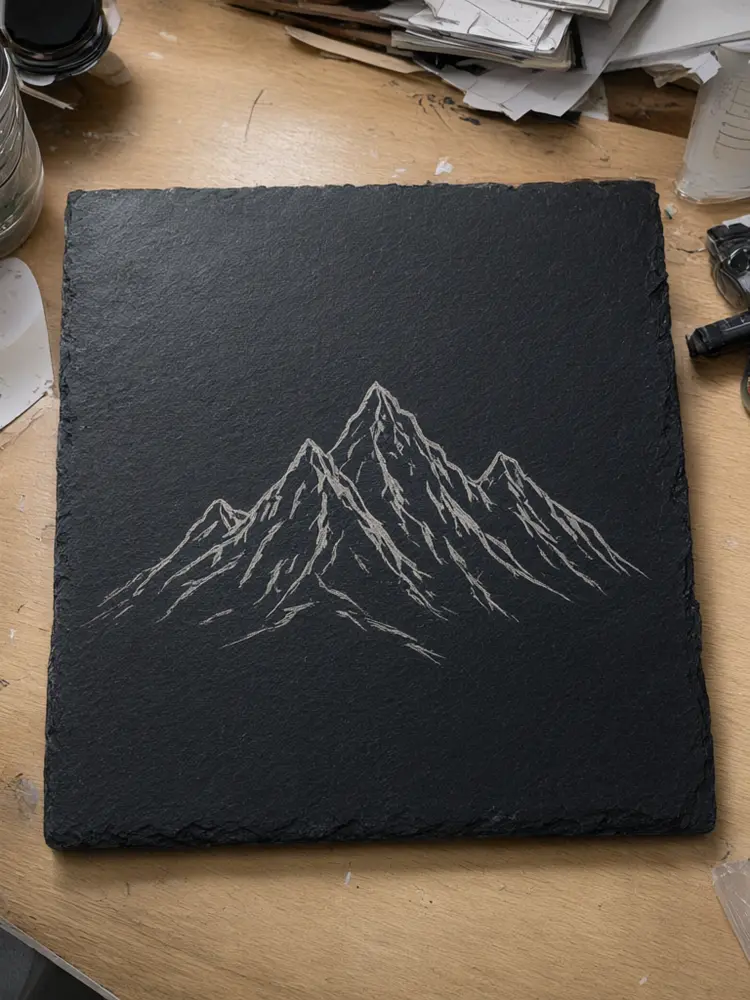
Drag to compare
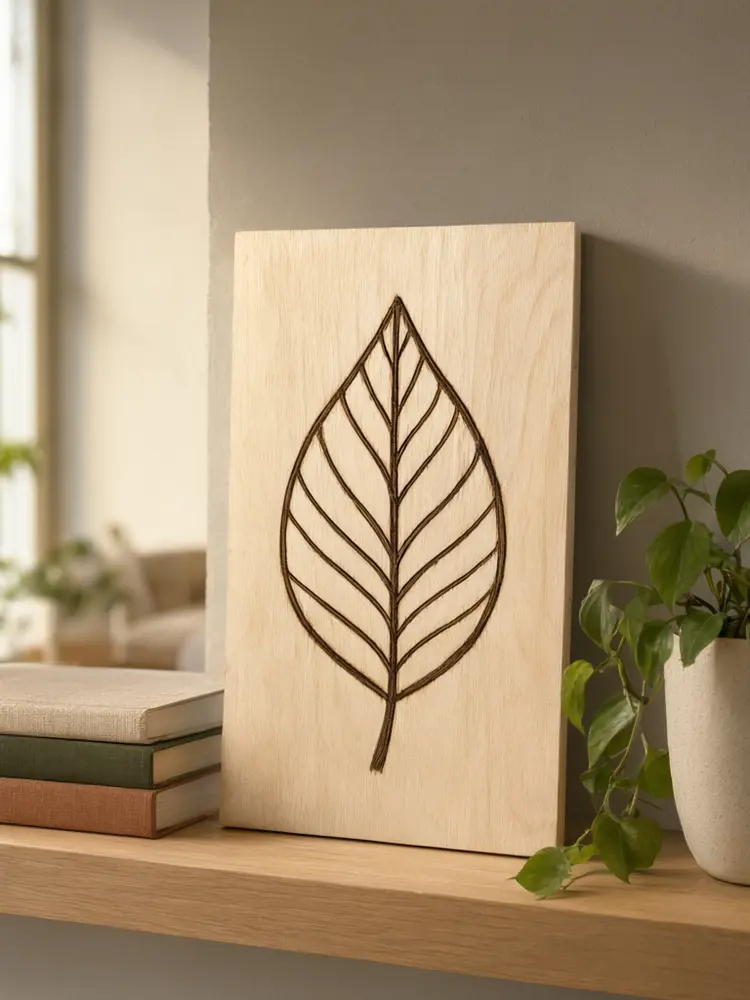
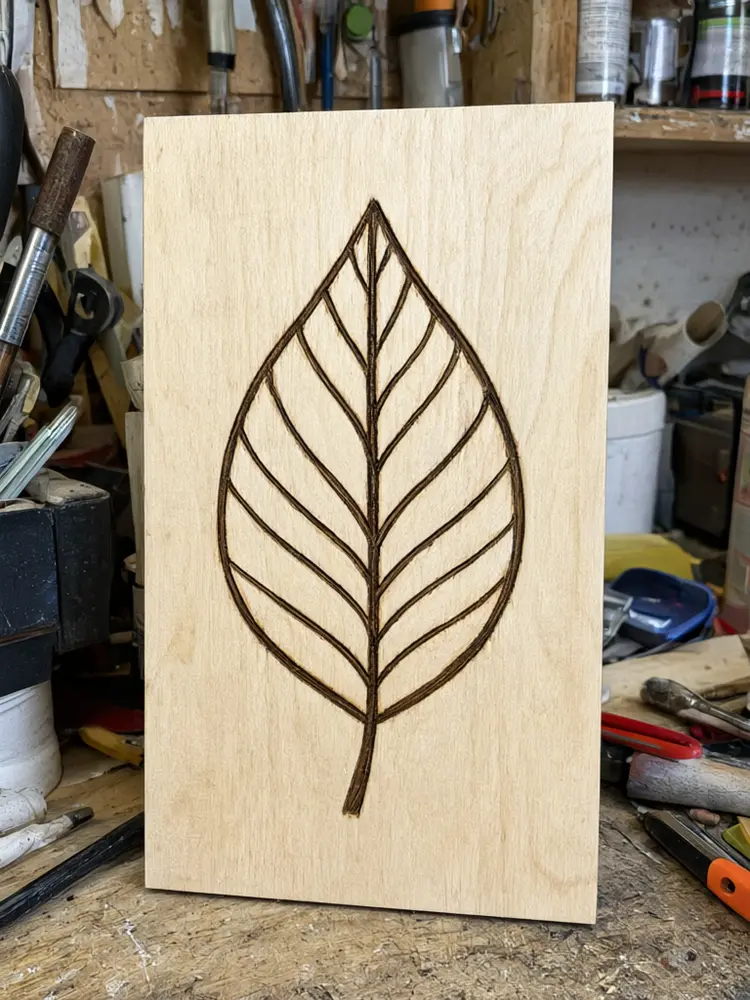
Drag to compare
Real, unretouched output from this tool. Drag any slider to compare.
Engraved items are hard to photograph: flat light hides the engraving, and a shop bench full of offcuts spoils the shot. Upload a photo of a cutting board, coaster, sign or keychain you laser engraved, pick a mode, and get a styled surface, a gift scene or a home scene. The engraving, the burn colour and the material stay as you uploaded them, and only the surface, the props and the light change. This tool makes the photo, not engraving files.
How the laser engraved product photo tool works
You upload one photo of an item you already engraved and choose a mode, a surface and the props. The tool keeps the item and every engraved line exactly as uploaded and builds a styled scene around it with a soft contact shadow.
It does not make or change engraving designs, and it does not make laser files. Each run makes one image.
1
Upload a sharp photo
The whole item in focus, in daylight, with light from the side so the engraving has shadow and depth.
2
Pick the mode
Styled Surface for a clean table shot, Gift Scene for a gift listing, Home Scene for a lifestyle shot.
3
Choose the surface
Oak, marble, linen or walnut, with dried eucalyptus, a plant, a napkin or nothing.
4
Check the engraving
Zoom in on the lines and any words. If anything was redrawn or lost, run again.
The engraved photo modes
Three modes plus your own.
1
Styled Surface
Your item on oak, marble, linen or walnut with a few simple props.
2
Gift Scene
Your item next to a gift box, ribbon, crinkle paper or dried flowers, with a blank tag and no words.
3
Home Scene
Your item on a kitchen counter, coffee table, shelf or desk, or hanging on a wall, with no people.
4
Your Own Description
Describe the scene yourself.
Honest limits
The result is an AI image of your item. Fine engraved lines and small words can soften, and the burn colour can drift, so compare every image with the real item and add a real close-up of the engraving to the listing.
This tool makes a photo of an item you already engraved. It does not make engraving designs or laser files, and it does not fix a weak, uneven or scorched engraving; the item stays as uploaded.
The photo should match what the buyer will receive, so do not use it to show a design, material or size the item does not have.
More tools for your shop photos
Next steps for your listing.
Who uses an engraved product photo tool
🏠
Etsy laser engravers
✓Fill a listing with a styled shot, a gift shot and a home scene of the same item.
💡
Personalised gift shops
✓Show a sample engraving in a gift setting.
🏢
Craft-fair and market sellers
✓Make tidy images for social posts and a small online shop.
📸
Laser hobbyists
✓Show a finished piece nicely before you gift or sell it.
🪵
Laser Engraved Product Photo AI: Make Shop Photos of Items You Engraved
AI Tool
Upload your imageTap anywhere here — your AI design will appear in this space after you generate.JPG · PNG · WebP
Table with simple props
Premium users can generate images without watermark
Higher quality options available for premium users
Be specific for better results0/400
Output quality:
Frequently Asked Questions
The tool is told to keep every engraved line, its depth, the burn colour and any words exactly as uploaded. Fine lines can still soften, so zoom in and run again if anything changed.
No. It makes a photo of an item you already engraved. It does not make laser files, and it does not put a new design on a blank item.
No. The item stays as uploaded, so uneven depth, scorch marks or smoke stains stay visible. Show buyers the real result.
A sharp photo of the whole item in daylight with light from the side. Flat light from the front hides the engraving.
Wood, slate, acrylic, leather and metal items all work. Shiny metal and clear acrylic can show reflections, so check the result closely.
No. The tool is told to add no people, hands or faces, and no text, logos or tags.
Yes. From the actions under a finished image you can make a short video.