Your first generation is free when you sign up. Paid plans add credits, remove the watermark and unlock higher resolution.
Just Listed Post Generator: Make Just Listed, Open House and Just Sold Posts
Just Listed Post Generator: Make Just Listed, Open House and Just Sold Posts is a free AI tool that lets you make a Just Listed, Open House, Just Sold, Price Reduced or Under Contract post with AI: type the status and a short address or price line, describe the house to draw and pick a look. Free to try.
Free to try · first generation free on signup · no credit card
1
Step 1
Select Mode
Choose your transformation style
Announce a new listing
2
Step 2
Options
Configure your options
Related Tools
→try new exterior paint colors on your own photo
→redesign a home exterior from a single photo
→plan a new yard or garden layout from a photo
→repaint a car in any shade before you commit
Output quality:
Mode
Just Listed
Your AI Design Will Appear Here
Fill in the options on the left, then press Generate.
Upload your image
Drag & drop your file here or click to browse
JPG, PNG, WebP
Max 10MB
AI Ready
Quick facts about Just Listed Post Generator: Make Just Listed, Open House and Just Sold Posts
- Tool nameJust Listed Post Generator: Make Just Listed, Open House and Just Sold Posts
- PriceFree to try
- InputText prompt
- OutputAI-generated image
Before / After
Example results
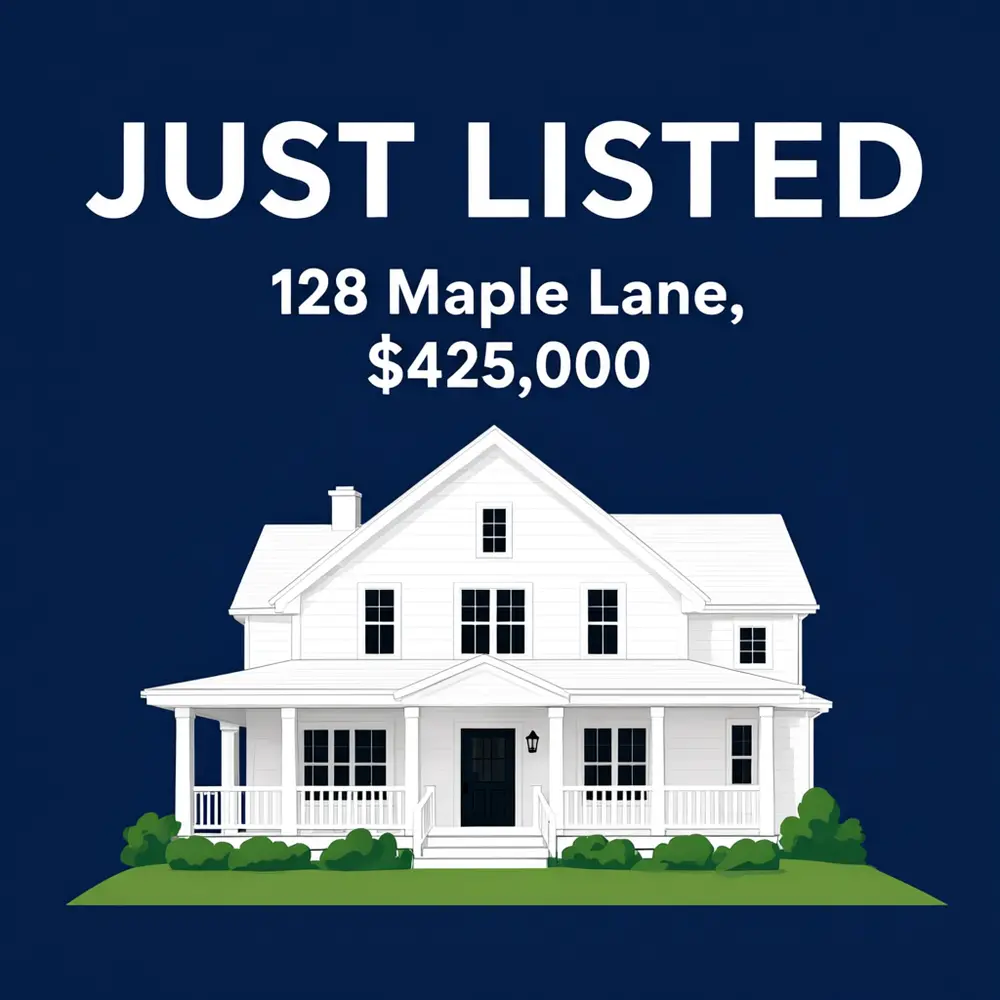
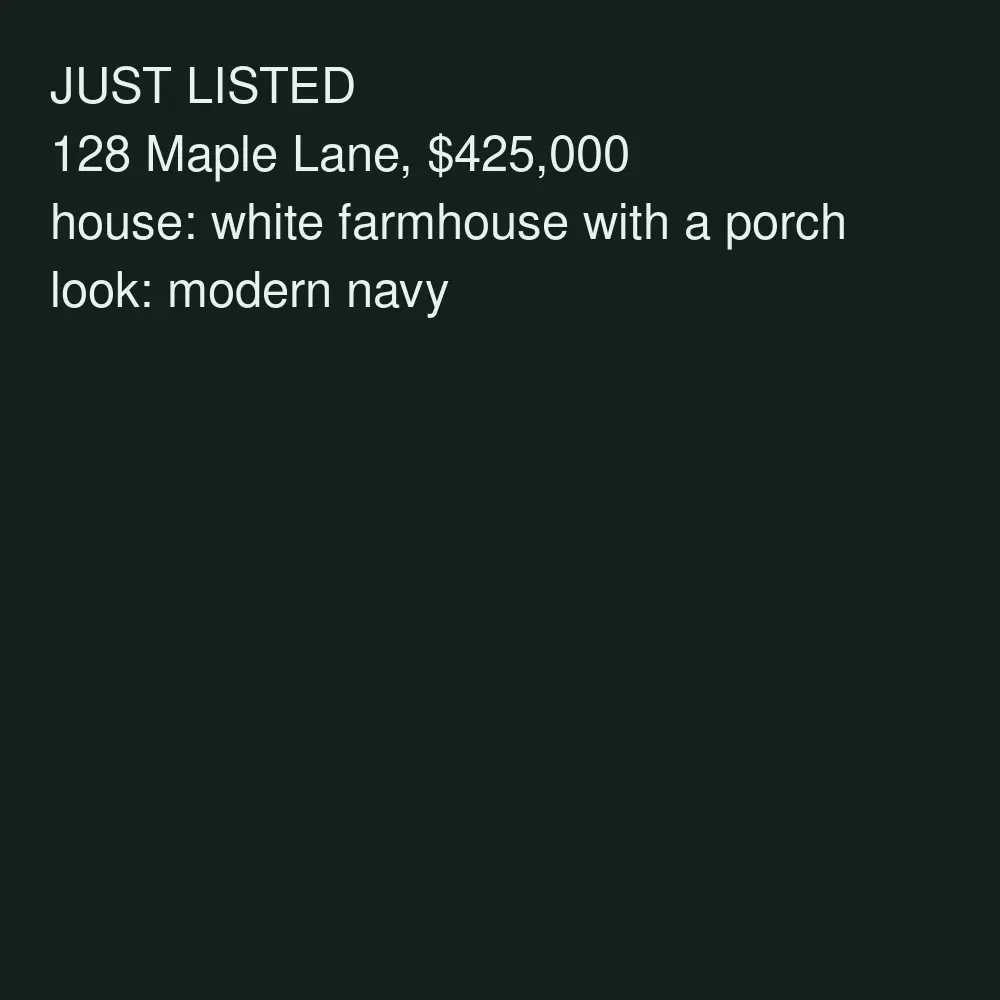
Drag to compare

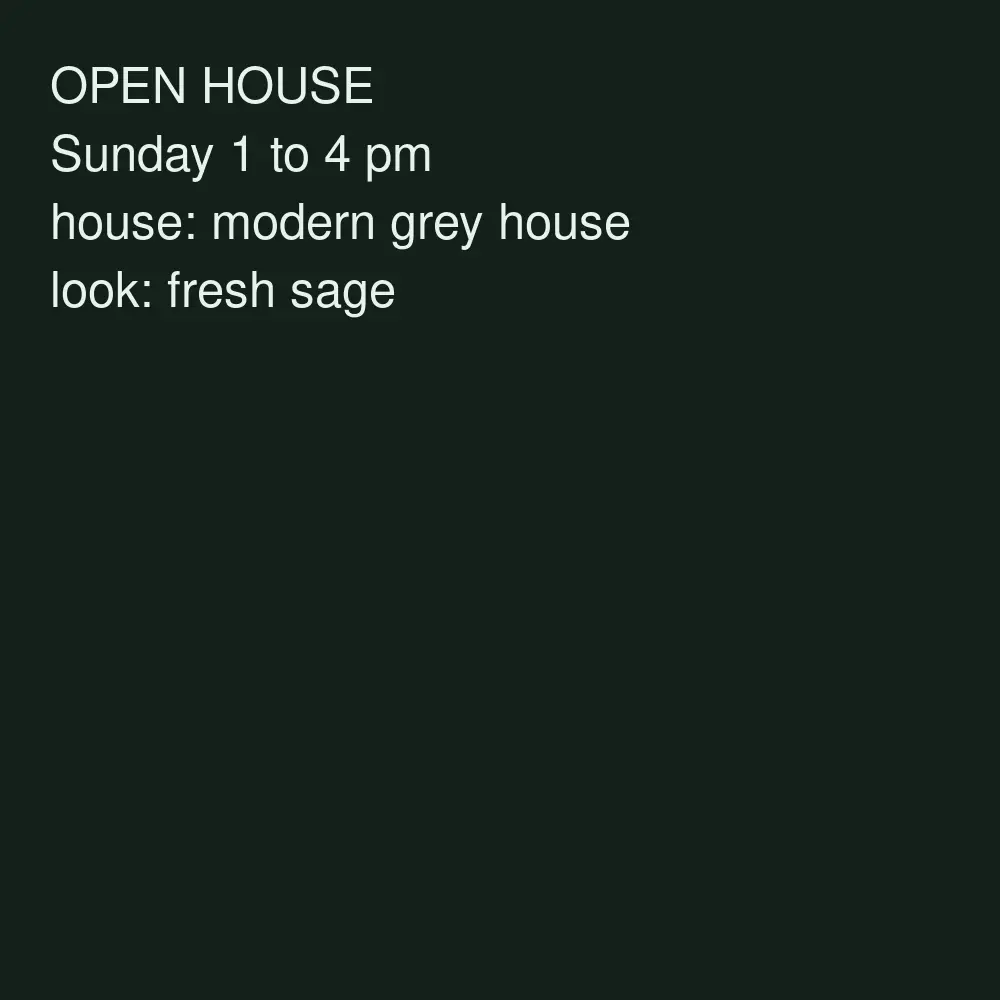
Drag to compare

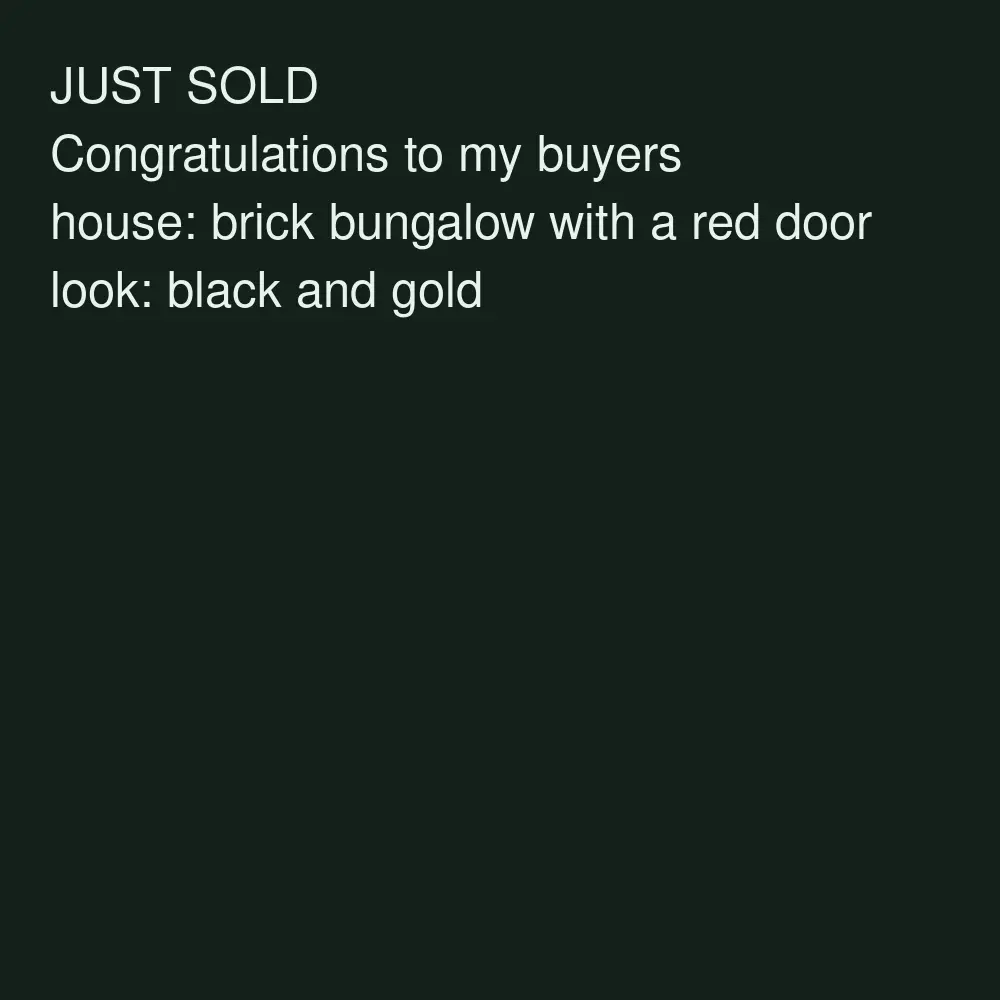
Drag to compare
Real, unretouched output from this tool. Drag any slider to compare.
Make a Just Listed post in a minute. Pick the status, type a short address or price line, describe the house and choose a look. The tool draws a social post with an illustrated house and your words in big, clear letters. The house is a drawing, not a photo of the real home, so it suits teaser posts, announcements and your feed between photo posts.
How the Just Listed post generator works
You pick a status, type one details line, describe the house and choose a look. The tool draws one finished post: the status in large letters, your line underneath and an illustrated house.
The house is drawn from your words. It is not the client's house and it is not made from a photo. If you want the real home in the post, use your own listing photo in your usual design tool, or start from it in the AI Real Estate Photo tools.
1
Keep the details line short
One line such as an address, a price or a time is spelled right most often. Put beds, baths and features in your caption.
2
Describe the house in a few words
Style, colour and one feature are enough: a brick colonial with black shutters, a beach cottage with a blue door.
3
Use one look for every listing
Same look, new status and address: your feed looks like a brand.
4
Add your required details yourself
The tool adds no agent name, brokerage, licence number or logo. Add what your brokerage and local rules require in your editor before you post.
The post types
Five status modes plus your own.
1
Just Listed
Announce a new listing with the street name and price.
2
Open House
The day and time of the open house in big letters.
3
Just Sold
Celebrate a closing and thank your clients.
4
Price Reduced
Show the new price clearly. Check the number before you post.
5
Under Contract
Share that a home is pending.
6
Your own idea
Coming Soon, For Rent, Back on Market or any status you write yourself.
What this tool does not do
It does not show the real property. The house is an illustration, so do not present it as a photo of the listing. Use your own listing photos for that.
It does not write captions or hashtags, add your headshot, your logo or your brokerage name, connect to the MLS or post for you.
You are responsible for what you post. Check every address and price, and follow your brokerage, MLS and local advertising rules.
More tools for real estate agents
Next steps for your real listing photos.
Who uses a Just Listed post generator
🏠
Real estate agents
✓Announce new listings, open houses and closings on Instagram and Facebook.
💡
Teams and brokerages
✓Draft status posts in one consistent look for every agent.
🏢
Property managers
✓Post For Rent and Now Leasing announcements.
📸
New agents
✓Keep a steady feed of status posts without a designer.
🏡
Just Listed Post Generator: Make Just Listed, Open House and Just Sold Posts
AI Tool
Announce a new listing
Be specific for better results11/30
Be specific for better results24/60
Be specific for better results79/140
Be specific for better results0/400
Output quality:
Frequently Asked Questions
No. The tool draws an illustrated house from your description. It is not the real home. To show the real property, use your own listing photo in your design tool, or improve it first with the AI Real Estate Photo tools.
Not on this page. This page draws the house. To work with your own listing photo, use the AI Real Estate Photo tools or the Real Estate Listing Video Maker.
Your words are passed with an instruction to spell them exactly and came out right in our tests, but always check every number and letter before you post.
No. The tool adds no logos, faces or brokerage marks. Add the details your brokerage and local rules require in your usual editor.
No. It makes the post image. Write your caption with the beds, baths and features yourself.
Square or portrait works for the Instagram and Facebook feed; 9:16 works for stories and Reel covers. Platforms change their guides, so check the current one.
Yes. Use Your Own Idea and type the status you want.
Yes. Use the Image to Video tool, or the Real Estate Listing Video Maker for your real listing photos.