Your first generation is free when you sign up. Paid plans add credits, remove the watermark and unlock higher resolution.
Comic Strip Maker: Type a Short Story, Get a 3 or 4 Panel Comic
Comic Strip Maker: Type a Short Story, Get a 3 or 4 Panel Comic is a free AI tool that lets you make a comic strip with AI: type a short story idea and the characters, add a few words for each speech bubble or leave the bubbles empty, and get a 3 or 4 panel strip. Free to try.
Free to try · first generation free on signup · no credit card
1
Step 1
Select Mode
Choose your transformation style
Setup, beat and punchline
2
Step 2
Options
Configure your options
Related Tools
→try new exterior paint colors on your own photo
→redesign a home exterior from a single photo
→plan a new yard or garden layout from a photo
→repaint a car in any shade before you commit
Output quality:
Mode
Funny 3-Panel Gag
Your AI Design Will Appear Here
Fill in the options on the left, then press Generate.
Upload your image
Drag & drop your file here or click to browse
JPG, PNG, WebP
Max 10MB
AI Ready
Quick facts about Comic Strip Maker: Type a Short Story, Get a 3 or 4 Panel Comic
- Tool nameComic Strip Maker: Type a Short Story, Get a 3 or 4 Panel Comic
- PriceFree to try
- InputText prompt
- OutputAI-generated image
Before / After
Example results
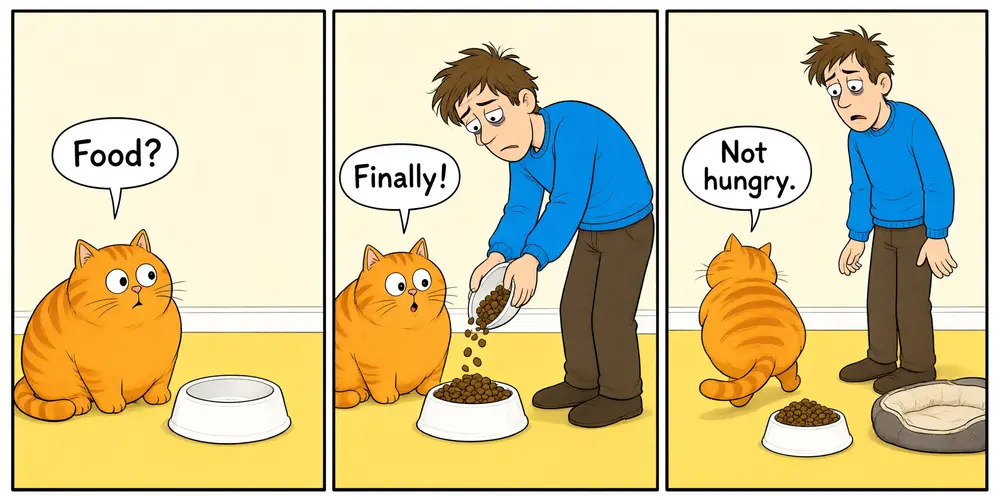
Drag to compare
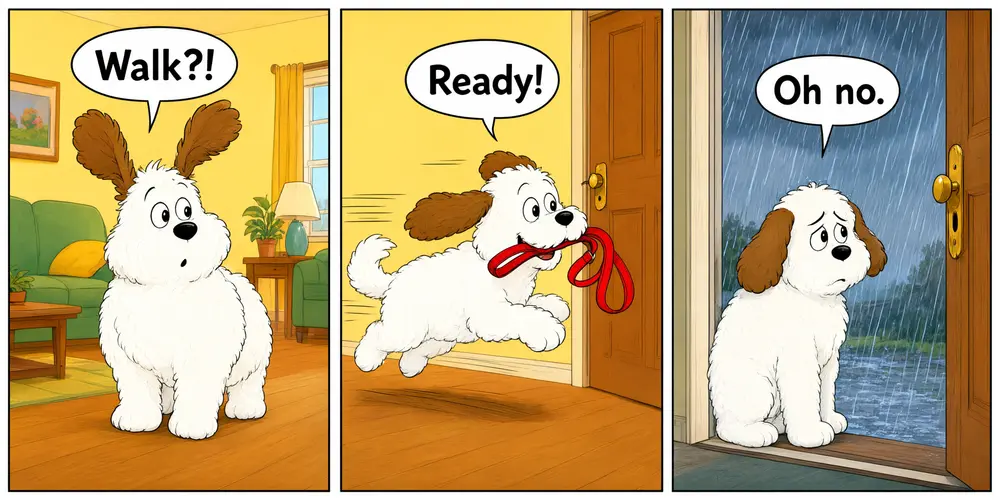
Drag to compare
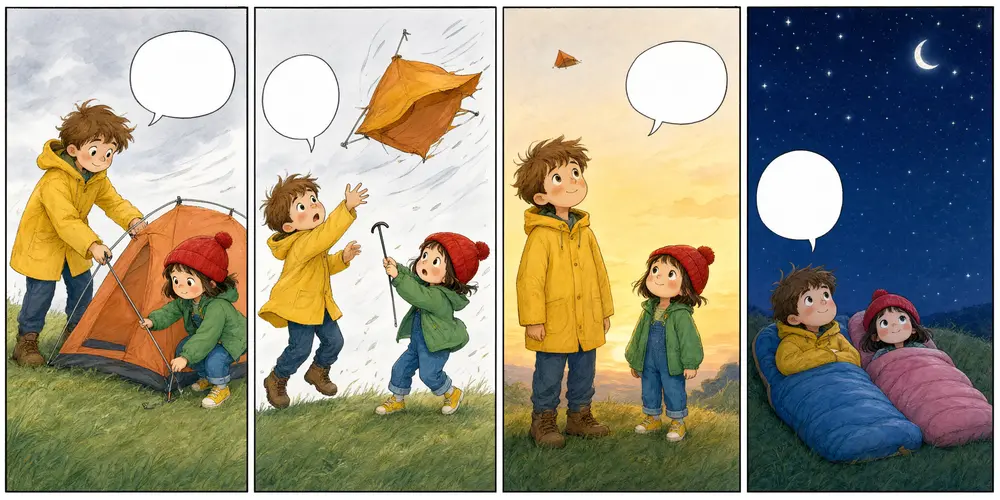
Drag to compare
Real, unretouched output from this tool. Drag any slider to compare.
Got a joke, a lesson or a tiny story? Type it in a sentence or two, describe the characters, add a few words for each speech bubble, and the tool draws a 3 or 4 panel comic strip. If you want longer dialogue, choose empty bubbles and write your own words in any editor.
How the comic strip maker works
You pick a mode, type the story idea and the characters, and add the bubble words. The tool draws one image with 3 or 4 panels in order, each panel showing one moment, with the bubble words in the panels you set.
Each run makes one strip. Run it again for a different version, or change the art style or the layout.
1
Keep bubbles short
AI image models letter short phrases well and long sentences badly. One to four words per panel worked in our tests; longer lines often come out misspelled.
2
Want longer dialogue?
Choose the Empty Bubbles mode. You get white bubbles with no text, and you type the dialogue in any photo or comic editor.
3
Make characters easy to repeat
Simple, clear features (a yellow raincoat, a round orange cat) stay the same across panels more often than detailed ones.
4
Setup, turn, punchline
Most good strips follow the same shape: the first panel sets up, the middle panel changes something, the last panel pays it off.
The modes
Five modes plus your own.
1
Funny 3-panel gag
A classic setup, beat and punchline in three panels.
2
4-panel story
A short story with a beginning, middle, twist and end.
3
School and lesson
Explain an idea, a rule or a step-by-step process for a class.
4
Pet and animal comic
Cats, dogs and other animals doing funny animal things.
5
Empty bubbles
The whole strip with blank white bubbles, ready for your own lettering.
6
Your own idea
Describe every panel yourself.
Honest limits
Bubble text must stay short: one to four words per panel, and a capital letter can occasionally change. The bubbles are part of the picture, so you cannot edit the words afterwards; to change them, run it again or use empty bubbles.
Characters can change a little between panels, such as a different shade or detail. Simple characters stay closest.
Original characters only. The tool does not draw real people, celebrities or characters from existing comics, films, cartoons, anime or games.
It makes one strip per run, not a full comic book or webtoon.
More tools for stories and books
Next steps once the strip is done.
Who uses a comic strip maker
🏠
Teachers and students
✓Explain a lesson, practise story structure or make a class project.
💡
Social media creators
✓Post a short funny strip with your own characters every week.
🏢
Parents and kids
✓Turn a bedtime story or a family joke into a comic.
📸
Small businesses and teams
✓Explain a product or a tip in three friendly panels.
😂
Comic Strip Maker: Type a Short Story, Get a 3 or 4 Panel Comic
AI Tool
Setup, beat and punchline
Be specific for better results114/200
Be specific for better results66/120
Be specific for better results30/120
Be specific for better results0/400
Output quality:
Frequently Asked Questions
Three or four, depending on the mode. Your Own Idea follows the panels you describe; four is the most that stays clear in one image.
Keep each bubble to one to four words. Short lines came out spelled right in our tests; long sentences often do not. A capital letter can sometimes change (Uh oh becoming uh oh), so check every bubble and run it again if anything is off.
Use the Empty Bubbles mode and add your own words in any photo or comic editor. The tool cannot letter long dialogue reliably.
No. The words are part of the picture. Run it again with new words, or use empty bubbles.
Mostly. Simple characters with one or two clear features stay closest. Small details can change between panels.
No. The tool only draws original characters, not characters owned by other companies, and it does not draw real people.
Yes. The School and Lesson mode is made for explaining an idea in a few panels. Always check the result before you share it with students.
It makes one strip per run. Make several strips with the same characters and art style, then put them together yourself.