It is told to reproduce the cover exactly, including the title and author spelling. Like any AI edit it can drift on small text, so compare with your file and rerun if something changed.
AI 3D Book Cover Mockup Generator: See Your Cover as a Real Book
AI 3D Book Cover Mockup Generator: See Your Cover as a Real Book is a free AI tool. Upload your flat book cover and get a realistic 3D book mockup: hardcover, paperback, dust jacket, stacks and bookshelf scenes. Free to try, no Photoshop.
Free to try · first generation free on signup · no credit card
1
Step 1
Upload Image
Start by uploading image
Upload your image
Click to browse or drag & drop
2
Step 2
Select Mode
Choose your transformation style
One book on a clean background
3
Step 3
Options
Configure your options
Related Tools
→try new exterior paint colors on your own photo
→redesign a home exterior from a single photo
→plan a new yard or garden layout from a photo
→repaint a car in any shade before you commit
Output quality:
Mode
Single Book
Your AI Design Will Appear Here
Fill in the options on the left, then press Generate.
Upload your image
Drag & drop your file here or click to browse
JPG, PNG, WebP
Max 10MB
AI Ready
Quick facts about AI 3D Book Cover Mockup Generator: See Your Cover as a Real Book
- Tool nameAI 3D Book Cover Mockup Generator: See Your Cover as a Real Book
- CategoryProduct Photo Tools
- PriceFree to try
- InputPhoto upload + text prompt
- OutputAI-generated image
Before / After
Example results
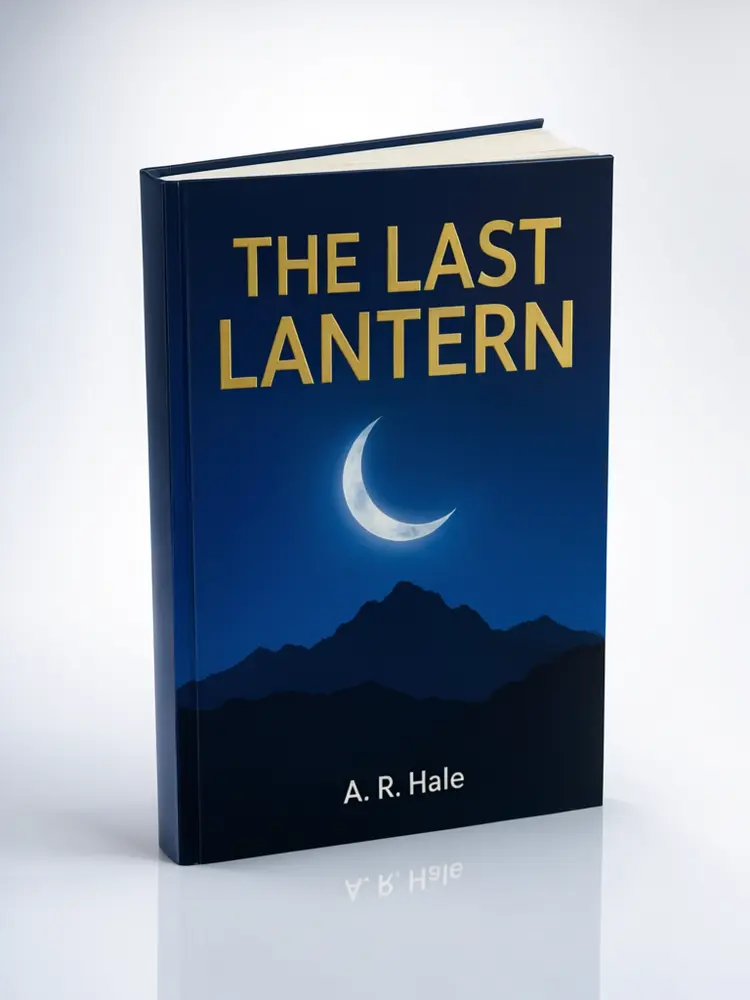
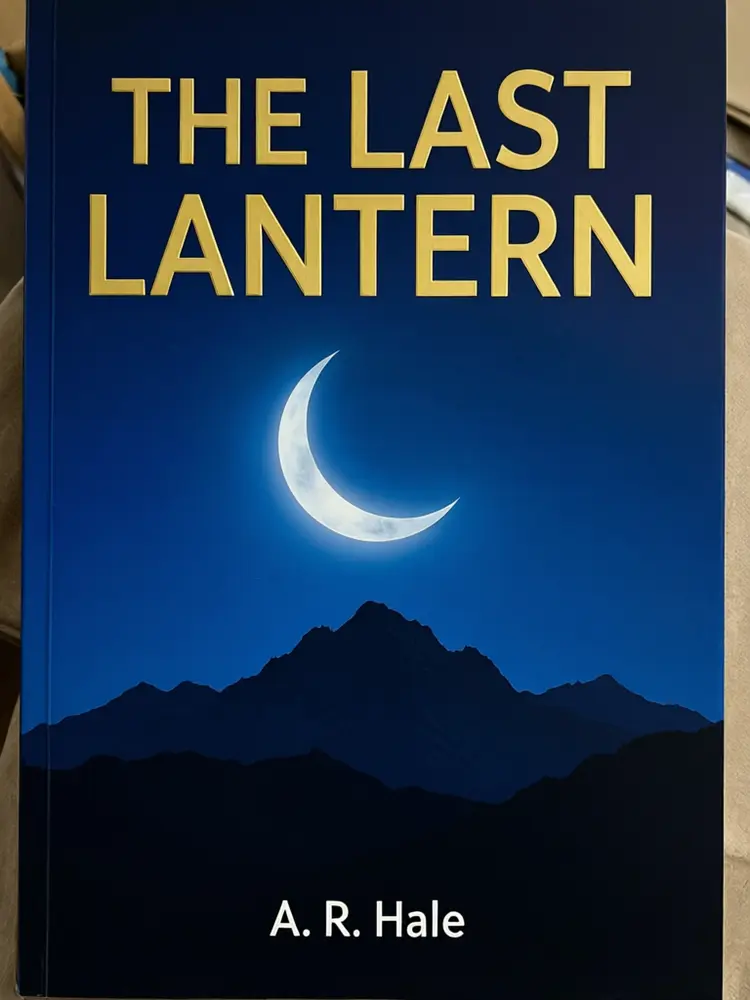
Drag to compare


Drag to compare

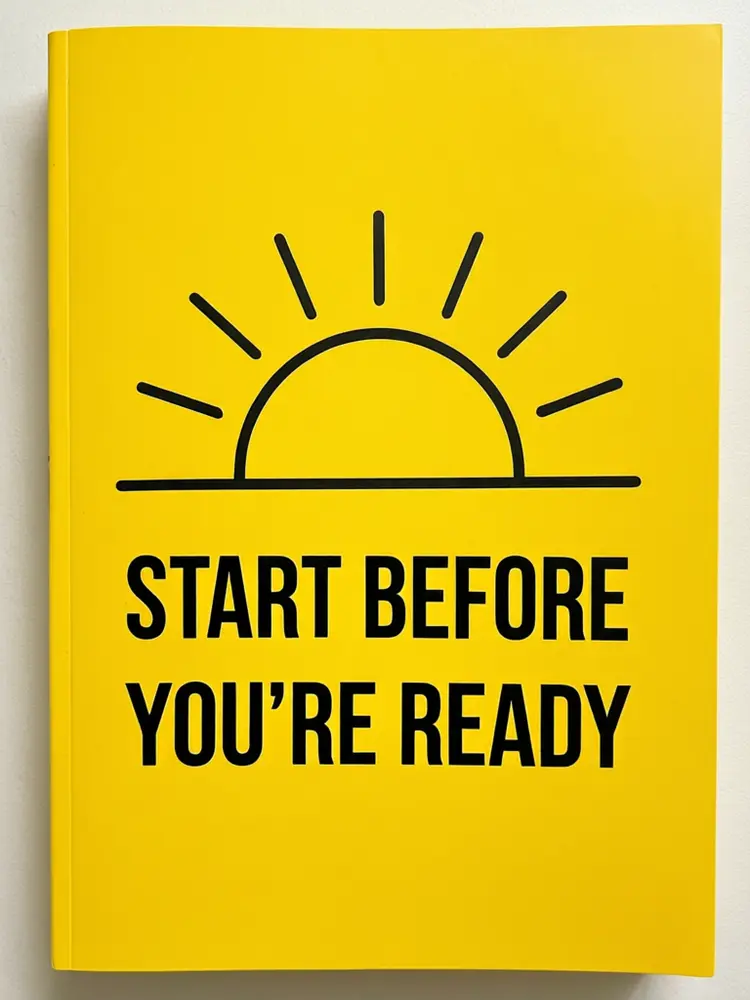
Drag to compare
Real, unretouched output from this tool. Drag any slider to compare.
Upload your flat book cover and see it as a real 3D book. Show a hardcover standing on a studio background, a paperback lying on a wooden table, a stack of copies for a launch post or a book on a shelf in a bookshop. Pick the format and the angle, compare a few, and use the best one on your Amazon page, your newsletter or your ads.
How the AI 3D book cover mockup generator works
A flat cover image is hard to sell from. Readers respond better to a book they can picture holding. Upload your cover and the AI places it on a real-looking book with thickness, a spine and natural shadow.
It shows the front cover as you supplied it. It does not design a back cover or invent spine text. Check the title and author spelling against your file.
1
Upload a flat cover
A PNG or JPG of the front cover only.
2
Choose a mode
Single book, a shelf or desk scene, a stack or row, or your own description.
3
Pick format and angle
Hardcover to spiral-bound, upright, flat or floating.
4
Edit, upscale or animate
Rerun for another angle, upscale the best result or make a short video.
Book mockup shots to try
Authors use several shots across a launch.
1
Single book
The classic 3D cover for your sales page. Upright with the spine visible, flat, or floating.
2
In a scene
On a bookshelf, in a bookshop display, on a nightstand or on a writer's desk.
3
Stacks and rows
Three copies stacked, five in a row, or an open book with the cover behind. Good for launch announcements.
4
Your own description
Anything else, such as a book on a beach towel or in a gift box.
Tips for a better book mockup
Use the largest cover file you have and make sure the title is readable at thumbnail size. A busy cover with tiny text may lose detail in a mockup.
This tool shows the front only. For spine, back cover and print specs, use KDP's or your printer's templates. A mockup is not a print proof.
More tools for authors and publishers
Plan the cover and the launch.
Who uses an AI book cover mockup generator
🏠
Indie and self-published authors
✓Make launch images, ads and a Kindle page graphic without a designer.
💡
Book cover designers
✓Show a client a 3D preview of the cover they commissioned.
🏢
Small publishers
✓Make catalogue and newsletter images.
📸
Authors of low-content books
✓Show planners, journals and workbooks as a real object.
📘
AI 3D Book Cover Mockup Generator: See Your Cover as a Real Book
AI Tool
Upload your imageTap anywhere here — your AI design will appear in this space after you generate.JPG · PNG · WebP
One book on a clean background
Premium users can generate images without watermark
Higher quality options available for premium users
Be specific for better results0/400
Output quality:
Frequently Asked Questions
It is free to try: new users get free generations. Paid plans add credits, remove the watermark and unlock higher resolution.
A PNG or JPG of the flat front cover only.
No. It shows the front cover you supply on a realistic book. Use KDP's or your printer's template for spine and back.
Yes, as a marketing image. For the main Amazon cover image, follow the platform's rules and use your real flat cover.
Use Your Own Description to ask for a tablet or e-reader showing the cover. It is shown as a look and not an exact device.
No. It shows how the cover could look. Your printer's proof shows exactly how it will print.
Yes. The KDP Book Cover Maker designs a front cover from a title and a style. Then you can use this tool to show it as a book.
Yes. After the mockup is made, use the image actions under it to upscale it or make a short video.