Your first generation is free when you sign up. Paid plans add credits, remove the watermark and unlock higher resolution.
Church Flyer Maker: Make Church Event Flyers With AI
Church Flyer Maker: Make Church Event Flyers With AI is a free AI tool that lets you make a church flyer with AI: type the event title, date and church name, pick Sunday service, revival, VBS, potluck or youth night, and get a printable flyer or social post. Free to try.
Free to try · first generation free on signup · no credit card
1
Step 1
Select Mode
Choose your transformation style
The weekly worship flyer
2
Step 2
Options
Configure your options
Related Tools
→try new exterior paint colors on your own photo
→redesign a home exterior from a single photo
→plan a new yard or garden layout from a photo
→repaint a car in any shade before you commit
Output quality:
Mode
Sunday Service
Your AI Design Will Appear Here
Fill in the options on the left, then press Generate.
Upload your image
Drag & drop your file here or click to browse
JPG, PNG, WebP
Max 10MB
AI Ready
Quick facts about Church Flyer Maker: Make Church Event Flyers With AI
- Tool nameChurch Flyer Maker: Make Church Event Flyers With AI
- PriceFree to try
- InputText prompt
- OutputAI-generated image
Before / After
Example results
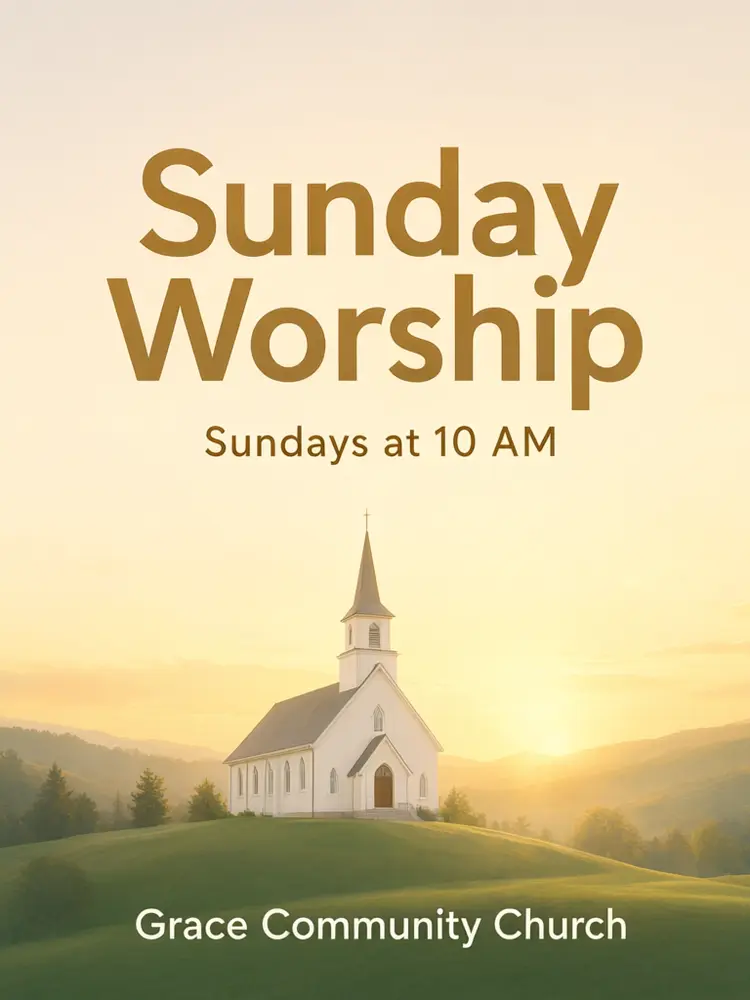
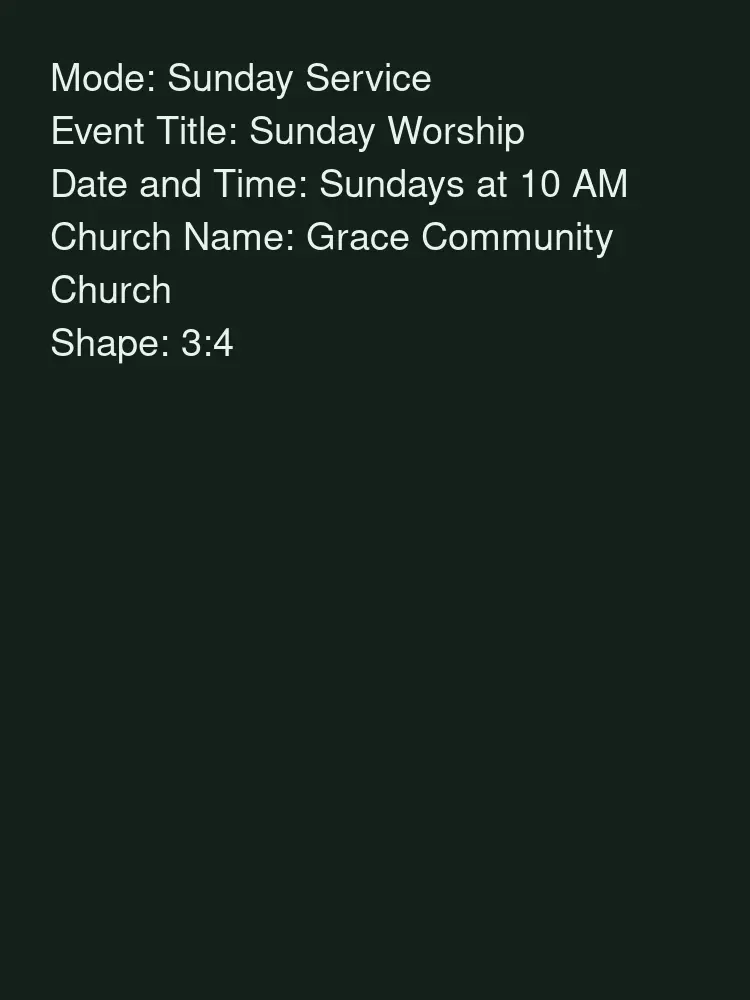
Drag to compare
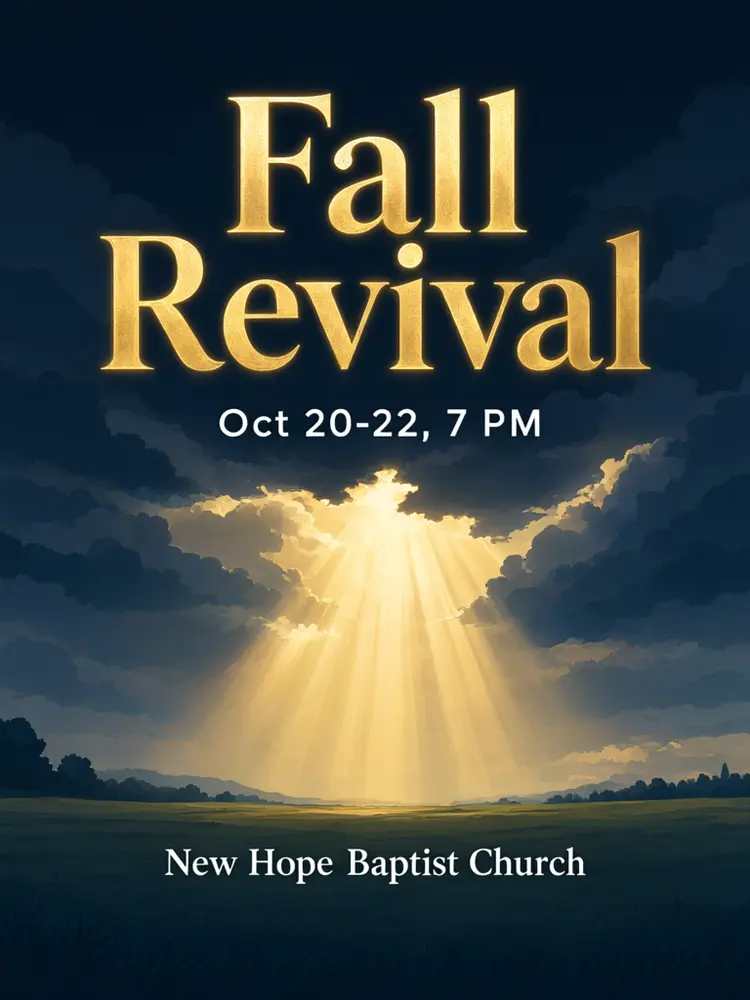
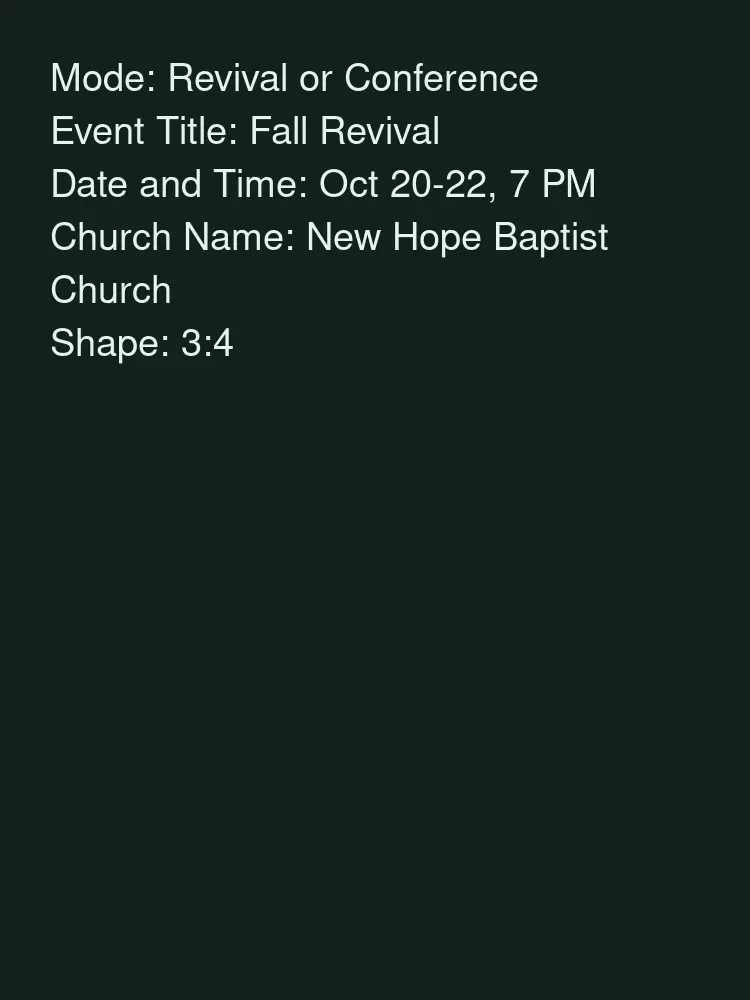
Drag to compare
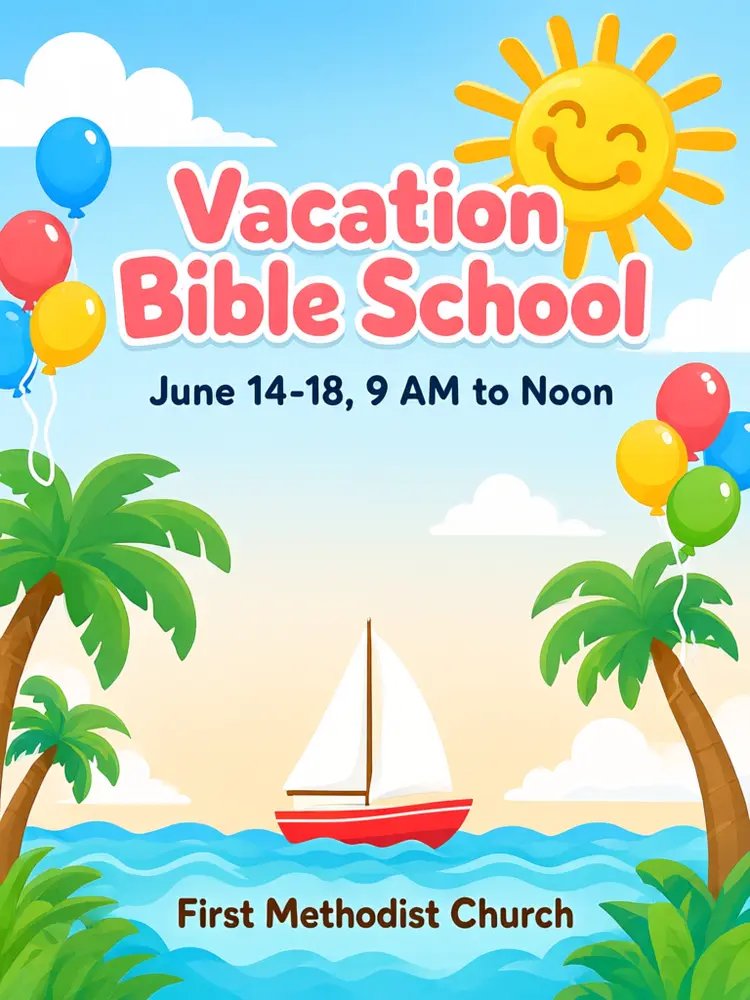
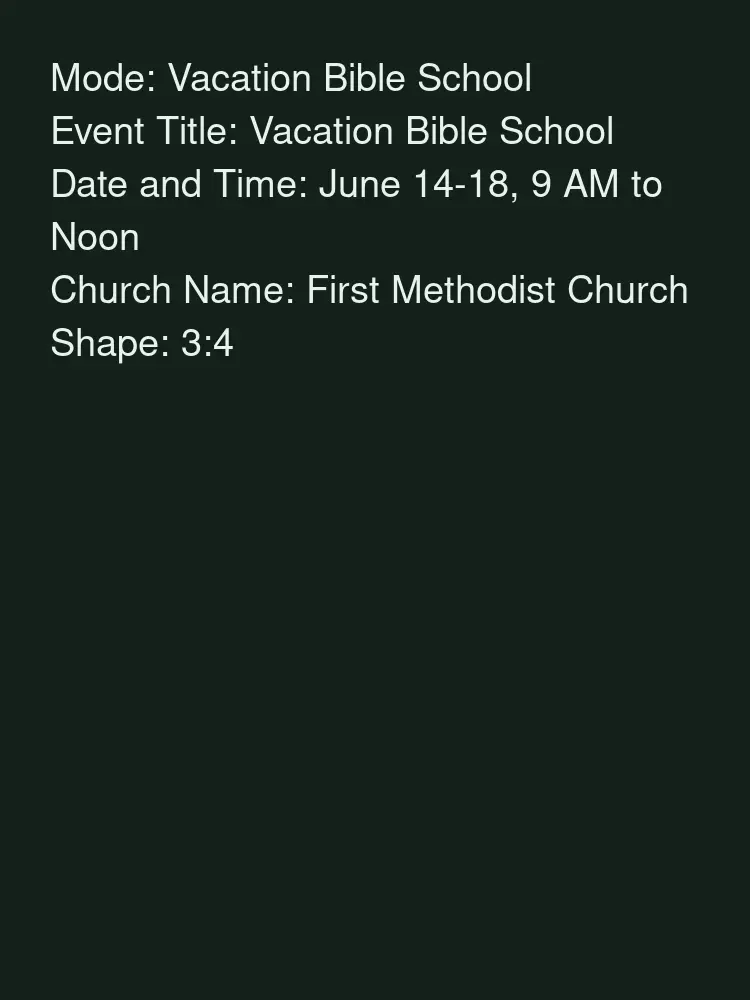
Drag to compare
Real, unretouched output from this tool. Drag any slider to compare.
Every week brings a new church flyer: the Sunday service, a revival, Vacation Bible School, a potluck, youth night. Pick the event, type a short title, the date and your church name, choose a look, and the tool draws a flyer with your words in large lettering, ready to print or post.
How the church flyer maker works
You pick the event, type a short title, an optional date line and your church name, and choose a look and a shape. The tool draws a finished flyer with the title large and the date and name smaller below it, over a picture that fits the event.
It adds nothing you did not type: no Bible verse, no extra dates, no logo and no people. If you want a verse on the flyer, type it into the title or the date line, and keep it short.
1
Short words work best
A title of two to four words and one short date line are spelled right most often. Long sentences and small print are harder.
2
Pick the event
Each mode starts with a picture that suits it: morning light for a service, a summer scene for VBS, a table of dishes for a potluck.
3
Pick a look
Warm sunrise or navy and gold for services, bright and cheerful for kids, bold neon for youth night.
4
Check every word
Your words are passed with an instruction to spell them exactly. Always check the date and time before printing.
The church events
Five events plus your own.
1
Sunday Service
The weekly worship flyer, an Easter or Christmas service, or a new service time.
2
Revival or Conference
A revival, a women's or men's conference, or a camp meeting over several nights.
3
Vacation Bible School
A bright summer flyer for VBS, with the week and the hours.
4
Potluck or Fellowship
A potluck, a fellowship meal, a picnic or a church anniversary dinner.
5
Youth Night
A bold flyer for youth group, a lock-in or a worship night.
6
Your Own Event
Describe any church event yourself, such as a Bible study, a choir concert or a food drive.
Honest limits
It makes a flat image, not an editable template and not a print-ready PDF with bleed. Print it at home on letter paper, or ask your print shop what size they need.
Long text and small print can come out wrong, so it holds a short title, one date line and the church name. Add the address, a QR code or your church logo afterwards in a photo or design editor.
It never draws people or faces and never adds a verse you did not type. Check every word, date and time before you print or post.
More tools for your church
Other tools churches use.
⛪
AI Church Logo Maker →
Make a logo to add to your flyers.
🎤
AI Church Stage Design →
Plan the stage for the revival or the youth night.
📖
Bible Verse Art Maker →
Turn a verse into wall art or a social post.
💝
AI Fundraiser Flyer Maker →
A flyer for a building fund or a mission trip fundraiser.
📄
AI Flyer Generator →
Flyers for any other event or business.
🎬
Image to Video →
Turn the flyer into a short clip for social media.
Who uses a church flyer maker
🏠
Pastors and church office staff
✓Make the weekly flyer without waiting for a designer.
💡
Media and communications volunteers
✓Draft flyers and social posts for every ministry in one look.
🏢
Children's and youth ministry leaders
✓Make bright VBS and youth night flyers for parents and teens.
📸
Ministries and church event planners
✓Promote revivals, conferences and fellowship meals.
⛪
Church Flyer Maker: Make Church Event Flyers With AI
AI Tool
The weekly worship flyer
Be specific for better results14/40
Be specific for better results16/40
Be specific for better results22/40
Be specific for better results75/140
Output quality:
Frequently Asked Questions
Your words are passed with an instruction to spell them exactly, but long text, small print and dates can still fail. Check every word, date and time before printing.
Only if you type it. The tool never adds scripture on its own. Keep a verse short, or make verse art on the Bible Verse Art Maker page.
Not in the flyer itself: long details and small print come out wrong too often. Add them afterwards in a photo or design editor. You can make a logo on the AI Church Logo Maker page.
No. The tool never draws people or faces. It uses light, landscapes, buildings and objects.
Portrait 3:4 is close to letter size (8.5x11) and 18x24 posters. Use 4:5 or square for Facebook and Instagram posts, and 9:16 for stories. It is not a print-ready file with bleed; ask your print shop what they need.
Yes. Use the Your Own Event mode for a Bible study, a choir concert or a food drive, or the AI Flyer Generator for events outside the church.
Yes. Use the Image to Video tool for a short animated clip.