Your first generation is free when you sign up. Paid plans add credits and remove the watermark.
Toy Drive Flyer Maker: Make a Toy Drive Flyer for Your School, Office or Church
Toy Drive Flyer Maker: Make a Toy Drive Flyer for Your School, Office or Church is a free AI tool that lets you make a toy drive flyer with AI: type a drop-off line and a date, pick a school, office, church or donation box style and a look. Print it for the hallway or post it for your group. Free to try.
Free to try · first generation free on signup · no credit card
1
Step 1
Select Mode
Choose your transformation style
School and PTA toy drive
2
Step 2
Options
Configure your options
Related Tools
→try new exterior paint colors on your own photo
→redesign a home exterior from a single photo
→plan a new yard or garden layout from a photo
→repaint a car in any shade before you commit
Output quality:
Mode
School
Your AI Design Will Appear Here
Fill in the options on the left, then press Generate.
Upload your image
Drag & drop your file here or click to browse
JPG, PNG, WebP
Max 10MB
AI Ready
Quick facts about Toy Drive Flyer Maker: Make a Toy Drive Flyer for Your School, Office or Church
- Tool nameToy Drive Flyer Maker: Make a Toy Drive Flyer for Your School, Office or Church
- PriceFree to try
- InputText prompt
- OutputAI-generated image
Before / After
Example results
Drag to compare
Drag to compare
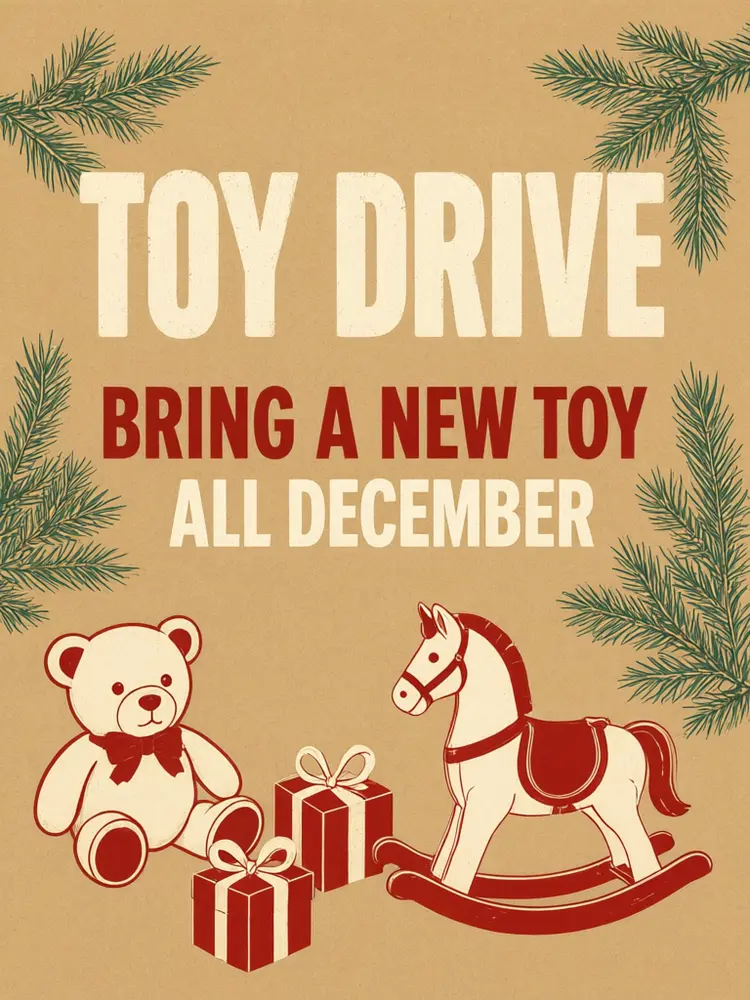
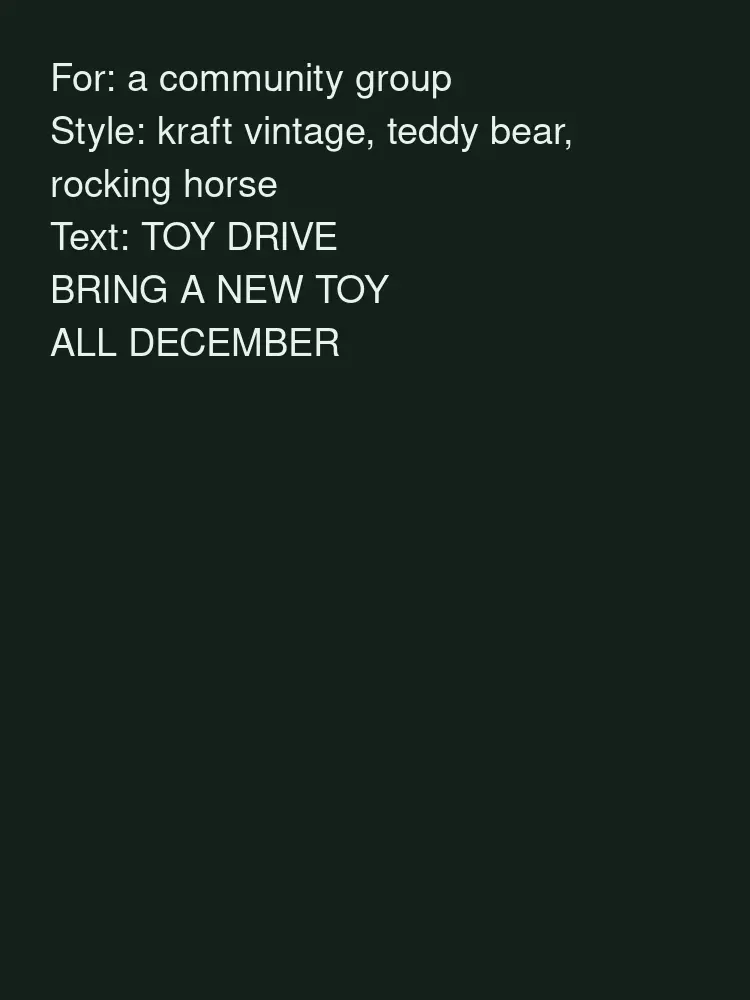
Drag to compare
Real, unretouched output from this tool. Drag any slider to compare.
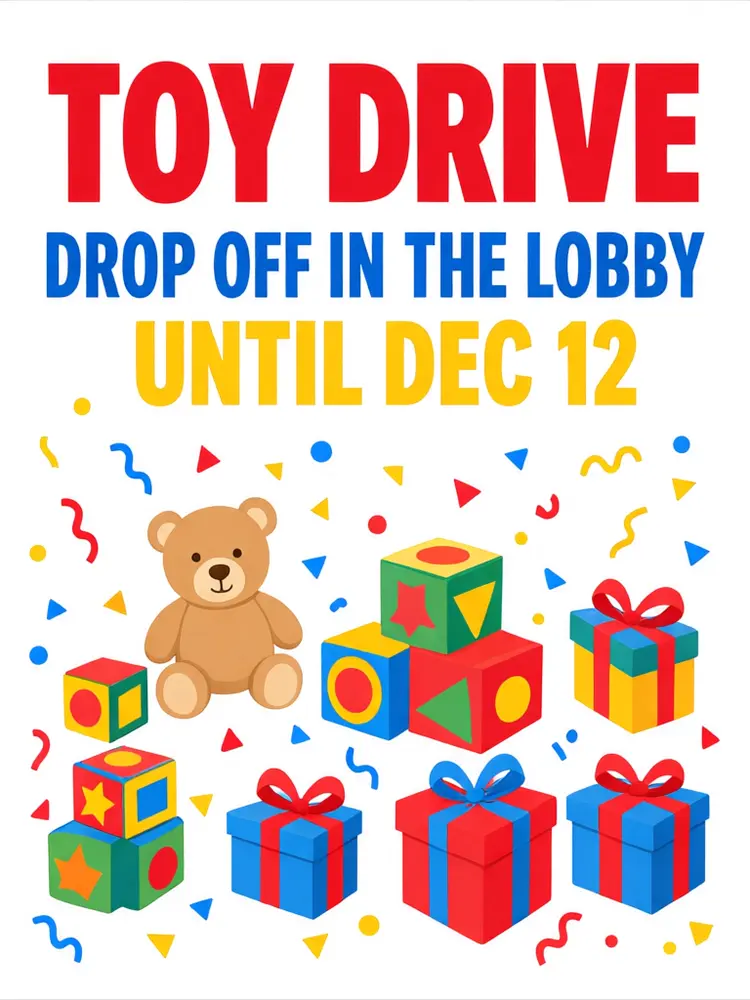
Running a toy drive this season? Type where people can drop off toys and until when, pick a style and a look, and the tool draws a toy drive flyer with TOY DRIVE in big, clear lettering and simple drawings of teddy bears, blocks and wrapped gifts. Print it for the hallway or the break room and post the square version in your group.
How the toy drive flyer maker works
You pick the type of toy drive, type a short drop-off line and a date, and choose a look and a shape. The tool draws one flyer design with TOY DRIVE as the biggest words and your two lines below.
The flyer shows only the words you type. It does not add a charity name, an address, a phone number or a logo; add those in an editor or write them on by hand.
1
Short lines work best
A drop-off line such as DROP OFF IN THE LOBBY and a date such as UNTIL DEC 15 are spelled right most often. Long sentences are harder.
2
Big words first
People walk past a hallway flyer. TOY DRIVE should be readable from across the corridor.
3
Match your drive
Pick the mode that fits and change the decoration line, for example teddy bears and blocks or a toy train and gifts.
4
Make a set
Print a flyer for the board, a sign for the donation box and a square post for the group chat.
The toy drive styles
Four types plus your own.
1
School
A bright school toy drive flyer with teddy bears, blocks and wrapped gifts.
2
Office
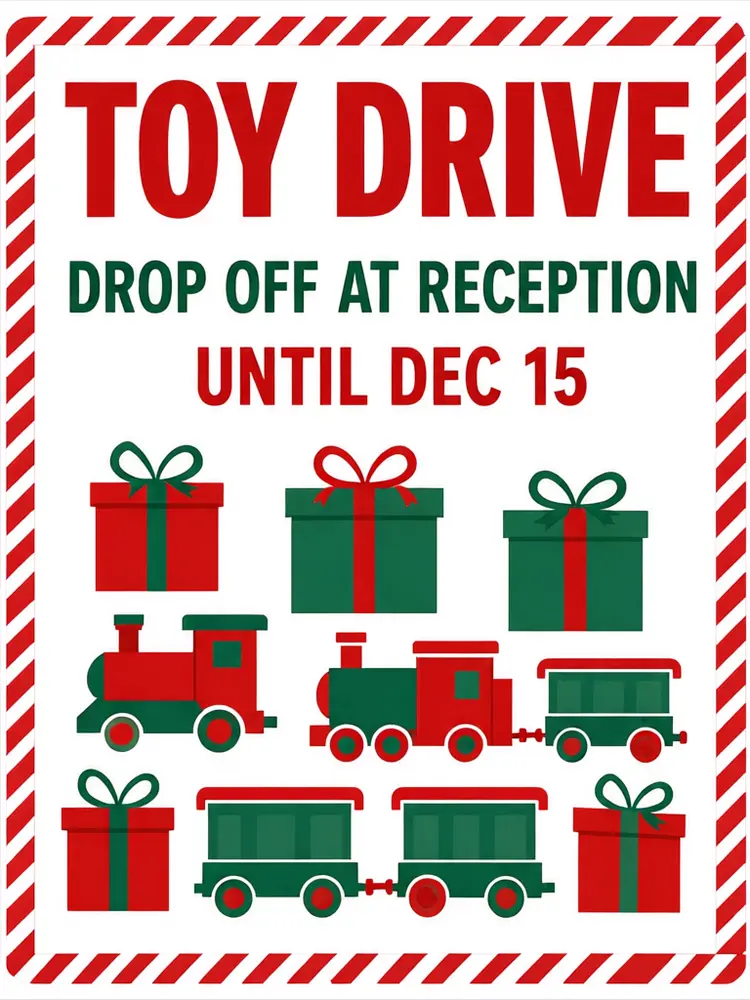
A clean red and green flyer for the break room or reception.
3
Church and Community
A warm vintage flyer for a church, club or neighbourhood drive.
4
Donation Box
A snowy sign for the box itself that says what to bring.
5
Your own idea
A book drive, coat drive or any toy drive: type the headline and describe the flyer yourself.
Honest limits
It makes a flyer design as a picture. It is not a vector file and has no bleed or trim marks; print it on a Letter sheet or ask your print shop what they need for a larger poster.
Only short lines are drawn well. A full address, a list of wanted toys or drop-off rules can come out wrong, so add them in an editor or write them by hand.
It never draws a charity name, a charity logo or your school or company logo. Check every word and the date before you print or post.
More tools for your drive
Other flyers and posters for fundraisers and community events.
Who uses a toy drive flyer maker
🏠
Schools and PTAs
✓A hallway flyer and a square post for parents.
💡
Offices and teams
✓A break room flyer and a sign for the box at reception.
🏢
Churches, clubs and scout groups
✓A notice board flyer and a post for the weekly sheet.
📸
Shops with a donation box
✓A sign by the till that tells customers what to bring.
🏫
Toy Drive Flyer Maker: Make a Toy Drive Flyer for Your School, Office or Church
AI Tool
School and PTA toy drive
Be specific for better results21/26
Be specific for better results12/22
Be specific for better results60/120
Be specific for better results0/400
Output quality:
Frequently Asked Questions
TOY DRIVE in the biggest letters, where to drop off toys and until when. Many drives also ask for new, unwrapped toys. Keep it short so people can read it as they walk past.
Your words are passed with an instruction to spell them exactly, and short lines came out right in our tests. Long lines are harder. Check every word before you print.
The tool draws only the words you type in the fields, and it keeps them short. Add the address, phone number or email in an editor or write them on by hand.
No. It does not draw charity names, charity logos or brand marks. If you collect for a named charity, check its own rules for using its name and add it in an editor.
Hallway flyers are often Letter or A4; the 3:4 shape fits them. Use 2:3 for a 24x36 poster and 4:5 or square for Instagram, Facebook and group chats.
No. It is a picture of a flyer design. Print it on a home printer, or upscale it and ask your print shop for a larger poster.
Yes. Use Your Own Idea, type the headline, for example BOOK DRIVE, and describe the flyer.