It is told to reproduce the artwork exactly: the same drawing, colours and spelling. Like any AI edit it can drift on very fine detail or small text, so compare the result with your file and rerun if something changed.
AI Calendar Mockup Generator: See Your Page on a Wall, Desk or Spiral Calendar
AI Calendar Mockup Generator: See Your Page on a Wall, Desk or Spiral Calendar is a free AI tool. Upload your calendar page or cover and see it printed on a spiral wall calendar, a desk tent calendar, a poster calendar with a wooden hanger, a flat lay or a home office scene. Free to try.
Free to try · first generation free on signup · no credit card
1
Step 1
Upload Image
Start by uploading image
Upload your image
Click to browse or drag & drop
2
Step 2
Select Mode
Choose your transformation style
A spiral wall calendar on a nail
3
Step 3
Options
Configure your options
Related Tools
→try new exterior paint colors on your own photo
→redesign a home exterior from a single photo
→plan a new yard or garden layout from a photo
→repaint a car in any shade before you commit
Output quality:
Mode
Wall Calendar
Your AI Design Will Appear Here
Fill in the options on the left, then press Generate.
Upload your image
Drag & drop your file here or click to browse
JPG, PNG, WebP
Max 10MB
AI Ready
Quick facts about AI Calendar Mockup Generator: See Your Page on a Wall, Desk or Spiral Calendar
- Tool nameAI Calendar Mockup Generator: See Your Page on a Wall, Desk or Spiral Calendar
- CategoryProduct Photo Tools
- PriceFree to try
- InputPhoto upload + text prompt
- OutputAI-generated image
Before / After
Example results
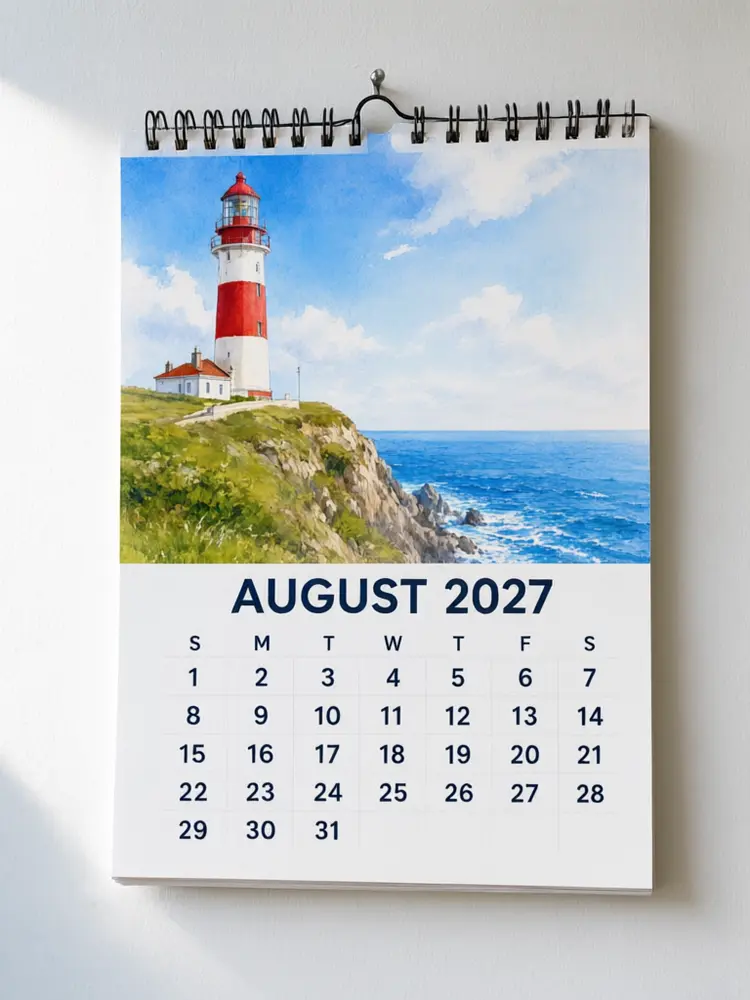
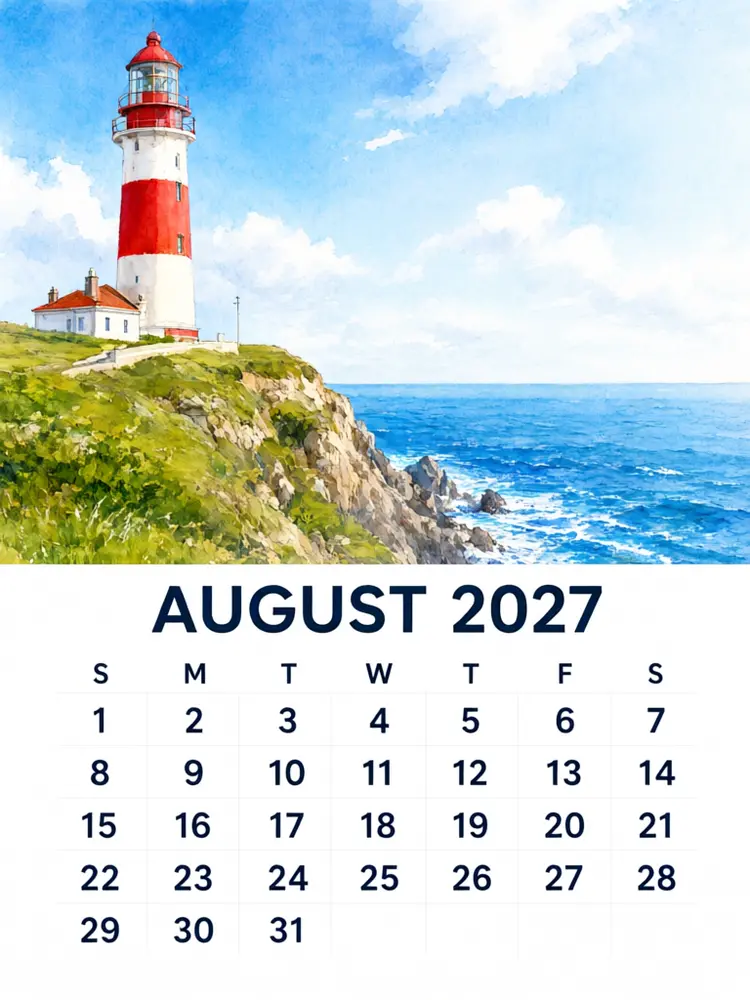
Drag to compare


Drag to compare
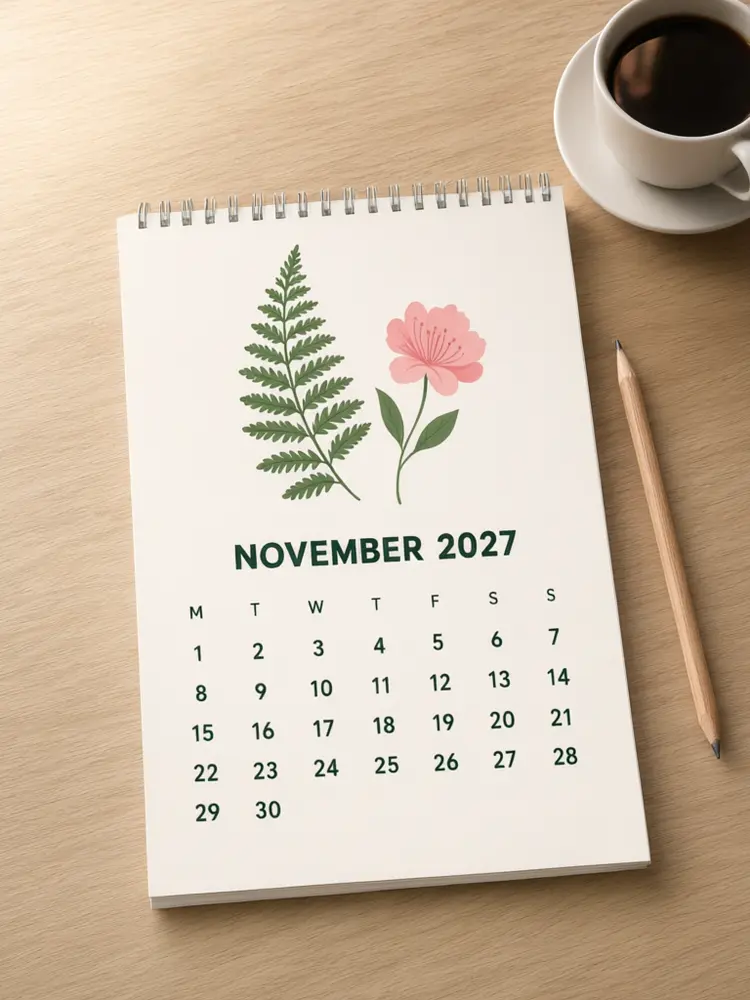
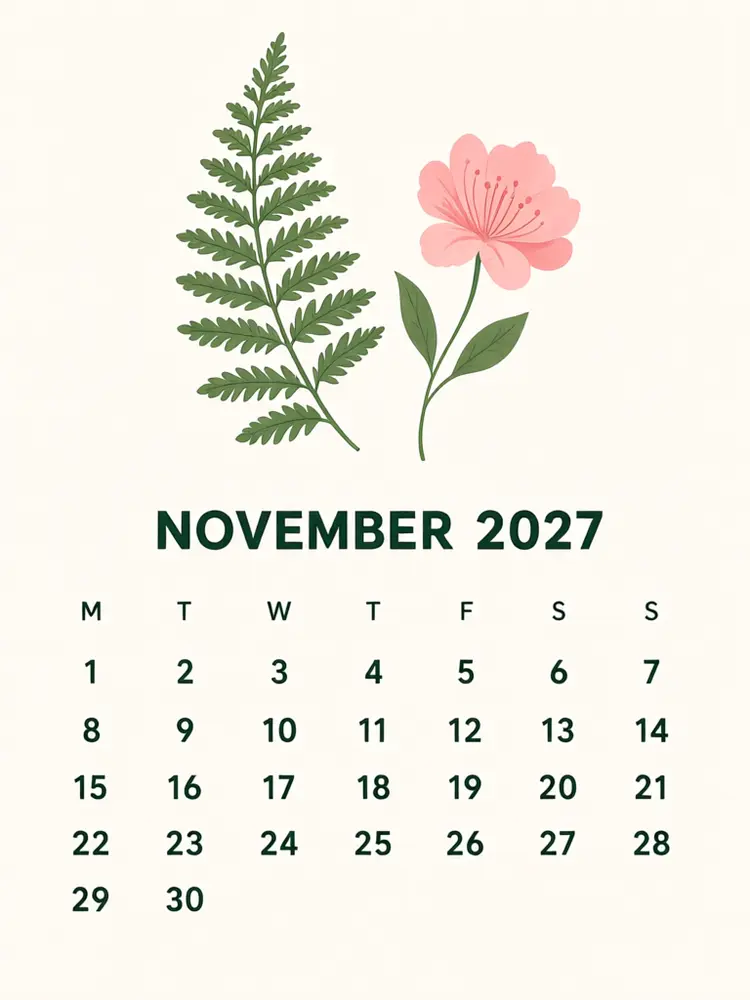
Drag to compare
Real, unretouched output from this tool. Drag any slider to compare.
Upload your calendar page or cover and see it as a real printed calendar before you order a print run. Show it on a spiral wall calendar hanging on a nail, a tent desk calendar, a poster calendar on a wooden hanger, a flat lay with a coffee cup and pen, or a calendar in a home office.
How the AI calendar mockup generator works
Calendars sell on the listing photo, but a flat page file does not show the spiral binding, the paper or how the calendar looks on a wall or a desk. Upload your page, choose the calendar type and the scene, and the AI turns it into a realistic calendar photo.
It is a preview of how the design could look, not a print proof. Compare the artwork and the lettering with your file, since AI can slightly change fine detail or small text.
1
Upload a design
A PNG or JPG of one calendar page or cover, ideally with a big picture, a clear month name and a simple date grid.
2
Choose a mode
Wall Calendar, Desk Calendar, Poster Calendar, Calendar Flat Lay, Home Office Scene, or your own description.
3
Pick the options
Pick the calendar type, the binding or paper and the scene.
4
Edit, upscale or animate
Rerun with another option, upscale the best result or make a short video.
Calendar shots to try
A calendar listing needs a clean main photo and a lifestyle shot. Make each one from the same page.
1
Wall calendar
The page on a spiral calendar hanging on a nail, the classic main photo.
2
Desk calendar
A tent calendar on a desk, for desk calendar listings.
3
Flat lay
The calendar lying flat with a few props, for social posts.
4
Home office
A wider room shot that shows the calendar in use.
Tips for a clean calendar mockup
Upload one page at a time: a big picture with a clear month name and a simple date grid reads best. Very small numbers, holiday notes and thin lines may drift, so check every date.
Printers usually want their own template, bleed and a PDF for each month. This tool shows a look: it is not a print-ready file and not a vector/SVG file, and it does not make the other months. For production, send your original files, never the mockup.
More tools for sellers
Turn one design into a complete listing.
Who uses an AI calendar mockup generator
🏠
Etsy and print-on-demand calendar sellers
✓Make listing photos for a wall or desk calendar before the print run.
💡
Photographers and illustrators
✓Show a yearly calendar of your own photos or art for pre-orders.
🏢
Small businesses
✓Preview a branded client gift calendar before you order it.
📸
Print shops
✓Show a customer how their page could look as a finished calendar.
🗓️
AI Calendar Mockup Generator: See Your Page on a Wall, Desk or Spiral Calendar
AI Tool
Upload your imageTap anywhere here — your AI design will appear in this space after you generate.JPG · PNG · WebP
A spiral wall calendar on a nail
Premium users can generate images without watermark
Higher quality options available for premium users
Be specific for better results0/400
Output quality:
Frequently Asked Questions
Your first generation is free when you sign up. Paid plans add credits and remove the watermark.
A PNG or JPG of one calendar page or cover. Ideally a plain background and good contrast.
No. Upload a page you already made. This page puts your own page on a real-looking calendar; it does not lay out dates or make new months.
It is told to keep every number in the same place. Small numbers can still drift, so check each date against your file and rerun if one changed.
Make one mockup per page: upload each month and run it again. Other months are never made up for you.
No. A mockup shows how it could look. Your printer's proof shows exactly how it will print. Send your original print file, never the mockup.
Yes. After the mockup is made, use the image actions under it to upscale it or make a short video.