It is told to reproduce the artwork exactly. Like any AI edit it can drift on fine detail or small text, so compare the result with your file and rerun if something changed.
AI Canvas Print Mockup Generator: See Your Art as a Canvas on a Wall
AI Canvas Print Mockup Generator: See Your Art as a Canvas on a Wall is a free AI tool. Upload your artwork or photo and see it as a stretched canvas print in a real room: living room, bedroom, office, triptych or close-up. Free to try, no Photoshop.
Free to try · first generation free on signup · no credit card
1
Step 1
Upload Image
Start by uploading image
Upload your image
Click to browse or drag & drop
2
Step 2
Select Mode
Choose your transformation style
One canvas in a real room
3
Step 3
Options
Configure your options
Related Tools
→try new exterior paint colors on your own photo
→redesign a home exterior from a single photo
→plan a new yard or garden layout from a photo
→repaint a car in any shade before you commit
Output quality:
Mode
Room Scene
Your AI Design Will Appear Here
Fill in the options on the left, then press Generate.
Upload your image
Drag & drop your file here or click to browse
JPG, PNG, WebP
Max 10MB
AI Ready
Quick facts about AI Canvas Print Mockup Generator: See Your Art as a Canvas on a Wall
- Tool nameAI Canvas Print Mockup Generator: See Your Art as a Canvas on a Wall
- CategoryProduct Photo Tools
- PriceFree to try
- InputPhoto upload + text prompt
- OutputAI-generated image
Before / After
Example results
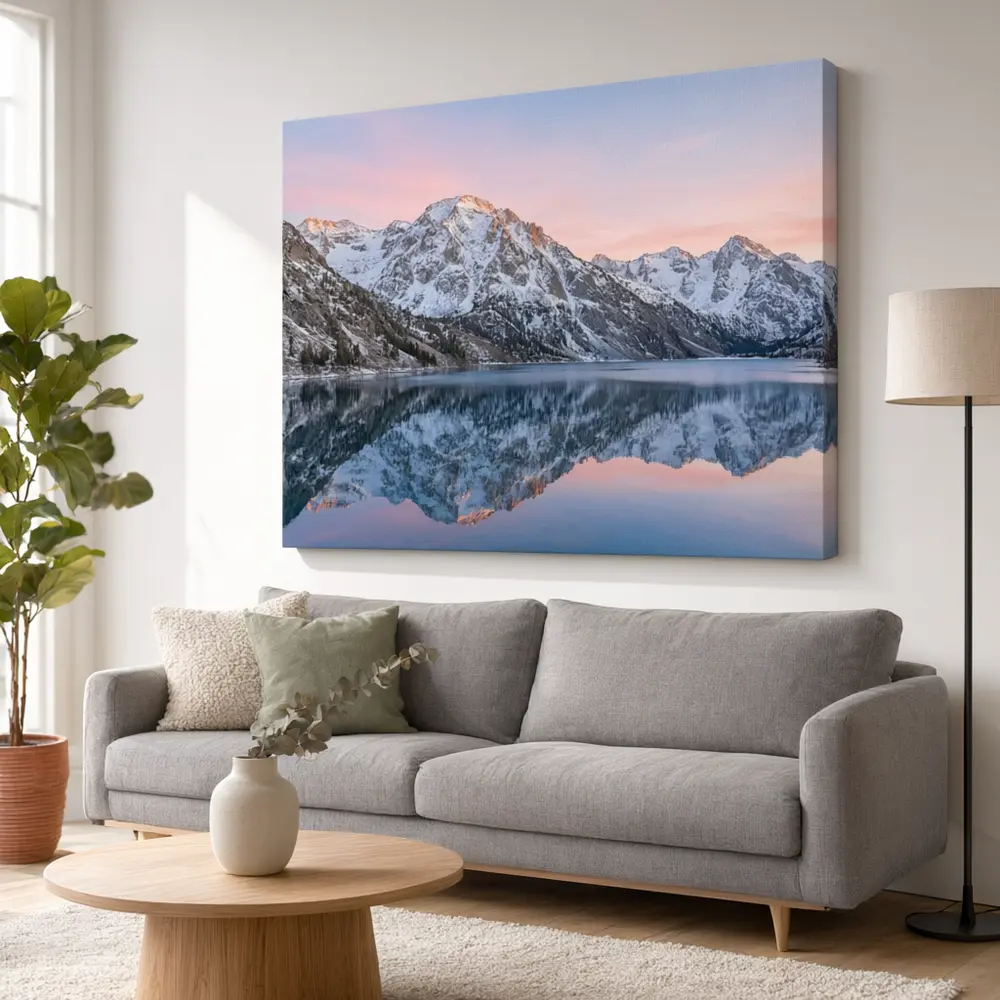
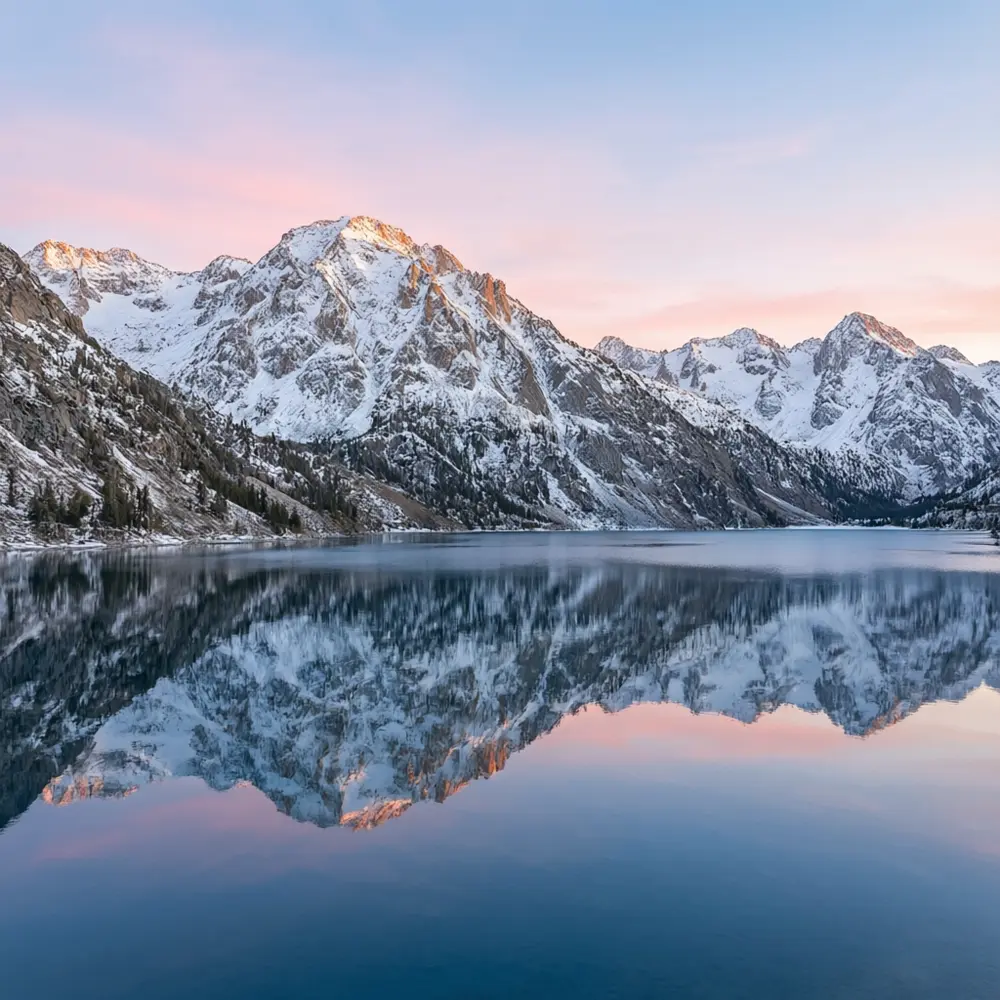
Drag to compare
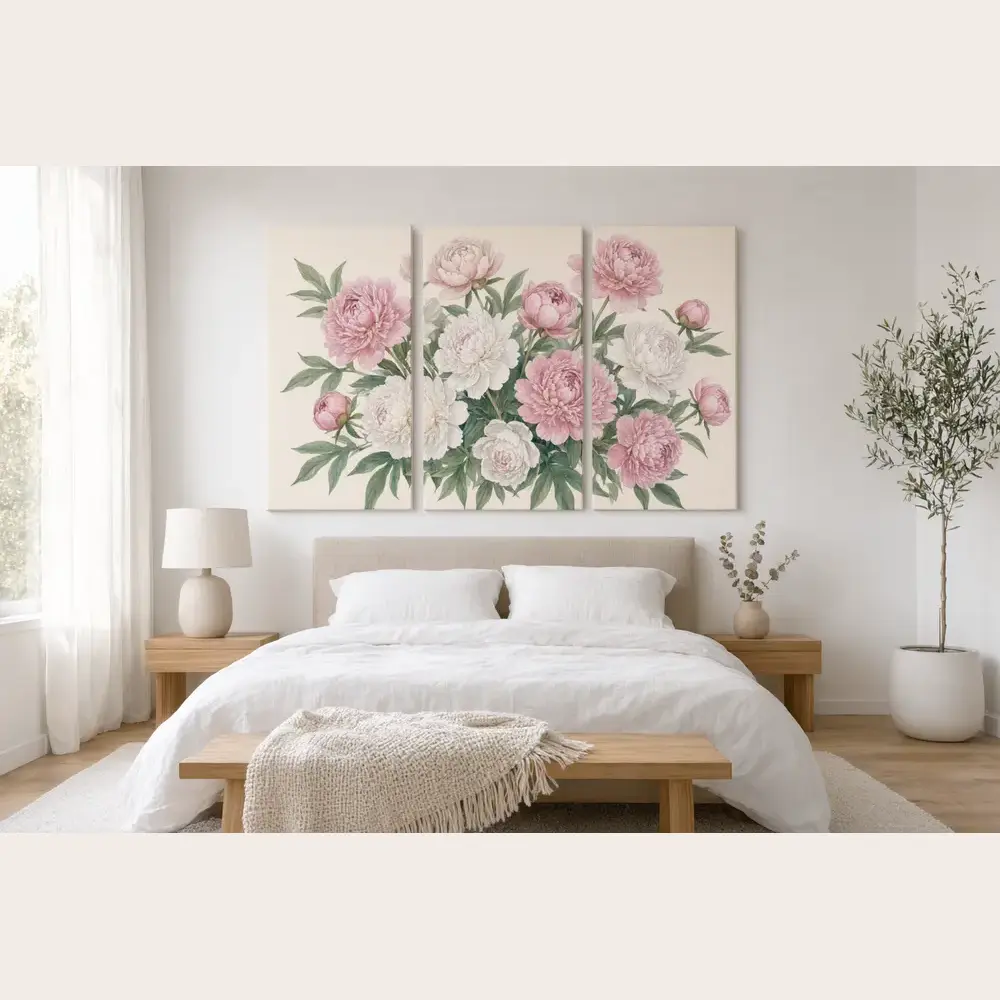
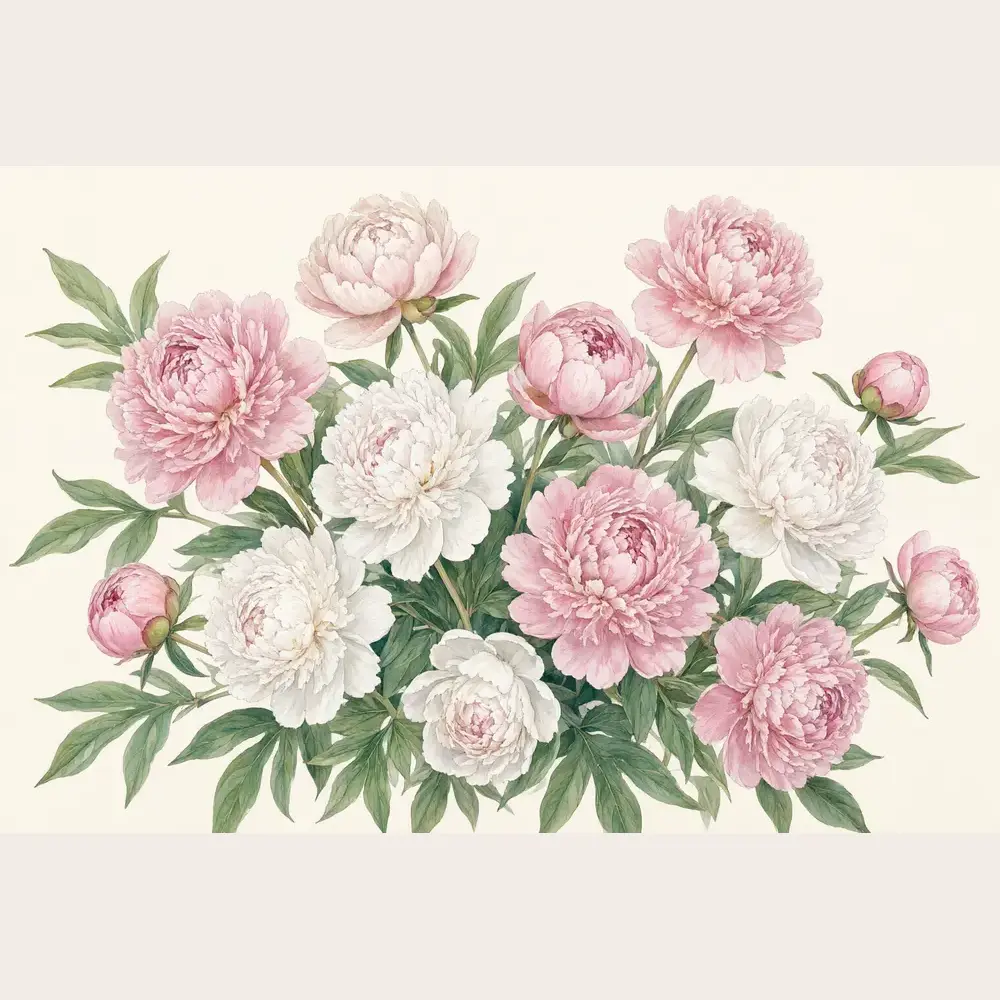
Drag to compare
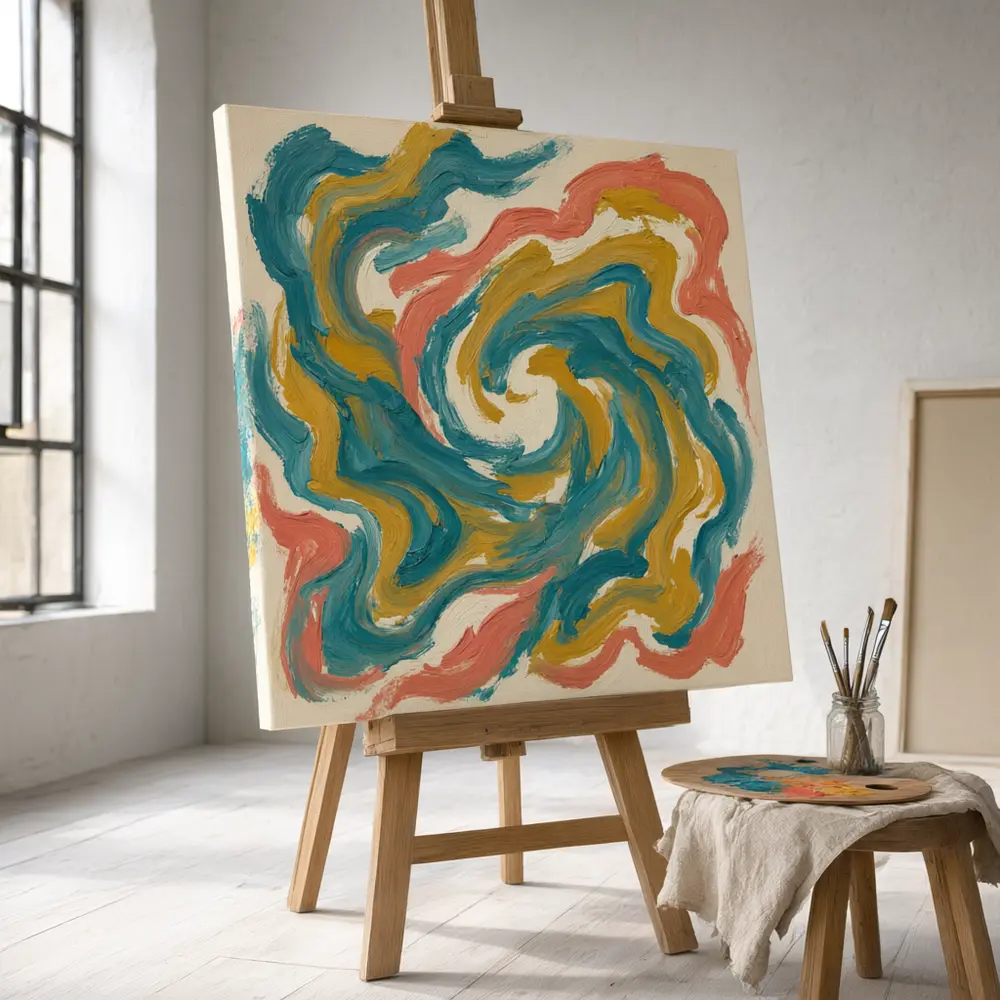
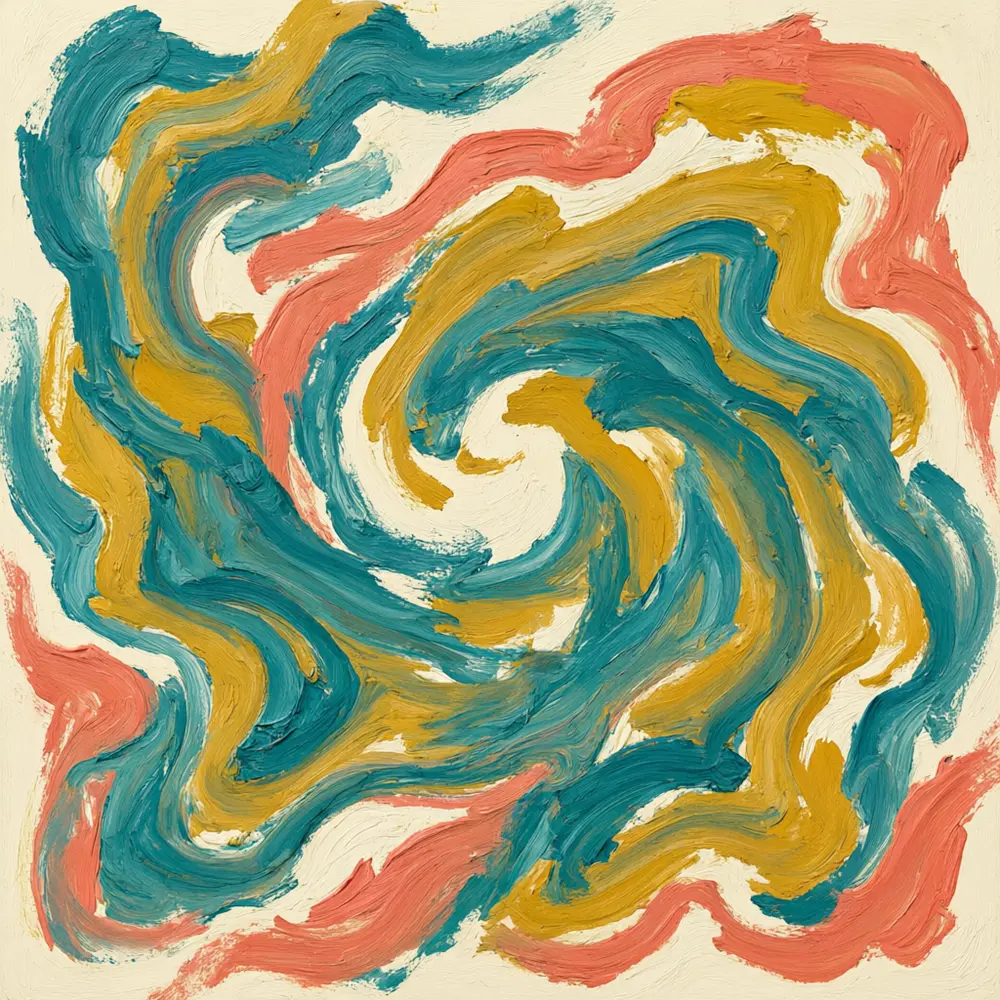
Drag to compare
Real, unretouched output from this tool. Drag any slider to compare.
Upload your artwork or photo and see it as a stretched canvas print in a real room. Hang one large piece above a sofa, split it into a three-panel triptych for a big wall, lean it on a floor, or zoom in on the wrapped edge. Compare the same artwork in a bright modern room, a warm boho one or a dark moody one before you print or list it.
How the AI canvas print mockup generator works
Canvas sellers and artists need to show buyers how a piece looks on a wall. Upload the artwork, choose a canvas format and a room, and the AI places it as a gallery-wrapped canvas with natural shadows and depth.
It is a visual preview and not to scale. Compare the artwork with your file, and use your print provider's sizes for real dimensions.
1
Upload your artwork
A PNG or JPG. Higher resolution gives a cleaner mockup.
2
Choose a mode
Room scene, triptych, close-up or your own description.
3
Pick format, room and style
Medium or large, landscape, portrait or square, in six rooms.
4
Edit, upscale or animate
Rerun in a different room, upscale the best result or make a short video.
Canvas mockup shots to try
Buyers want to see the piece on a wall like theirs.
1
Room scene
Above a sofa, a bed, a sideboard, a desk or in a hallway or nursery.
2
Triptych
Three matching panels hung together. Popular for large walls and landscape photography.
3
Close-up and detail
The wrapped edge, a canvas leaning on the floor or an easel in a studio.
4
Interior styles
Modern bright, boho warm, dark and moody, or Scandinavian.
Tips for a better canvas mockup
Use the highest resolution file you have. Strong colour and clear subject read well at room scale, while very pale or very dark art can get lost in the wrong room, so test two or three.
The AI shows a plausible size, not an exact one. A mockup is not a print proof: colours on canvas can differ from the screen, so confirm with your print provider.
More tools for art and print sellers
More ways to show and sell the same artwork.
Who uses an AI canvas print mockup generator
🏠
Artists and photographers
✓Show buyers how a piece looks in a home before they order.
💡
Etsy and print-on-demand shops
✓Make listing photos for several sizes without a photoshoot.
🏢
Interior designers and stagers
✓Preview wall art ideas for a client.
📸
Gift and photo-print shops
✓Show a customer's photo as a canvas before they buy.
🛋️
AI Canvas Print Mockup Generator: See Your Art as a Canvas on a Wall
AI Tool
Upload your imageTap anywhere here — your AI design will appear in this space after you generate.JPG · PNG · WebP
One canvas in a real room
Premium users can generate images without watermark
Higher quality options available for premium users
Be specific for better results0/400
Output quality:
Frequently Asked Questions
It is free to try: new users get free generations. Paid plans add credits, remove the watermark and unlock higher resolution.
A PNG or JPG of the artwork. Higher resolution gives a cleaner result.
Yes. The Triptych mode continues the artwork across three matching panels hung together.
No. The AI shows a plausible size. For real dimensions use your print provider's sizes.
Yes, as a listing photo. Say it is a mockup if the marketplace requires it.
No. It shows a gallery-wrapped canvas without a frame. Describe a frame in Your Own Description if you want one.
Not exactly. Canvas and screen colours differ, so a mockup is not a proof. Confirm with your print provider.
Yes. After the mockup is made, use the image actions under it to upscale it or make a short video.