
How to use Outdoor Shoots on AI Two
Create outdoor fashion shoot style stills with Outdoor Shoots in Fashion Studio.
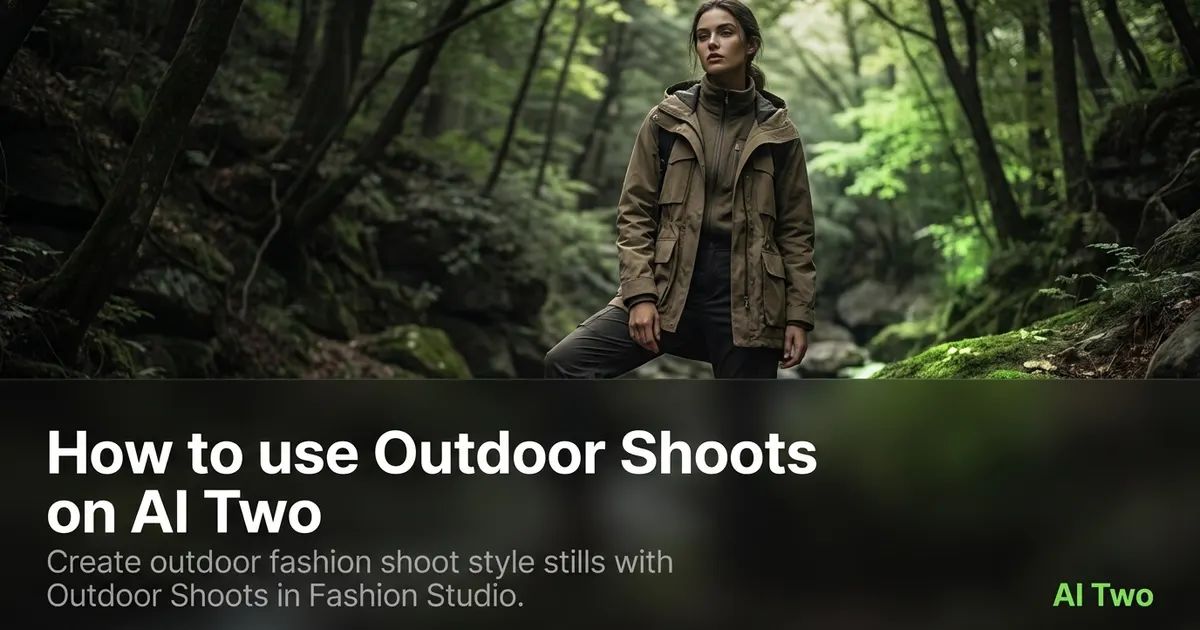
Outdoor Shoots on AI Two is the shoot type page I open when an apparel seller needs exterior lifestyle light on approved product bases without booking a location day. You upload sharp garment or on model photos, run Outdoor Shoots, and download stills tuned for street, park, or urban backdrop mood while product detail stays readable at zoom. When I tested the same denim jacket after studio prep, the outdoor frame kept seam contrast strong enough for a paid social crop, which is the check I use before I spend more credits on the rest of the colorways. I treat outputs as seller campaign assets, not consumer outfit inspiration. Credits meter each generation. Free signup credits covered several outdoor tests for me on one hero SKU before I batched the line on a paid plan. Most runs finish in about 30 seconds after Generate.
What Outdoor Shoots does
You upload an approved apparel base photo, run Outdoor Shoots, and download a listing or campaign still with exterior lifestyle framing and light.
When I tested outdoor versus studio on the same blouse, outdoor spent more frame on environment while studio kept backdrop control for catalog grids.
Fashion Studio lists this page in the shoot types cluster beside Fashion Catalog, Fashion Editorial, Studio Shoots, Bundle Shots, and Fashion Trends.
Built for sellers who need lifestyle frames for brand sites and social ads. It is not a personal styling page.
I open Outdoor Shoots after packshot or try on bases are approved so fabric detail is already locked.
Free signup credits covered three outdoor moods for me on one jacket SKU. Paid plans raise monthly limits when you shoot a full seasonal line.
In my experience, outdoor frames fail when the source is soft. I fix the base photo before I spend location mood credits.
I save outdoor downloads beside catalog outputs with the same SKU code for channel specific uploads.
For paid social I note which crop safe zone each outdoor still targets so media buyers do not center on background blur.
Outdoor mood is a visual draft for marketing. It does not replace location permits or weather planning on a real shoot day.
How to run it step by step
Step one: sign in or create a free account. Step two: confirm the garment and model base already look correct on a sharp photo. Step three: open Outdoor Shoots and keep defaults on run one. Step four: generate and wait about 30 seconds. Step five: download or compare one setting change beside the original.
I name the channel and mood in one sentence before I generate. Outdoor means lifestyle light, not a flat marketplace thumbnail.
When I tested a row of coats, I reused one approved on model base across four colorways instead of re shooting each sample.
Credits apply per generation. I approve two hero outdoor frames max during tests, then batch the SKU list once creative signs off.
If logos smear at zoom, I stop and return to Ghost Mannequin or the ecommerce hub before more outdoor runs.
I change one setting per run. Combined changes make it hard to repeat success on the next SKU.
Bundle listings need each piece visible in inputs before I ask for a set frame on Bundle Shots.
I label downloads with SKU, shoot type, and date before I upload to ad managers.
When I need both catalog and outdoor for the same SKU, I run Fashion Catalog first for marketplace thumbs, then outdoor for the brand site hero.
I keep form notes in the campaign folder so the next season matches the approved exterior mood without guessing.
Which photo works best
Start from a sharp on model or strong garment photo with readable seams and prints. Outdoor tools amplify what you give them.
I keep a base approved folder that only holds files cleared for campaign moods. That stops me from running outdoor on a draft try on I already rejected.
Even lighting in the source helps the tool place believable exterior light. Harsh indoor flash can fight the outdoor mood the page adds.
Avoid heavy filters before upload. Outdoor Shoots adds its own color grade. Double styling in the source fights the page.
If the garment is cropped at the hem, the model may invent fabric and the outdoor frame looks soft at zoom.
White balance should match across the line when you build a collection carousel. Mixed bulbs make colorways look unrelated beside each other.
On model bases need clean edges around hair and shoulders. Messy cutouts distract from product detail when background blur increases.
When prints are the selling point, I upload the highest resolution file the camera allows so stripe edges stay crisp against bokeh.
Leave headroom in the source crop when social placements need text overlay above the model.
Mistakes I avoid
Running outdoor before the garment base is approved on Ghost Mannequin or flat lay. Mood tools cannot fix a wrong size or soft logo.
Using outdoor frames on catalog only buyer portals that reject lifestyle crops.
Batching twelve SKUs before one outdoor test passes full zoom on logos and seams.
Mixing outdoor outputs from different white balances in one carousel.
Treating outdoor stills as legal proof of fit or as proof a location was booked. They are marketing frames for seller campaigns.
Forcing outdoor reruns when Fashion Editorial or Studio Shoots is the brief the channel actually needs.
When to use another tool
Need comparable product thumbnails? Fashion Catalog. Need brand story atmosphere indoors? Studio Shoots or Fashion Editorial. Need multi piece set frames? Bundle Shots. Need trend led styling cues? Fashion Trends.
If the garment still needs packshot prep, open Fashion Ecommerce Photography, Ghost Mannequin, or Clothing Flat Lay first.
The shoot types cluster guide maps sibling pages. Lookbook lives in the ecommerce cluster when you need multi look grids instead of single exterior heroes.
After the download
I build a storyboard mockup with crop marks before ad upload day so safe zones show up early.
When a platform rejects an aspect ratio, I crop from the outdoor master without rerunning unless fabric detail was lost.
I attach SKU codes to filenames and share one folder link with the client instead of scattered chat attachments.
If one SKU needs catalog thumbs for marketplace, I run Fashion Catalog from the same approved base after outdoor heroes are live.
For reorder seasons I archive the outdoor master beside the source photo so the next drop reuses the same pipeline.
FAQs
Related studio guides
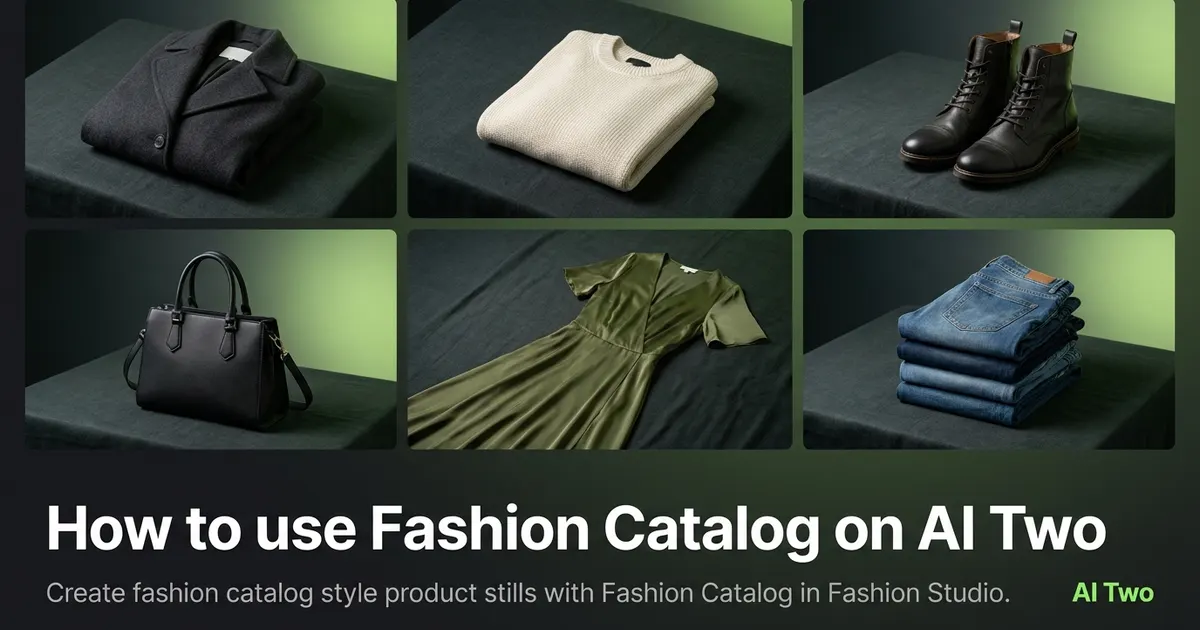
How to use Fashion Catalog on AI Two
Create fashion catalog style product stills with Fashion Catalog in Fashion Studio.
Read guide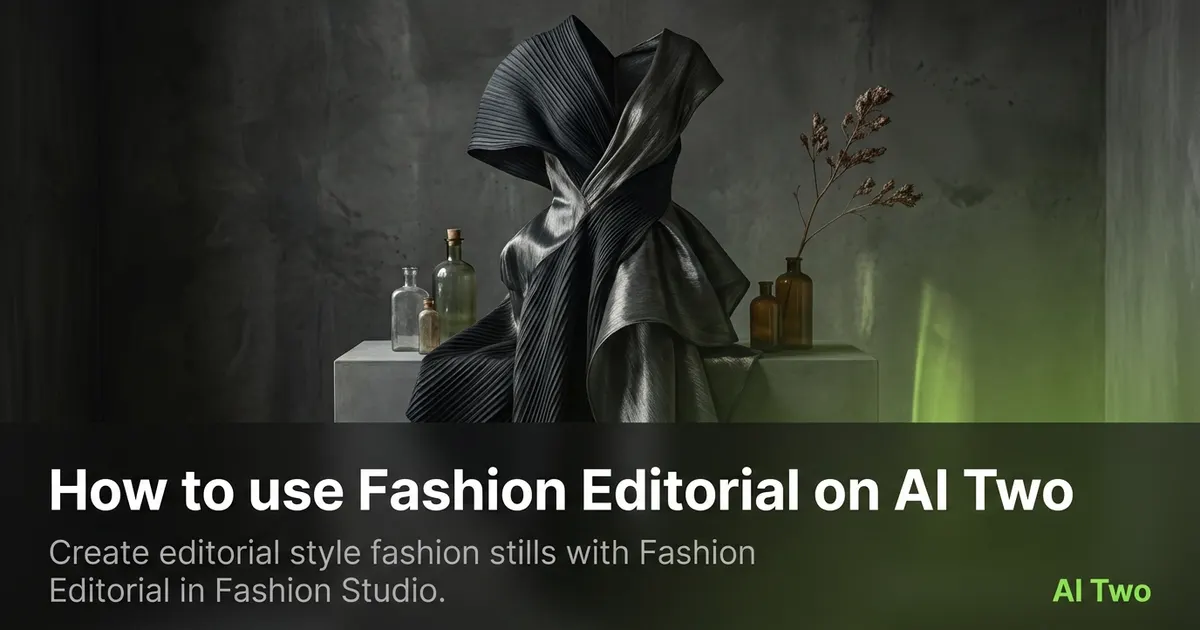
How to use Fashion Editorial on AI Two
Create editorial style fashion stills with Fashion Editorial in Fashion Studio.
Read guide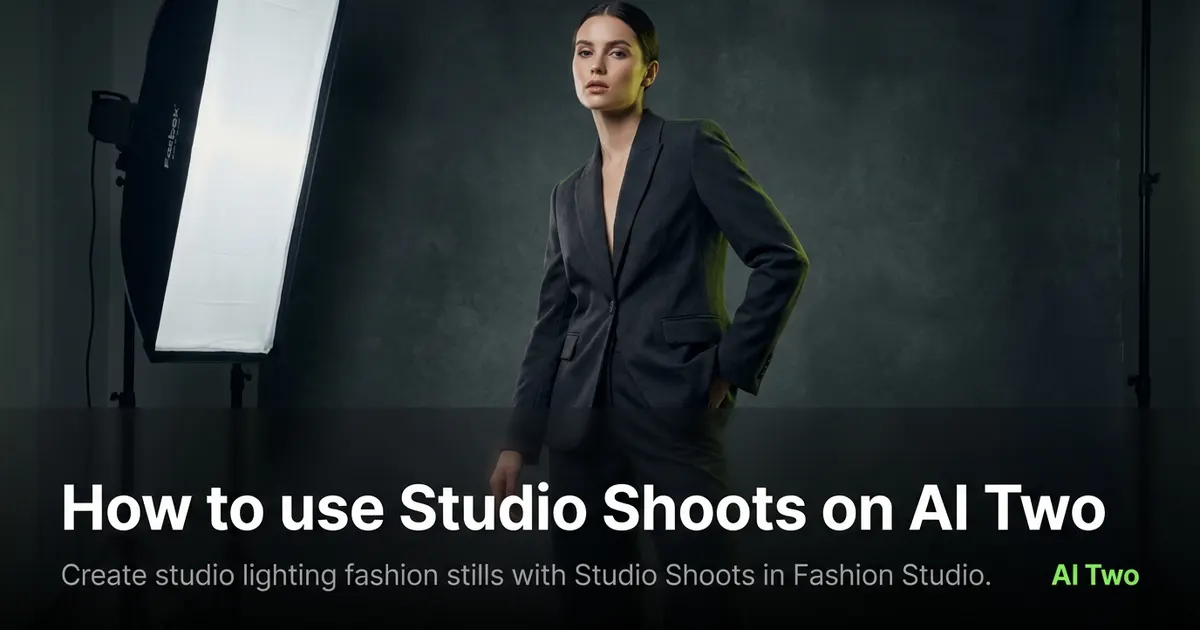
How to use Studio Shoots on AI Two
Create studio lighting fashion stills with Studio Shoots in Fashion Studio.
Read guide