Your first generation is free when you sign up. Paid plans add credits, remove the watermark and unlock higher resolution.
Black Friday Product Photo AI: Put Your Product in a Sale Scene With Room for Your Text
Black Friday Product Photo AI: Put Your Product in a Sale Scene With Room for Your Text is a free AI tool. Upload a photo of a product you sell and place it in a Black Friday or Cyber Monday scene: black podium, red studio, shopping bags or neon tech. Your product stays the same and a clear empty area is left for your own sale text. Free to try.
Free to try · first generation free on signup · no credit card
1
Step 1
Upload Image
Start by uploading image
Upload your image
Click to browse or drag & drop
2
Step 2
Select Mode
Choose your transformation style
Product on a black podium, studio or marble
3
Step 3
Options
Configure your options
Related Tools
→try new exterior paint colors on your own photo
→redesign a home exterior from a single photo
→plan a new yard or garden layout from a photo
→repaint a car in any shade before you commit
Output quality:
Mode
Black Podium
Your AI Design Will Appear Here
Fill in the options on the left, then press Generate.
Upload your image
Drag & drop your file here or click to browse
JPG, PNG, WebP
Max 10MB
AI Ready
Quick facts about Black Friday Product Photo AI: Put Your Product in a Sale Scene With Room for Your Text
- Tool nameBlack Friday Product Photo AI: Put Your Product in a Sale Scene With Room for Your Text
- CategoryProduct Photo Tools
- PriceFree to try
- InputPhoto upload + text prompt
- OutputAI-generated image
Before / After
Example results
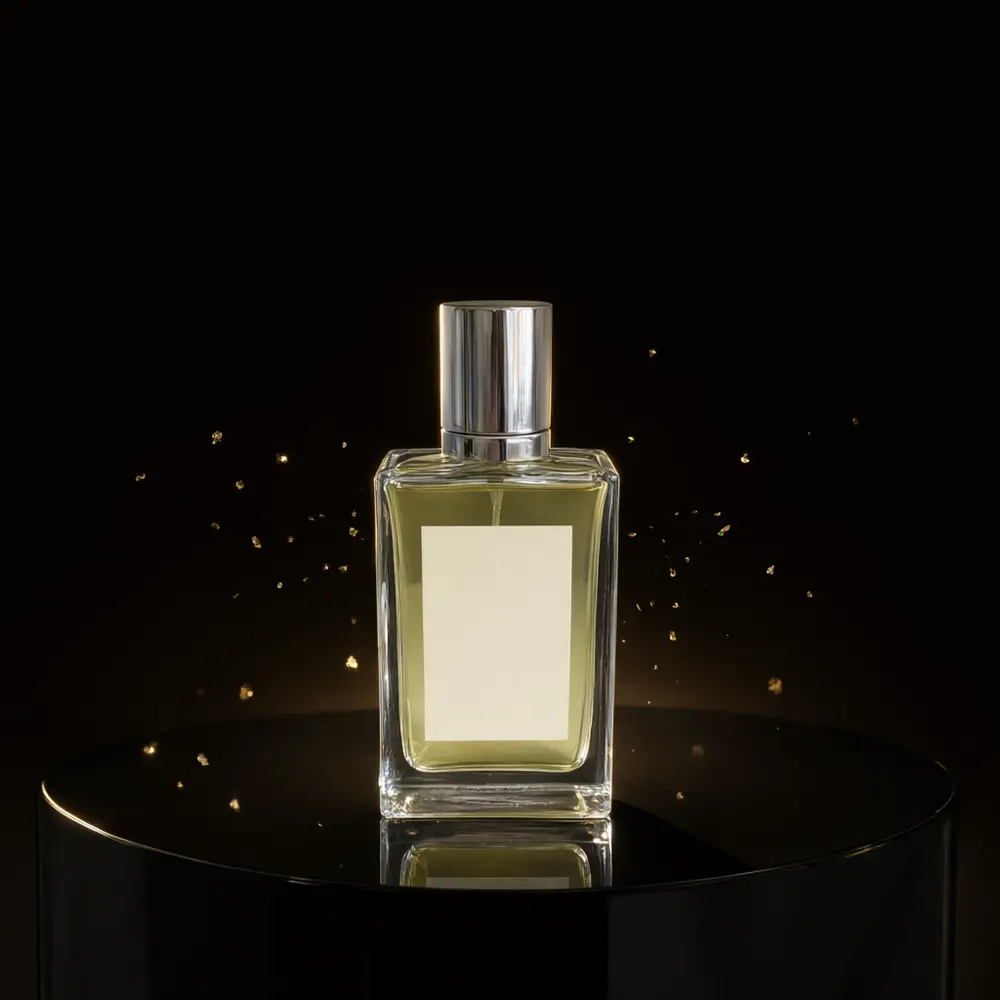
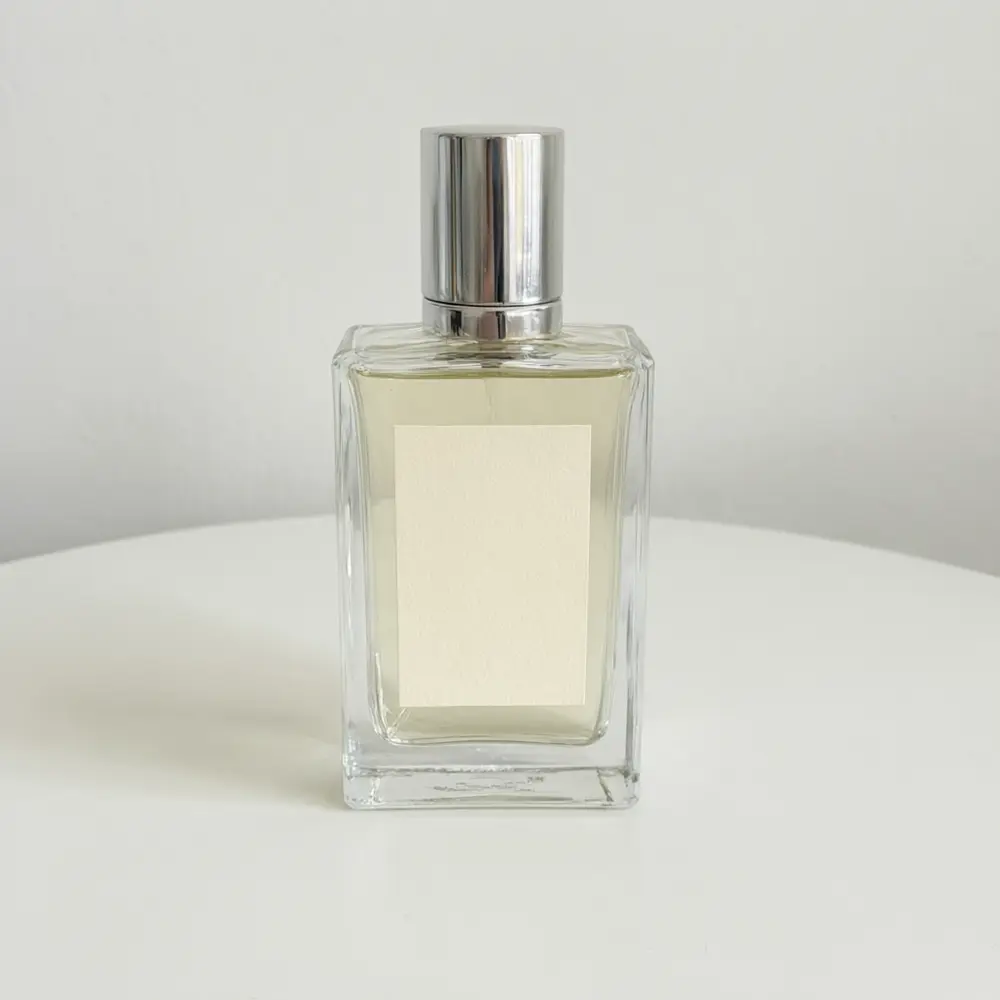
Drag to compare
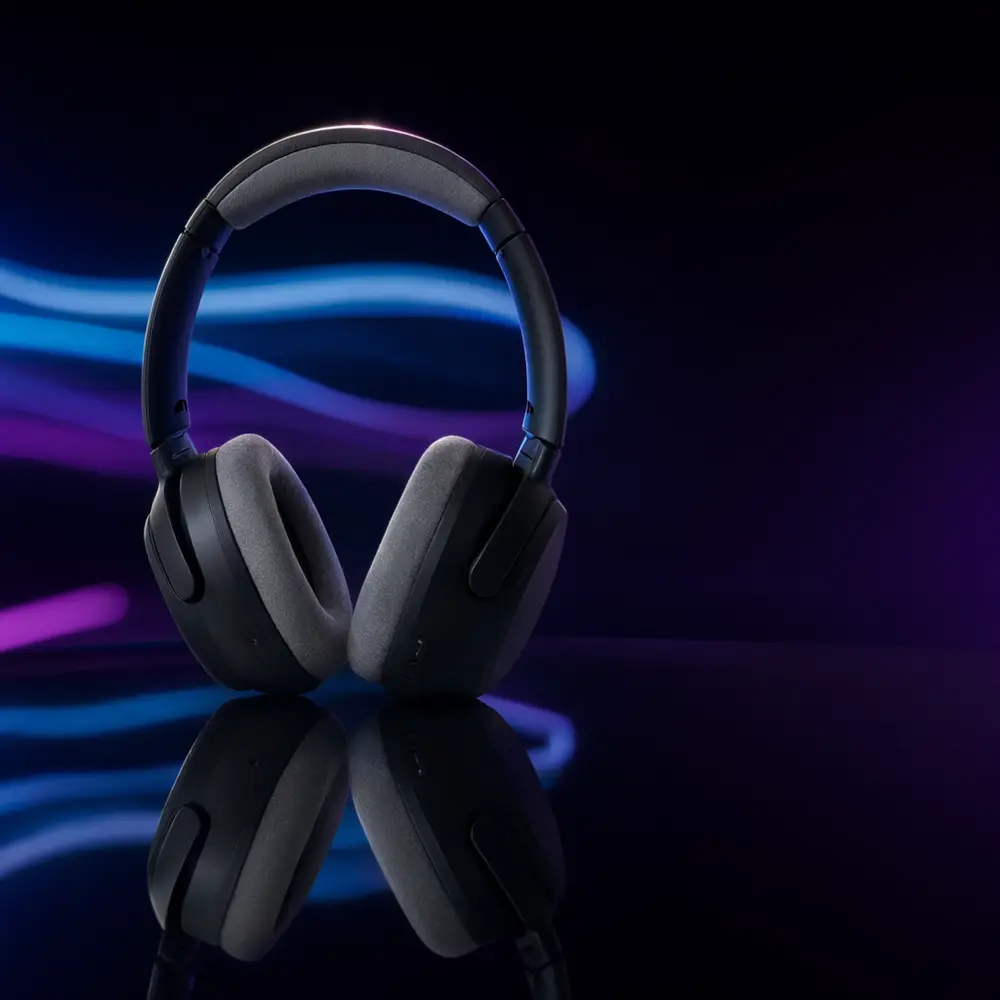
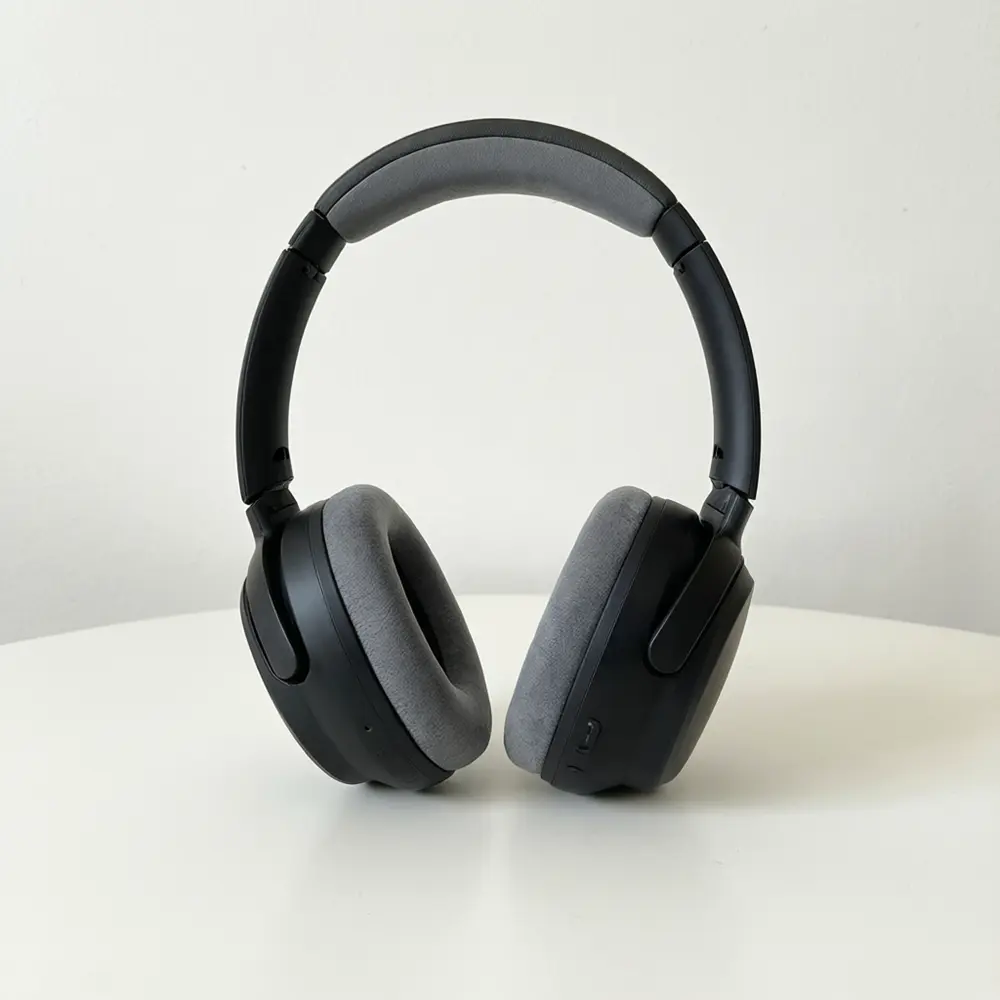
Drag to compare
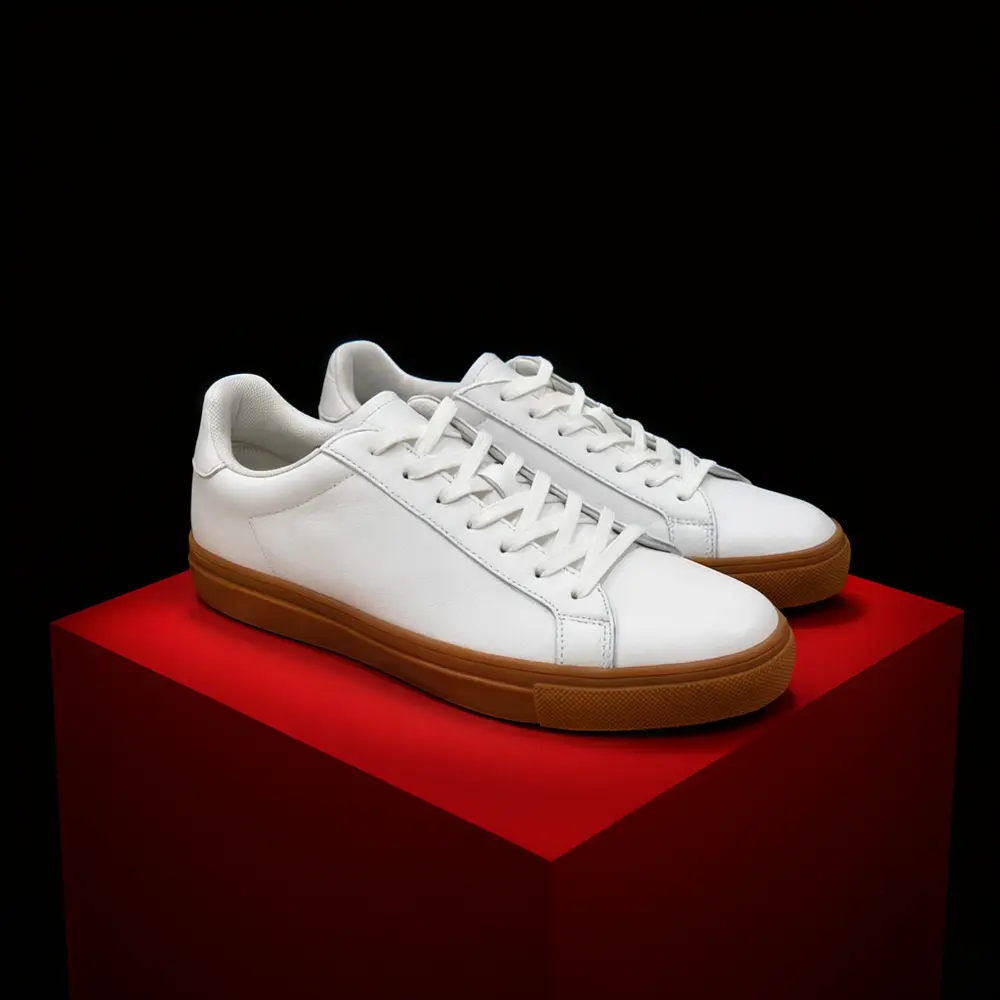
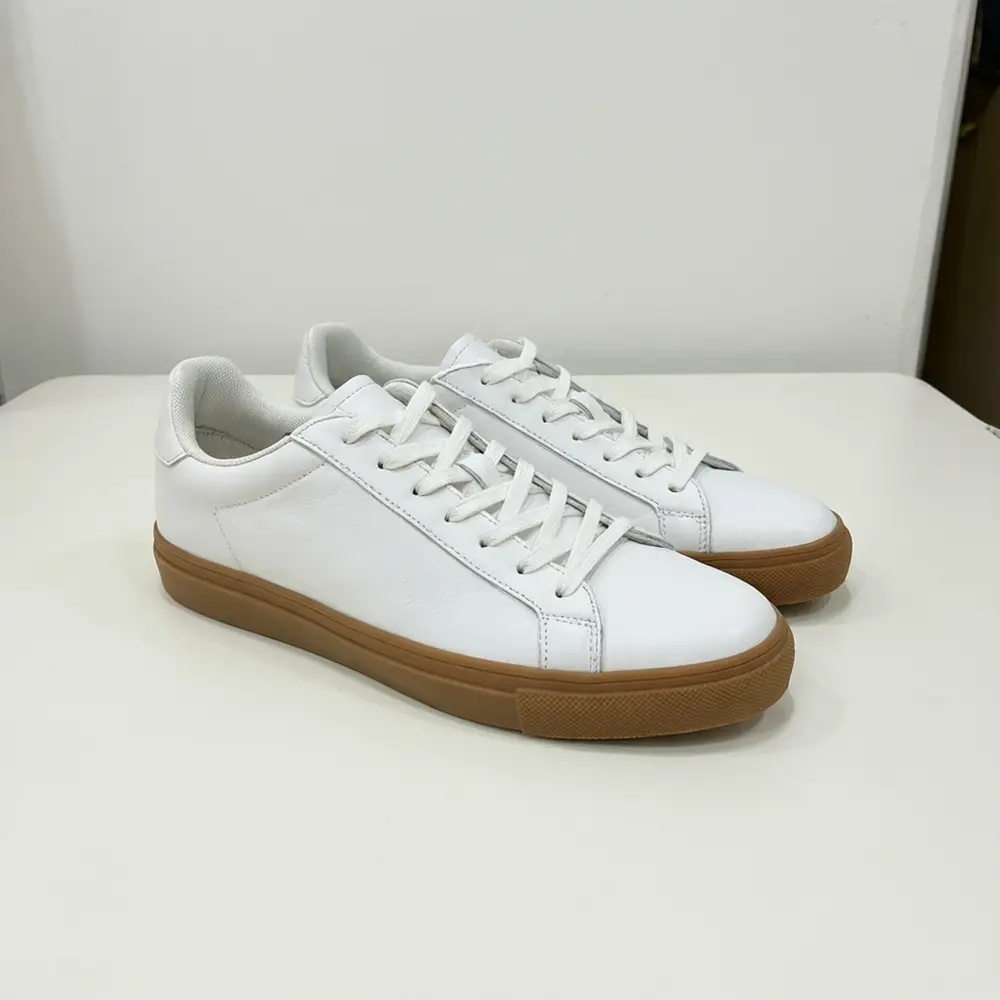
Drag to compare
Real, unretouched output from this tool. Drag any slider to compare.
A Black Friday image needs two things: your product, unchanged, and room for your offer. Upload a photo of a product you sell, pick a sale scene (a black podium with gold sparks, a red studio, shopping bags or a neon tech backdrop) and get a photo with a clear empty area where your own headline and price go. The page draws no numbers, percent signs or badges, so what you add is always your real offer.
How the Black Friday product photo tool works
You upload one photo of a product you sell and choose a sale scene and where the empty space should sit. The tool keeps the product, its shape, colours and label as uploaded and builds the scene around it.
Each run makes one image. Make a few scenes, keep the ones with the cleanest empty area, and add your text in the editor you already use.
1
Upload a clear product photo
The whole product in focus, the label facing the camera, on a plain background. A blurry or cropped photo gives a blurry or cropped product.
2
Pick the scene
Black Podium for premium goods, Red Studio for a bold clearance look, Shopping Bags for retail and gifts, Neon Tech for gadgets and gaming.
3
Choose the empty space
Space above suits a headline, space on the right suits a banner, and the centre layout leaves room above and below so it crops to a square post or a tall story.
4
Add your own text afterwards
The page draws no price, percentage or badge. Add your real offer, dates and code in your own editor, and check it reads on a phone.
The Black Friday scenes
Four scenes plus your own.
1
Black Podium
Your product on a glossy black podium, a matte black studio or black marble with gold touches.
2
Red Studio
A bold red wall, a red pedestal or a red shape behind your product on a clean surface.
3
Shopping Bags
Your product beside plain black shopping bags, a plain gift box or wrapped parcels, with no printing on them.
4
Neon Tech
A dark glossy surface with blue and violet light streaks, for gadgets, accessories and gaming gear.
5
Your Own Description
Describe the sale scene yourself.
Honest limits
The result is an AI image of your product, not a photo from a shoot. Check each marketplace's rules before you use it: Amazon's main image must stay on a pure white background, so use this for secondary images, ads, email and social posts.
The tool keeps your label as uploaded, but very small print can blur and the product size can drift. The empty area is a request, not a promise, so check there is room for your text before you design on top. We make no claim that a sale image will raise your sales.
The page draws no discount numbers, percent signs or badges and shows no people. It makes one image at the shape of your upload; crop it to square or story in your own editor.
More tools for your product photos
Next steps for your sale images.
💳
Plans and Credits →
More credits and watermark-free downloads.
🖼️
AI Product Photo Background →
Swap the background of any product photo for a clean or styled one.
🛋️
Product Lifestyle Photo →
Place your product in a styled lifestyle scene.
🛍️
Etsy Listing Photo Pack →
Build a full set of listing photos from one product.
Who uses a Black Friday product photo tool
🏠
Shopify and DTC brands
✓Make sale-event images for ads and email from one product photo.
✓Keep a consistent dark-and-gold or red look across a catalogue.
💡
Etsy sellers
✓Refresh listing images for the shopping season.
🏢
Instagram and TikTok sellers
✓Make a feed post and a story from the same scene.
📸
Marketers and agencies
✓Produce many scene variations of one product for ad tests.
🖤
Black Friday Product Photo AI: Put Your Product in a Sale Scene With Room for Your Text
AI Tool
Upload your imageTap anywhere here — your AI design will appear in this space after you generate.JPG · PNG · WebP
Product on a black podium, studio or marble
Premium users can generate images without watermark
Higher quality options available for premium users
Be specific for better results0/400
Output quality:
Frequently Asked Questions
No. The page draws no numbers, percent signs, prices or badges. It leaves empty space so you can add your real offer, dates and code in your own editor.
The tool is told to keep your product, its shape, colours and label exactly as uploaded and to add no words. Very small print can still blur, so zoom in and run again if anything changed.
It keeps the shape of the photo you upload. Upload a square photo for a post or a tall photo for a story, or use the centre layout, which leaves room above and below so you can crop either way in your own editor.
No. Amazon's main image must be a photo of the product on a pure white background. Use these images for secondary images, ads, email and social posts, and check each marketplace's current rules.
We make no promise about sales. The page gives you a clean, on-theme image of your product; how it performs depends on your offer, price and audience.
A sharp photo of the whole product with the label facing the camera, on a plain table or a white background, in even light.
No. The scenes contain only your product and plain props, with no people, hands or faces.
Yes. Neon Tech and the Black Podium scenes suit Cyber Monday, and you can describe any other scene under Your Own Description.