Your first generation is free when you sign up. Paid plans add credits, remove the watermark and unlock higher resolution.
AI Gaming Studio Design for Esports and Gaming Businesses
AI Gaming Studio Design for Esports and Gaming Businesses is a free AI tool. Upload a photo of your venue and see it fitted out as an esports arena, a LAN or gaming cafe floor, a team practice room or a streaming studio set. For gaming businesses, schools and creators. A concept, not a plan. Free to try.
Free to try · first generation free on signup · no credit card
1
Step 1
Upload Image
Start by uploading image
Upload your image
Click to browse or drag & drop
2
Step 2
Select Mode
Choose your transformation style
Stage, LED wall and spectator seats
3
Step 3
Options
Configure your options
Related Tools
→try new exterior paint colors on your own photo
→redesign a home exterior from a single photo
→plan a new yard or garden layout from a photo
→repaint a car in any shade before you commit
Output quality:
Mode
Esports Arena
Your AI Design Will Appear Here
Fill in the options on the left, then press Generate.
Upload your image
Drag & drop your file here or click to browse
JPG, PNG, WebP
Max 10MB
AI Ready
Quick facts about AI Gaming Studio Design for Esports and Gaming Businesses
- Tool nameAI Gaming Studio Design for Esports and Gaming Businesses
- CategoryHome Design
- PriceFree to try
- InputPhoto upload + text prompt
- OutputAI-generated image
Before / After
Example results
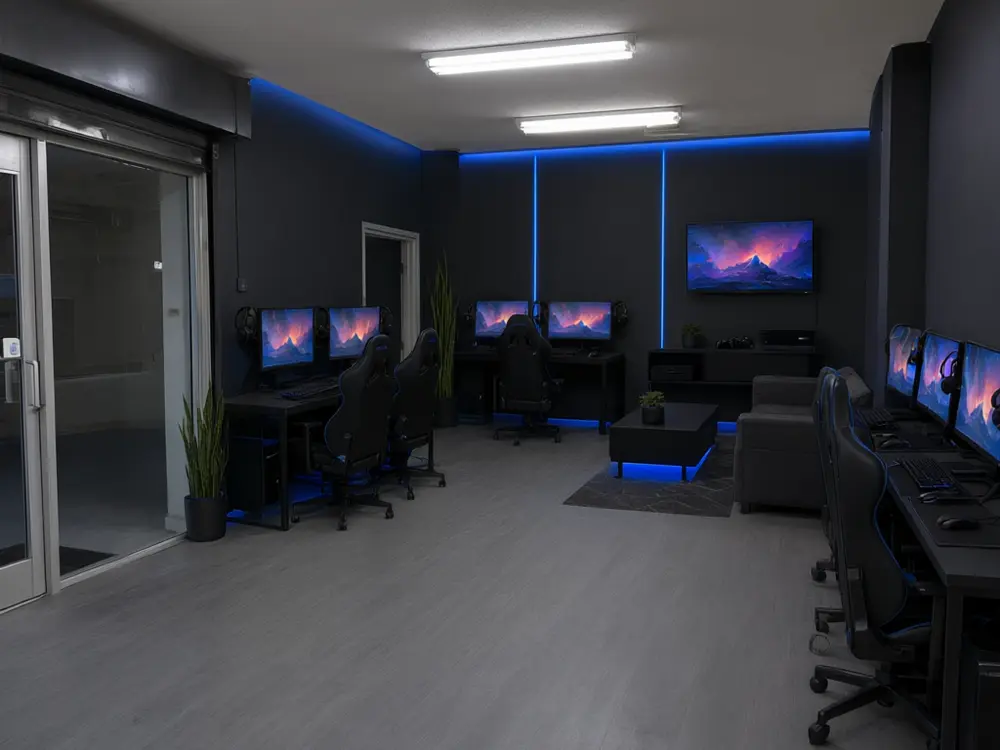
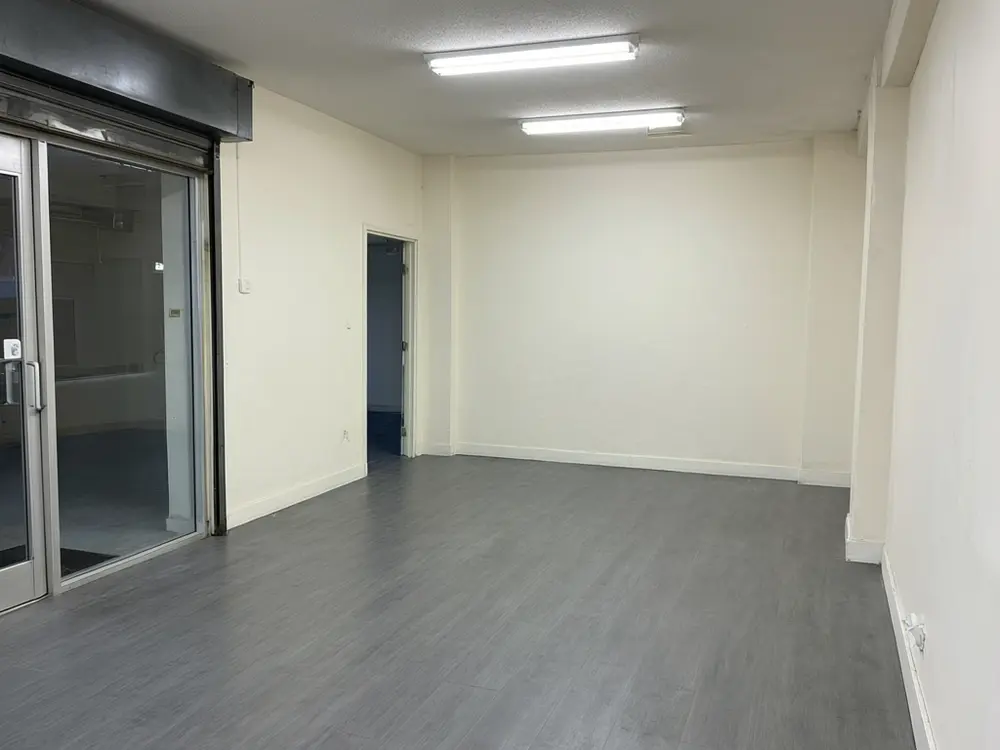
Drag to compare
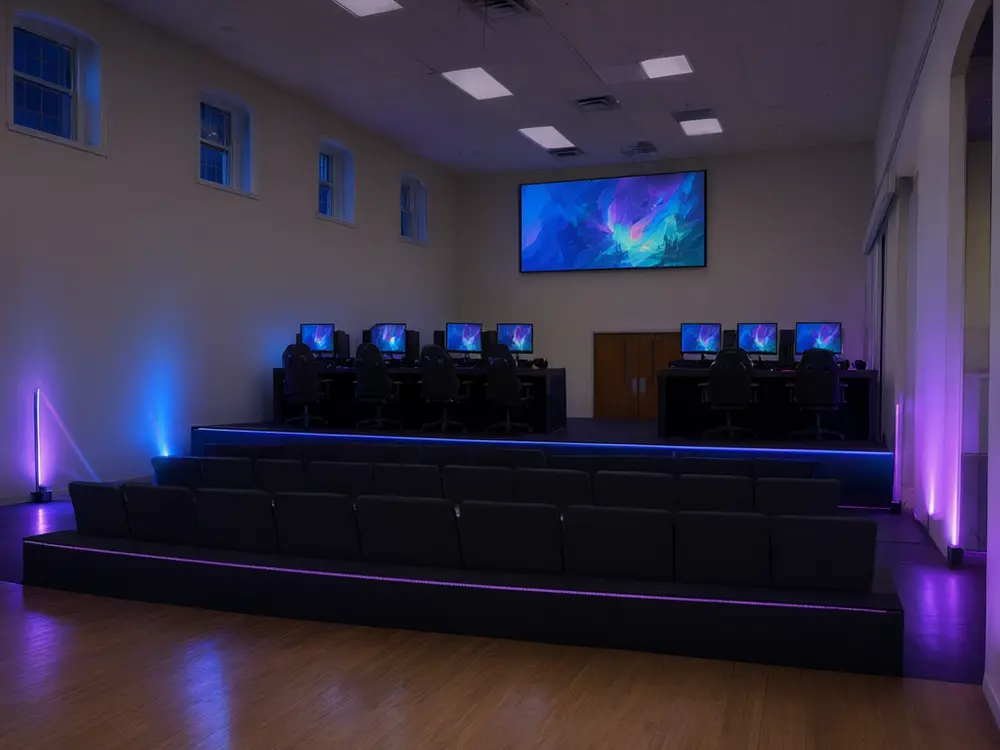
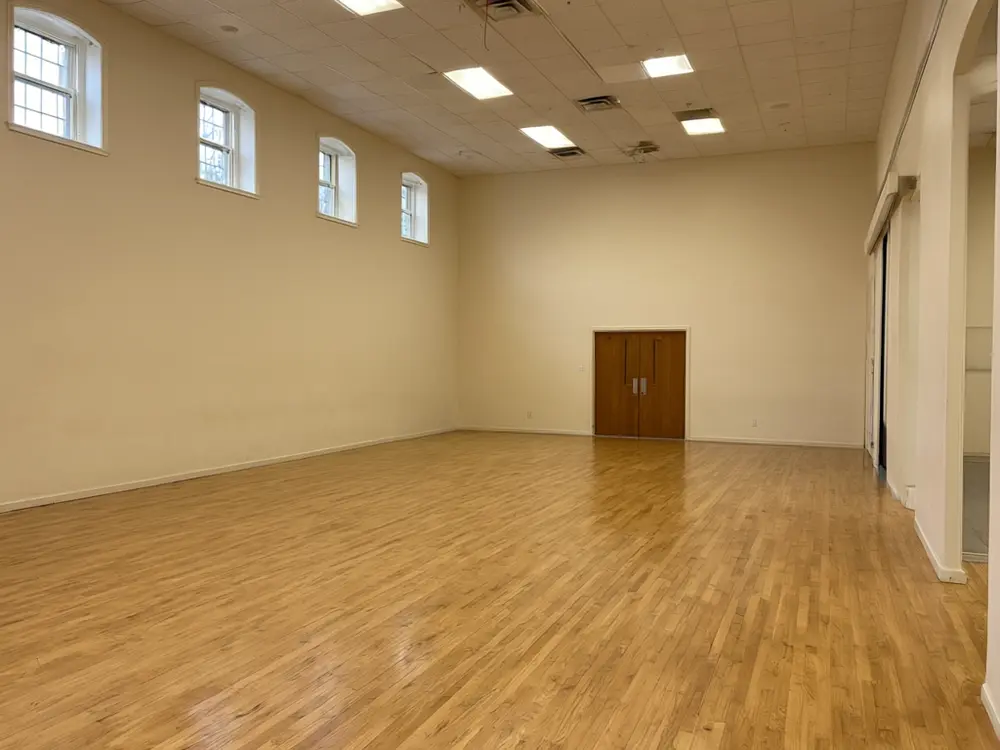
Drag to compare
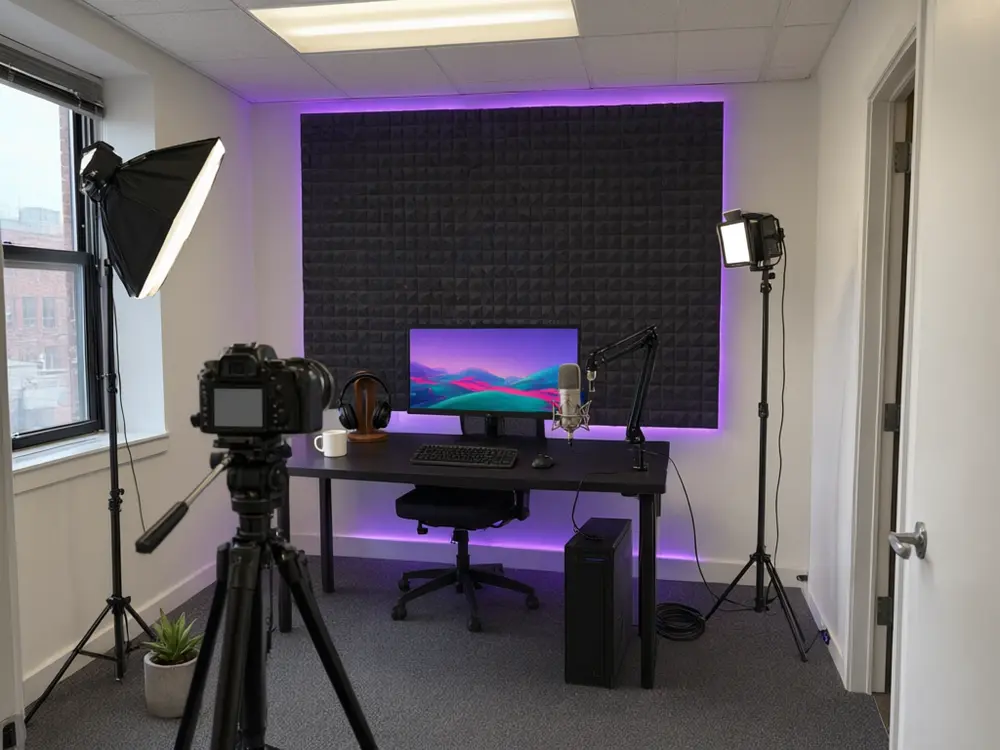
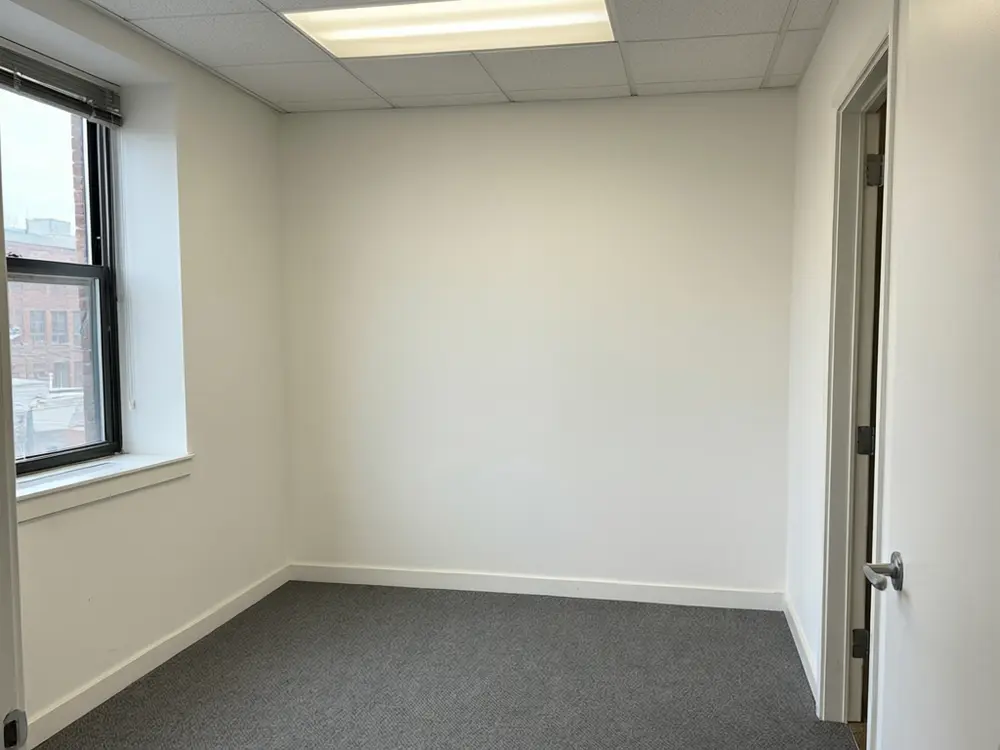
Drag to compare
Real, unretouched output from this tool. Drag any slider to compare.
Opening a gaming cafe, building a school esports arena or setting up a stream studio to rent? Upload a photo of the empty unit or hall and see it fitted out: rows of PC desks or team pods, a stage with a big screen, a practice room with a coach screen, or a camera-ready stream set. The walls, windows and doors stay where they are.
How AI gaming studio design works
You upload a photo of a commercial space you own or rent and choose what kind of gaming venue it should become. The tool fits it out in that photo and keeps the walls, windows and doors in place.
Every PC, console, chair and screen is drawn plain and unbranded, and screens show only abstract game scenery, so the picture is about the venue, not a brand.
1
Start from the empty room
An empty or half-cleared unit gives the clearest result. A wide corner shot shows the most floor.
2
One venue type per run
Arena, cafe floor, practice room or stream set. Run the same photo twice to compare two ideas.
3
No people, no logos
The result shows the space only: no players, no audience faces, no hardware or team logos.
4
Check the result
AI can still move a window or a door. Compare with your photo and run again if something shifted.
Venue types you can try
Four modes plus your own.
1
Esports Arena
A stage with two team desks and a big LED wall, and tiered spectator seats facing it.
2
LAN / Gaming Cafe Floor
Straight PC rows, team pods, a console lounge corner or a staff counter by the door.
3
Team Practice Room
Five desks for one team plus a coach desk, a review screen or a meeting table.
4
Streaming Studio Set
A camera desk for one host, a two-person talk desk or a commentary desk, with lights and a backdrop.
5
Your Own Description
Describe the venue yourself.
What makes a gaming venue work
Paying players notice comfort and sightlines: room between desks, chairs that last a long session, and a staff counter that can see the whole floor.
Teams book pods so they can talk; solo players prefer rows. Many cafes mix the two and add a console lounge for groups and birthday bookings.
For streams and casting, light the host from the front, keep the backdrop simple and add acoustic panels so the room does not echo.
Honest limits
It is a concept picture, not a fit-out plan. It does not count seats, plan network cabling, power, cooling, AV or acoustics, or check fire, exit and accessibility rules.
It never shows real hardware, console or team brands, or real games on screens. Choose real kit with your supplier.
This page is for gaming businesses and venues. For a gaming room at home, use AI Gaming Room Design.
More tools for gaming venues
Next steps for your gaming space.
Who uses AI gaming studio design
🏠
Gaming cafe and LAN center owners
✓See a rented unit fitted out before signing the lease.
✓Show a partner rows versus team pods.
💡
Schools and colleges
✓Picture an esports arena or practice room for a funding request.
🏢
Esports teams
✓Plan a practice room with a coach screen.
📸
Stream studio businesses and creators
✓Try a talk desk or a commentary set before buying lights and panels.
🏟️
AI Gaming Studio Design for Esports and Gaming Businesses
AI Tool
Upload your imageTap anywhere here — your AI design will appear in this space after you generate.JPG · PNG · WebP
Stage, LED wall and spectator seats
Premium users can generate images without watermark
Higher quality options available for premium users
Be specific for better results0/400
Output quality:
Frequently Asked Questions
No. This page is for gaming businesses and venues: arenas, LAN and gaming cafes, team practice rooms and stream studios. For a gaming room in your house, use AI Gaming Room Design.
A photo of the unit, hall or studio you own or rent, taken from a corner so the floor and walls show. An empty room works best.
No. All hardware is drawn plain and unbranded, and screens show abstract scenery, not real games or logos.
No. The venue is shown empty, so there are no faces in the picture.
No. It makes a picture, not a floor plan. Measure the room and plan seat counts, power and network with a fit-out company.
Yes. In LAN / Gaming Cafe Floor, run the same photo once with straight rows and once with team pods.
Yes. From the actions under a finished image you can upscale it or make a short video.