It is told to keep the walls, windows, doors, beams and floor plan, and add only the backdrops, lights, finishes and furniture. Compare the result with your original, and run it again if something moved.
AI Photography Studio Interior Design — See Your Studio Fitted Out
AI Photography Studio Interior Design — See Your Studio Fitted Out is a free AI tool. Upload a photo of an empty room or your studio and see it fitted out: cyc wall, backdrops, ceiling lights, client lounge, in six styles. Same room. Free to try.
Free to try · first generation free on signup · no credit card
1
Step 1
Upload Image
Start by uploading image
Upload your image
Click to browse or drag & drop
2
Step 2
Select Mode
Choose your transformation style
Fit out the room as a studio
3
Step 3
Options
Configure your options
Related Tools
→try new exterior paint colors on your own photo
→redesign a home exterior from a single photo
→plan a new yard or garden layout from a photo
→repaint a car in any shade before you commit
Output quality:
Mode
Full Studio Fit-Out
Your AI Design Will Appear Here
Fill in the options on the left, then press Generate.
Upload your image
Drag & drop your file here or click to browse
JPG, PNG, WebP
Max 10MB
AI Ready
Quick facts about AI Photography Studio Interior Design — See Your Studio Fitted Out
- Tool nameAI Photography Studio Interior Design — See Your Studio Fitted Out
- CategoryHome Design
- PriceFree to try
- InputPhoto upload + text prompt
- OutputAI-generated image
Before / After
Example results
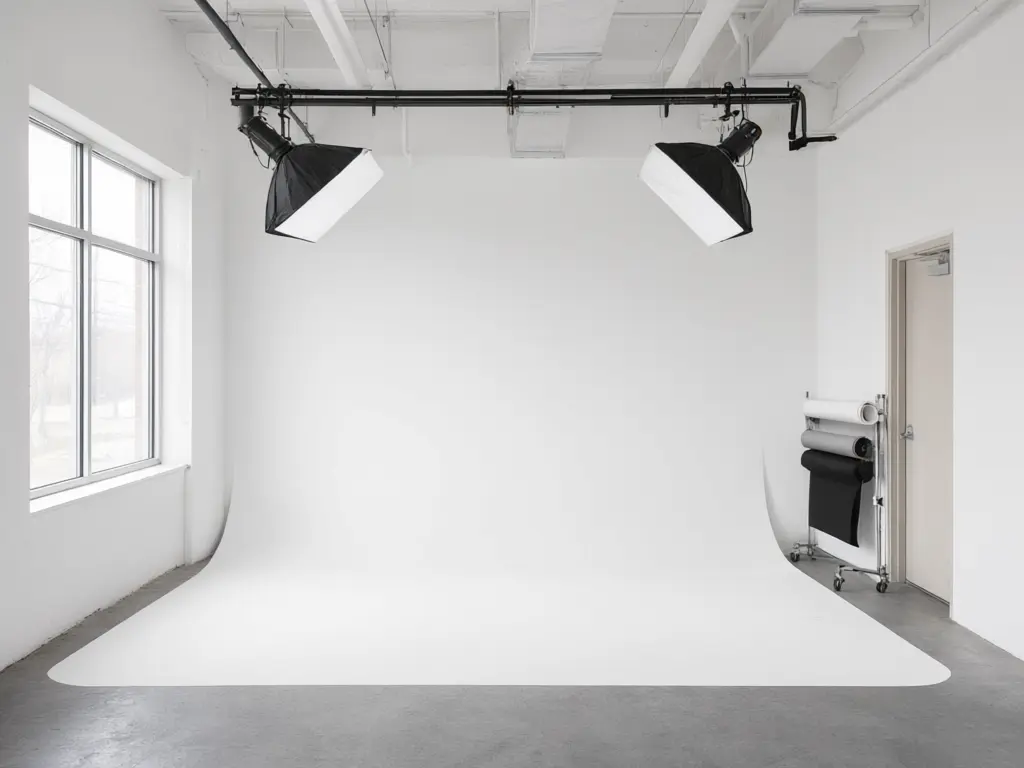
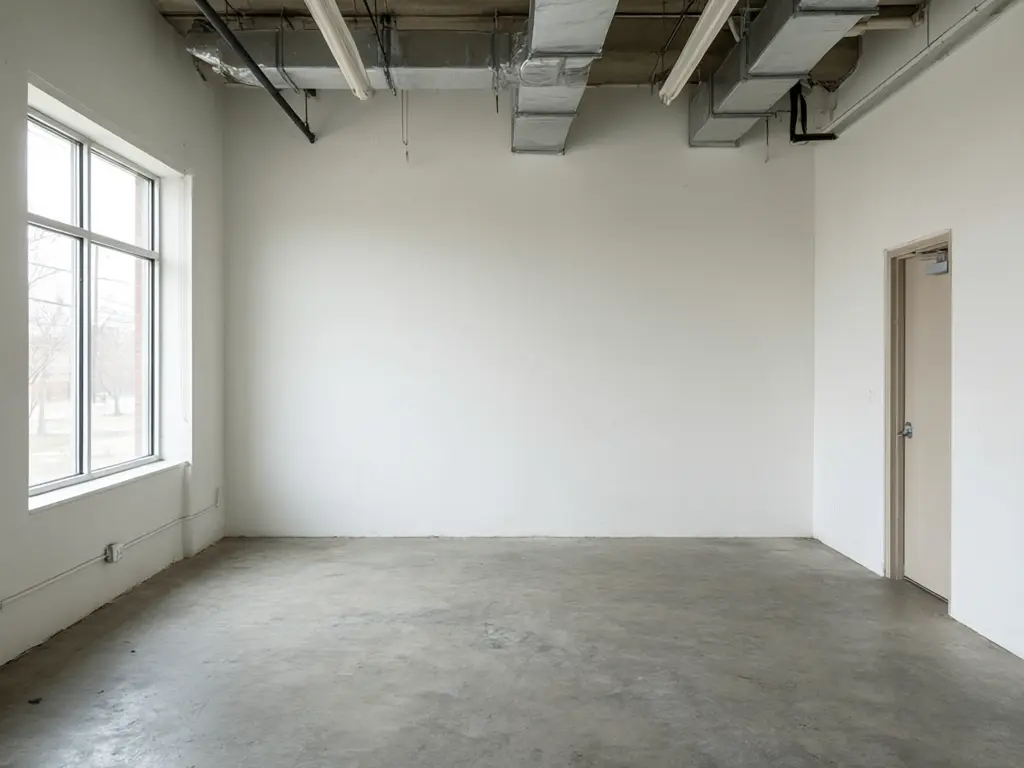
Drag to compare
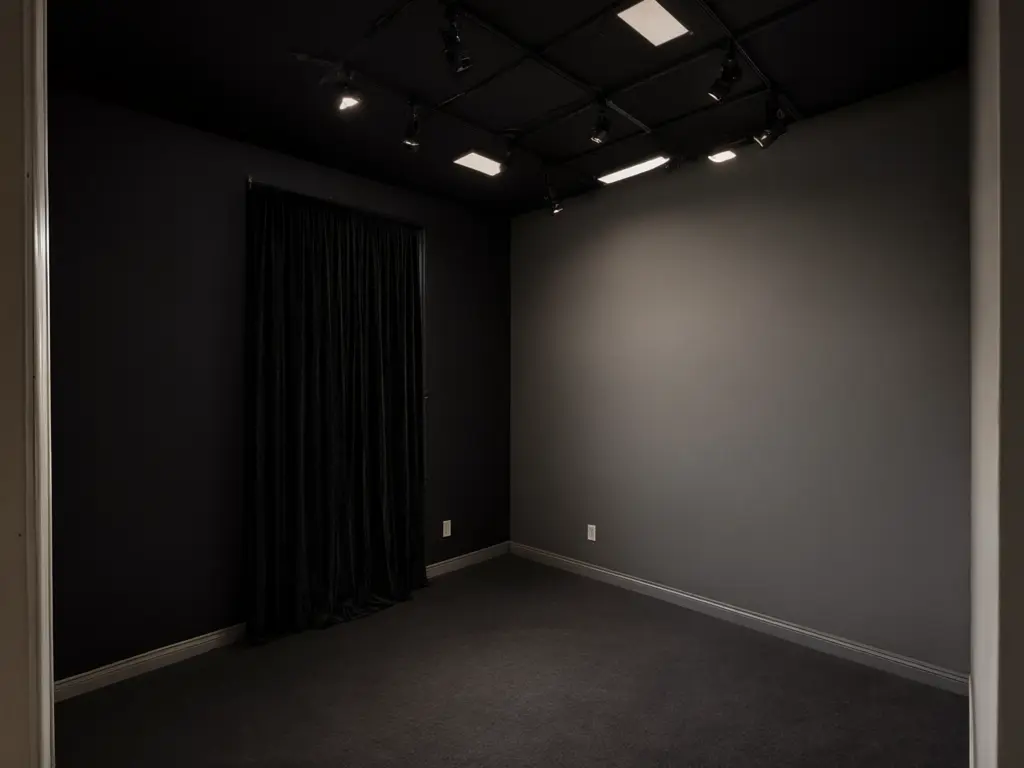
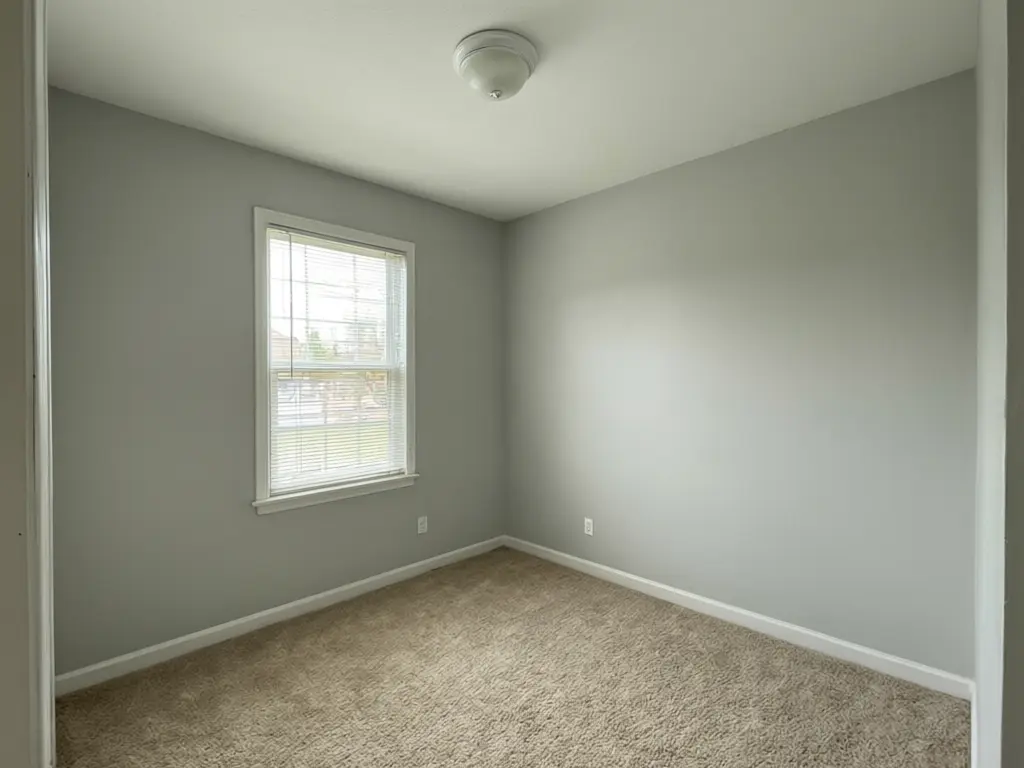
Drag to compare
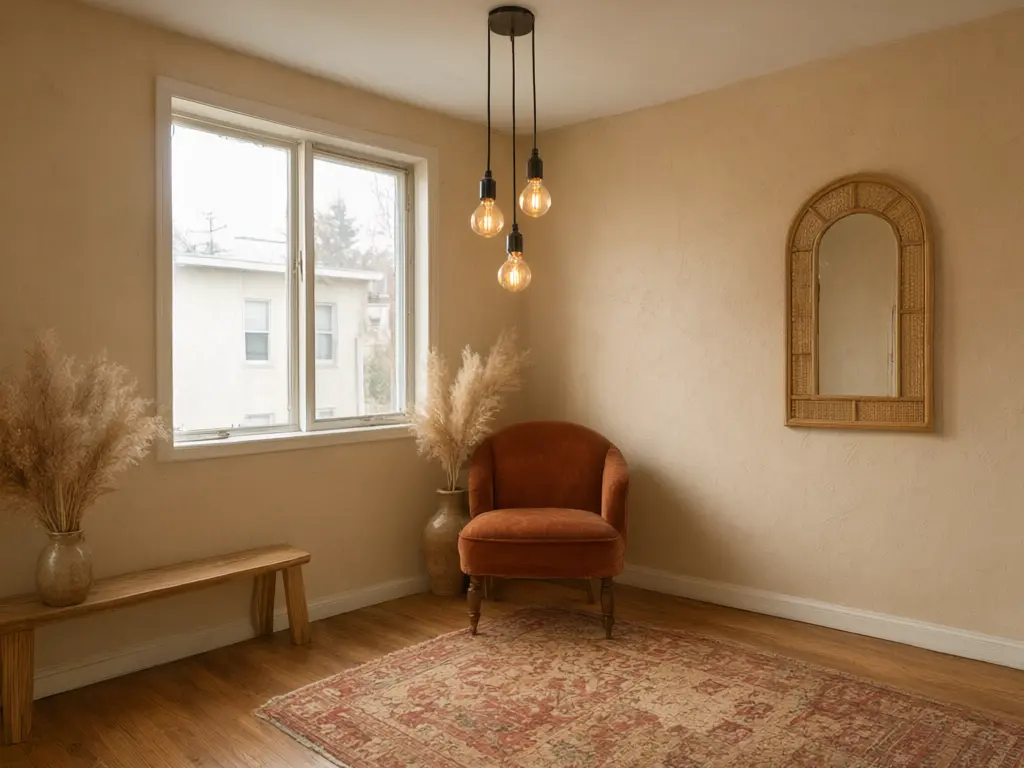
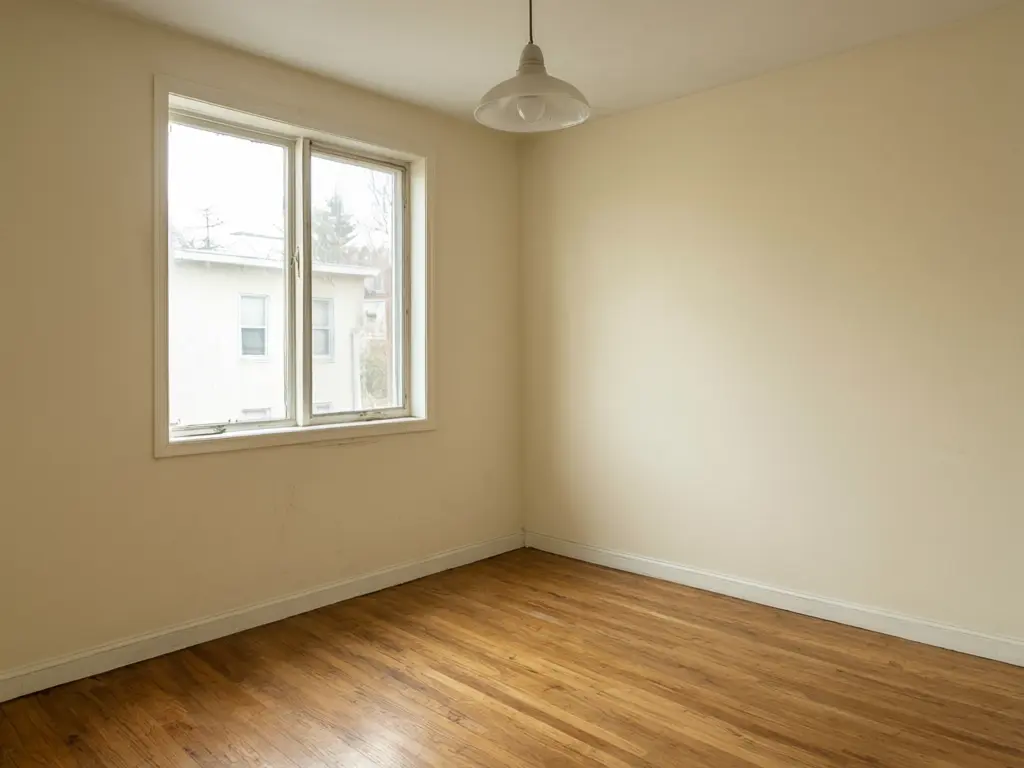
Drag to compare
Real, unretouched output from this tool. Drag any slider to compare.
Upload a photo of an empty room or your photography studio and see it fitted out. Try a full fit-out in six styles, a new backdrop or cyc wall, or a new ceiling rig and lights. It works for shooting bays, client lounges, makeup rooms and small home studios. The walls, windows, beams and floor plan stay in place. Free to try.
How the AI photography studio design tool works
A cyc wall, a ceiling rail system and blackout are big spends, and it is hard to know how a bare unit will look once it is a studio. You upload one photo of the room as it is today, pick a style, and the AI adds the backdrop wall, lights, ceiling rig, finishes and furniture. The walls, windows, beams and floor plan stay the same.
The result is a concept to plan with. It is not a lighting plan, a measured drawing or a quote. It designs the room only: it never adds people or models.
1
Upload a photo
A wide, bright photo of the room. JPG, PNG or WebP.
2
Choose a mode
Full Studio Fit-Out, Backdrop Wall, Ceiling & Lighting or Your Own Description.
3
Pick the details
Five areas, six styles, five backdrop walls and four ceiling ideas.
4
Compare and download
Keep the versions you like and compare them with your original photo.
Photography studio styles to try
The studio itself is part of what clients pay for. A clean shooting bay and a comfortable lounge help you book portrait, product and family shoots, and rent the space to other photographers by the hour.
1
White cyc studio
A curved white cyc, a ceiling rail and strobes. The standard for fashion, product and e-commerce work.
2
Industrial loft
Brick, concrete and wood with a white shooting wall. Popular for portraits and rental studios.
3
Daylight studio
Big windows, sheer curtains and light oak. For natural-light portraits and lifestyle shoots.
4
Moody dark studio
Black walls and blackout so you control every light. For dramatic portraits and low-key work.
5
Boho vintage set
Plaster, rattan, velvet and pampas grass. Ready-made sets for lifestyle and maternity shoots.
6
Kids + newborn
Soft pastels, a small curve and gentle props. For newborn and family photographers.
What to plan before you build
Ceiling height decides a lot: you need room above the subject for lights and a backdrop. Plan the cyc wall size around your longest lens and your usual subjects.
Keep the shooting bay free of colour casts. Coloured walls and floors near the set bounce colour onto the subject, which is why most bays are white, grey or black.
If something other than the finishes changed, such as a window, a beam or a column, run it again, or name the detail to keep in the Additional Details box.
More tools for creative spaces
More ways to preview changes on your own photo.
Who uses AI photography studio design
🏠
Photographers opening a studio
✓See a bare unit as a finished studio before you sign the lease.
✓Plan the cyc wall, lounge and makeup room.
💡
Home studio owners
✓Turn a spare room or garage into a small studio.
✓Try a backdrop and lights before you buy.
🏢
Rental studio owners and builders
✓Show clients two or three looks for the same space.
✓Agree the look before you build.
📸
AI Photography Studio Interior Design — See Your Studio Fitted Out
AI Tool
Upload your imageTap anywhere here — your AI design will appear in this space after you generate.JPG · PNG · WebP
Fit out the room as a studio
Premium users can generate images without watermark
Higher quality options available for premium users
Be specific for better results0/400
Output quality:
Frequently Asked Questions
It is free to try: new users get free generations. Paid plans add credits, remove the watermark and unlock higher resolution.
Yes. Pick Backdrop Wall and White cyc wall or Green screen cyc. The AI adds the curved wall to your photo.
Yes. Pick Home studio room as the area. Small rooms work best with a white or grey backdrop and a ceiling rail.
No. It designs the studio room only and never adds people. It is for planning a real studio space.
A wide, bright photo of the room from a corner, with the floor and ceiling in view.