Your first generation is free when you sign up. Paid plans add credits, remove the watermark and unlock higher resolution.
Product Label Designer: Design a Label for Your Product in Minutes
Product Label Designer: Design a Label for Your Product in Minutes is a free AI tool that lets you make a product label with AI: type your product name, pick jars and sauces, candles and soap, bottles and drinks, skincare or your own, and get a label design picture. Free to try.
Free to try · first generation free on signup · no credit card
1
Step 1
Select Mode
Choose your transformation style
Jams, sauces, honey, spices
2
Step 2
Options
Configure your options
Related Tools
→try new exterior paint colors on your own photo
→redesign a home exterior from a single photo
→plan a new yard or garden layout from a photo
→repaint a car in any shade before you commit
Output quality:
Mode
Food & Jars
Your AI Design Will Appear Here
Fill in the options on the left, then press Generate.
Upload your image
Drag & drop your file here or click to browse
JPG, PNG, WebP
Max 10MB
AI Ready
Quick facts about Product Label Designer: Design a Label for Your Product in Minutes
- Tool nameProduct Label Designer: Design a Label for Your Product in Minutes
- PriceFree to try
- InputText prompt
- OutputAI-generated image
Before / After
Example results
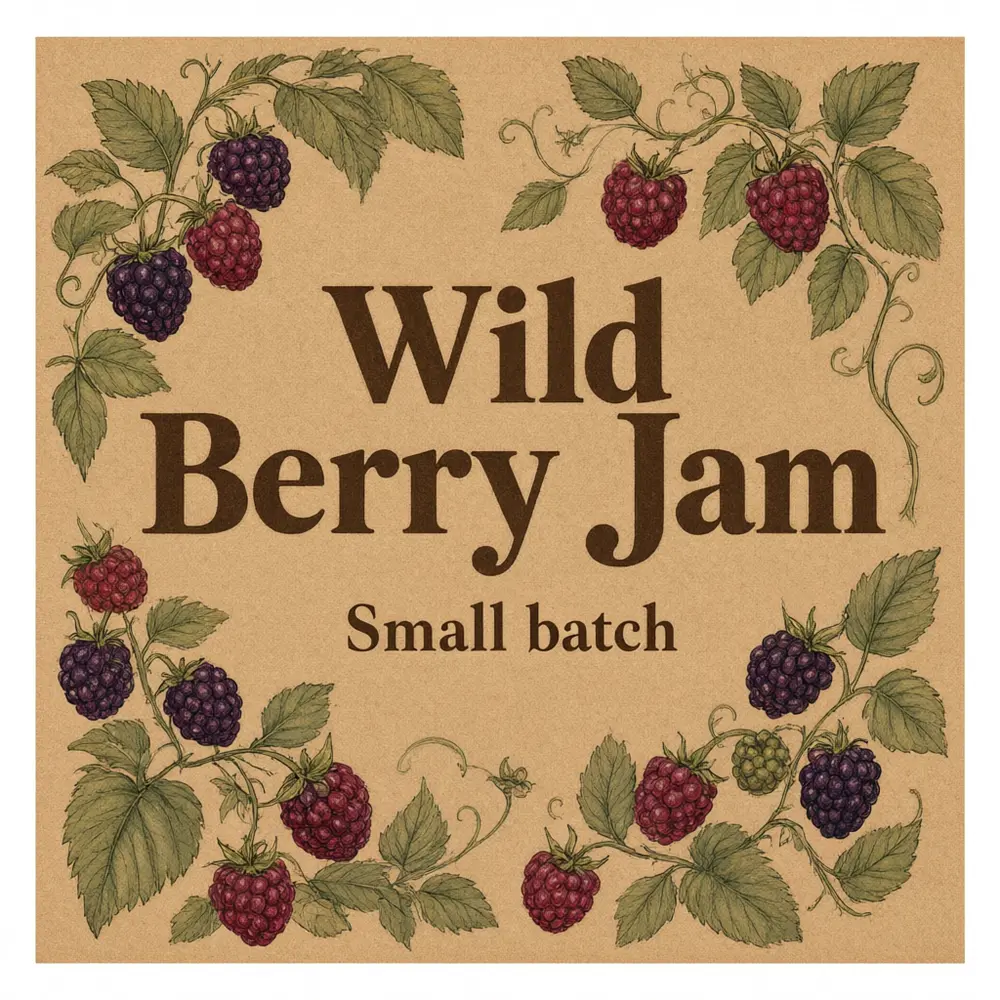
Drag to compare
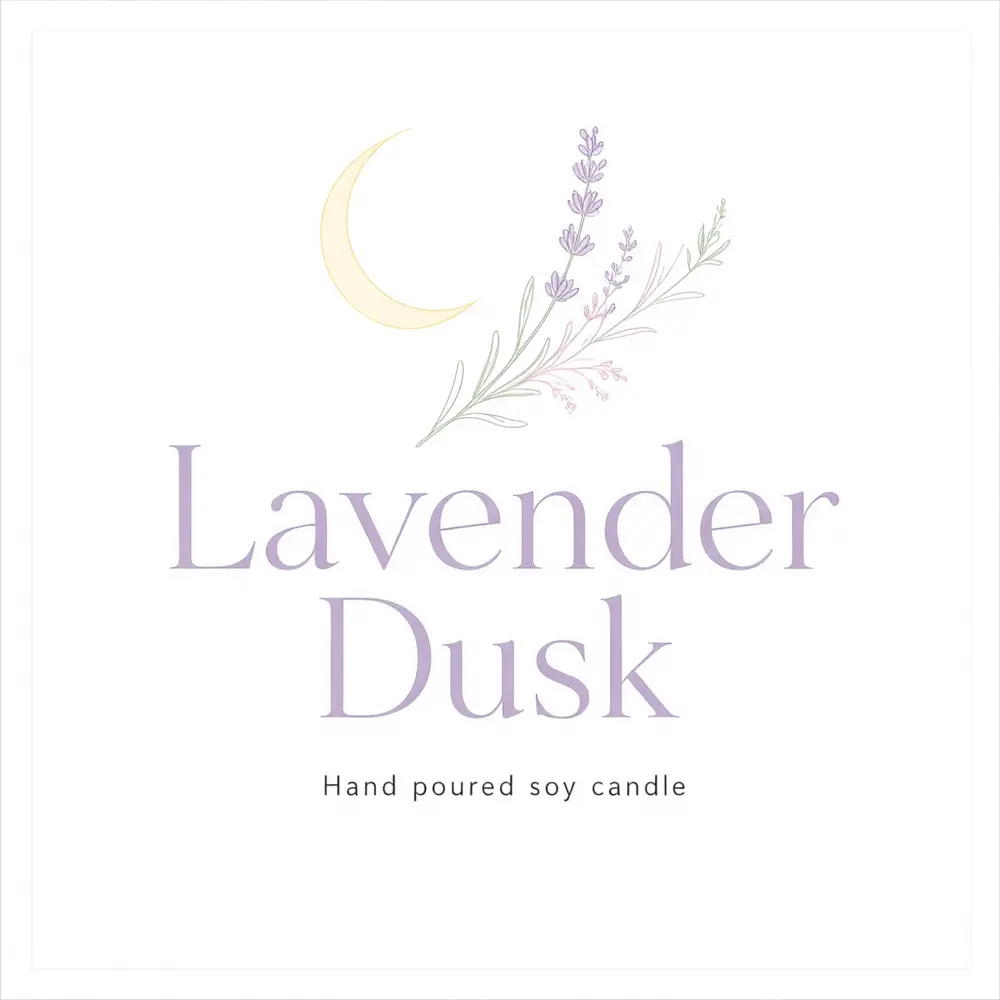
Drag to compare
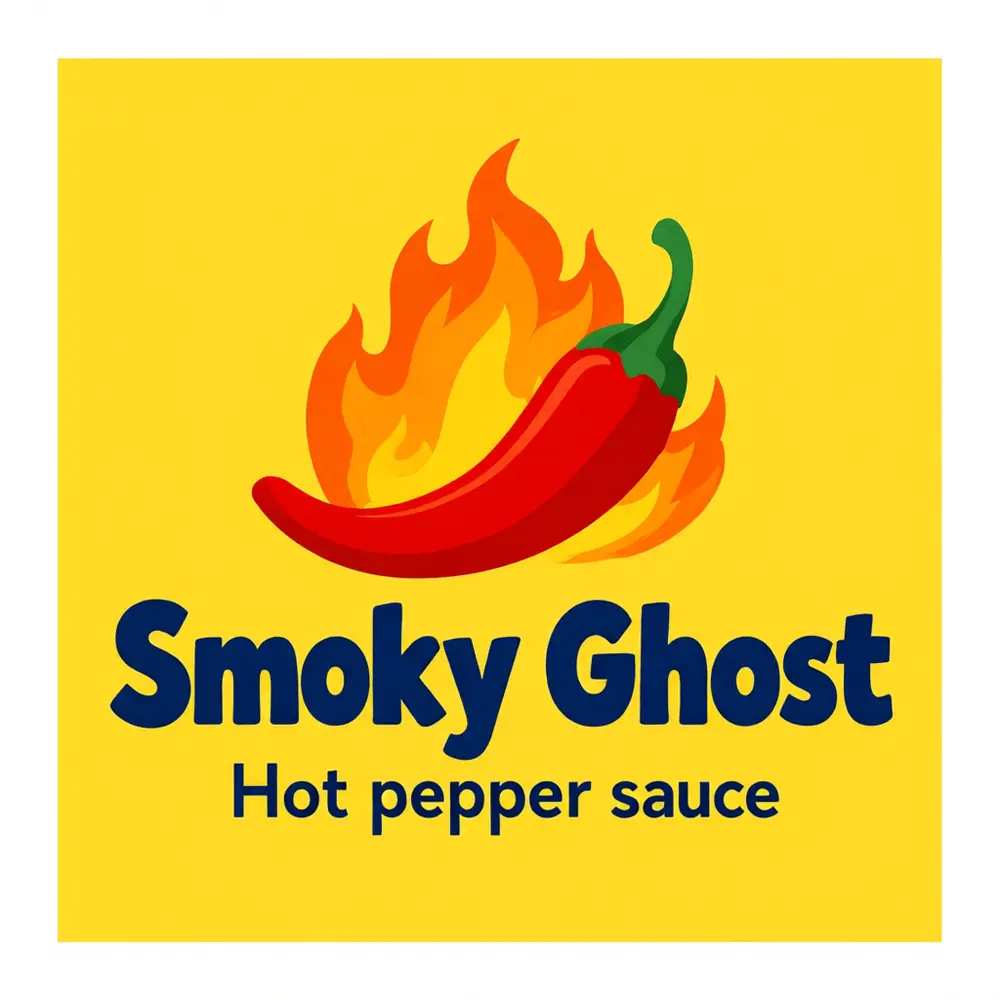
Drag to compare
Real, unretouched output from this tool. Drag any slider to compare.
Design a label for your product in a minute. Type the product name and a small line, pick what you sell and a look, and the tool draws a printable label with your name in large lettering. Then add ingredients, weights and legal text in any editor and send it to your printer or print it on sticker sheets.
How the product label designer works
You type your product name and a small line, describe the artwork and pick a look. The tool draws a finished flat label design with your name as the main element.
It draws the front design only. Labels for food, cosmetics and candles often have to carry ingredients, weights, warnings or contact details. The tool leaves those out on purpose so it never invents them.
1
Short names work best
One to four words are spelled right most often.
2
Pick the shape
Square for jar lids and round stickers, 3:2 or 2:3 for bottles and boxes, 2:1 for wrap-around labels.
3
Check every word
The text is passed with an instruction to spell it exactly. Always check it before printing.
4
Add the required text yourself
Add ingredients, quantity and legal text in an editor. Check your local labelling rules.
The product label modes
Four modes plus your own.
1
Food and jars
Jams, sauces, honey, spices and baked goods.
2
Candles and soap
Hand-poured candles, soap bars and wax melts.
3
Bottles and drinks
Hot sauce, kombucha, craft drinks and oils.
4
Skincare and beauty
Balms, serums, scrubs and bath products.
5
Your own idea
Describe the whole label yourself.
Honest limits
It makes the front design only. It draws no ingredients, nutrition facts, barcodes, weights or claims. Labels for food, cosmetics, candles and similar products may need legally required information, so add it and check the rules where you sell.
It is not a die-cut template or a printing service. Download the image, then print on sticker sheets or send it to a printer.
Long names and small text can come out wrong. Proof the label before you print a batch.
More tools for sellers
Next steps once the label is done.
Who uses a product label designer
🏠
Small food makers
✓Draft labels for jars and sauces for a market stall or shop.
💡
Candle and soap makers
✓Make a label look for each scent.
🏢
Etsy and craft sellers
✓Try several looks before you order a print run.
📸
Gift and event makers
✓Make custom labels for favours and party gifts.
🍯
Product Label Designer: Design a Label for Your Product in Minutes
AI Tool
Jams, sauces, honey, spices
Be specific for better results14/40
Be specific for better results11/60
Be specific for better results29/140
Be specific for better results0/400
Output quality:
Frequently Asked Questions
The words are passed with an instruction to spell them exactly and came out right in our tests, but long text can fail. Check every word before printing.
No, on purpose. Labels for food, cosmetics and candles may need legally required information. Add it yourself and check the rules where you sell.
The tool makes the design as a picture in a shape you choose. Resize it in an editor or at your printer to your real label size, and use upscale for a sharper print.
Yes. Download the image and print it on sticker paper, or send it to a print shop.
Use the 2:1 strip shape for a wide label that wraps around a bottle, can or tube.
The tool does not take logo uploads. Add your logo in an editor, or make one with the AI Logo Maker first.
Yes. Use the AI Product Photo Generator for listing photos.