Your first generation is free when you sign up. Paid plans add credits, remove the watermark and unlock higher resolution.
OG Image Generator: Make a Social Share Preview Image for Any Link
OG Image Generator: Make a Social Share Preview Image for Any Link is a free AI tool that lets you make an Open Graph image with AI: type the title and a small subtitle, pick blog, landing page, product launch or docs, and get a wide link preview image. Free to try.
Free to try · first generation free on signup · no credit card
1
Step 1
Select Mode
Choose your transformation style
Preview image for an article
2
Step 2
Options
Configure your options
Related Tools
→try new exterior paint colors on your own photo
→redesign a home exterior from a single photo
→plan a new yard or garden layout from a photo
→repaint a car in any shade before you commit
Output quality:
Mode
Blog Post
Your AI Design Will Appear Here
Fill in the options on the left, then press Generate.
Upload your image
Drag & drop your file here or click to browse
JPG, PNG, WebP
Max 10MB
AI Ready
Quick facts about OG Image Generator: Make a Social Share Preview Image for Any Link
- Tool nameOG Image Generator: Make a Social Share Preview Image for Any Link
- PriceFree to try
- InputText prompt
- OutputAI-generated image
Before / After
Example results
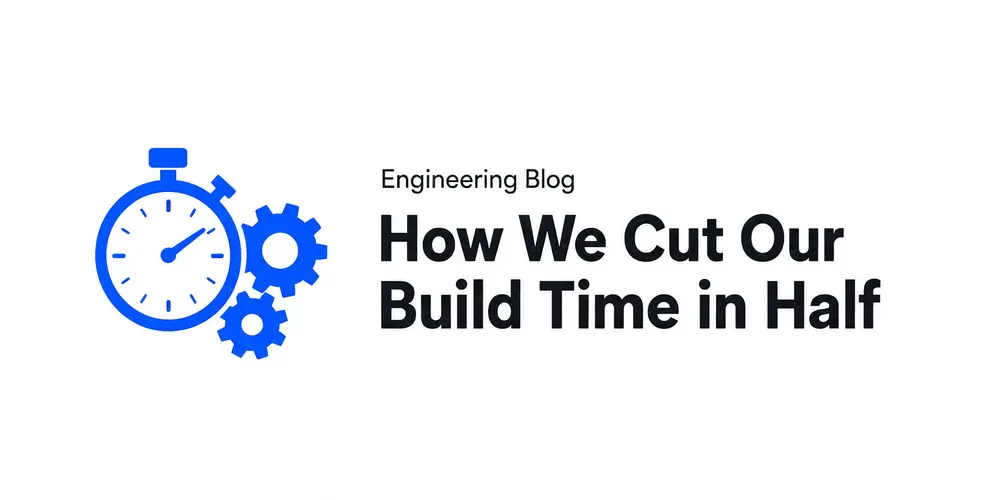
Drag to compare
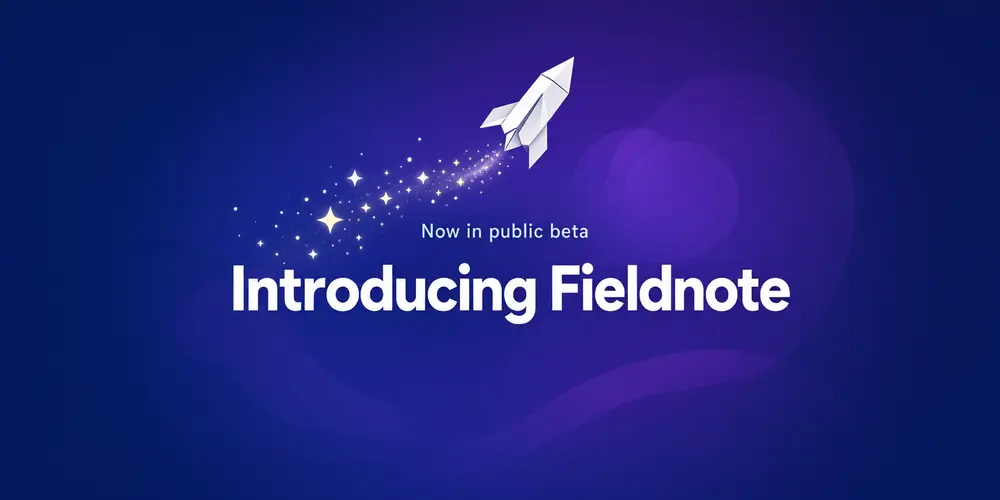
Drag to compare
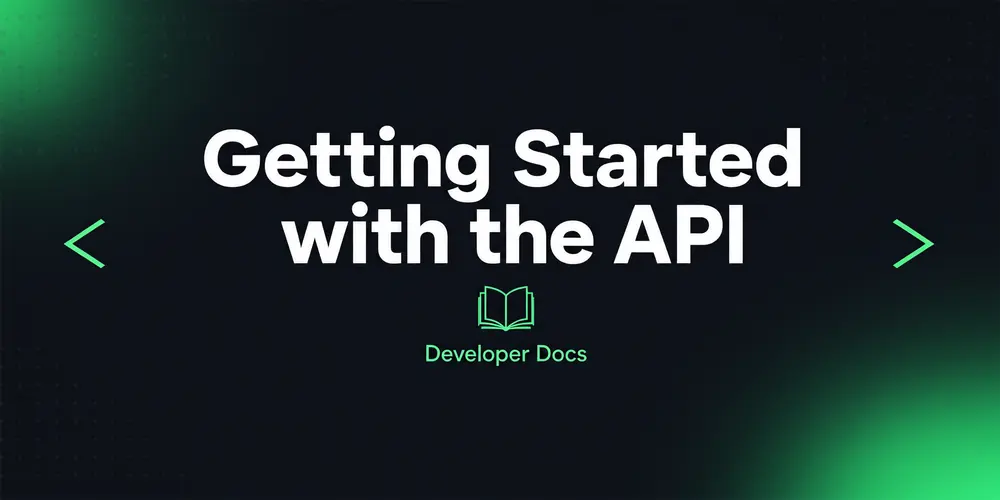
Drag to compare
Real, unretouched output from this tool. Drag any slider to compare.
When someone shares your link on Facebook, LinkedIn, Slack, WhatsApp or X, the big picture in the preview is the Open Graph image. Type the title and a small subtitle, pick the kind of page and a look, and the tool draws a wide preview image with your words in large lettering. Then upload it to your site and add one meta tag.
How the OG image generator works
You pick a mode, type the title and a short subtitle, and describe the artwork for the side of the image. The tool makes one wide graphic with the title as the main element and the text kept inside a safe centre area.
Each run makes one image. Run it again, or change the look or the artwork, to get another version, and pick the one that reads best at small size.
1
Keep the title short
Three to eight words. Link previews are often shown small in chat apps and feeds, so long titles become hard to read.
2
About the size
The common size is 1200x630 pixels (about 1.91 to 1). This tool offers 2:1, the closest shape it can make, so a thin strip, about 2 percent on each side, is trimmed when you resize to 1200x630. All text stays in the centre, so nothing important is cut.
3
One look per site
Use the same look for every page so your links are easy to recognise when people share them.
4
Check every word
The title is passed to the model with an instruction to spell it exactly. Always check it before you publish.
What is an og:image and how do I add it?
Open Graph is a set of meta tags that tell social apps what to show when your link is shared. The og:image tag points at the preview image, and og:title gives the headline next to it.
This tool makes the image; it does not change your website. Upload the image to your site or CMS, then add two meta tags inside the head of the page: one with property="og:image" and content set to the full image address (for example https://your-site.com/images/my-page-og.png), and one with property="og:image:alt" and a short description of the image. Many CMS and SEO plugins have a "social image" field that writes these tags for you.
After publishing, paste the link into the platform's own preview or debug tool to refresh the cached preview. Platforms cache previews, so an old image can show for a while.
The modes
Five page types plus your own.
1
Blog post
An article title with a simple illustration that hints at the topic.
2
Landing page
A clear promise for your product or service with clean shapes and one accent colour.
3
Product launch
A launch or release announcement with an object or shape that stands for the product.
4
Docs and guides
Documentation, tutorials and help pages with simple code, book or step icons.
5
Event or webinar
An event name and date line with a festive or professional mood.
6
Your own idea
Describe the whole image yourself.
Honest limits
It does not read your URL, host the image, write meta tags into your site or make images automatically for every page. Developer tools with an OG image API do that; this is for making a good image by hand.
The shape is 2:1, not exactly 1.91:1: resize or crop to 1200x630 before you upload if you want the exact size.
It does not add your logo or real photos of people. Add a logo in your usual editor, or make one with the AI Logo Maker.
AI can still slip on a letter, especially in long or unusual words. Check the title and subtitle every time.
More tools for sharing your work
Next steps once the preview image is done.
Who uses an OG image generator
🏠
Bloggers and writers
✓Give every post a clean preview image instead of a random crop.
💡
Startups and makers
✓Make a launch image for a product page, changelog or launch post.
🏢
Developers and docs teams
✓Make preview images for docs, guides and open source project pages.
📸
Shops and small businesses
✓Make a share image for a sale page, a new product or an event.
📝
OG Image Generator: Make a Social Share Preview Image for Any Link
AI Tool
Preview image for an article
Be specific for better results33/60
Be specific for better results16/30
Be specific for better results46/140
Be specific for better results0/400
Output quality:
Frequently Asked Questions
It is the picture social apps show when someone shares your link. It is set with the og:image meta tag in the head of the page, from the Open Graph protocol.
The common size is 1200x630 pixels, about 1.91 to 1, for Facebook, LinkedIn and most chat apps. X large cards also accept 16:9. Platforms change their guides, so check the current ones.
The image model makes a fixed set of shapes and 2:1 is the closest. When you resize to 1200x630, about 2 percent is trimmed from each side. The text stays in the centre, so nothing important is lost.
No. It makes the image. Upload it to your site, then add a meta tag with property="og:image" and the full image address to the page head, or use your CMS or SEO plugin's social image field.
The title is passed to the model with an instruction to spell it exactly. In our tests it came out right, but AI can still slip on long or unusual words, so check every letter.
No. Type the title and subtitle yourself. It does not visit or read your website.
Social platforms cache link previews. Use the platform's own sharing debugger or post inspector to refresh it.
Not in this tool. Add it in your usual editor, or make a logo with the AI Logo Maker first.