Your first generation is free when you sign up. Paid plans add credits, remove the watermark and unlock higher resolution.
Name Art Maker: Turn Your Name Into Art
Name Art Maker: Turn Your Name Into Art is a free AI tool that lets you make name art with AI: type a name and get it as 3D letters in a scene, spelled in flowers, in gold and glitter, as a glowing neon sign or as cute cartoon letters. For wallpapers, gifts and prints. Free to try.
Free to try · first generation free on signup · no credit card
1
Step 1
Select Mode
Choose your transformation style
Big 3D letters in a scene
2
Step 2
Options
Configure your options
Related Tools
→try new exterior paint colors on your own photo
→redesign a home exterior from a single photo
→plan a new yard or garden layout from a photo
→repaint a car in any shade before you commit
Output quality:
Mode
3D Name Scene
Your AI Design Will Appear Here
Fill in the options on the left, then press Generate.
Upload your image
Drag & drop your file here or click to browse
JPG, PNG, WebP
Max 10MB
AI Ready
Quick facts about Name Art Maker: Turn Your Name Into Art
- Tool nameName Art Maker: Turn Your Name Into Art
- PriceFree to try
- InputText prompt
- OutputAI-generated image
Before / After
Example results
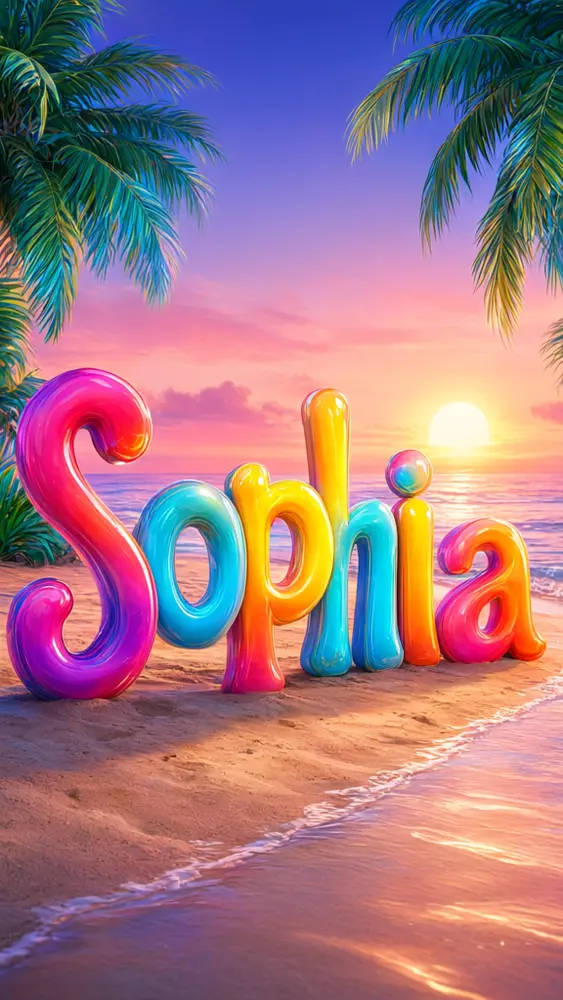
Drag to compare
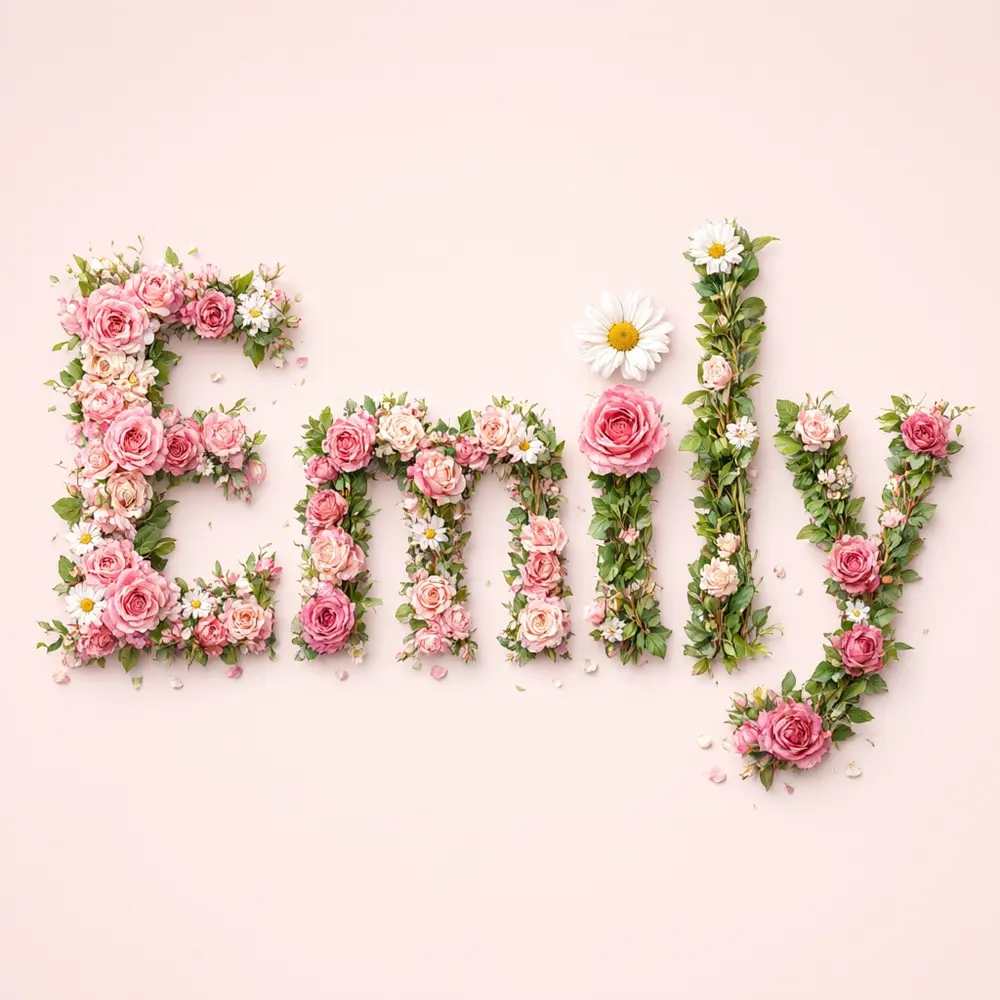
Drag to compare
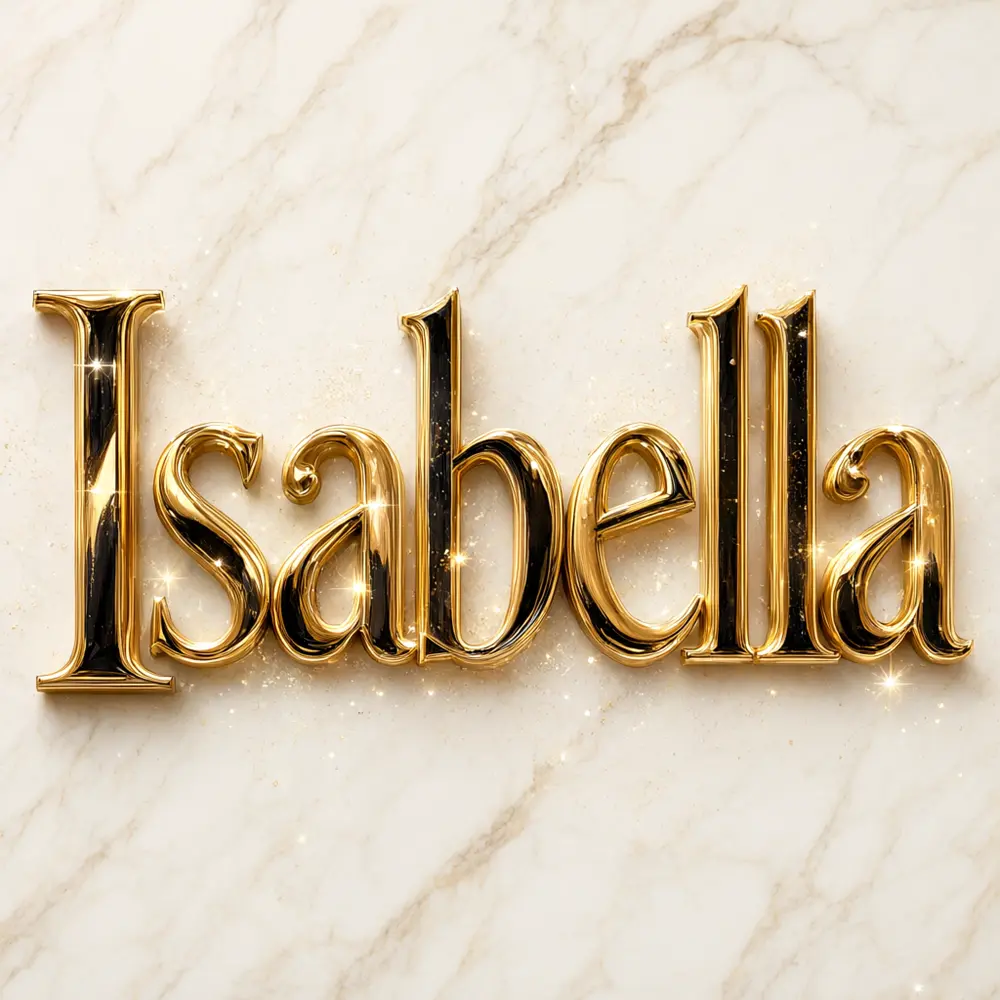
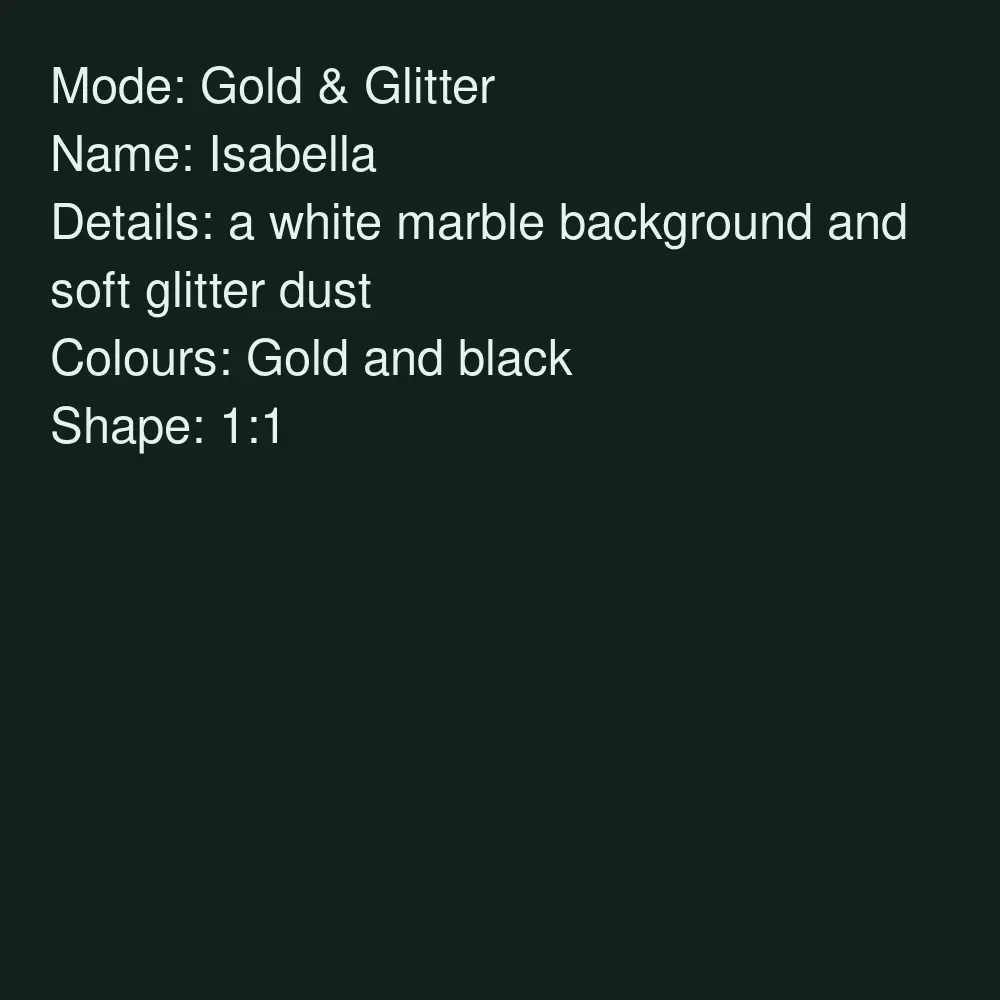
Drag to compare
Real, unretouched output from this tool. Drag any slider to compare.
Turn any name into art in a minute. Type a name, pick a style such as 3D letters, flowers, gold or neon, and the tool draws a finished picture with the name as the star. Use it as a phone wallpaper, a profile picture, a birthday or anniversary gift, or a print.
How the name art maker works
You type a name, pick a style mode, add a few details and pick colours. The tool draws one finished picture with the name in large letters.
It makes a picture file, not a font, a vector file or a physical product. Put it on a phone, frame it, or use a mockup tool to see it on a mug or a shirt.
1
Short names work best
A first name of 3 to about 12 letters is spelled right most often. Long names and full sentences are harder.
2
Pick a style
3D letters in a scene, letters made of flowers, gold and glitter, a glowing neon sign or cute cartoon letters.
3
Pick the colours and shape
Phone wallpaper 9:16, desktop 16:9, a square for a profile picture or 3:4 for a print.
4
Check the spelling
The name is passed with an instruction to spell it exactly. Always check it before you use it.
The name art styles
Five modes plus your own.
1
3D name scene
Big glossy 3D letters standing in a scene, such as a beach at sunset or a field of roses.
2
Name in flowers
Every letter is built from flowers and leaves, the popular name-into-flowers look.
3
Gold and glitter
Shiny gold or chrome letters with sparkles, on marble or a dark background.
4
Neon sign
The name as a glowing neon sign on a brick or dark wall.
5
Cute cartoon letters
Round, puffy, playful letters with little stars, hearts or sweets.
6
Your own idea
Describe the whole picture yourself.
Honest limits
It makes a picture, not a font, vector or print file. For large prints, upscale first and check the quality.
Long or unusual names, accents and non-Latin scripts can come out wrong. Check every letter before you print, gift or sell.
It draws only the name you type. It does not add logos or brand names, and it does not draw people or faces.
More tools for gifts and products
Next steps once the name art is done.
☕
Mug Mockup Generator →
See the name art on a mug before you order or list it.
👕
T-Shirt Mockup Generator →
Show the design on a shirt.
🖼️
Poster and Wall Art Mockup →
Show the print framed on a wall.
🛍️
Etsy Listing Photo Pack →
Make listing photos for a custom name product.
🎬
Image to Video →
Turn the name art into a short animated clip.
Who uses a name art maker
🏠
Gift givers
✓Make a personal birthday, anniversary or friendship gift with their name.
💡
Etsy and custom product sellers
✓Draft custom name designs for mugs, shirts and prints, and show buyers a preview, where the marketplace rules allow.
🏢
Phone and desktop wallpapers
✓Make a wallpaper or a profile picture with your own name.
📸
Teams, clubs and events
✓Make a name banner image for a club, a party or a group chat.
🌅
Name Art Maker: Turn Your Name Into Art
AI Tool
Big 3D letters in a scene
Be specific for better results6/14
Be specific for better results54/140
Be specific for better results0/400
Output quality:
Frequently Asked Questions
The name is passed with an instruction to spell it exactly and came out right in our tests, but long or unusual names can fail. Check every letter before you use it.
Up to 14 characters. Names of 3 to about 12 letters work best. Very long names and whole sentences are more likely to have mistakes.
Yes. Pick the 9:16 phone wallpaper shape, or 16:9 for a desktop.
Yes. Use Your Own Idea and type both names, for example Ali and Sara. Two short names work better than two long ones.
No. The tool draws only the name you type and adds no logos or brand names.
No. You get a picture. It is not a font, vector or SVG file.
You can use what you make. If you sell it on mugs, shirts or prints, check the current rules of the marketplace and the print shop about AI-generated art.
Yes. Use the Image to Video tool for a short animated clip.
Yes. Type a name, pick a style such as 3D Name Scene, Name in Flowers, Gold & Glitter, Neon Sign or Cute Cartoon Letters, and the AI draws that name as artwork you can download.
Yes. Cute Cartoon Letters and Name in Flowers suit a child's name, and the 9:16 shape makes a phone wallpaper. Check every letter before you print or frame it.
Yes. Pick Neon Sign and type the name (3 to about 12 letters works best). You get a picture of a neon-style name, not a lighting product or a vector file.
You can use what you make. Preview it on products with the linked t-shirt and tote bag mockup tools, and check the print shop's current rules on AI-generated art before you sell it.