It is free to try: new users get free generations. Paid plans add credits, remove the watermark and unlock higher resolution.
Fantasy Map Maker: Describe Your World, Get a Hand-Drawn Map
Fantasy Map Maker: Describe Your World, Get a Hand-Drawn Map is a free AI tool that lets you make a fantasy map with AI: name your kingdom, describe the land and pick a look. World, island, kingdom, city and dungeon-style maps for D&D, novels and games. Free to try.
Free to try · first generation free on signup · no credit card
1
Step 1
Select Mode
Choose your transformation style
Continents and seas
2
Step 2
Options
Configure your options
Related Tools
→try new exterior paint colors on your own photo
→redesign a home exterior from a single photo
→plan a new yard or garden layout from a photo
→repaint a car in any shade before you commit
Output quality:
Mode
World Map
Your AI Design Will Appear Here
Fill in the options on the left, then press Generate.
Upload your image
Drag & drop your file here or click to browse
JPG, PNG, WebP
Max 10MB
AI Ready
Quick facts about Fantasy Map Maker: Describe Your World, Get a Hand-Drawn Map
- Tool nameFantasy Map Maker: Describe Your World, Get a Hand-Drawn Map
- PriceFree to try
- InputText prompt
- OutputAI-generated image
Before / After
Example results
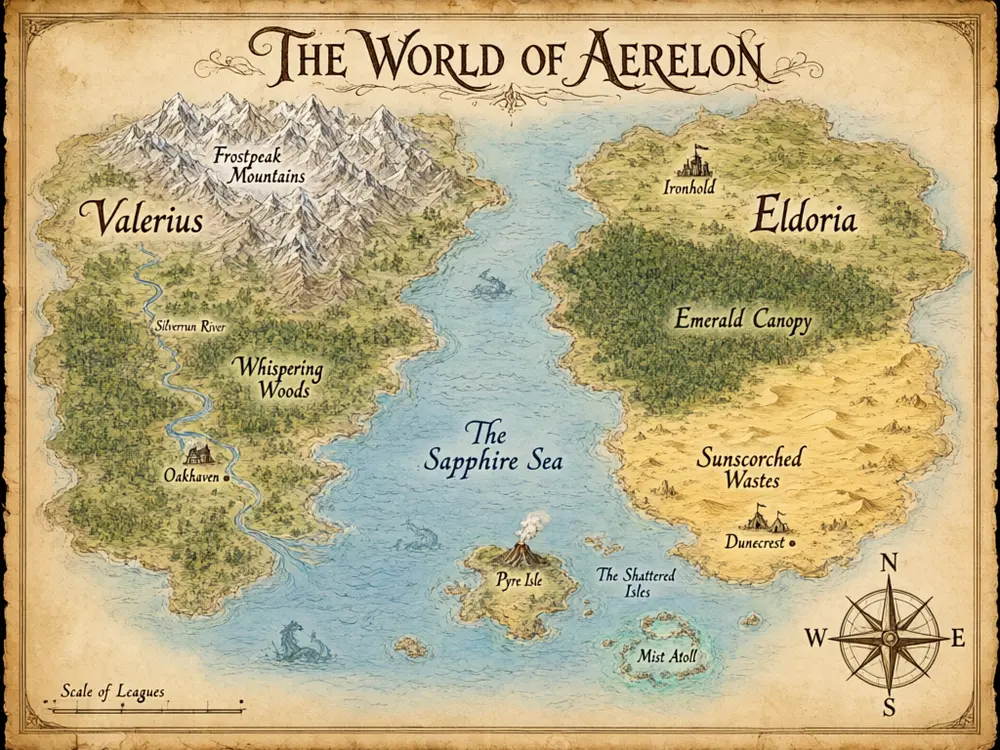
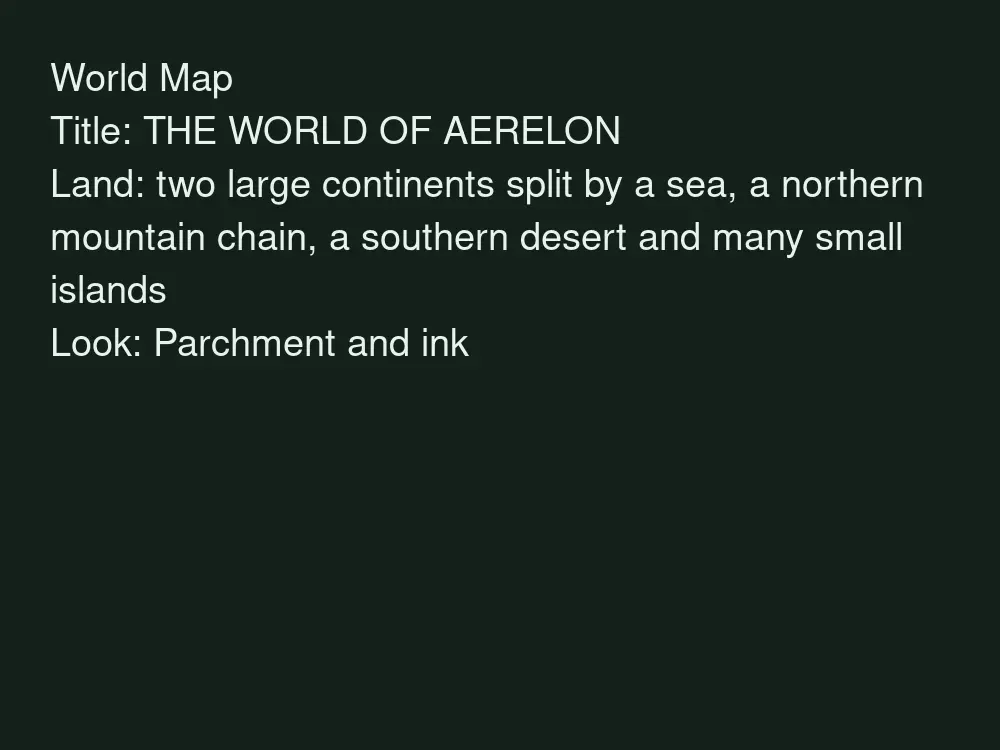
Drag to compare
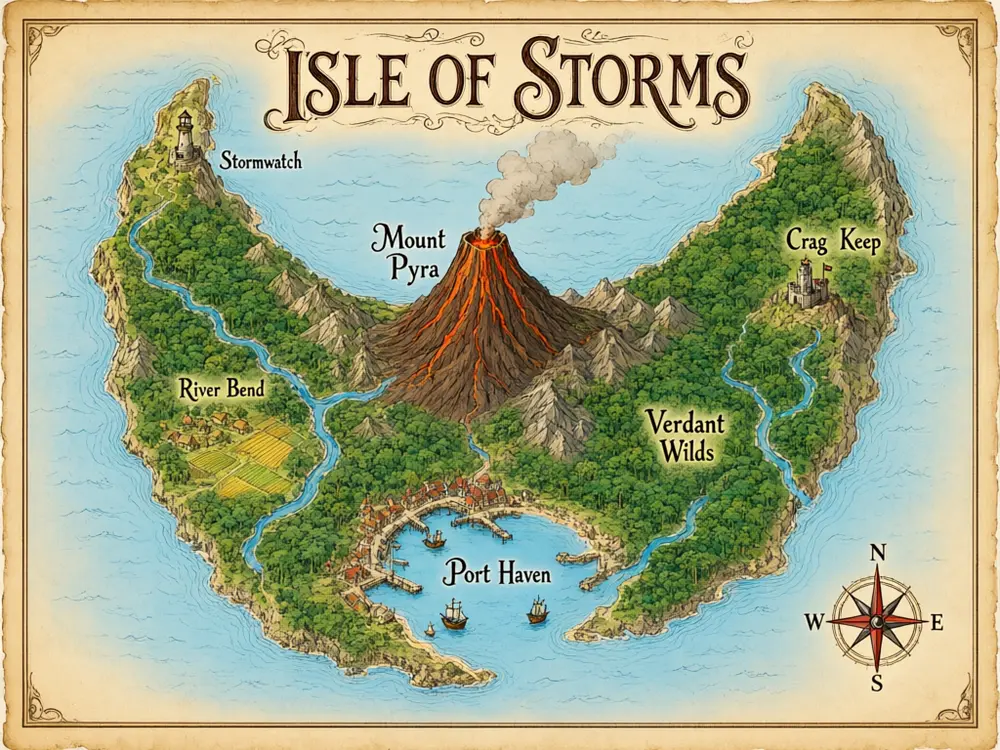
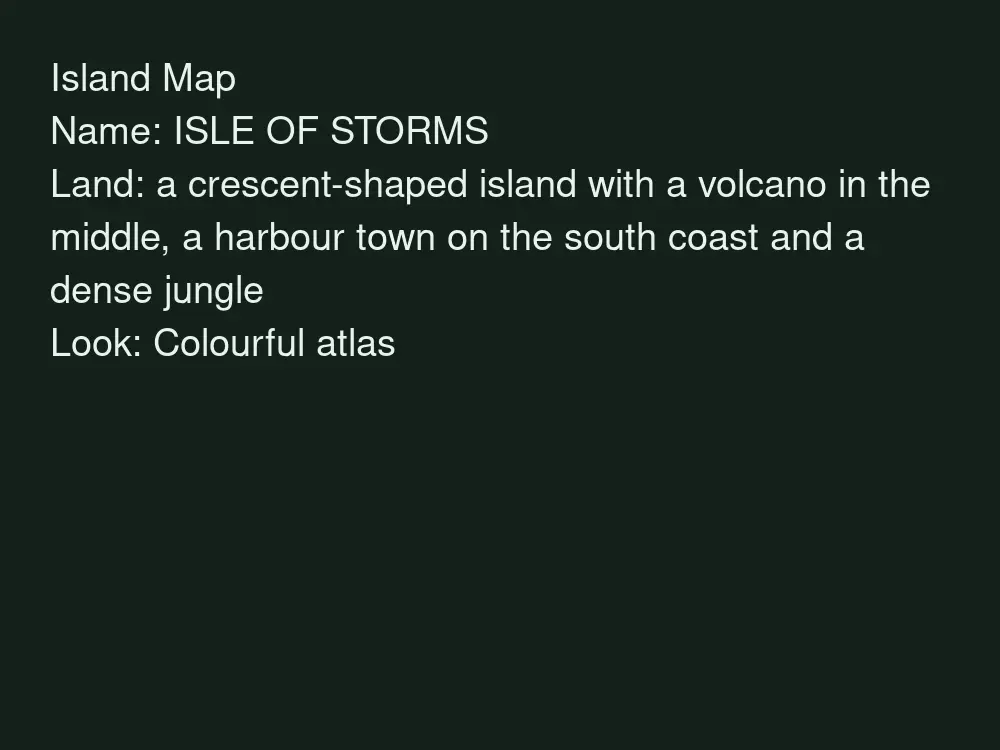
Drag to compare
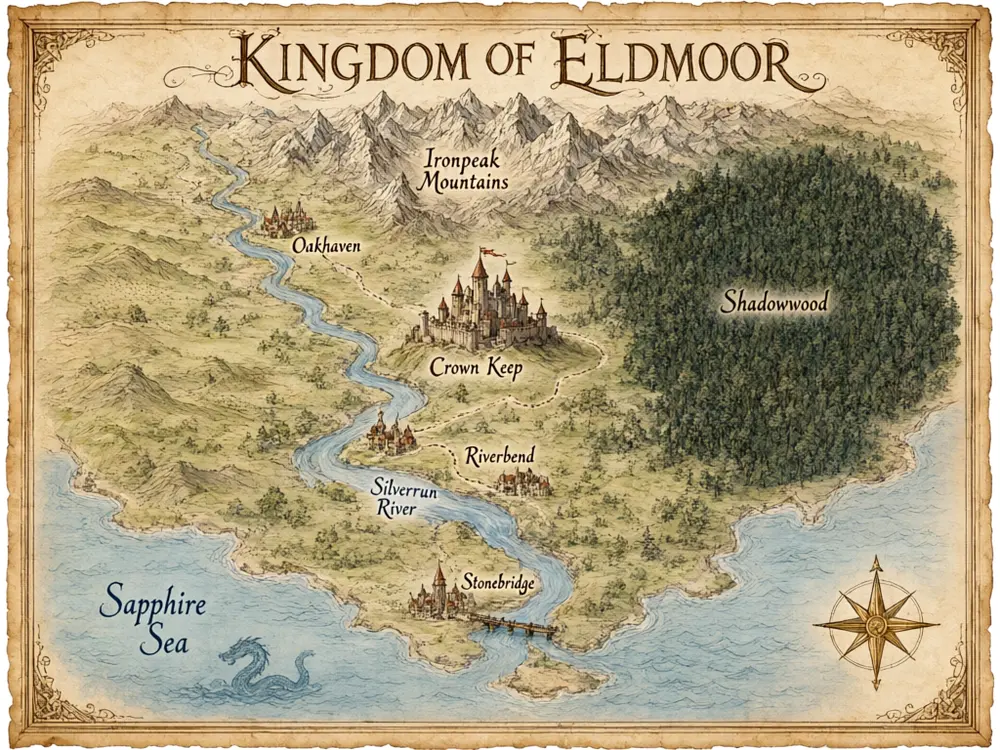
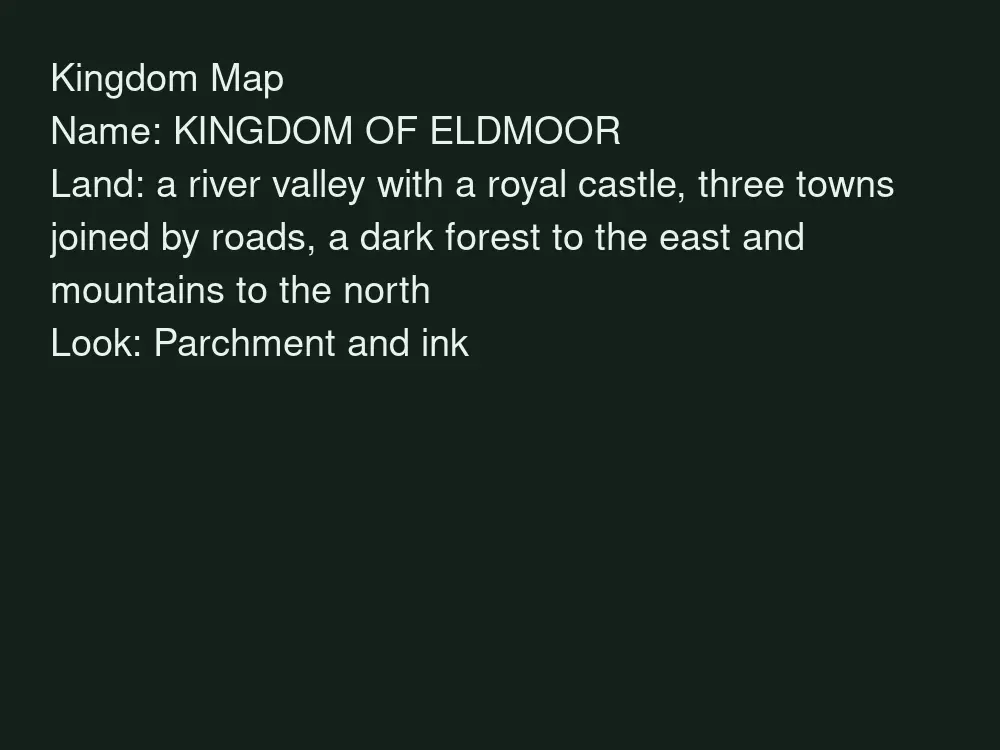
Drag to compare
Real, unretouched output from this tool. Drag any slider to compare.
Describe your world and get a hand-drawn fantasy map in a minute. Pick the kind of map, give it a name, say what is on the land, and the tool draws it from above on parchment or in another look. Good for tabletop campaigns, novels, game pitches and worldbuilding.
How the fantasy map maker works
You choose a map type, type the map title and describe the land. The tool draws one map picture with coasts, mountains, forests and settlements that follow your description.
Each run gives one map. Change the description and run again to explore other layouts of the same world.
1
Be concrete about the land
Say what you want where: a long mountain chain in the north, a river delta in the south, a port city on the west coast.
2
Keep the title short
Short titles are spelled correctly more often than long ones.
3
Use one look per world
Keep the same look for every map of your world so the set matches.
4
Check the lettering
The title is passed with an instruction to spell it exactly. Small place names inside the art can still come out garbled, so check them or add your own labels in an editor.
The map types
Six modes.
1
World map
A whole world with continents, seas and large features.
2
Island map
A single island or archipelago with coves, peaks and a harbour.
3
Kingdom map
A realm with borders, roads, castles and towns.
4
Region map
A closer view of a forest, valley or mountain pass with landmarks.
5
City map
A top-down fantasy city with walls, districts, a river and a market.
6
Dungeon-style map
A top-down floor plan of caves or ruins as an illustration.
What this tool does not do
It draws a picture. It is not an editable map with layers, a grid or fog of war, and it does not give you a scaled battle map for a virtual tabletop.
Small place names, rivers and borders are drawn for the look. Do not expect consistent geography from one run to the next.
You can use what you make in your campaign, book or game. If you publish commercially, check the current terms of use.
More tools for creators
Next steps once the map is done.
Who uses a fantasy map maker
🏠
Game masters
✓Show players the world, a region or a town before the session.
💡
Fantasy authors
✓Put a map in the front of the book or on your site.
🏢
Game designers
✓Sketch a world quickly for a pitch or a prototype.
📸
Worldbuilders and hobbyists
✓Explore ideas for lands before drawing them by hand.
🌍
Fantasy Map Maker: Describe Your World, Get a Hand-Drawn Map
AI Tool
Continents and seas
Be specific for better results20/40
Be specific for better results104/200
Be specific for better results0/400
Output quality:
Frequently Asked Questions
Yes, as an illustration of a world, region or town to show your players. It does not make a gridded, scaled battle map for a virtual tabletop.
The map title is passed with an instruction to spell it exactly and was clean in our tests. Small labels inside the art can come out garbled, so check them or add your own in an editor.
You get an image, not layers. Use the edit options to refine it, or make another version with a changed description.
This tool draws invented fantasy lands. It is not for maps that must be geographically correct.
Yes, you can use what you make. For commercial publishing, check the current terms of use.
Use the upscale option on the result, or choose higher quality on a paid plan.
You can ask for a top-down floor plan of caves or ruins as an illustration, using Your Own Idea. Expect a picture, not a playable grid.
Yes. Use the Image to Video tool to turn the map into a short clip.