
How to create a Facebook QR Code on AI Two
Generate a scan verified Facebook profile or page QR code for print and signage. Free in QR Studio.
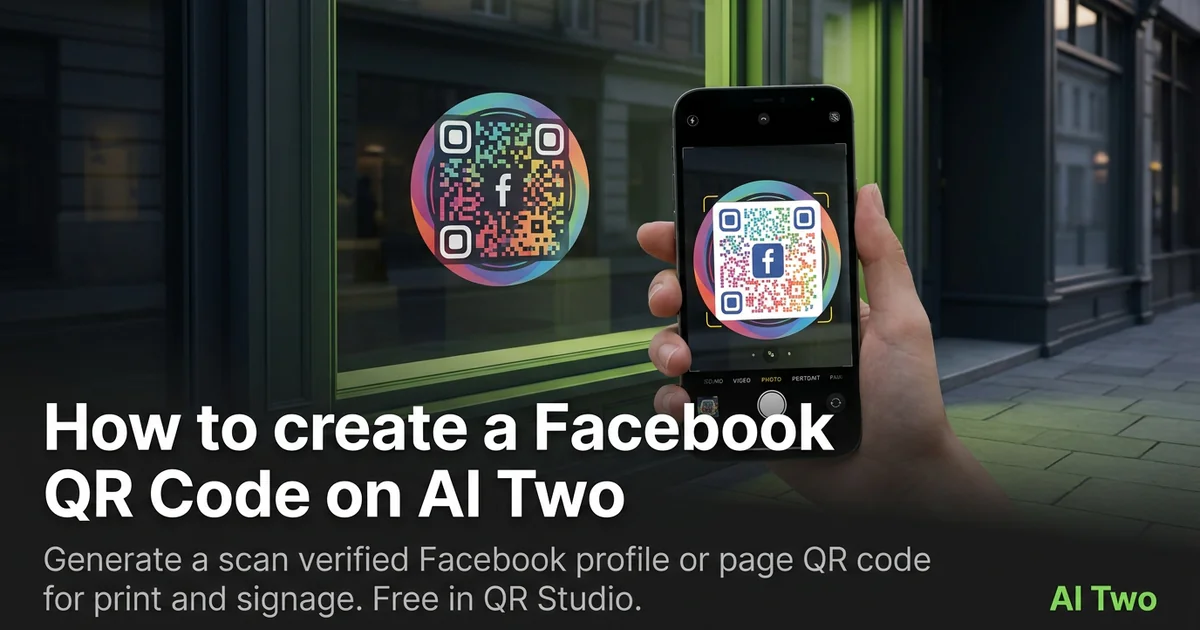
Facebook QR codes on AI Two live in QR Studio’s social tools. I open Facebook QR Code when a poster, table tent, or sticker should open our profile or page without typing a URL. Every code is scan verified before download. When I tested a page link on a retail window decal, both phones landed on the correct profile under bright sun. I regenerate the PNG whenever marketing changes the page URL so old stickers do not send shoppers to a dead profile.
What a Facebook QR code does
You enter the profile or page URL, generate a QR image, and download a scan verified PNG for print or screen.
When I tested a local shop page link, the scan opened the mobile Facebook view without an extra login prompt for logged in users.
Credits apply per generation. I lock the URL first, then pick size and color styling if the form offers it.
Stay in QR Studio for Instagram, TikTok, and other social generators when the destination is a social profile.
I treat social codes like seasonal signage. If the handle changes, I regenerate and reproof.
Scan verification catches broken patterns before download. I still proof on paper at final size.
In my experience, a short call to action beside the code helps staff explain what the scan opens.
For seasonal campaigns I date the filename so old stickers are not mixed with a new page URL after a rebrand.
I keep a printed proof taped inside the store binder so weekend staff scan the same code customers see on the window.
How to run it step by step
Step one: copy the exact profile or page URL from Facebook. Step two: open Facebook QR Code in QR Studio. Step three: paste the URL, generate, wait for scan verification, download. Step four: print or embed at the size you need. Step five: scan with two phones before a large print run.
I keep a screenshot of the destination page in the project folder beside the PNG.
Store the file with the handle in the filename notes.
If marketing changes the page URL, regenerate. Do not edit modules in a layout app.
When I proofed a window decal, afternoon sun glare was the real test, not the monitor preview.
I note print width in millimeters beside the filename for vendor reorders.
If one phone struggles, I enlarge the art ten percent and regenerate.
I add the handle in plain text under the code for customers who prefer typing on slow networks.
Print and placement tips
Use high contrast modules on a light field for storefront windows.
Matte stock reduces glare. Glossy stickers can mirror sunlight into the camera.
Size for the real viewing distance. Passersby scan from several feet away.
Leave a quiet zone free of logos and patterns.
Place the code at eye level on door posters when possible.
Test under the lighting that matches the install location.
Avoid printing over busy photography backgrounds without a white sticker island.
Mistakes I avoid
Using a shortened link that redirects differently on mobile.
Skipping the phone proof because the PNG verified on screen.
Printing five hundred stickers before a two phone test.
Saving a low resolution PNG and upscaling in the layout app.
Mixing QR art with heavy dither textures that eat module edges on press.
When to use another QR tool
Need Instagram or TikTok instead? Open those pages in the social cluster. Need a generic URL? Essential types. Need scan analytics? Dynamic codes in My QR Codes.
The social media cluster guide maps sibling pages. The QR Studio pillar maps everything else.
Business cards with multiple networks sometimes need separate codes per platform instead of one generic link.
After the download
I attach the verified PNG to the print vendor ticket with quiet zone notes so prepress does not crop modules.
For retail windows I schedule a morning scan test after install when sun angle matches peak foot traffic.
If marketing rotates campaigns monthly, I date the filename and retire old stickers so staff do not post outdated handles.
I keep a screenshot of the live page beside the PNG in the project folder for quick audits when a scan report comes in.
Weekend staff sometimes swap window creative without telling marketing, so the binder proof is the source of truth for which code is live today.
FAQs
Related studio guides
How to create an Instagram QR Code on AI Two
Generate a scan verified Instagram profile QR code for print and signage. Free in QR Studio.
Read guide
How to create a TikTok QR Code on AI Two
Generate a scan verified TikTok profile QR code for print and events. Free in QR Studio.
Read guide
How to create a YouTube QR Code on AI Two
Generate a scan verified YouTube channel or video QR code for print and events. Free in QR Studio.
Read guide