Yes. Upload a photo, choose a mode and an effect, and the tool makes a short clip with balloons, confetti, sparkles or candlelight. Watch the whole clip before you share it.
Birthday Video Maker: Animate a Birthday Photo Into a Short Greeting Clip
Birthday Video Maker: Animate a Birthday Photo Into a Short Greeting Clip is a free AI tool. Upload a photo of the birthday person, a pet, a cake or the party table and get a short animated birthday clip with balloons, confetti or candlelight. The price shows before you generate.
Free to try · first generation free on signup · no credit card
1
Step 1
Upload Image
Start by uploading image
Upload your image
Click to browse or drag & drop
2
Step 2
Select Mode
Choose your transformation style
Balloons, confetti or candlelight around the person in the photo
3
Step 3
Options
Configure your options
Related Tools
→try new exterior paint colors on your own photo
→redesign a home exterior from a single photo
→plan a new yard or garden layout from a photo
→repaint a car in any shade before you commit
Output quality:
Mode
Birthday Person
Your AI Design Will Appear Here
Fill in the options on the left, then press Generate.
Upload your image
Drag & drop your file here or click to browse
JPG, PNG, WebP
Max 10MB
AI Ready
Quick facts about Birthday Video Maker: Animate a Birthday Photo Into a Short Greeting Clip
- Tool nameBirthday Video Maker: Animate a Birthday Photo Into a Short Greeting Clip
- PriceFree to try
- InputPhoto upload + text prompt
- OutputAI-generated video
Before / After
Example results
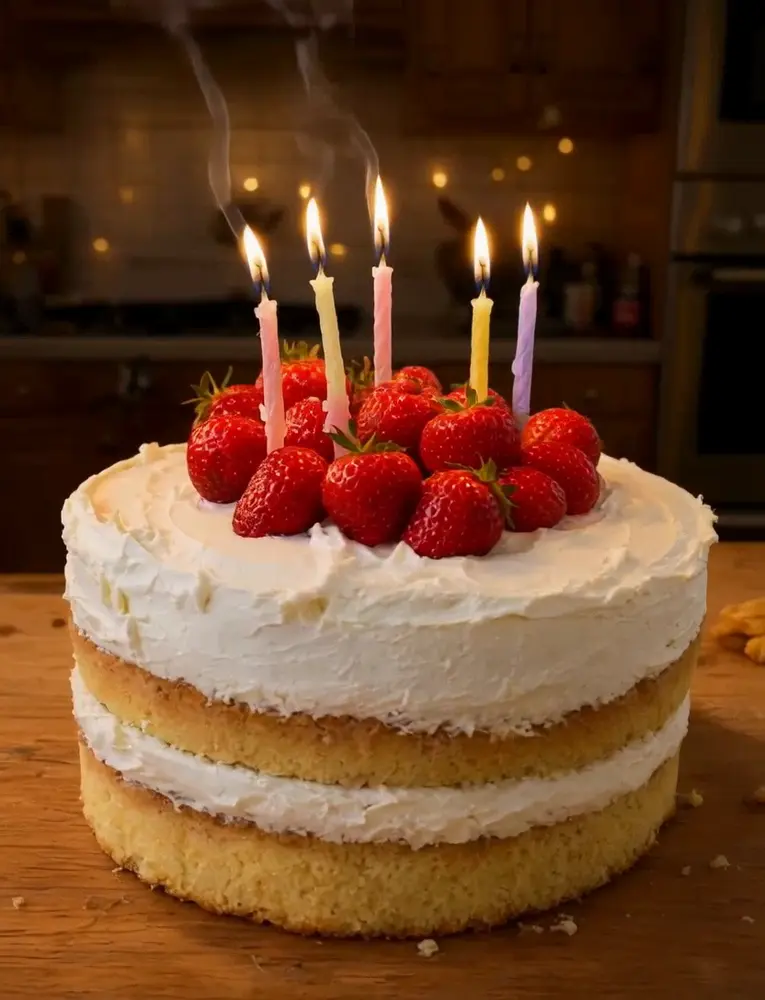
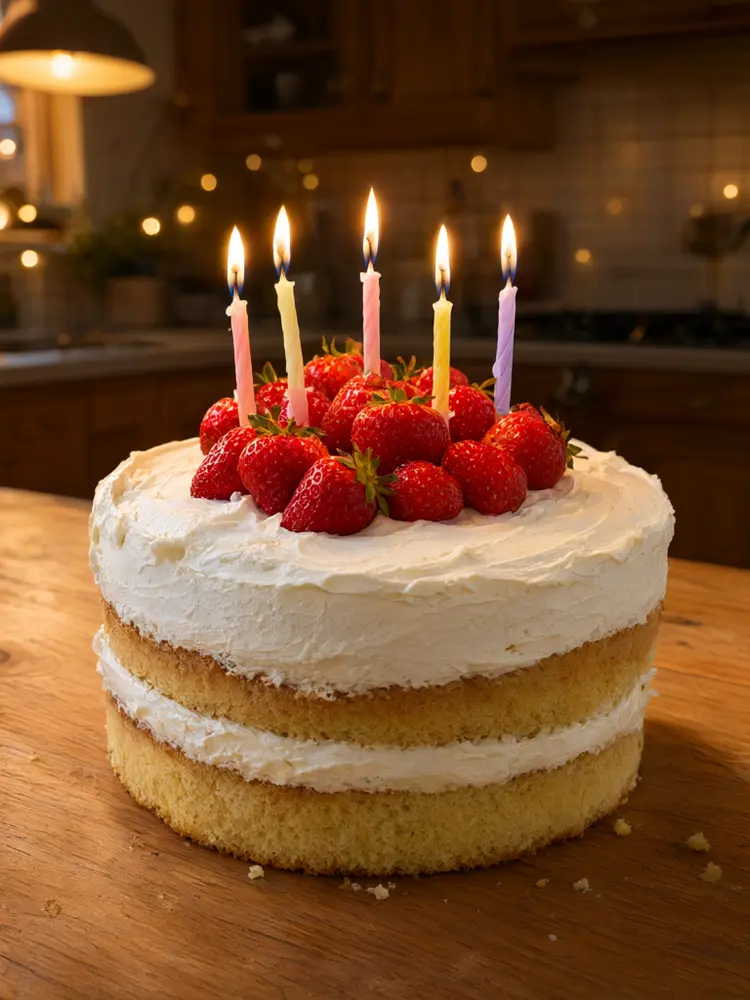
Drag to compare
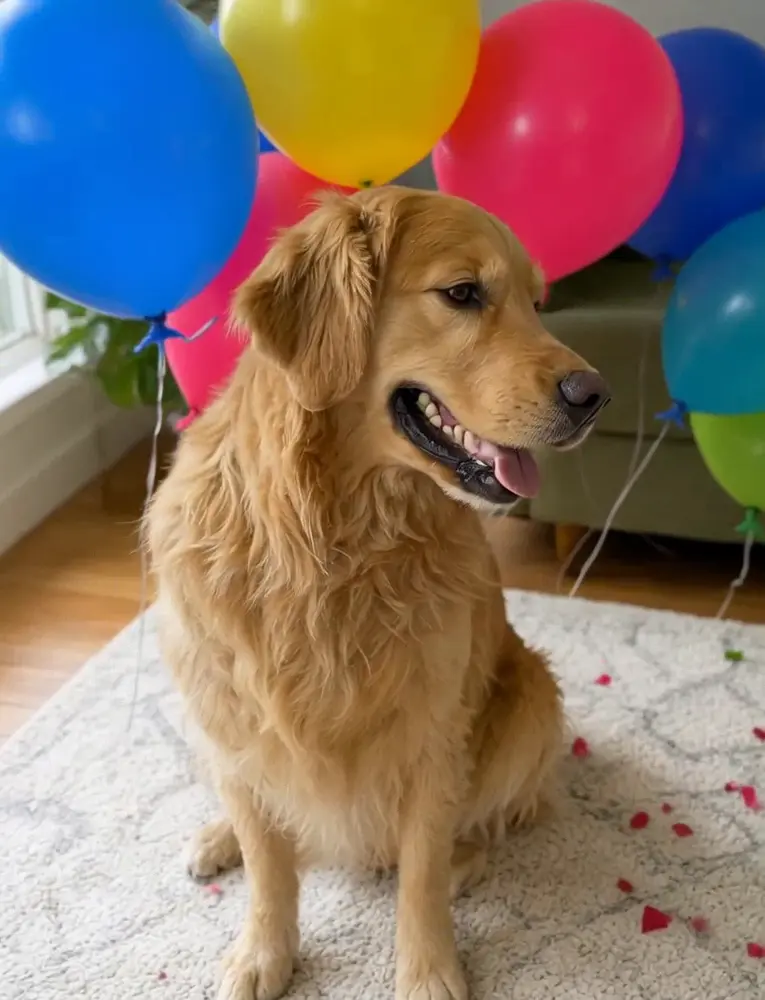
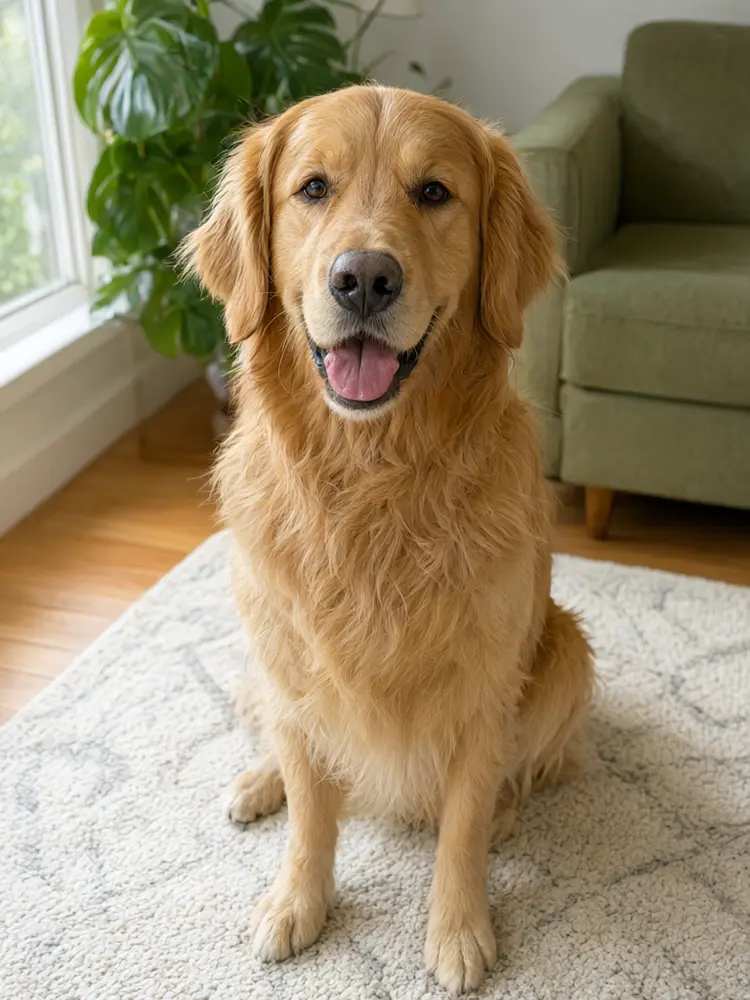
Drag to compare
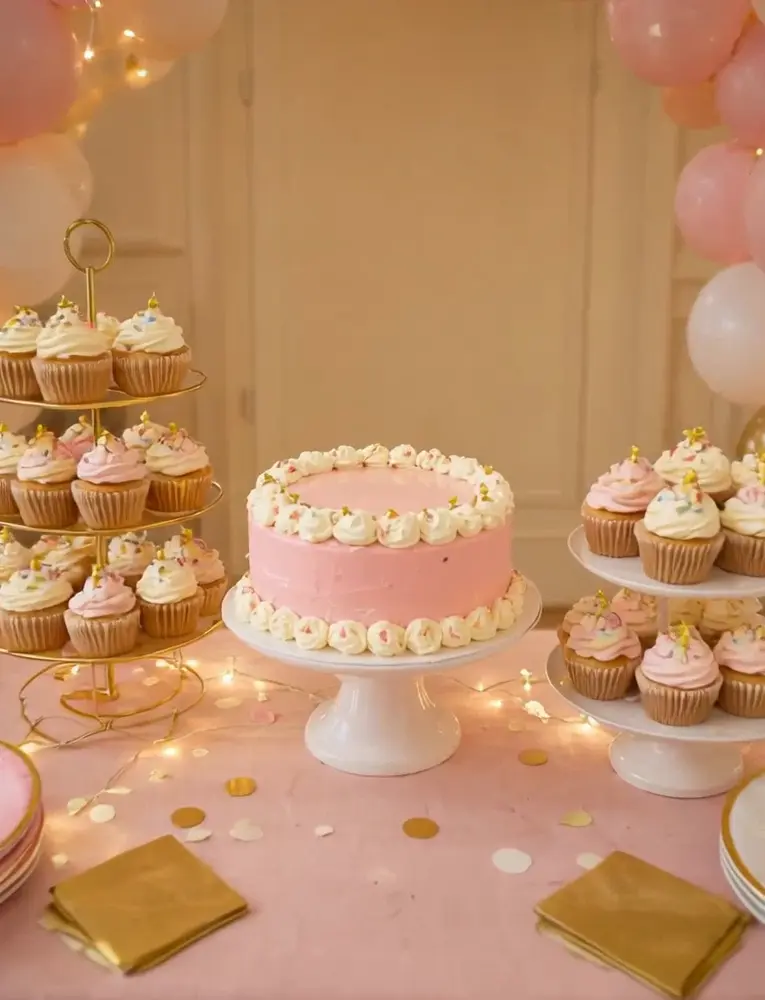
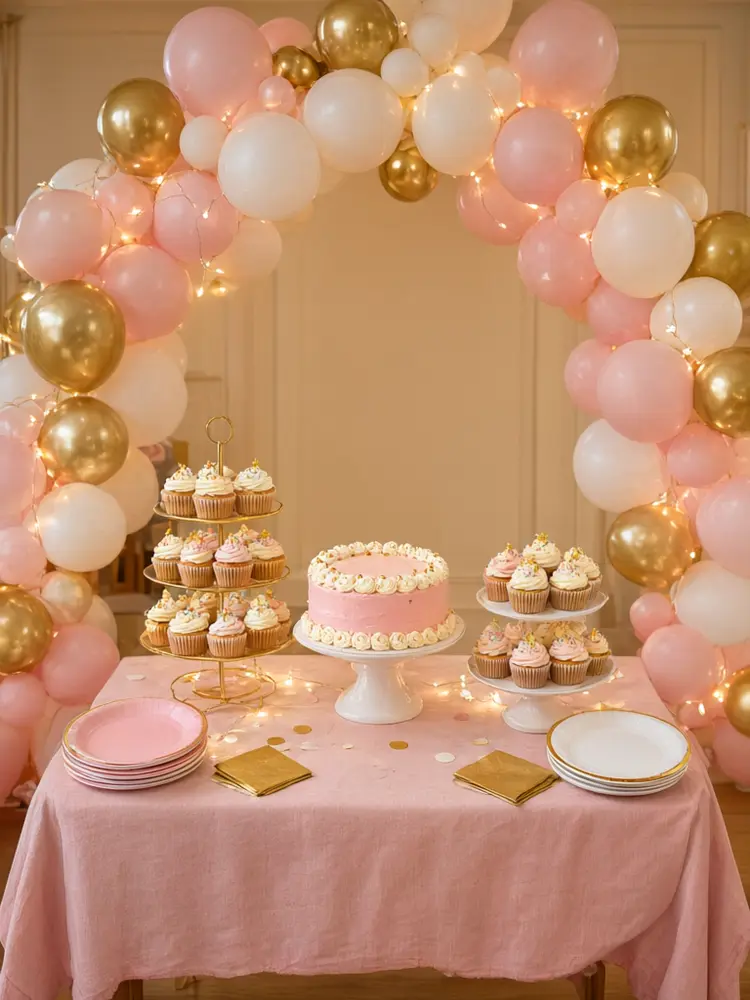
Drag to compare
Real, unretouched output from this tool. Drag any slider to compare.
A short moving clip feels more personal than a still photo. Upload one photo of the birthday person, their pet, the cake or the party table, pick an effect, and the tool animates it with balloons, confetti, sparkles or candlelight while the person keeps the same look. The price of each video shows before you generate, and the lowest-cost model is the default.
How the birthday video maker works
The tool animates your photo: it adds gentle motion, falling confetti, floating balloons or flickering light, and moves the camera slowly. The person, pet or cake is told to stay exactly as photographed, and no new people are added. Each clip is about five seconds.
Each video is a separate generation. AI video can sometimes drift, so plan on one or two extra tries, and check the face in every part of the clip before you send it.
1
Upload one clear photo
One main subject, sharp and well lit. A face that looks toward the camera works best.
2
Pick the mode
Birthday Person, Birthday Cake, Pet Birthday, Party Decor, or Your Own idea.
3
Choose the video model
The lowest-cost model is selected by default. The price shows before you start.
4
Generate, check and download
Watch the clip, then download the MP4 and add your message and music.
Which birthday video mode to choose
Match the mode to the photo you have.
1
Birthday Person
Balloons, confetti, sparkle or candlelight around the person in the photo. Good for a greeting to a friend or family member.
2
Birthday Cake
Flickering candles or a slow move around the cake. Good for bakeries and home bakers showing a cake on Instagram.
3
Pet Birthday
Balloons and confetti around a dog, cat or other pet, with small natural movement.
4
Party Decor
A slow glide across a balloon arch or dessert table. Good for party decorators and venues posting their setups.
5
Your Own idea
Describe the motion you want, such as bubbles floating past or fairy lights twinkling.
Tips and honest limits
You cannot pick a song or add a voice message here. The video model may put its own short background music or sound on the clip, so mute it or put your own song over it in an editor such as CapCut, InShot or Canva.
There is no "Happy Birthday" lettering in the clip, because AI video often misspells words. Add your message as a text layer in your editor, where it stays sharp and correct.
Clips are short, about five seconds. For a longer video, make a few clips from different photos and join them.
This is not a face swap. Only use photos you are allowed to share, and if a face changes during the clip, run it again or pick a calmer effect.
More birthday tools
Make the rest of the party set.
💌
Birthday Invitation Maker →
Design the party invitation with the name and date.
🎂
Birthday Cake Image Maker →
Design a cake picture, then animate it here.
🎉
AI Birthday Card Generator →
A still birthday card to send with the video.
🐶
Pet Birthday Photo →
A party photo of your pet to animate.
🎬
Image to Video AI →
Animate any other photo.
📽️
AI Video Generator →
More video modes, including text to video.
Who uses a birthday video maker
🏠
Friends and family
✓Send a moving birthday greeting on WhatsApp or as a Story instead of a plain photo.
💡
Bakeries and home bakers
✓Turn a cake photo into a short reel for Instagram or a shop page.
🏢
Party decorators and venues
✓Show a balloon arch or dessert table setup as a short video for clients.
📸
Pet owners
✓Celebrate a pet birthday with a short clip to share.
🎉
Birthday Video Maker: Animate a Birthday Photo Into a Short Greeting Clip
AI Tool
Upload your imageTap anywhere here — your AI design will appear in this space after you generate.JPG · PNG · WebP
Balloons, confetti or candlelight around the person in the photo
Be specific for better results0/400
Lowest-cost clips, 720p or 1080p, up to 15s.
Good
Output quality:
Frequently Asked Questions
The tool is told to keep the face, hair, skin tone and clothes unchanged and to add no new people. AI video can still drift, especially with fast motion, so check the face and run again or pick a calmer effect if it changes.
You cannot choose the music or add a message here. The video model may put its own short background sound or music on the clip, and no text or voice message is added. Mute or replace the sound and add your message in a video editor or app before you share it.
No. AI video often misspells words, so the clip is kept free of text. Add the name and message as a text layer in your editor, where it stays sharp and correct.
About five seconds by default. For a longer greeting, make a few clips from different photos and join them in a video editor.
The video follows the shape of the photo you upload. Use a vertical photo for WhatsApp status, Instagram Stories, Reels and TikTok, and a square or wide one for a post.
The price shows before you generate and depends on the model, length and resolution. The lowest-cost model is selected by default.
No. The tool only animates the photo you upload. It does not put a face on another body. Only use photos you have the right to share.
New users get free credits to try. Videos cost more than images, and the exact price shows before you generate.