It is told to reproduce the artwork exactly: the same drawing, colours and spelling. Like any AI edit it can drift on very fine detail or small text, so compare the result with your file and rerun if something changed.
AI Bakery Box Mockup Generator: See Your Logo on Cake and Pastry Boxes
AI Bakery Box Mockup Generator: See Your Logo on Cake and Pastry Boxes is a free AI tool. Upload your bakery logo or box design and see it on a blank cake box, a window pastry box, a cookie box, a handle box or a stack of boxes. Free to try.
Free to try · first generation free on signup · no credit card
1
Step 1
Upload Image
Start by uploading image
Upload your image
Click to browse or drag & drop
2
Step 2
Select Mode
Choose your transformation style
Logo on the lid of a cake box
3
Step 3
Options
Configure your options
Related Tools
→try new exterior paint colors on your own photo
→redesign a home exterior from a single photo
→plan a new yard or garden layout from a photo
→repaint a car in any shade before you commit
Output quality:
Mode
Cake Box
Your AI Design Will Appear Here
Fill in the options on the left, then press Generate.
Upload your image
Drag & drop your file here or click to browse
JPG, PNG, WebP
Max 10MB
AI Ready
Quick facts about AI Bakery Box Mockup Generator: See Your Logo on Cake and Pastry Boxes
- Tool nameAI Bakery Box Mockup Generator: See Your Logo on Cake and Pastry Boxes
- CategoryProduct Photo Tools
- PriceFree to try
- InputPhoto upload + text prompt
- OutputAI-generated image
Before / After
Example results
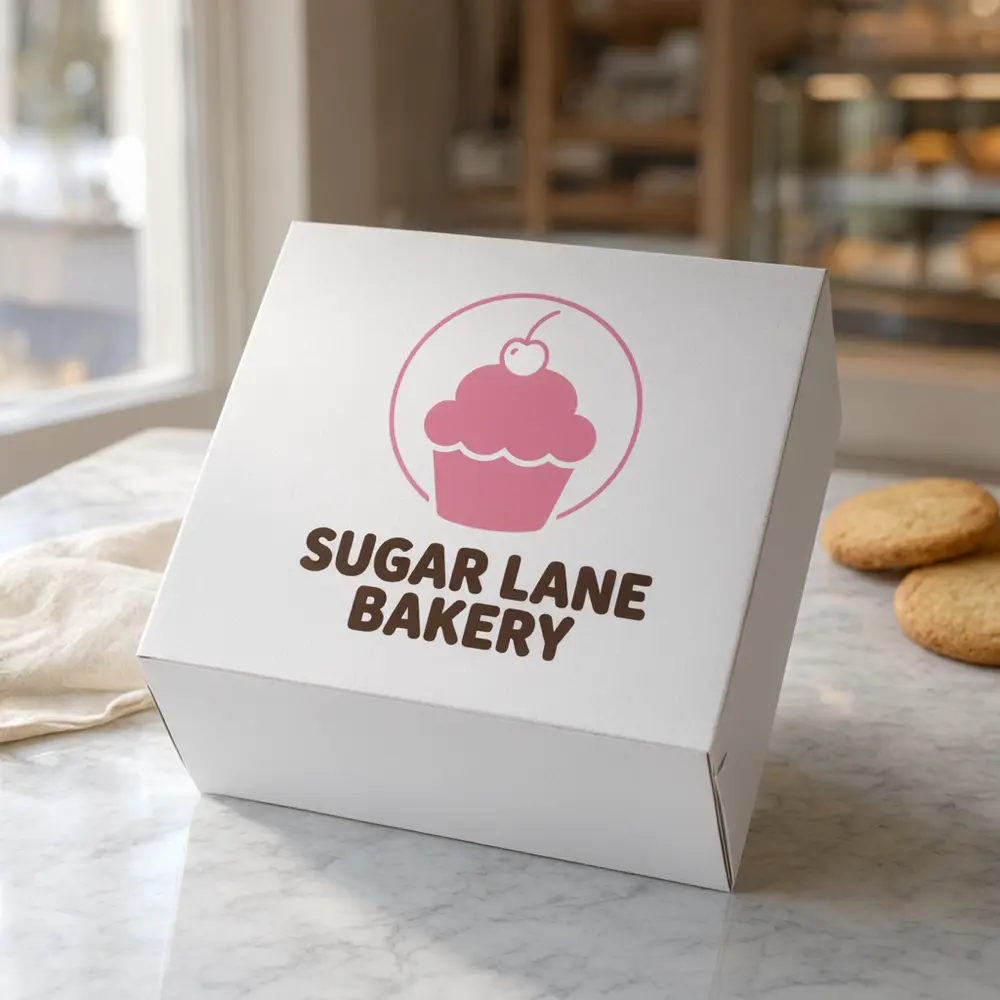
Drag to compare
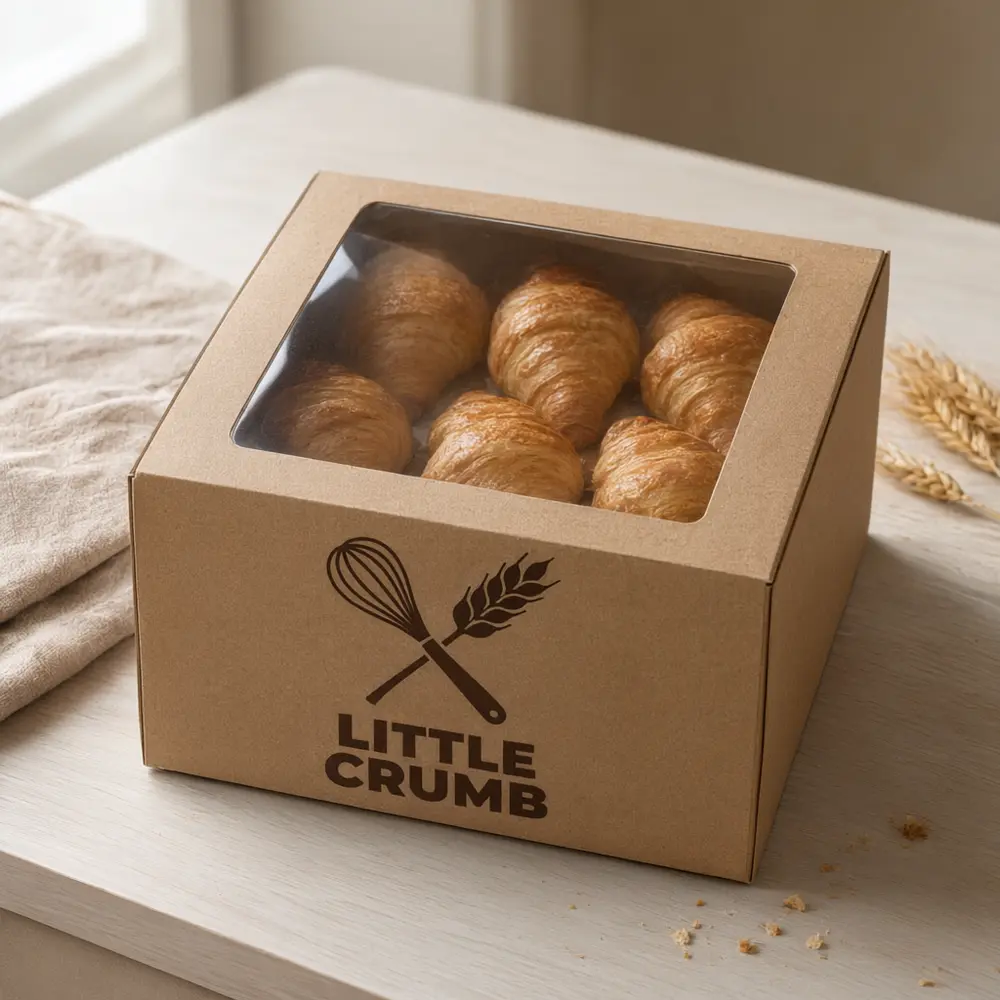
Drag to compare
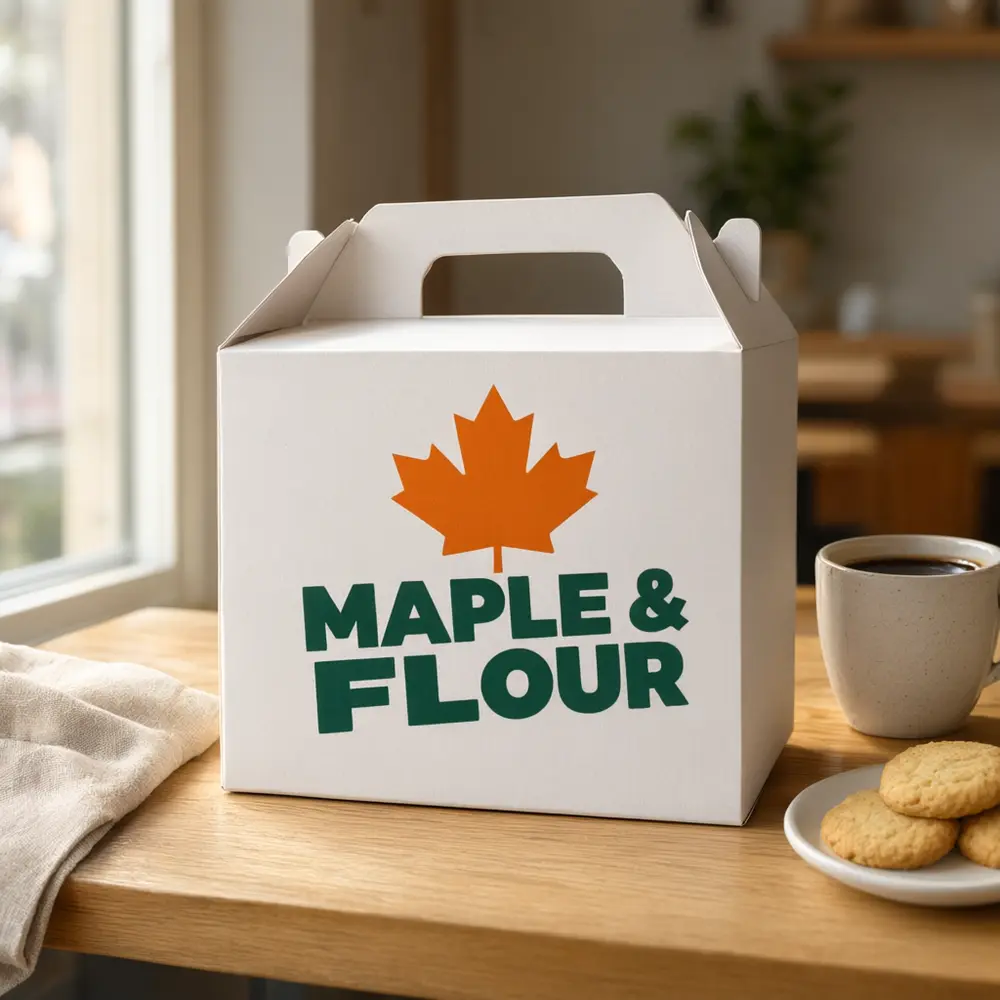
Drag to compare
Real, unretouched output from this tool. Drag any slider to compare.
Upload your bakery logo and see it on a blank bakery box before you order a print run. Show it on a cake box, a window pastry box, a cookie box, a box with a carry handle or a stack of boxes, in white, kraft or pastel paperboard.
How the AI bakery box mockup generator works
A printer sends a flat proof, but a baker wants to see the box on the counter. Upload your logo, pick the box, the colour and the scene, and the AI prints it on a blank bakery box as a product photo with no people in it.
It is a preview of how the design could look, not a print proof. Compare the artwork and the lettering with your file, since AI can slightly change fine detail or small text.
1
Upload a design
A PNG or JPG of your bakery logo or box design, ideally on a plain background.
2
Choose a mode
Cake Box, Window Box, Cookie Box, Handle Box, Box Stack, or your own description.
3
Pick the options
Pick the box, its colour, the print look and the scene.
4
Edit, upscale or animate
Rerun with another option, upscale the best result or make a short video.
Bakery Box shots to try
A new box design needs a clean shot to approve and a few shop shots for menus and social posts. Make each one from the same design.
1
Cake box
The lid with your logo, the main product photo.
2
Window box
A pastry box with a clear window and the logo beside it.
3
Handle box
A carry box, for takeaway and gift orders.
4
Box stack
A stack of boxes on the counter, for a shop feel.
Tips for a clean bakery box mockup
Upload the logo on a plain background with good contrast. Bold shapes and short words read best; thin script may soften on the box edges.
Box makers print from a dieline and your original design file, not from a photo. This tool shows a look; it is not a dieline or a print file. For production, send your supplier your original design file, never the mockup.
More tools for sellers
Turn one design into a complete listing.
Who uses an AI bakery box mockup generator
🏠
Home bakers and cake makers
✓See your logo on a box before ordering printed boxes or stickers.
💡
Cafes and small bakeries
✓Make box photos for a menu, a website or a launch post.
🏢
Designers
✓Show a client their bakery box design on a real-looking box.
📸
Packaging resellers
✓Send a box preview with a quote.
🎂
AI Bakery Box Mockup Generator: See Your Logo on Cake and Pastry Boxes
AI Tool
Upload your imageTap anywhere here — your AI design will appear in this space after you generate.JPG · PNG · WebP
Logo on the lid of a cake box
Premium users can generate images without watermark
Higher quality options available for premium users
Be specific for better results0/400
Output quality:
Frequently Asked Questions
Your first generation is free when you sign up. Paid plans add credits, remove the watermark and unlock higher resolution.
A PNG or JPG of your logo. Ideally a plain background and good contrast.
Use only your own logo or a design you have the rights to. The tool adds no brands and does not make chain branding.
No. It is a preview photo. Your box supplier prints from a dieline and your original design file.
No. Boxes are shown on their own on a counter, a table or a plain background, with no people or hands.
No. A mockup shows how it could look. Your printer's proof shows exactly how it will print. Send your original print file, never the mockup.
Yes. After the mockup is made, use the image actions under it to upscale it or make a short video.