It is free to try: new users get free generations. Paid plans add credits, remove the watermark and unlock higher resolution.
App Icon Generator: Describe Your App, Get an Icon Design
App Icon Generator: Describe Your App, Get an Icon Design is a free AI tool that lets you make an app icon with AI: describe your app, pick colours and a look, and get a clean square icon design for iOS or Android. Game, fitness, finance, social and tool icons. Free to try.
Free to try · first generation free on signup · no credit card
1
Step 1
Select Mode
Choose your transformation style
Bold, playful, with depth
2
Step 2
Options
Configure your options
Related Tools
→try new exterior paint colors on your own photo
→redesign a home exterior from a single photo
→plan a new yard or garden layout from a photo
→repaint a car in any shade before you commit
Output quality:
Mode
Game Icon
Your AI Design Will Appear Here
Fill in the options on the left, then press Generate.
Upload your image
Drag & drop your file here or click to browse
JPG, PNG, WebP
Max 10MB
AI Ready
Quick facts about App Icon Generator: Describe Your App, Get an Icon Design
- Tool nameApp Icon Generator: Describe Your App, Get an Icon Design
- PriceFree to try
- InputText prompt
- OutputAI-generated image
Before / After
Example results
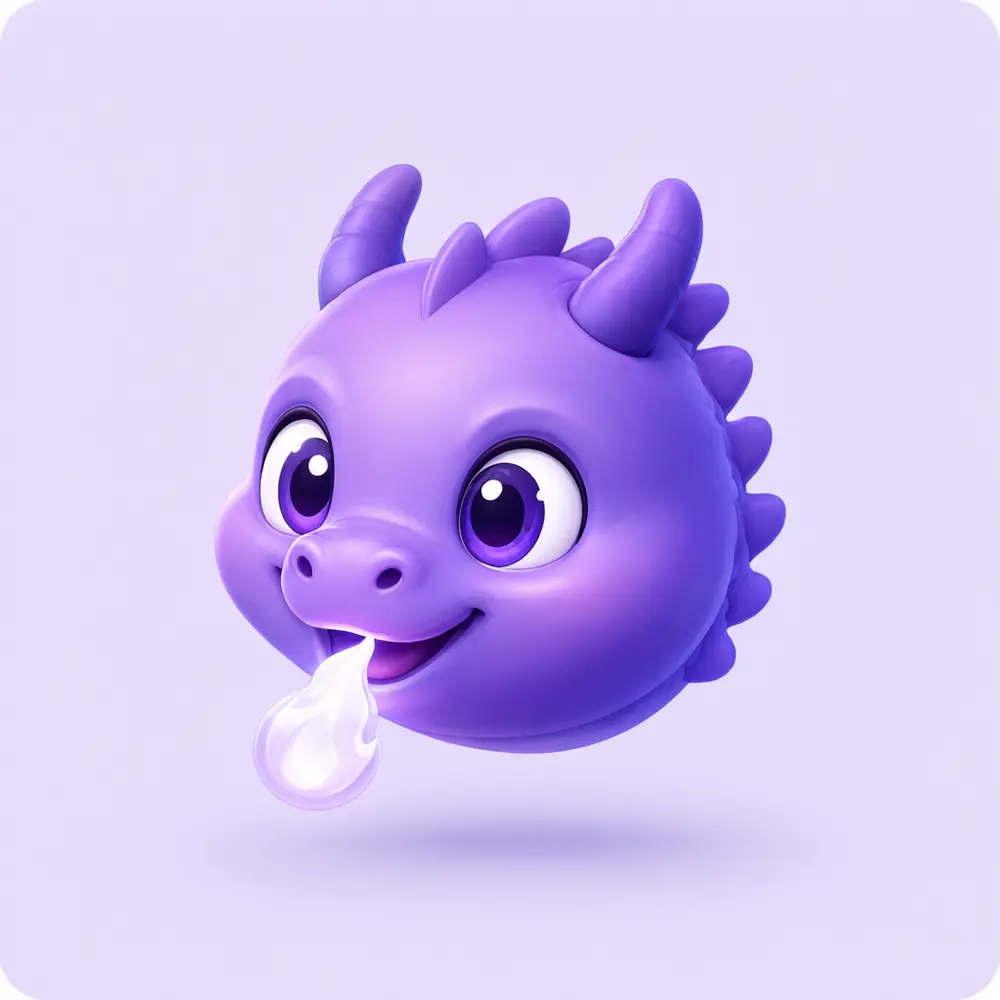
Drag to compare

Drag to compare
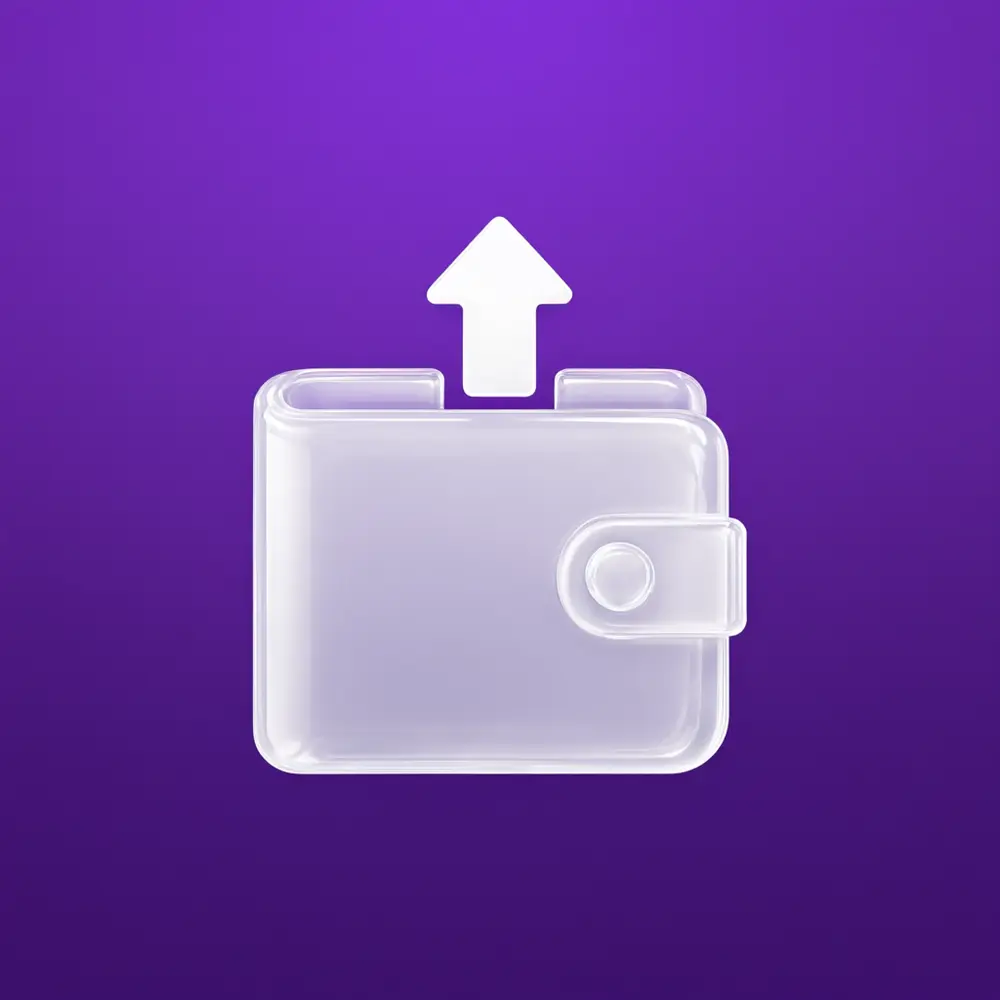
Drag to compare
Real, unretouched output from this tool. Drag any slider to compare.
Make an app icon in a minute. Describe your app and its main symbol, pick colours and a look, and the tool draws a clean square icon design with no text. Try a few looks, then resize the winner for the App Store and Google Play.
How the app icon generator works
You choose an app type, describe the symbol and choose colours and a look. The tool makes one full-bleed square icon with a bold, simple symbol.
Each run makes one icon. Make several and compare them at small size before you choose.
1
One symbol, not a scene
The best app icons use a single clear shape that is recognisable at the size of a home-screen icon.
2
Limit your colours
Two or three colours read best, with strong contrast between the symbol and the background.
3
No text on the icon
Text becomes unreadable at small sizes, and AI lettering is not reliable, so this tool makes icons without it.
4
Test at small size
Shrink the icon to about 60 pixels wide and check it is still clear before you commit.
The app types
Five modes plus your own.
1
Game
Bold, playful symbols with depth and strong colour.
2
Fitness and health
Energetic, clean symbols such as a flame, a heart-rate line or a dumbbell.
3
Finance and productivity
Calm, trustworthy shapes such as a wallet, a chart or a checkmark.
4
Social and chat
Friendly, rounded shapes such as a chat bubble or a spark.
5
Utility and tools
Simple geometric symbols for scanners, notes, timers and cleaners.
6
Your own idea
Describe the whole icon yourself.
What this tool does not do
It makes the icon image. It does not export the full set of sizes for iOS and Android, add the corner mask or create adaptive icon layers. Use your store tooling or an editor for that.
It does not check trademarks. Make sure the symbol does not copy another app's icon before you publish.
You can use what you make. Check the app store rules for icons before you submit.
More tools for app makers
Next steps once the icon is done.
Who uses an app icon generator
🏠
Indie developers
✓Get a first icon for a prototype or a launch.
💡
Startups
✓Try several icon directions before hiring a designer.
🏢
No-code app builders
✓Make an icon for an app made with a builder.
📸
Students and hobbyists
✓Make an icon for a class project or side project.
🎮
App Icon Generator: Describe Your App, Get an Icon Design
AI Tool
Bold, playful, with depth
Be specific for better results48/160
Be specific for better results16/60
Be specific for better results0/400
Output quality:
Frequently Asked Questions
The App Store asks for a 1024 by 1024 pixel icon and Google Play asks for 512 by 512, and the requirements can change, so check their current guides. Make the icon here, then export the sizes with your store tooling.
No. It makes the icon image. Use your store tooling or an editor to export the full sets of sizes.
Text becomes unreadable at small sizes and AI lettering is not reliable, so icons here are made without it.
No. The icon is a full-bleed square, which is also what the App Store expects. Remove the background in an editor if you need a transparent version.
You can use what you make. Check the store rules before you submit, and make sure the symbol does not copy another app.
Not in this tool. It makes icons from a description.
Shrink the downloaded image to about 60 pixels wide and see whether the symbol is still clear.
Yes. Use the AI Logo Maker.