Our AI analyzes your space and preferences to generate personalized design recommendations. It considers factors like dimensions, lighting, style preferences, and functionality needs.
JDM Customizer AI
JDM Customizer AI is a free AI tool that lets you customize JDM cars with AI. Japanese domestic market styling.
Free to try · first generation free on signup · no credit card
1
Step 1
Upload Image
Start by uploading image
Upload your image
Click to browse or drag & drop
2
Step 2
Select Mode
Choose your transformation style
Customize and visualize car modifications with AI
3
Step 3
Options
Configure your options
Related Tools
→try new exterior paint colors on your own photo
→redesign a home exterior from a single photo
→plan a new yard or garden layout from a photo
→repaint a car in any shade before you commit
Output quality:
Mode
Car Customization
Your AI Design Will Appear Here
Fill in the options on the left, then press Generate.
Upload your image
Drag & drop your file here or click to browse
JPG, PNG, WebP
Max 10MB
AI Ready
Quick facts about JDM Customizer AI
- Tool nameJDM Customizer AI
- CategoryAI Car Customizer
- PriceFree to try
- InputPhoto upload + text prompt
- OutputAI-generated image
Before / After
Example results
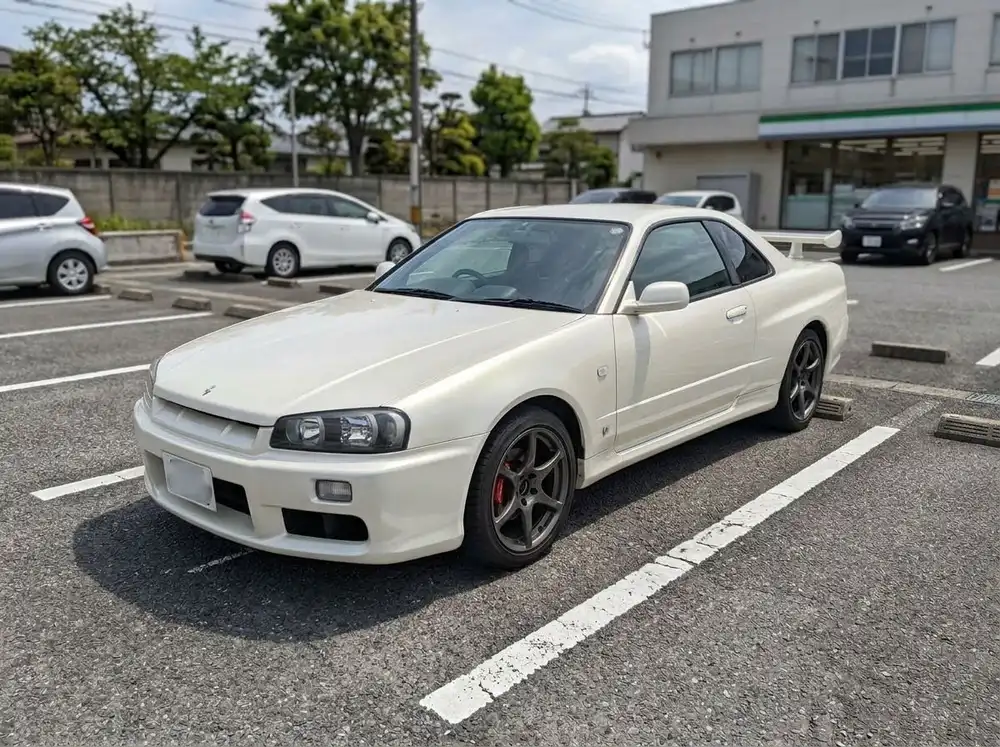
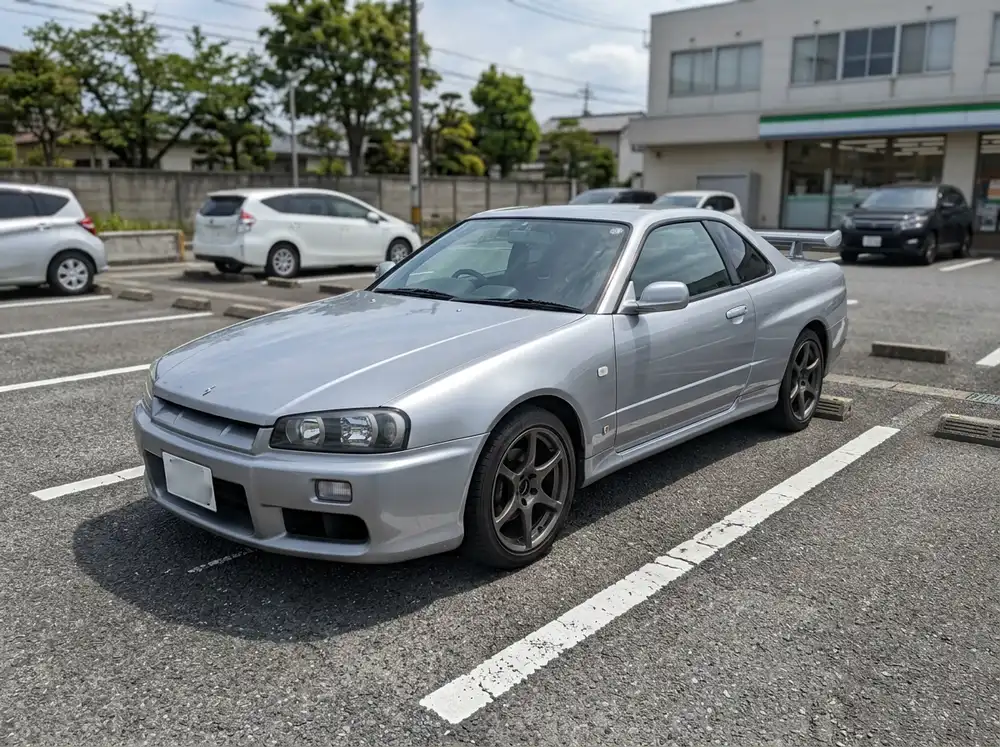
Drag to compare
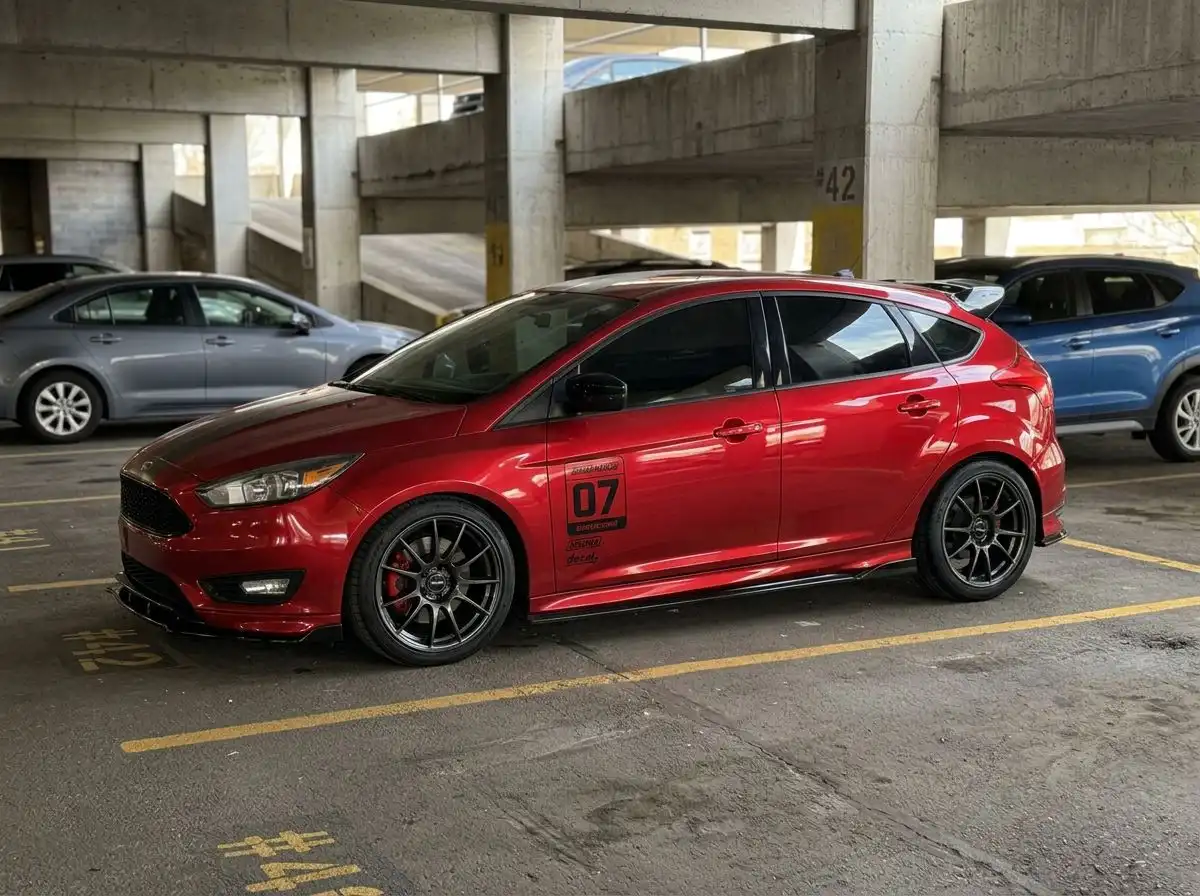
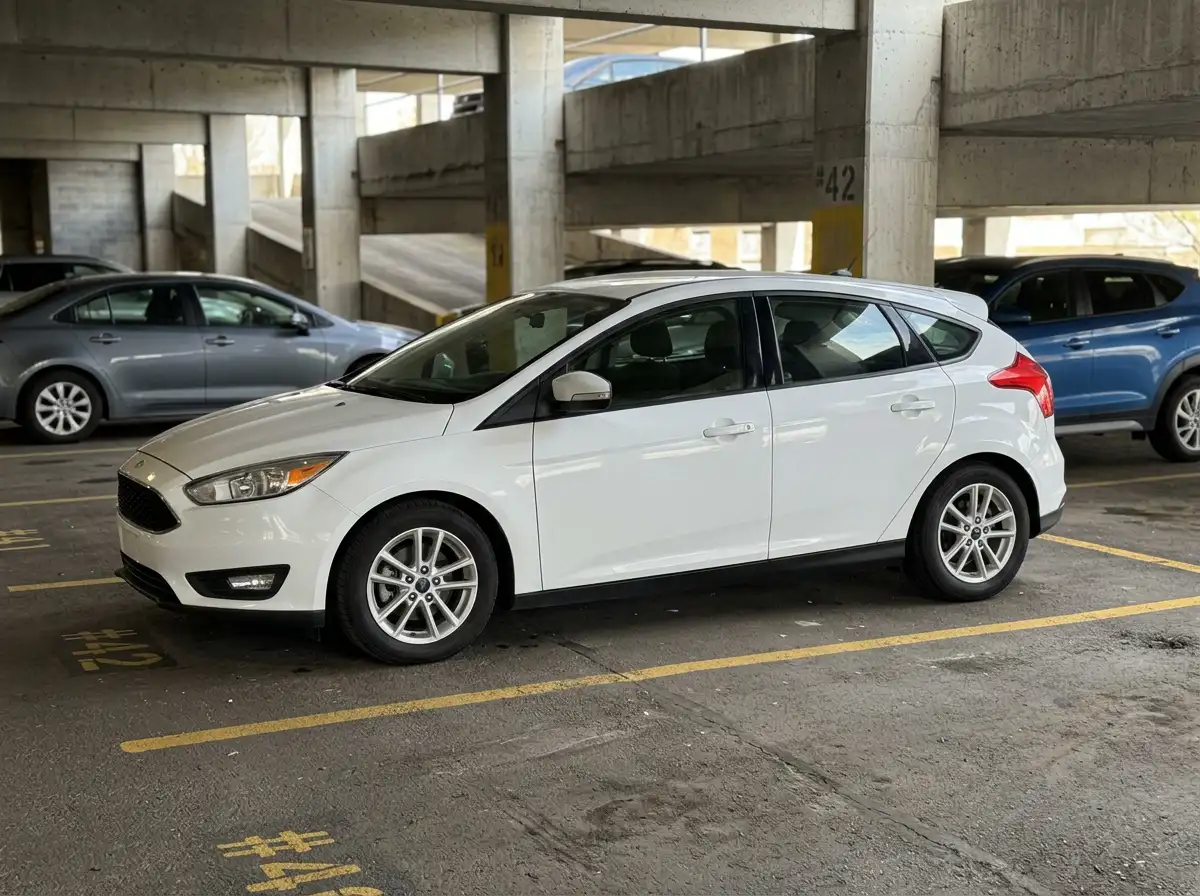
Drag to compare
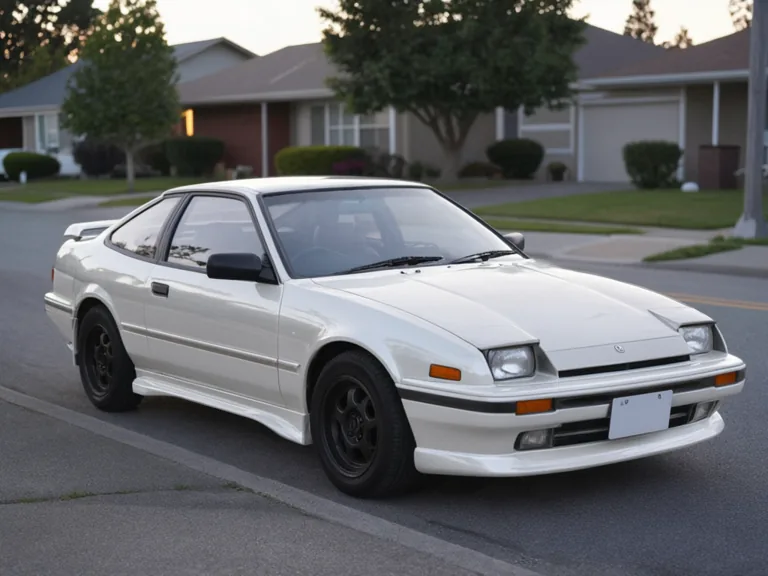
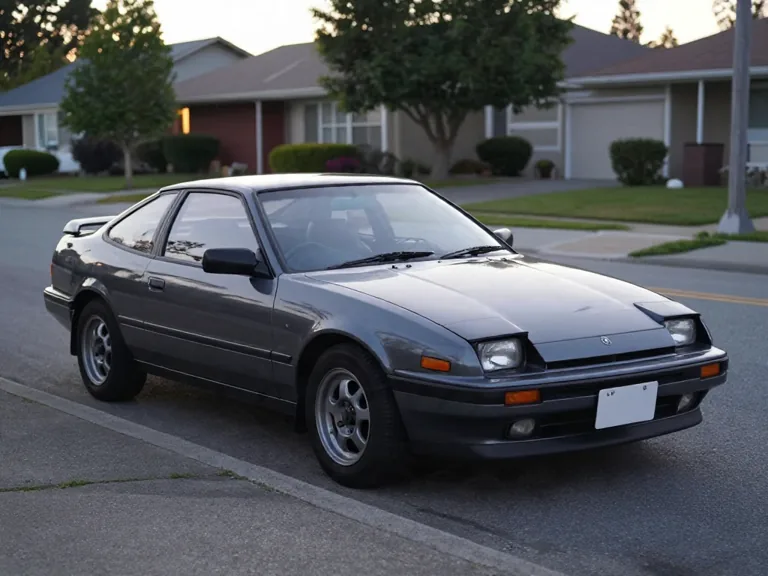
Drag to compare
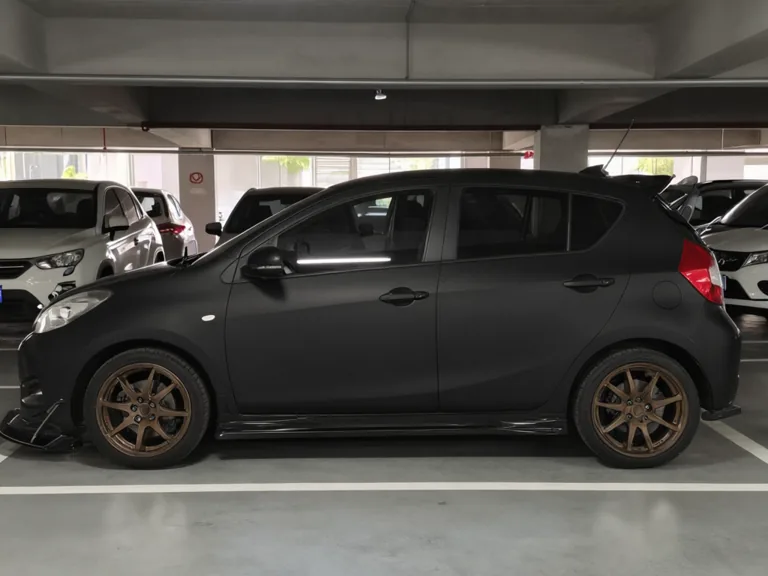
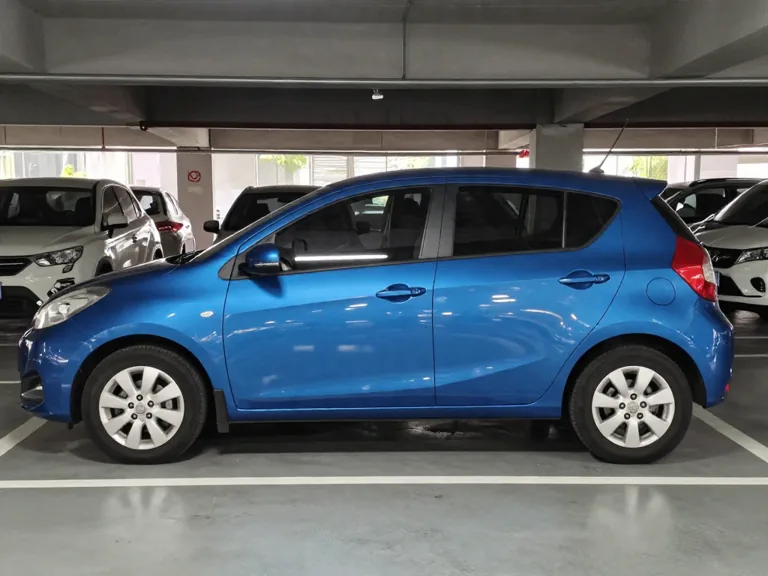
Drag to compare
Real, unretouched output from this tool. Drag any slider to compare.
JDM car customizer: build the look on your own car
Upload a photo of your car, choose a Customization Type such as Body Kit, Lowered Stance, Racing Style or New Wheels / Rims, then pick a Color/Finish and a Wheel Style. Add the JDM details under Additional Requirements, for example "front lip, side skirts, ducktail spoiler, bronze six-spoke wheels".
The AI keeps your car's body shape, plates and background, and changes the parts you name. It works best on a side or three-quarter photo where the whole car is in frame.
Japanese car styles to try
Each JDM style has its own parts list, so name the one you want. Street or tuner: wide wheels, lowered stance, small wing. Drift: aggressive front bumper, wide arches, deep-dish wheels. Bosozoku: tall exhaust, oversized front lip, bright two-tone paint. VIP: deep slammed stance, chrome wheels, tinted windows on a big saloon. Kanjo: stripped look, roll cage, plain white paint with stickers.
For a JDM car build in steps, run one change at a time: wheels and stance first, then the body kit, then the paint. Each result becomes the photo for the next step.
Before you buy parts
People use the JDM customizer as a quick car configurator for their own car: to check that a wheel colour suits the paint, or how low is too low, before ordering. Share the result with your shop or friends and ask for real fitment numbers.
The image shows a look, not fitment. Wheel offset, tyre size and ride height still need checking by someone who can measure the car.
JDM style on a motorcycle
Planning a JDM-style bike instead of a car? A motorcycle customizer previews colors, parts and mods on a photo of your own motorcycle.
More AI Car Customizer tools
Popular on AI Two
Browse every tool in this category: AI Car Customizer
🚗
JDM Customizer AI
AI Tool
Upload your imageTap anywhere here — your AI design will appear in this space after you generate.JPG · PNG · WebP
Customize and visualize car modifications with AI
Premium users can generate images without watermark
Higher quality options available for premium users
Be specific for better results0/300
Premium users can generate images without watermark
Higher quality options available for premium users
Output quality:
Frequently Asked Questions
Yes! All AI-generated designs can be customized. You can adjust colors, materials, layouts, and specific elements to match your exact preferences.
We support all common image formats including JPG, PNG, WebP, and more. High-resolution images produce the best results.
Our AI creates photorealistic designs that accurately represent how your space would look with the proposed changes. The results are suitable for planning and visualization purposes.
Yes, to try. Your first generation is free when you sign up, with no credit card. Free results can carry a watermark; paid plans remove it.
Yes. That is what this page does: it edits the car in your photo instead of a 3D model, so you see the parts on your real car.
A side or front three-quarter view in daylight, with the whole car and all four wheels visible. Avoid heavy shadows and cropped bumpers.
Yes. Use the motorcycle customizer with the same idea: name the parts and the paint you want under the extra requirements.