🚗Car Studio
See the build on your own car before you pay for it
Upload one photo of your car or truck. Try a new paint colour, a wrap, different wheels, a lift or a lower stance, a body kit or window tint, and keep the same car, angle and background.
Free to try · sign up free for your first generation · no credit card
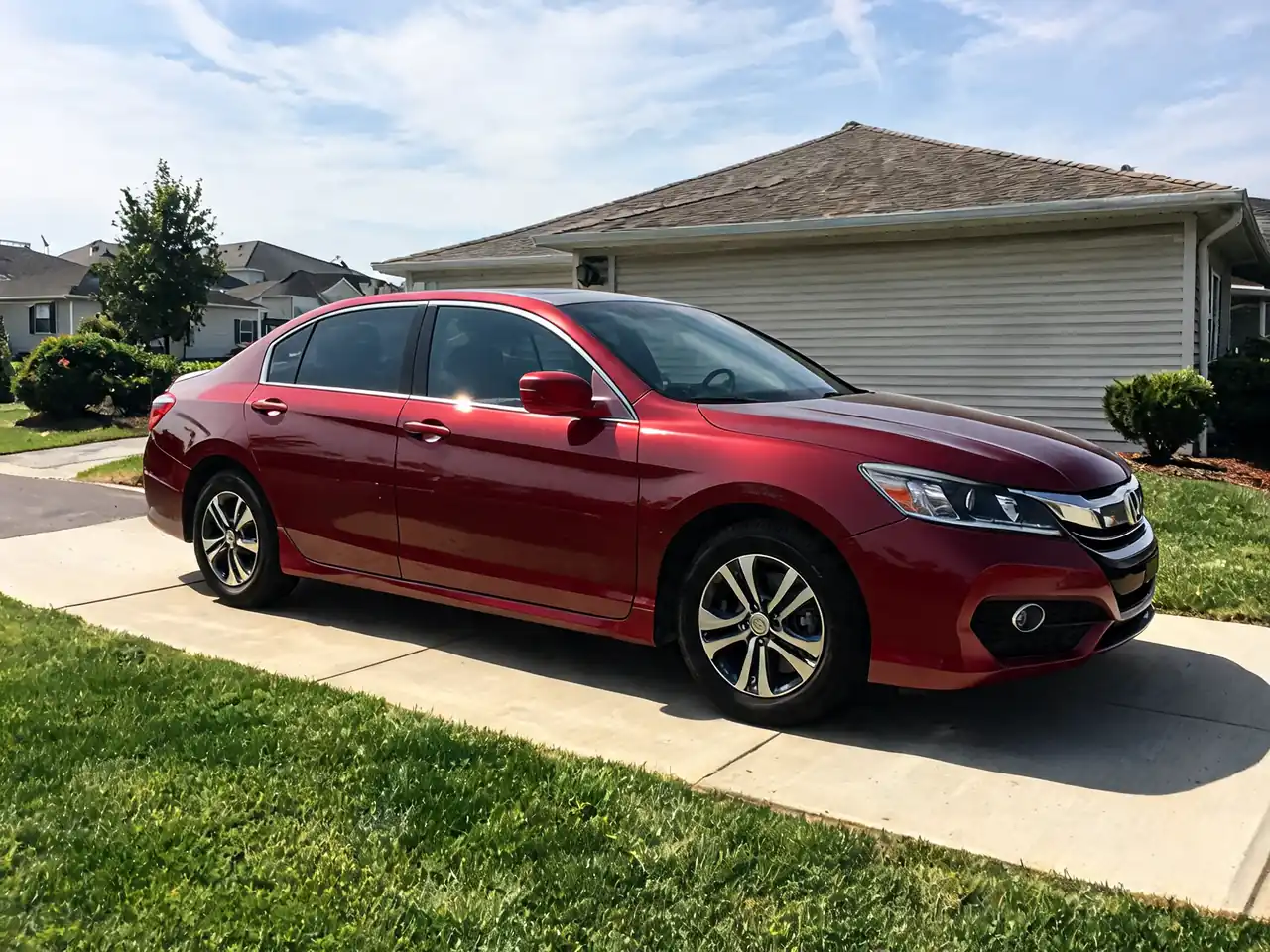
Real tool output: silver sedan to deep crimson red
Made with this studio
Paint & Colour
Start here: see a new colour on your own car before a respray or a wrap.
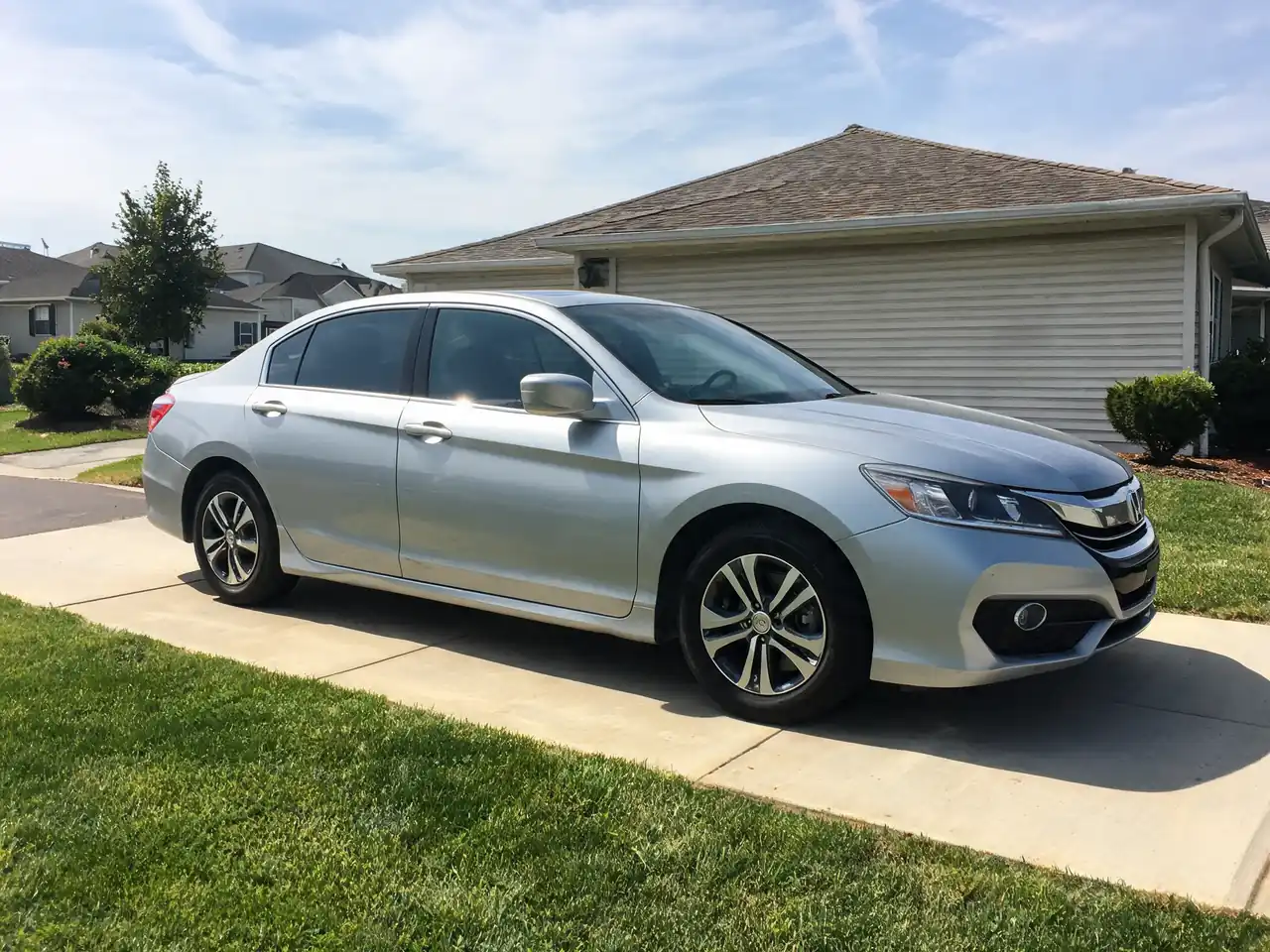
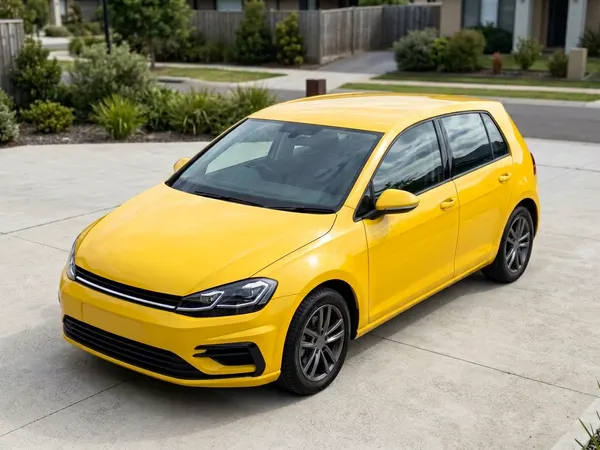
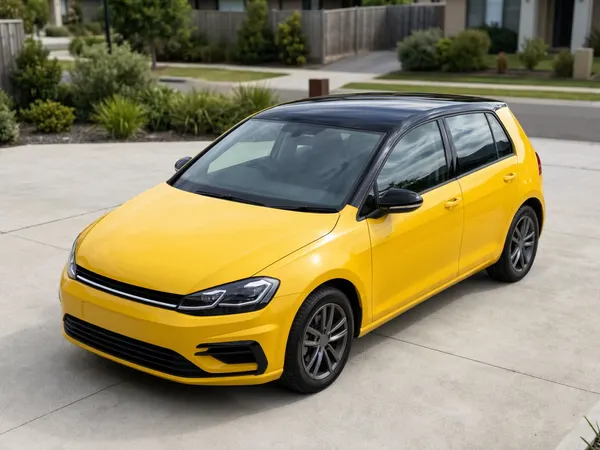
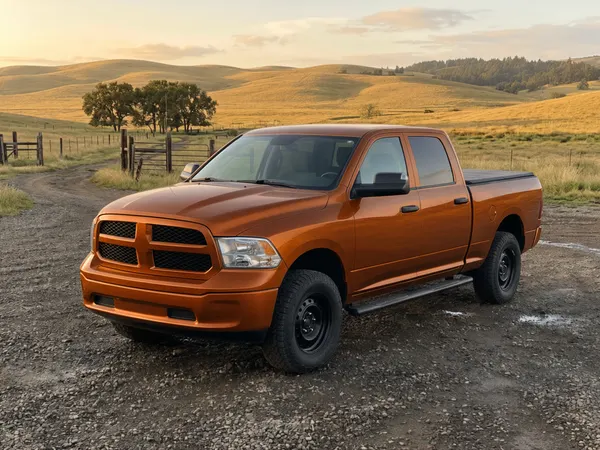
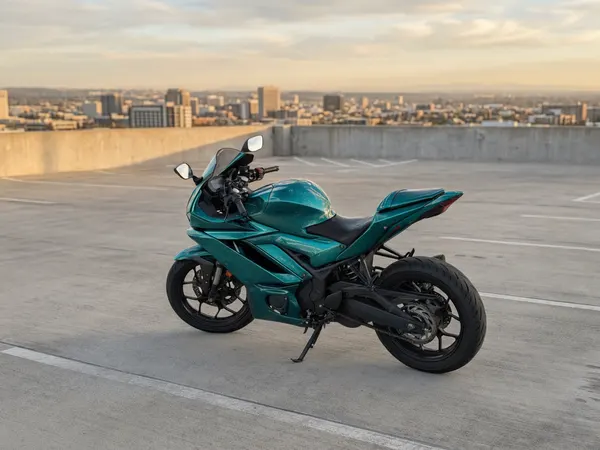
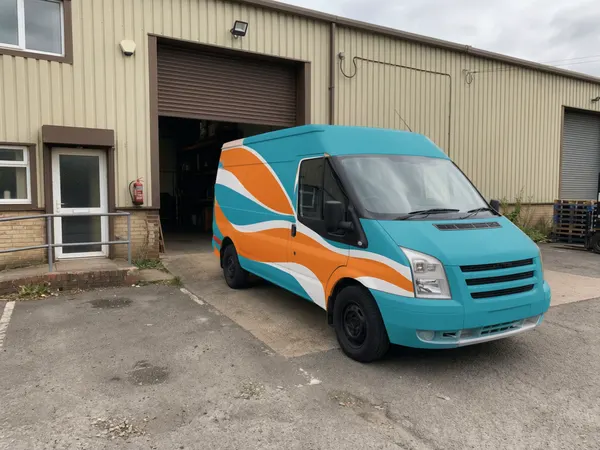
Wraps & Livery
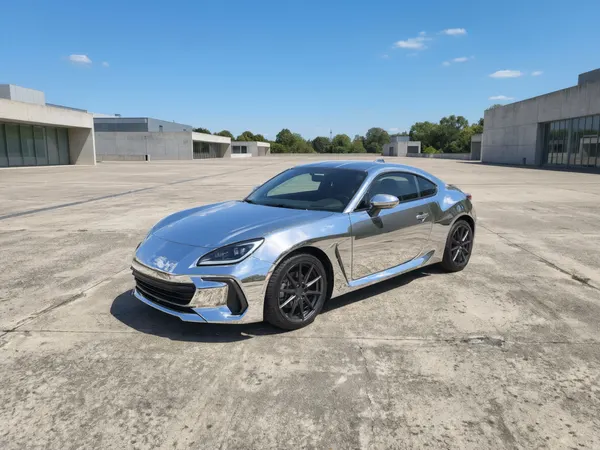
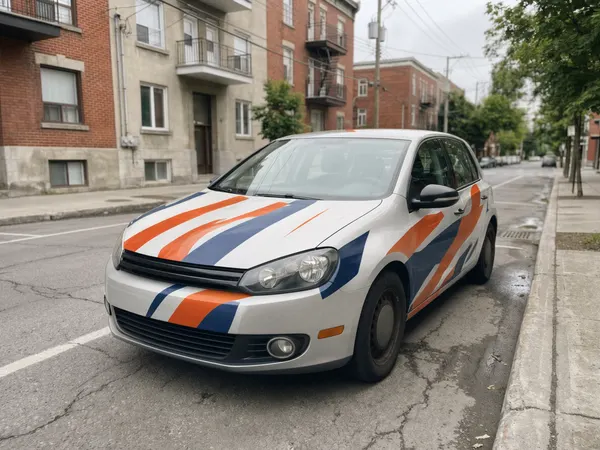
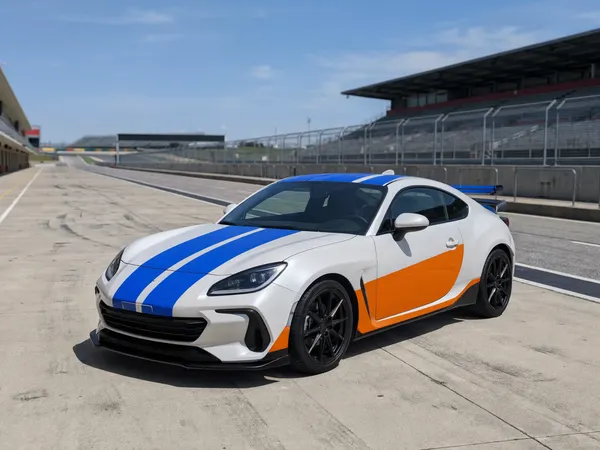
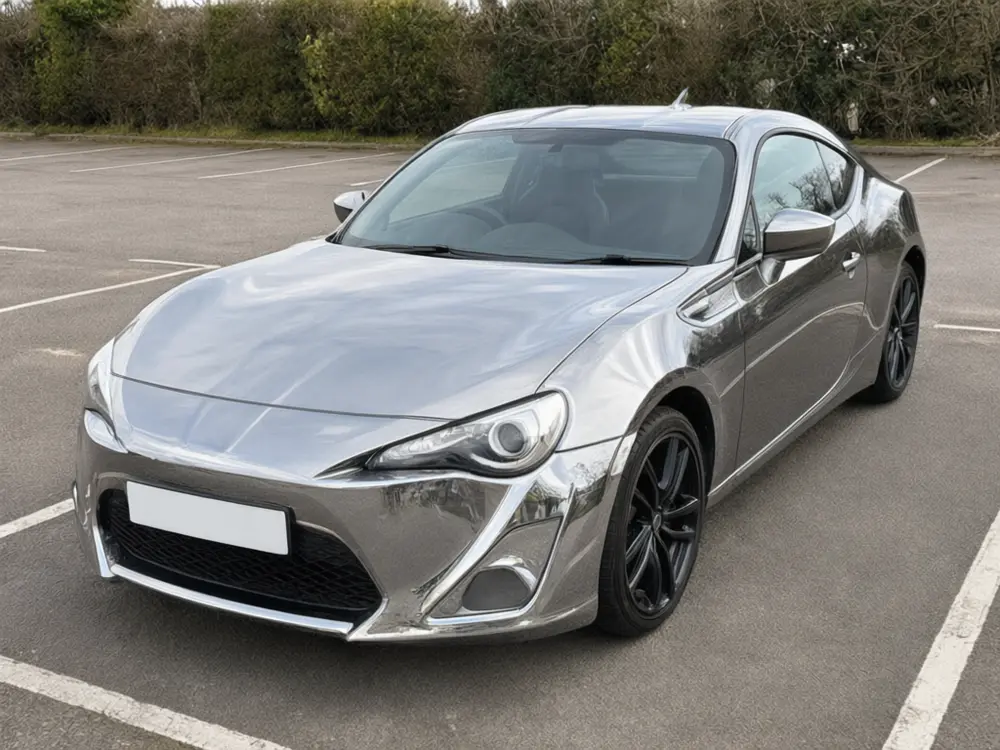
Gloss, matte, satin and chrome wraps, or a full race livery.
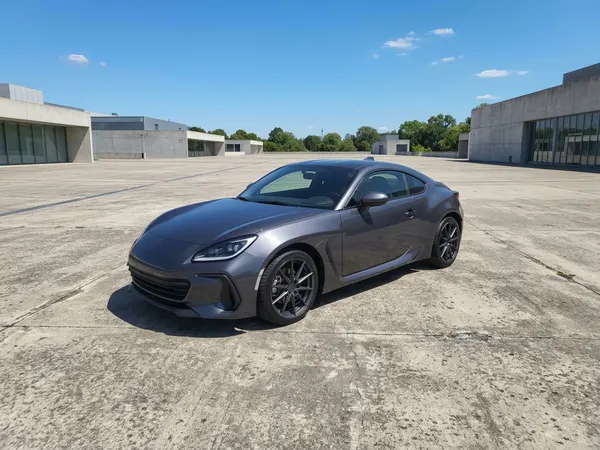
Wheels, Stance & Body
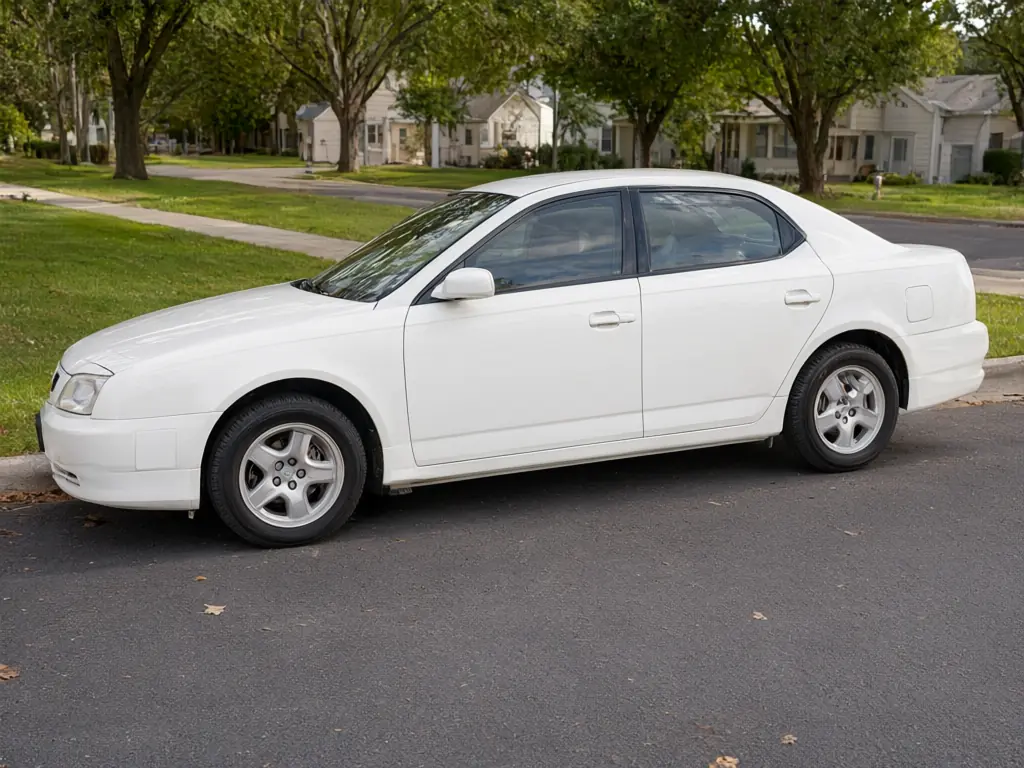
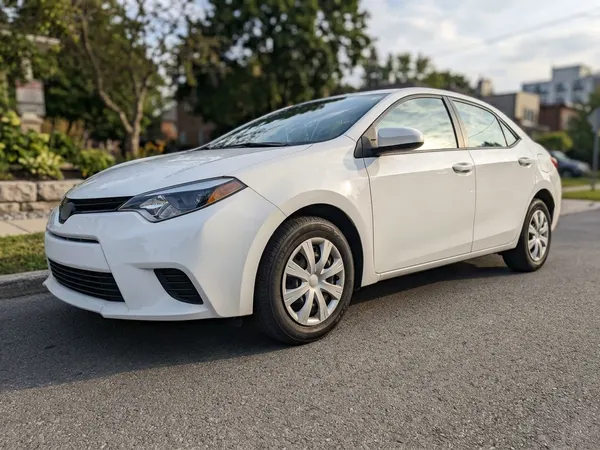
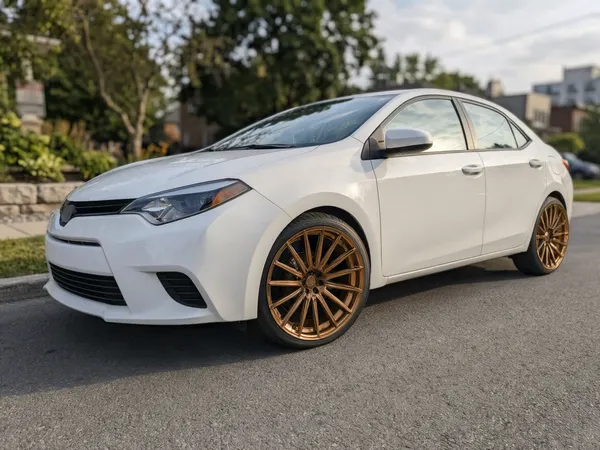
The changes that make a car look like a different build.
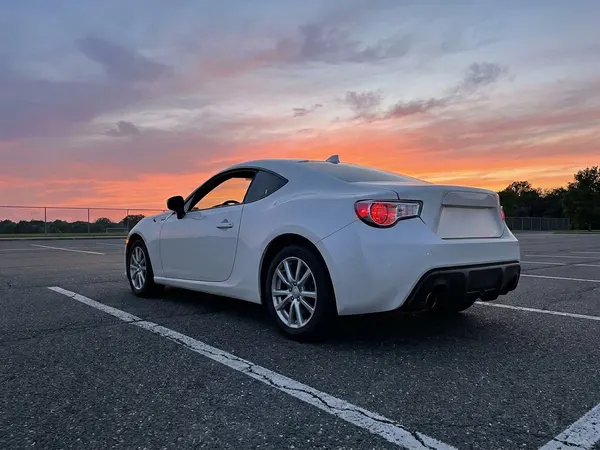
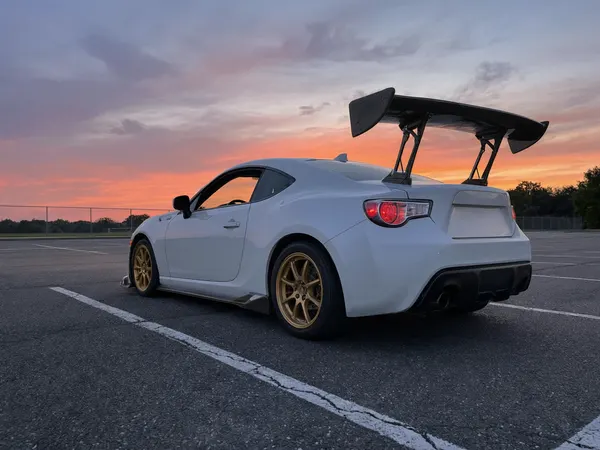
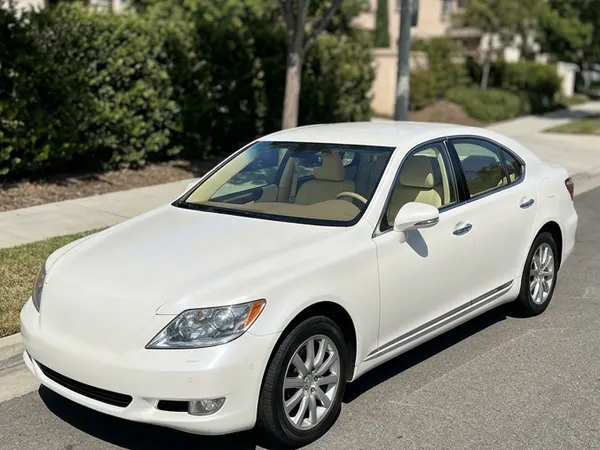
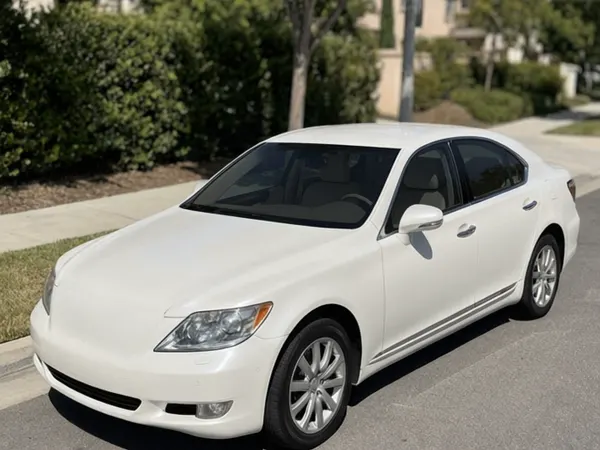
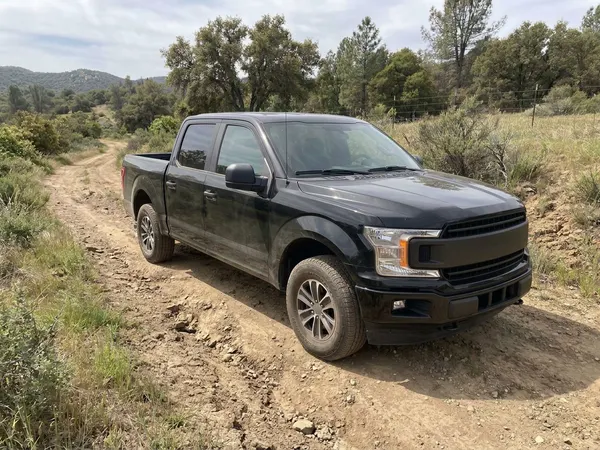
Trucks & Builds
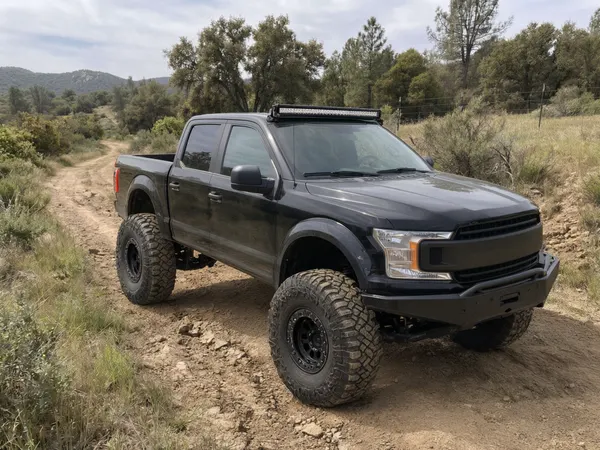
Lifts, off-road builds and trucks designed for a job.
Real results
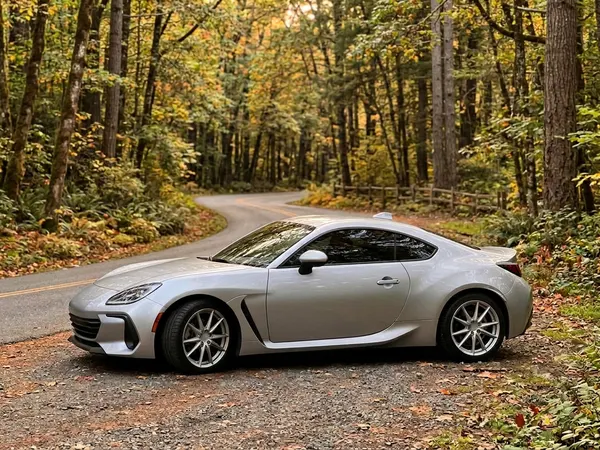
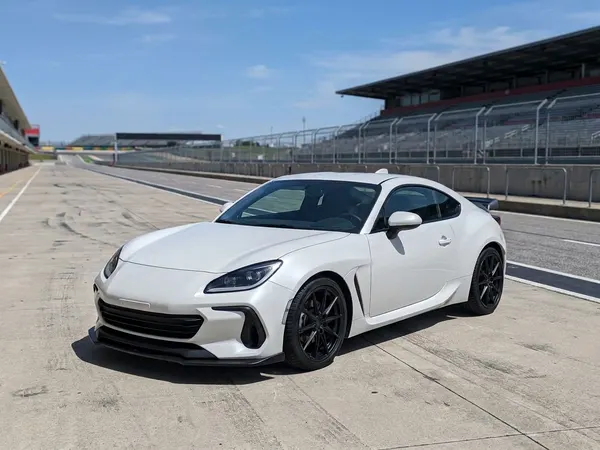
Every pair is real output of the linked tool from an ordinary car photo, not a mockup or a 3D render.
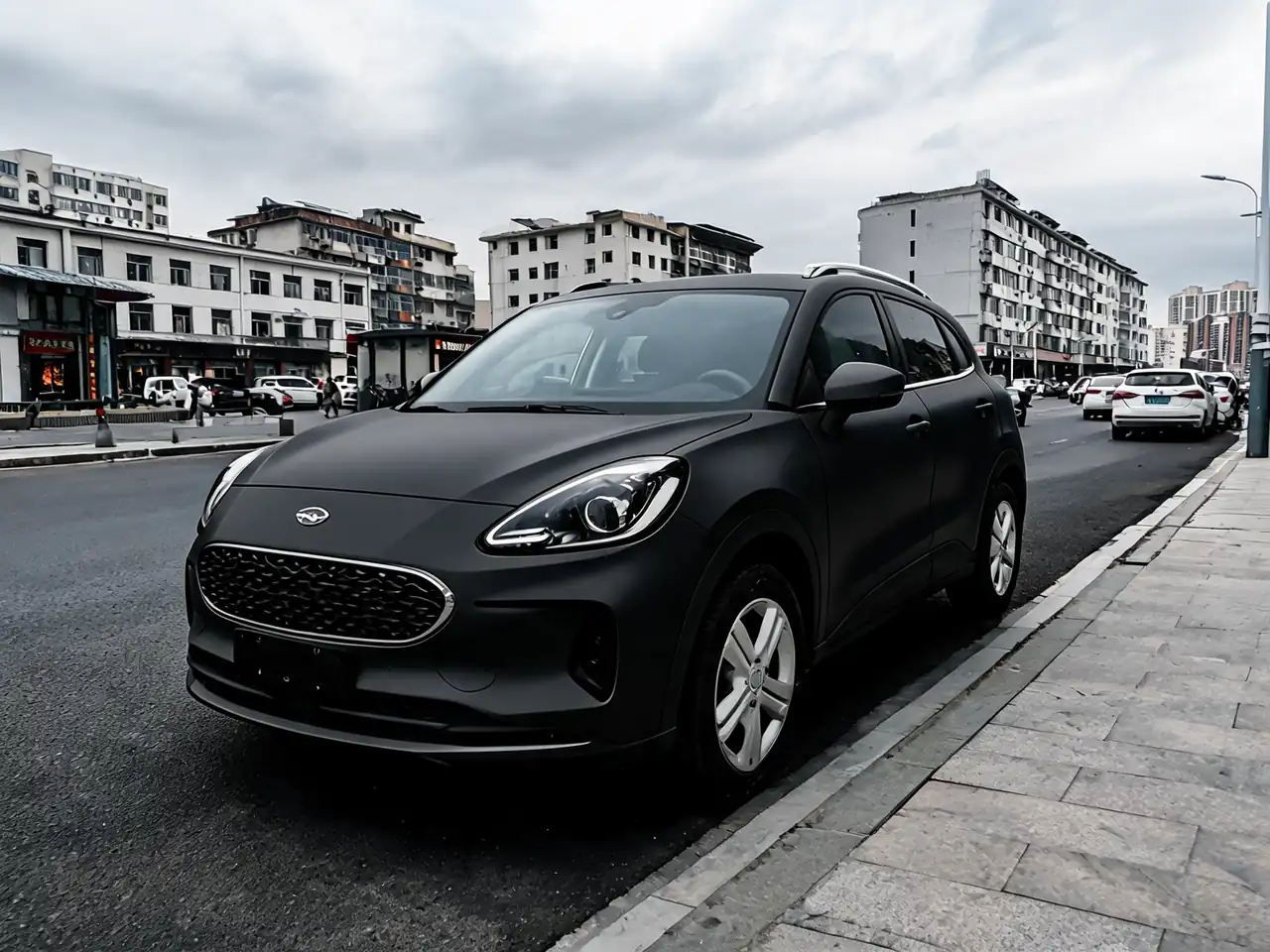
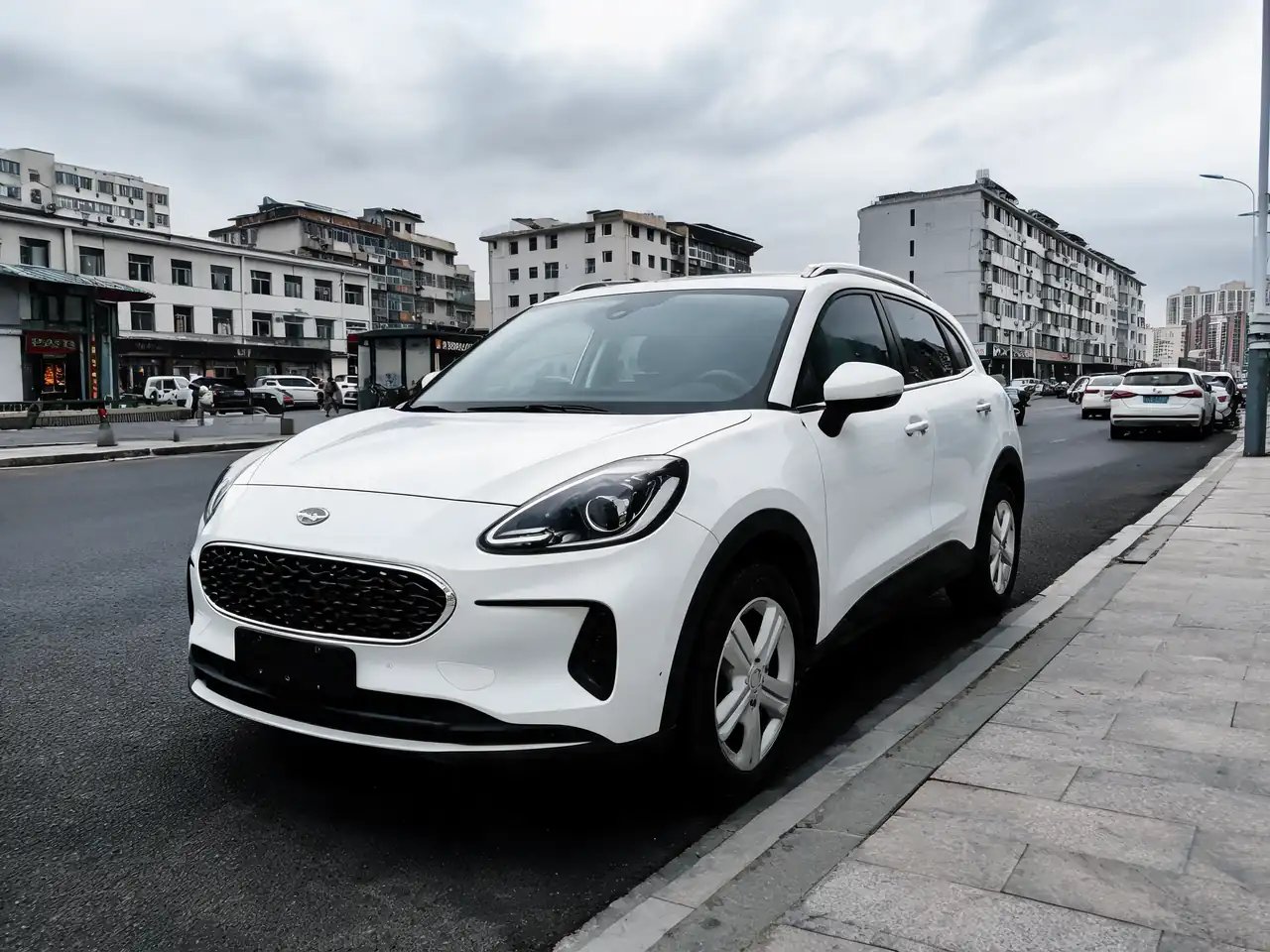
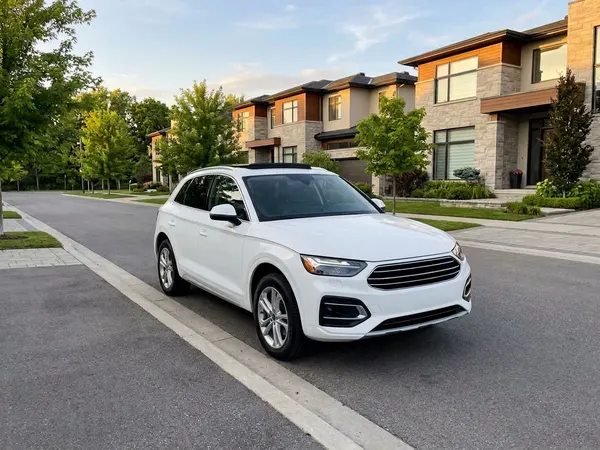
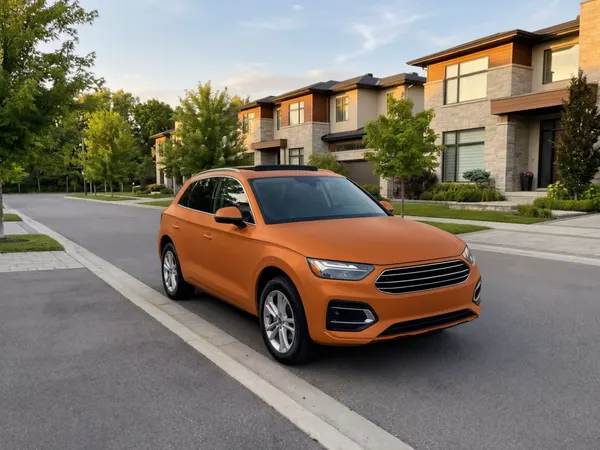
White SUV to matte black
Before / after — drag to compare
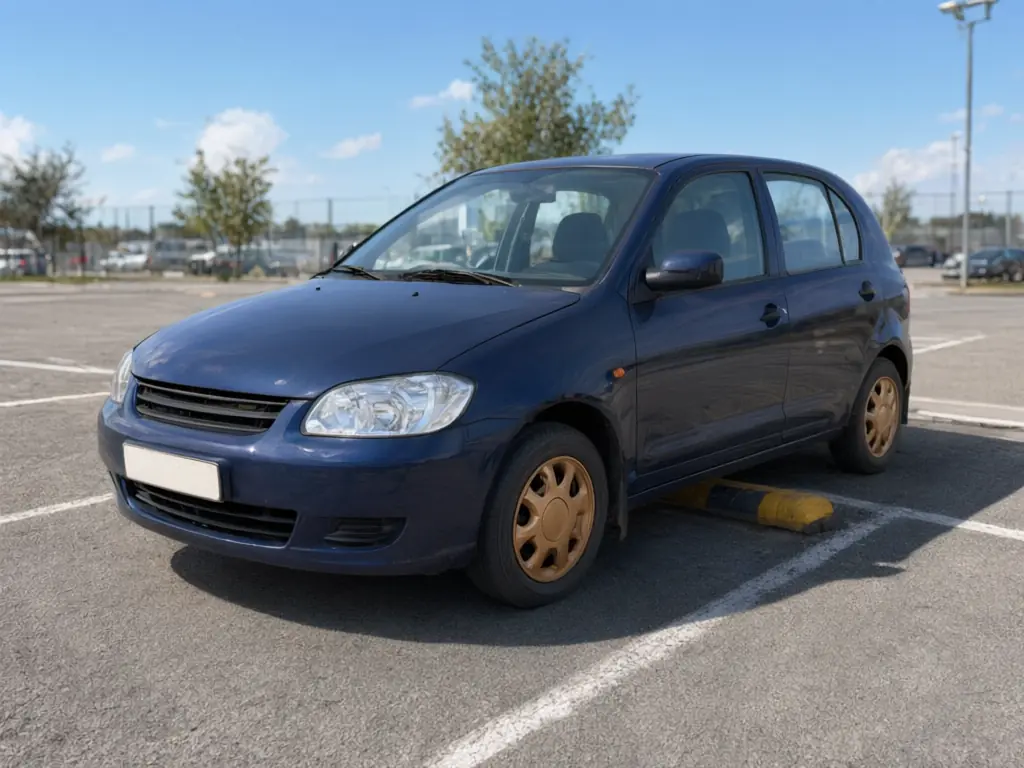
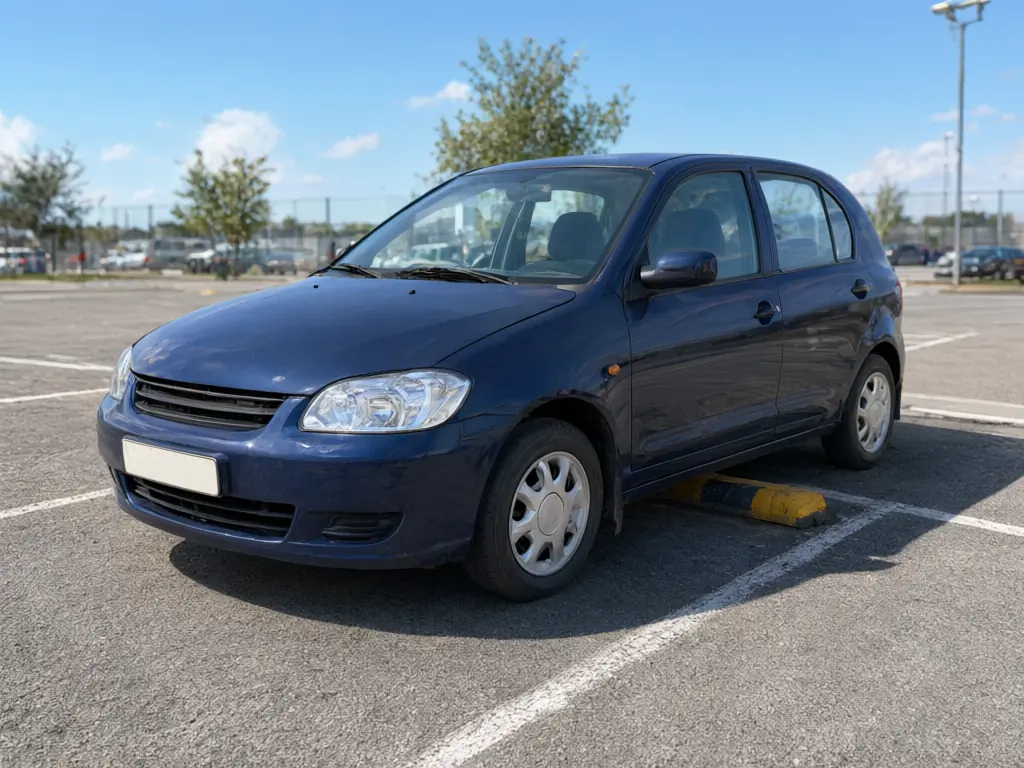
Silver alloy rims to satin bronze
Before / after — drag to compare
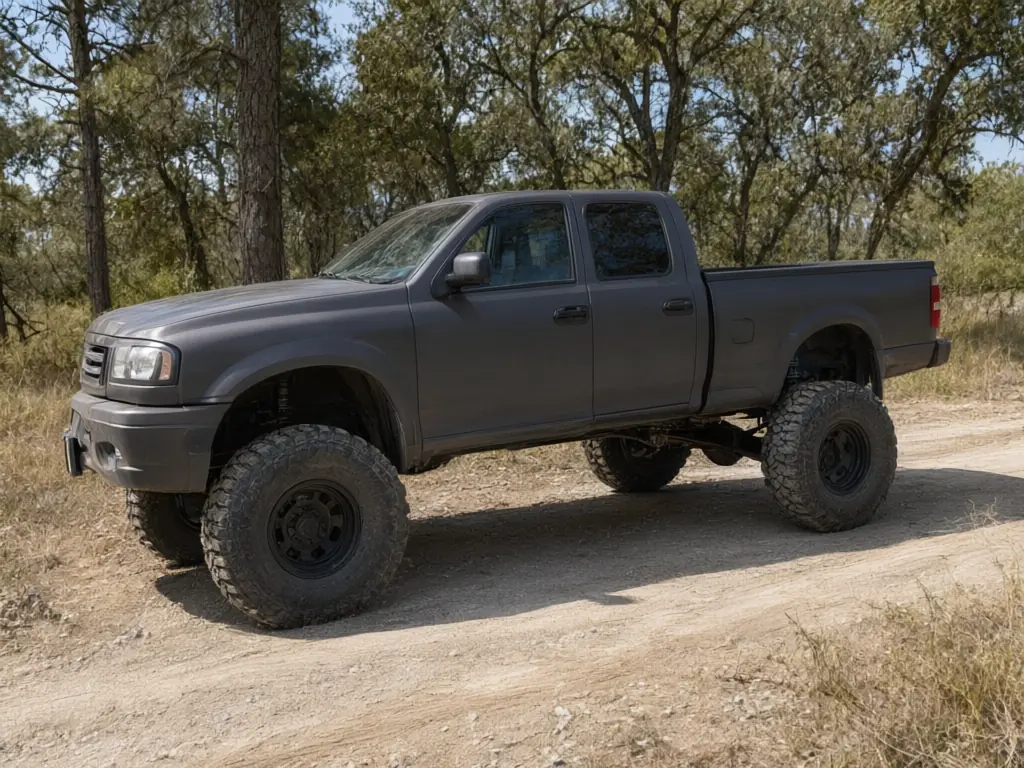
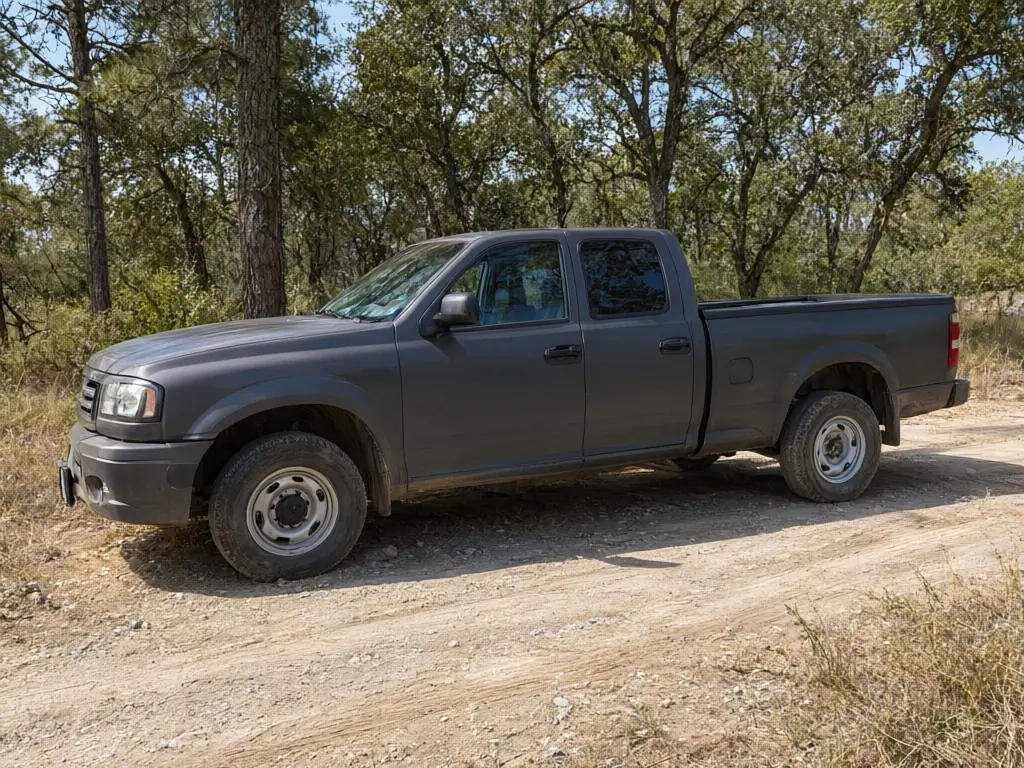
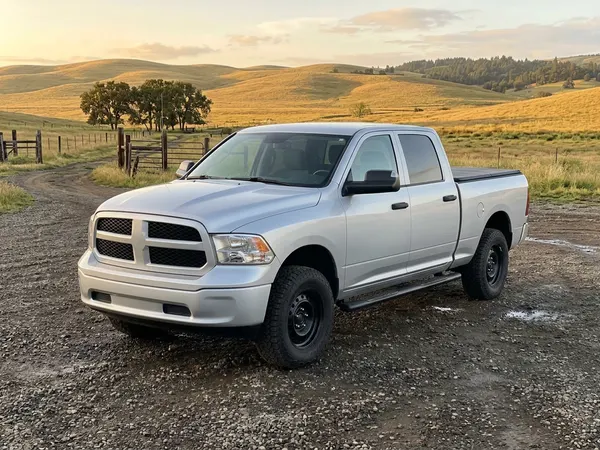
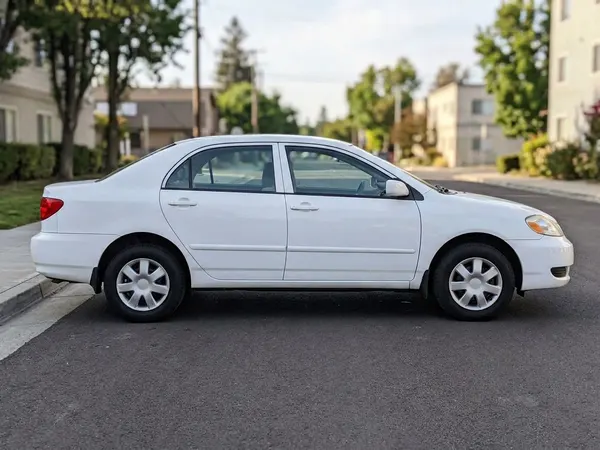
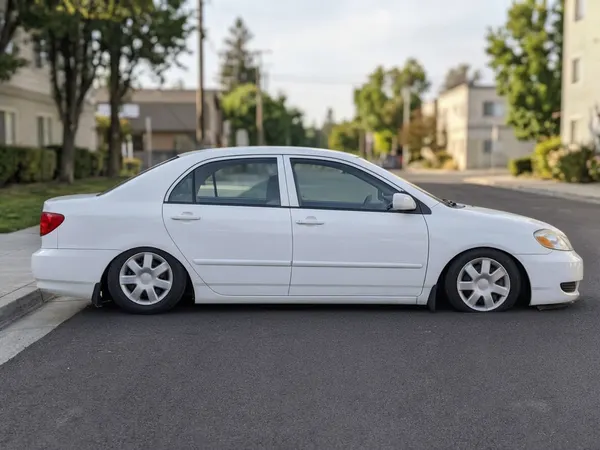
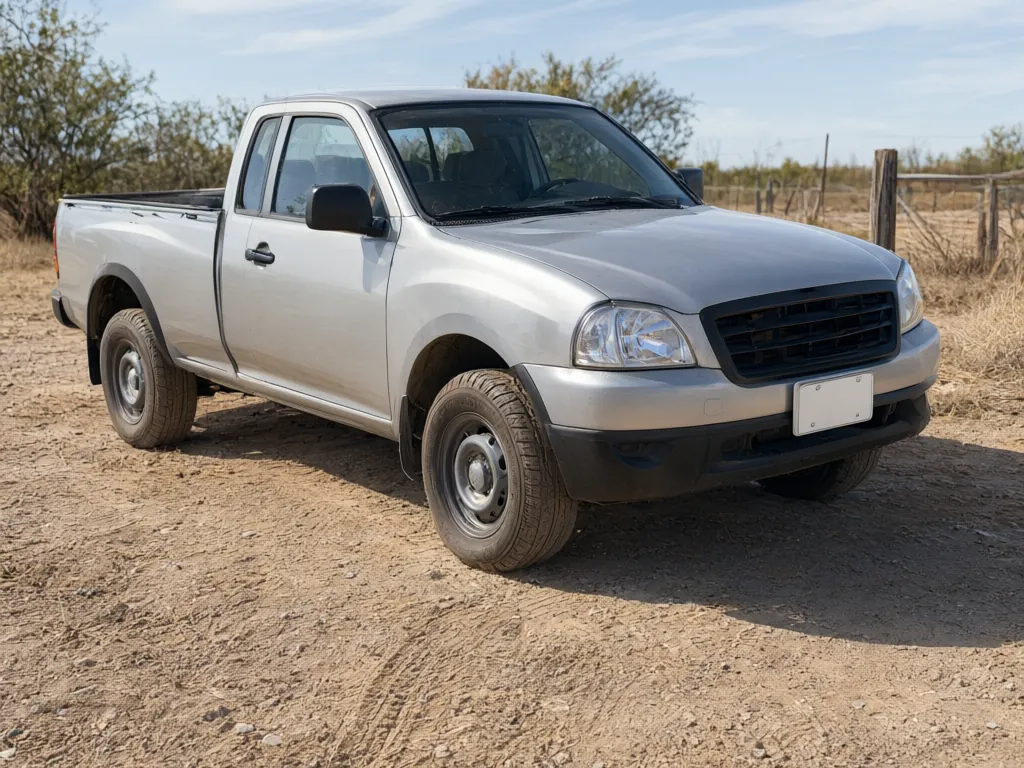
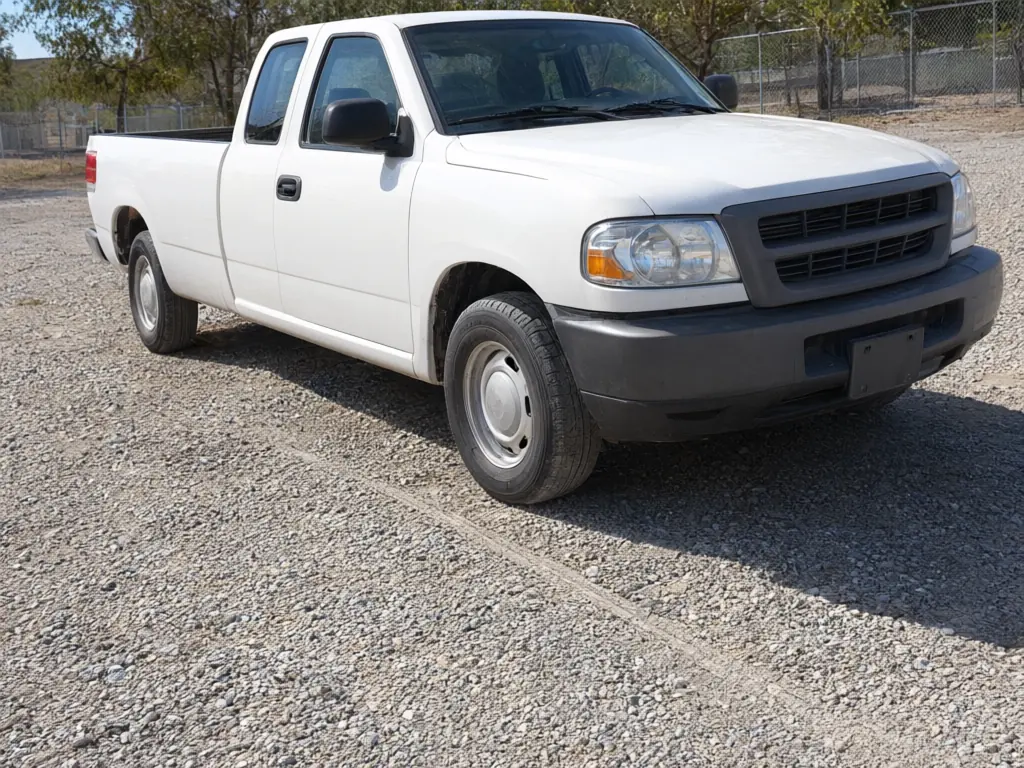
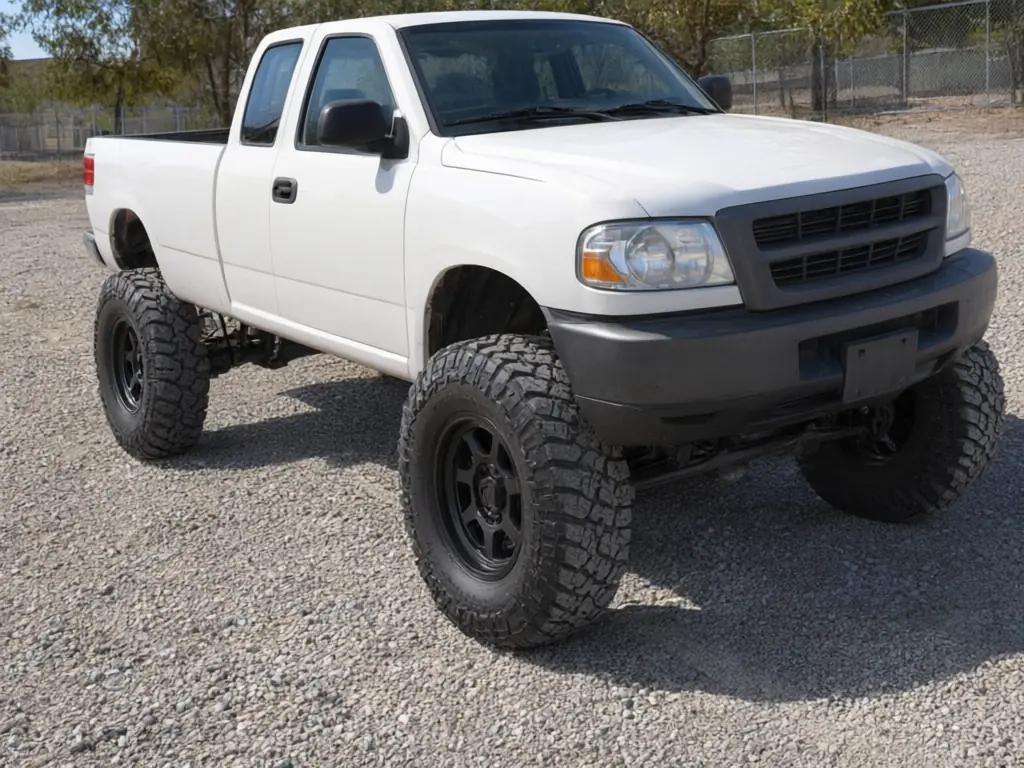
Stock pickup to a 6-inch lift on 35-inch tyres
Before / after — drag to compare
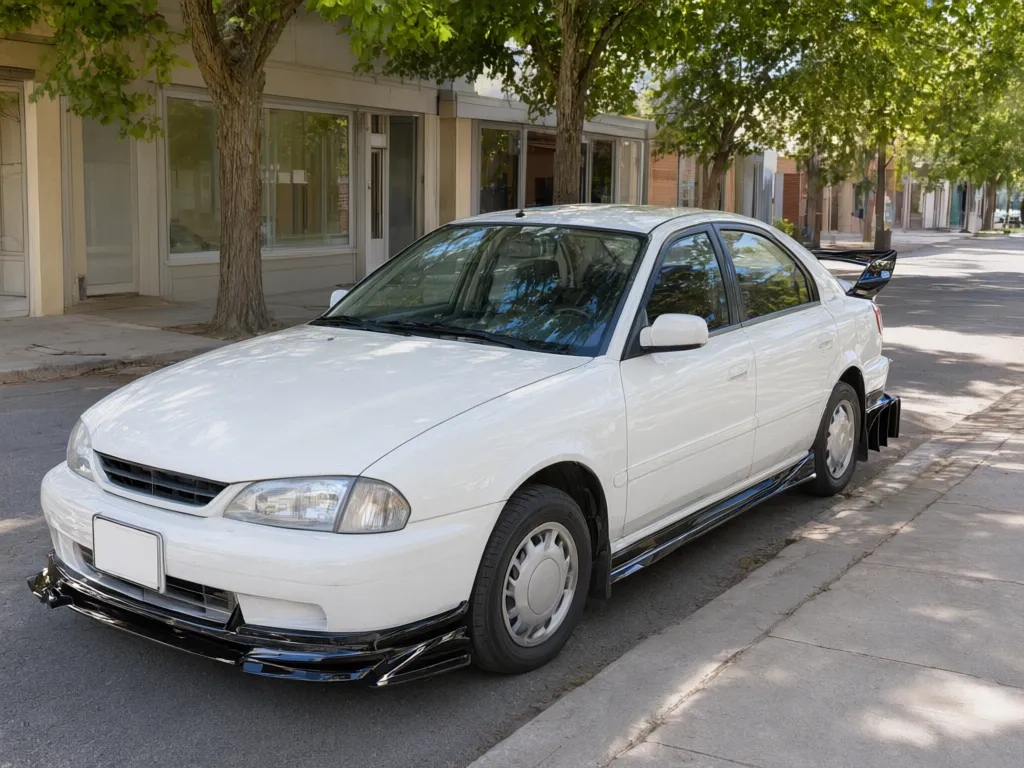
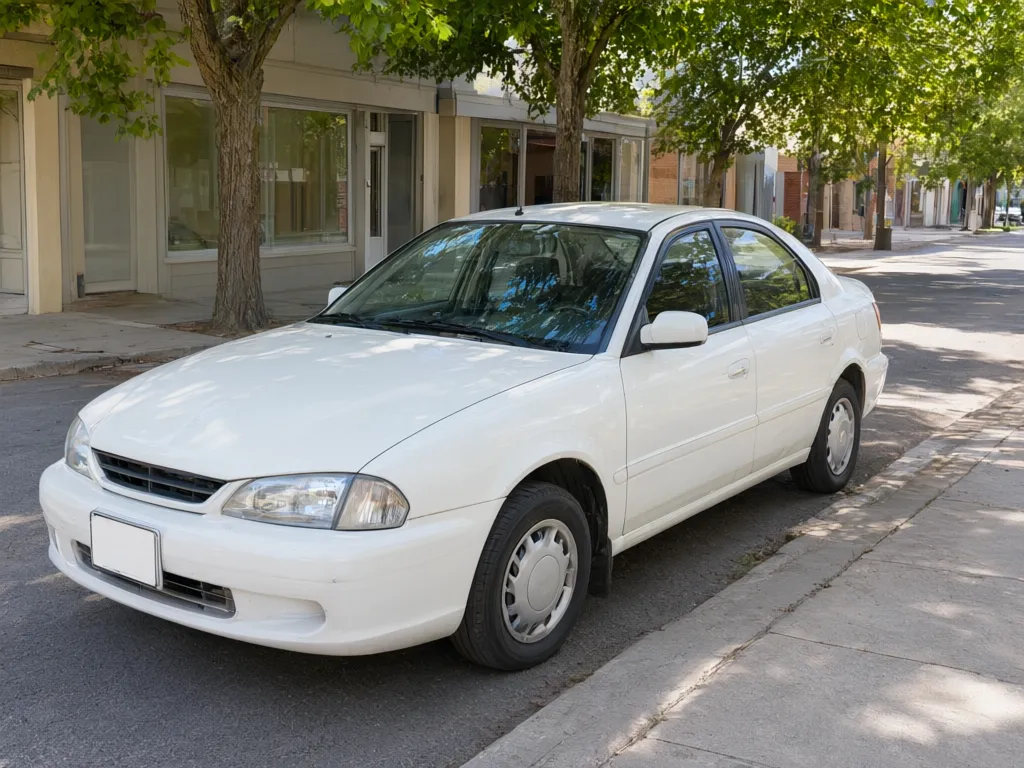
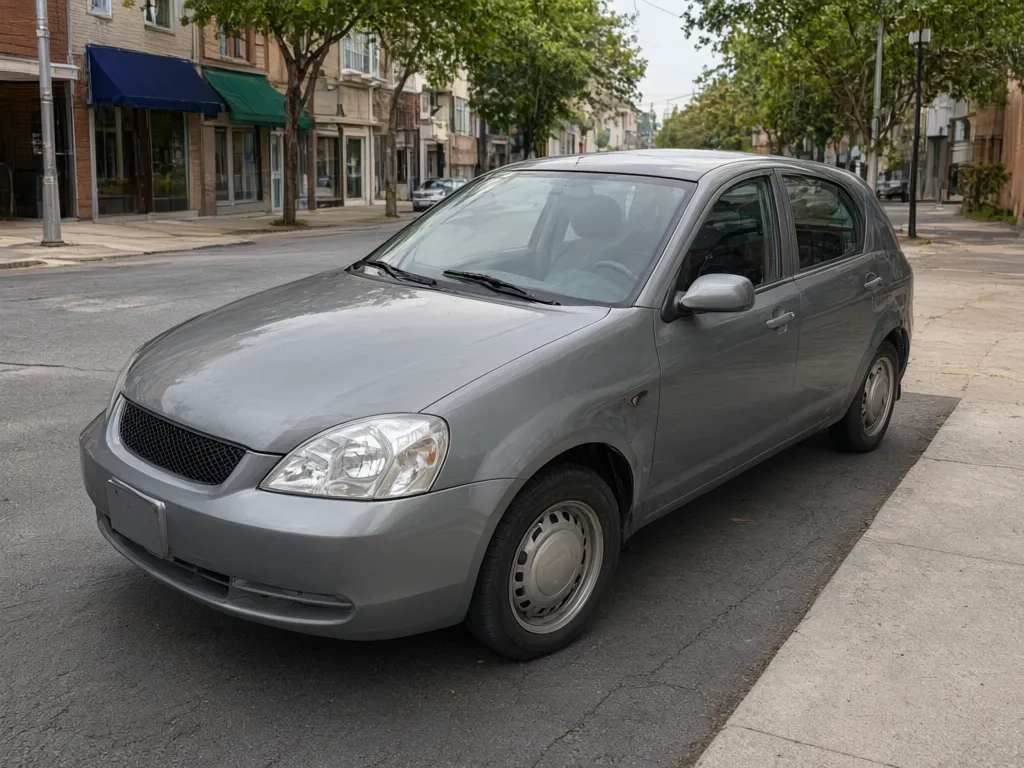
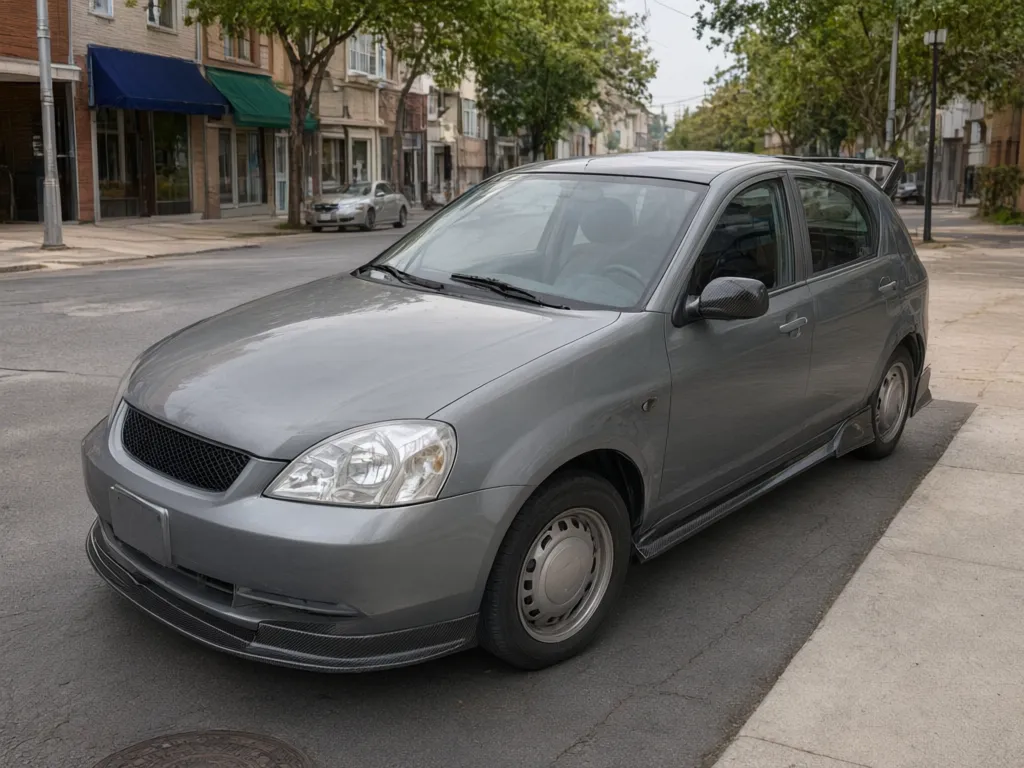
Stock sedan with a street body kit
Before / after — drag to compare
The process
How to visualize car mods on your own car
Step 01
Take one clear photo of the car
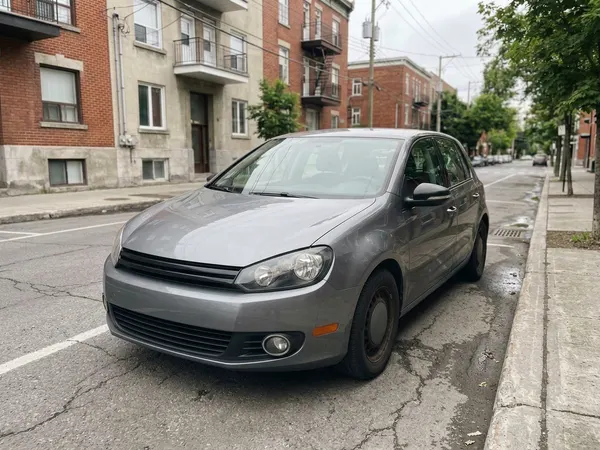
Shoot the car from the side or at a front three-quarter angle, in daylight, with the whole car in frame. A sharp photo without strong reflections gives the most believable paint, wrap and wheel results.
Step 02
Pick the change you want to see
Open the tool for the job: a colour, a wrap, wheels, a lift or a lower stance, a body kit or tint. Choose a preset or describe it, for example "satin dark grey wrap with gloss black wheels".
Step 03
Compare, then take it to the shop
Check the result against your photo: the same car, angle and background, only the change you asked for. Run a few options side by side, download the one you like and show it to your body shop or wrap installer.
Why Car Studio
Why try a build on a photo first
Your car, not a stock render
Configurators show a factory model in a studio. Here the change is drawn on your own car, in your driveway, with your trim and wheels, so you judge the look you would actually live with.
Cheap to change your mind
A respray, a full wrap or a set of wheels is a big spend. Trying ten colours or five wheel styles on a photo costs nothing but a minute each.
One photo, many mods
The same photo works across every tool here, so you can stack ideas: a new colour, then darker rims, then a lower stance, and see the whole build.
Cars, trucks and bikes
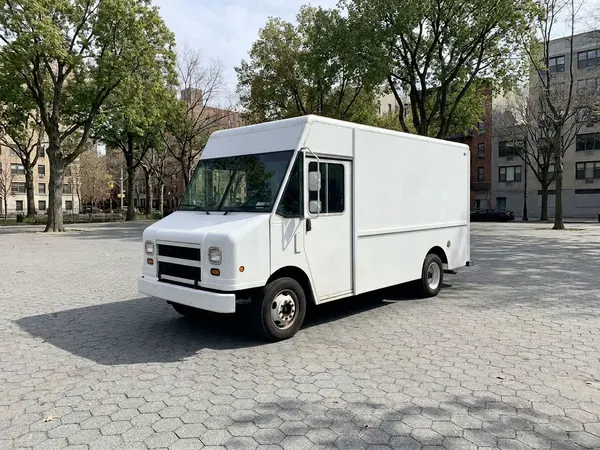
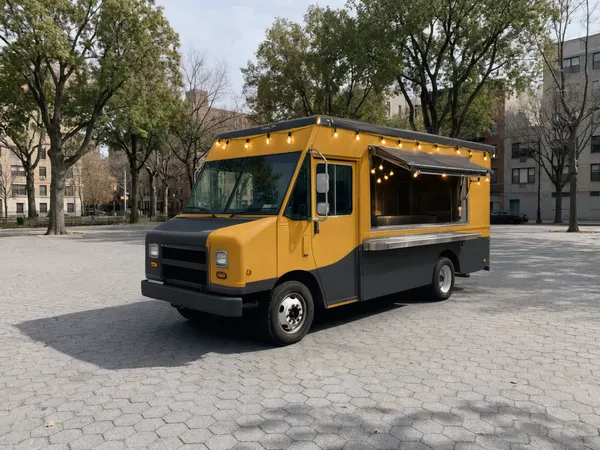
Sedans, SUVs, pickups, vans, food trucks and motorcycles each have their own tool, because a lift kit and a race livery are different jobs.
Free to try, no card
Signing up is free and your first generation is free. You see the real result on your own car before deciding on anything more.
Paint vs wrap: which change to preview
A respray changes the paint itself. A vinyl wrap covers the paint with film that can be removed later, and it opens finishes that are hard to paint, like chrome, colour-shift and textured films.
If you are choosing between the two, the car wrap vs paint guide compares them. Then try the colour in both: the Car Color Changer for a painted look, and the Car Wrap Visualizer for gloss, satin and matte film.
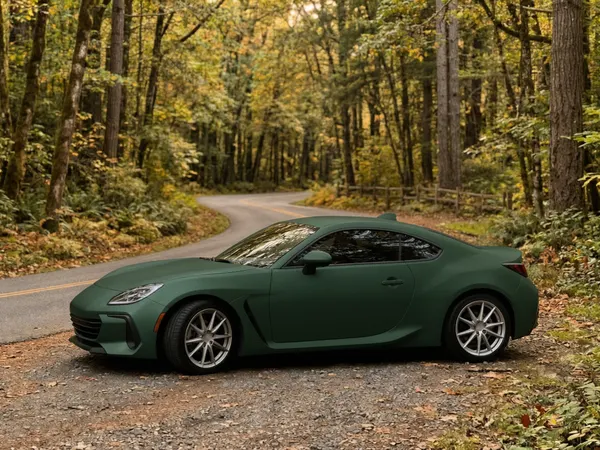
Finish changes how a colour reads. The same green looks deeper in gloss and flatter in matte, so try the finish as well as the colour before you book.
Wheels, stance and body kits
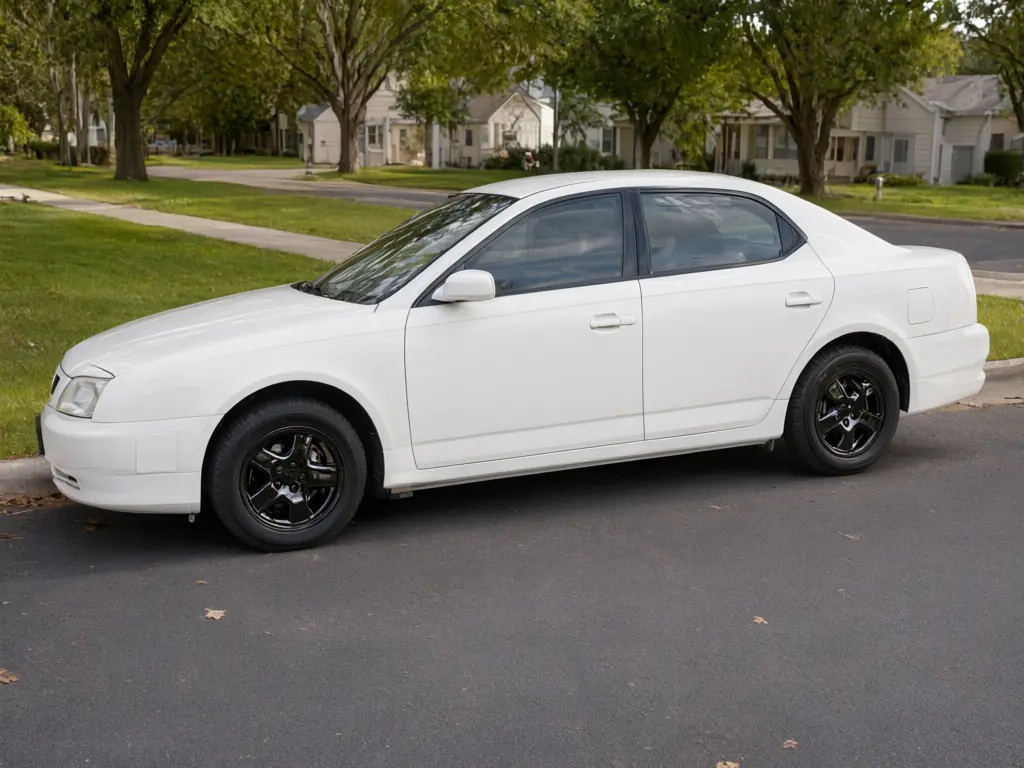
Wheels change a car more than most people expect. Try a rim colour first with the Wheel Rim Color Changer, then a new wheel design with the Wheel Customizer if you are buying a new set.
Stance is the next step: the Car Lowering Visualizer shows a lowered ride height, and the Body Kit Visualizer adds a front lip, side skirts, a wing or a diffuser. The JDM Customizer combines these in a Japanese tuning style.
Window tint has legal limits that differ by state and country. Use the Window Tint Visualizer to compare shades, then check your local rules before you buy film.
Trucks, lifts and off-road builds
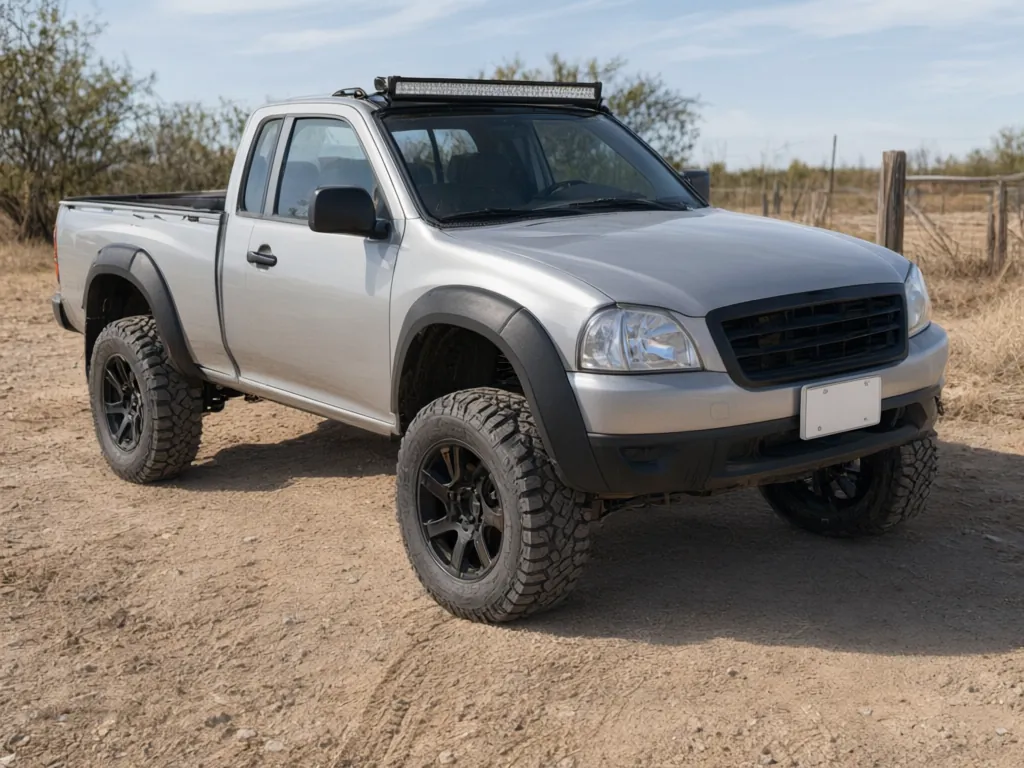
Truck owners usually change more than the paint. The Lift Kit Visualizer shows leveling kits and taller lifts on bigger tyres, and the AI Truck Designer handles whole builds: off-road parts, a retro two-tone or a new colour.
A lift changes how the whole truck sits, so look at the result from the side as well as the front. Your installer can tell you which lift and tyre size really fit your truck.
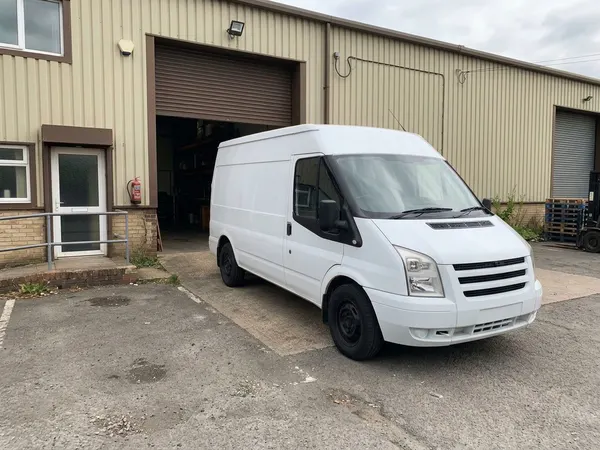
For a business vehicle, the Food Truck Designer and the Vehicle Wrap Customizer show a branded exterior before you order the print.
Questions
Frequently asked questions
What is an AI car studio?
It is a set of AI tools that edit a photo of your own car: paint colour, wraps, wheels, ride height, body kits, tint and truck builds. Each tool keeps the car, angle and background and changes only what you ask for.
Can I see a new colour on my own car?
Yes. Upload a photo and the Car Color Changer repaints it in the colour and finish you pick, from gloss red to matte black or a pearl white.
Does it work for trucks and SUVs?
Yes. Pickups, SUVs, vans and food trucks all work, and trucks have their own tools for lifts, off-road builds and paint.
Is the result exactly what the shop will deliver?
No. It is a preview to help you choose. Real paint, film and parts vary by brand and batch, so confirm the exact colour code, film or part with your shop before you pay.
What photo works best?
A daylight photo from the side or front three-quarter angle with the whole car in frame. Avoid heavy shadows, strong reflections and cars that are cut off at the edge.
Is it free?
Signing up is free and includes a free generation with no credit card. Paid plans add more credits and downloads.
Can I use the images when selling a car?
Use them to show what a car could look like, not as a photo of the car as it is. A listing should show the real car; label any AI preview clearly.
Everything in Car Studio
23 of them, grouped by the job they do.
Wraps & Livery
Wheels, Stance & Body
Popular in Car Studio
Create your own AI tools & assistants
Describe what you need in plain English — AI Two builds a working tool with its own shareable page, live in about a minute. No code, no setup.
Part of the Community AI platform — create, discover, and share AI-powered tools