Your first generation is free when you sign up. Paid plans add credits, remove the watermark and unlock higher resolution.
Putting Green Visualizer: See a Backyard Putting Green in Your Own Yard
Putting Green Visualizer: See a Backyard Putting Green in Your Own Yard is a free AI tool. Upload a photo of your backyard and see a synthetic putting green in it: kidney, oval or freeform, one to five holes, fringe, a sand bunker or a chipping green. Free to try.
Free to try · first generation free on signup · no credit card
1
Step 1
Upload Image
Start by uploading image
Upload your image
Click to browse or drag & drop
2
Step 2
Select Mode
Choose your transformation style
Kidney, oval or freeform green with cups
3
Step 3
Options
Configure your options
Related Tools
→try new exterior paint colors on your own photo
→redesign a home exterior from a single photo
→plan a new yard or garden layout from a photo
→repaint a car in any shade before you commit
Output quality:
Mode
Backyard Putting Green
Your AI Design Will Appear Here
Fill in the options on the left, then press Generate.
Upload your image
Drag & drop your file here or click to browse
JPG, PNG, WebP
Max 10MB
AI Ready
Quick facts about Putting Green Visualizer: See a Backyard Putting Green in Your Own Yard
- Tool namePutting Green Visualizer: See a Backyard Putting Green in Your Own Yard
- CategoryHome Design
- PriceFree to try
- InputPhoto upload + text prompt
- OutputAI-generated image
Before / After
Example results
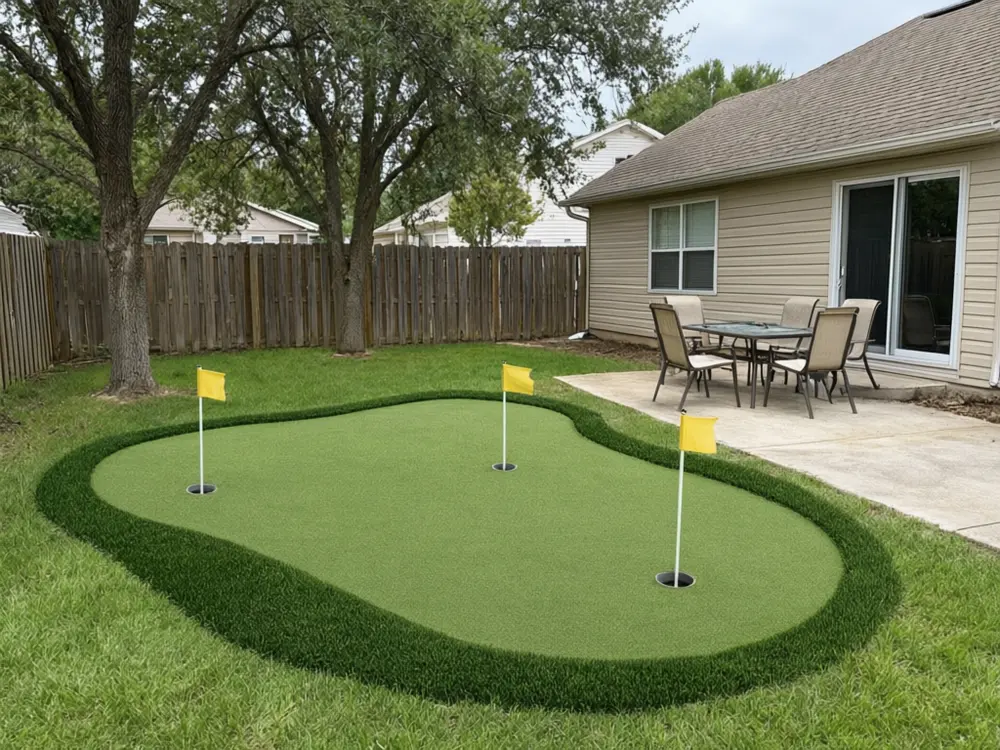
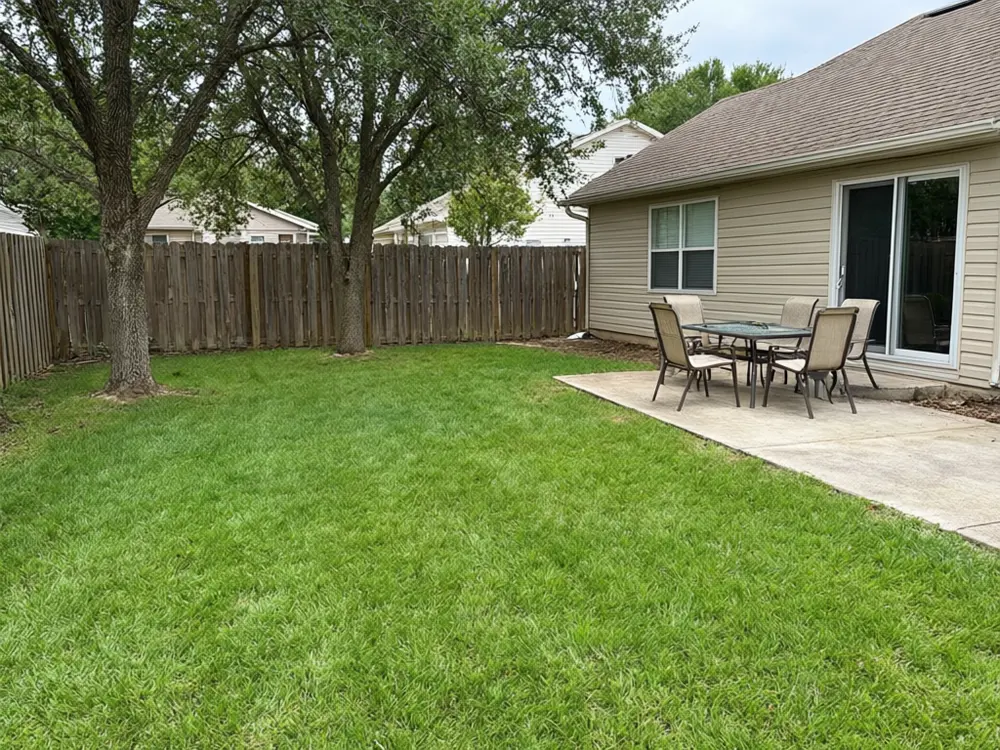
Drag to compare
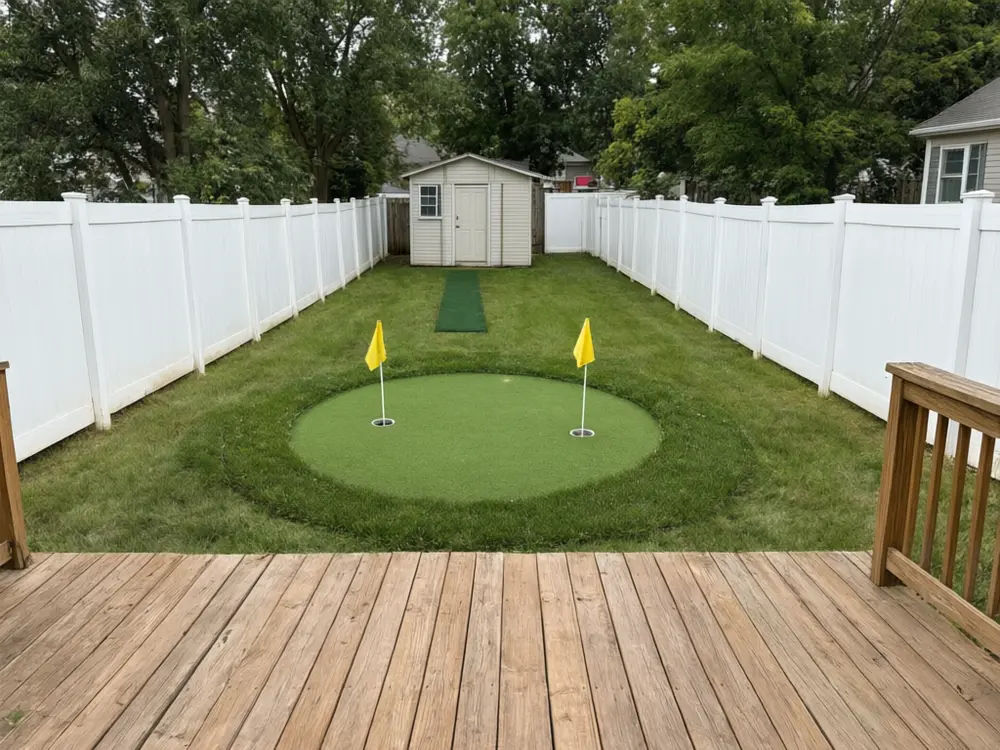
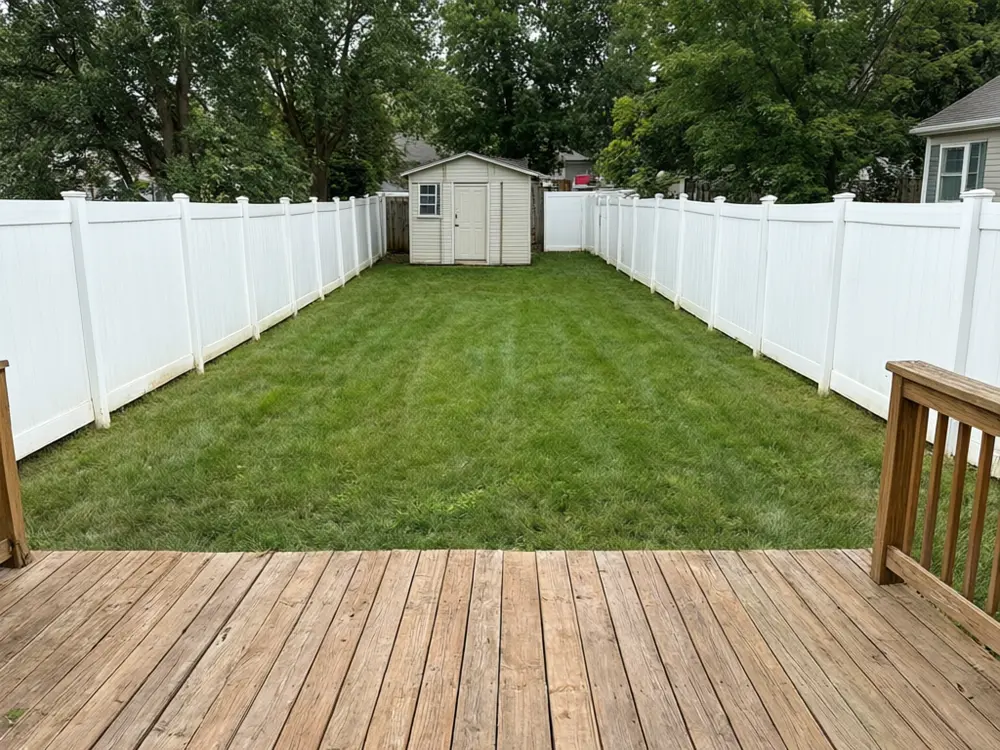
Drag to compare
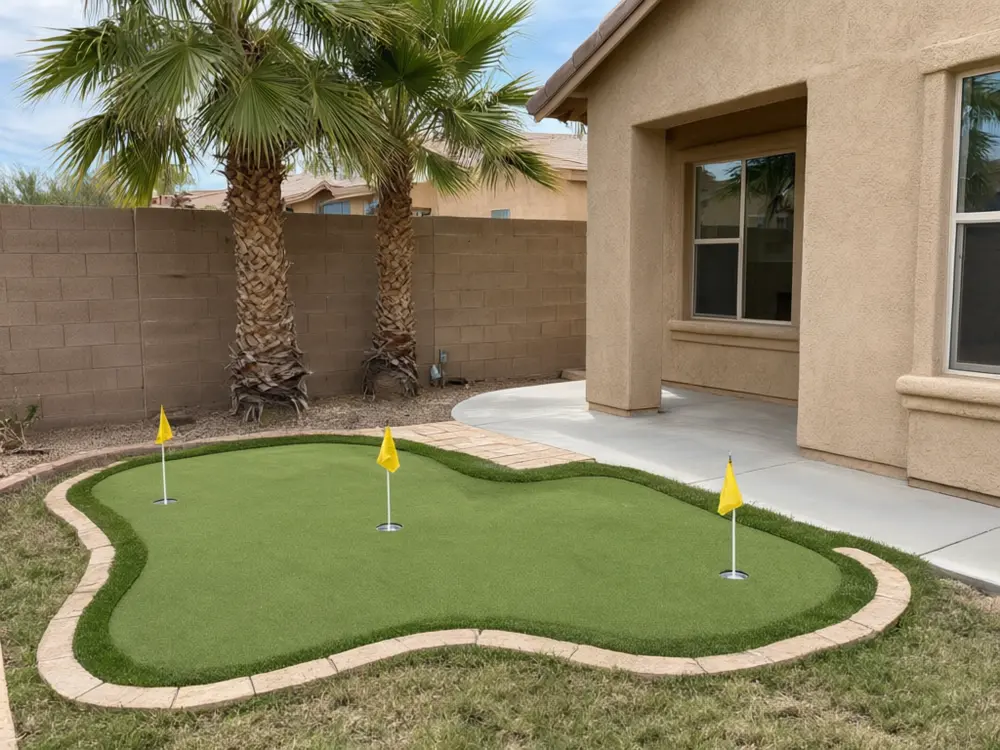
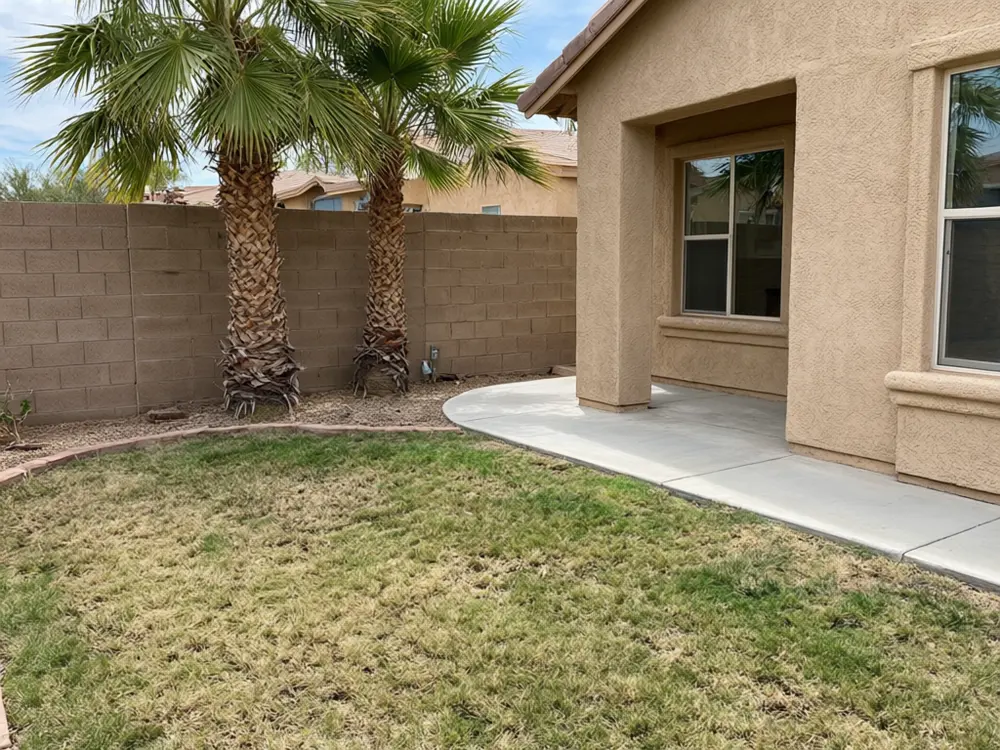
Drag to compare
Real, unretouched output from this tool. Drag any slider to compare.
See a putting green in your own backyard before you call an installer. Upload a photo, pick a kidney, oval or freeform green with one to five holes, add a sand bunker, a chipping green or a paver border, and the tool places it on your lawn while the house, fences, trees and patio stay as they are.
How the putting green visualizer works
You upload one photo of your backyard and choose what to change. The tool changes only the putting green and keeps everything else the same.
Each run makes one image. Run it with other options to compare, then keep the one you like.
1
Use a clear photo
A bright daytime photo of the backyard taken from the house or patio, showing the lawn or open ground where the green would go.
2
Try more than one option
Run a few colours or styles and compare them side by side before you decide.
3
Use it before you spend money
A picture is cheap to change. A real putting green is not.
4
It is a preview
The picture shows a look. It is not a quote, a plan or a survey.
The putting green options
Five modes plus your own.
1
Backyard Putting Green
Kidney, oval or freeform green with cups.
2
Green with Sand Bunker
Putting green with a sand trap beside it.
3
Chipping Green
Small green with a chipping area.
4
Putting Green Design Ideas
Borders, mounds and finished looks.
5
Small Yard Putting Green
Compact green for a small or narrow yard.
6
Your own description
Describe the change yourself.
Honest limits
It shows a putting green on your photo. It is not a measured quote or a plan.
Sizes, spacing and exact products are approximate.
It does not check slope, drainage, base or space, and the real contours, cup positions and turf are set by the installer on site.
Everything else should stay the same; compare the result with your photo.
More tools for your home
Next steps for your home.
Who uses a putting green visualizer
🏠
Homeowners and golfers
✓See a putting green in your own yard, compare shapes, holes and bunkers, and take the picture to an installer.
💡
Putting green installers
✓Show a client a design on a photo of their own yard during the first visit or with a quote.
🏢
Landscape designers
✓Show where a green, a chipping area and a paver border could sit next to the patio.
📸
Families planning a backyard
✓Check how much of the lawn a green would take before you spend money.
⛳
Putting Green Visualizer: See a Backyard Putting Green in Your Own Yard
AI Tool
Upload your imageTap anywhere here — your AI design will appear in this space after you generate.JPG · PNG · WebP
Kidney, oval or freeform green with cups
Premium users can generate images without watermark
Higher quality options available for premium users
Be specific for better results0/400
Output quality:
Frequently Asked Questions
It is told to change only the putting green and keep the house, fences, walls, trees, patio, deck, furniture, sheds, plants and everything outside the green exactly as photographed. Compare the result with your photo.
Yes. Run one option and then another to compare.
A bright daytime photo of the backyard taken from the house or patio, showing the lawn or open ground where the green would go.
No. The artificial turf visualizer swaps a whole lawn for turf. This tool adds a putting green, with fringe, cups and flags, a sand bunker or a chipping green, and keeps the rest of the yard.
Yes. Use the Green with Sand Bunker or Chipping Green mode, or describe your own layout.
No. The picture can show gentle mounds, but real contours, drainage and cup positions are set by the installer on site.
Usually. In our tests the sand bunker layout sometimes drew one extra cup and flag. Run it again if the count is off.
No. It is a visual preview only. Ask a putting green installer for a quote.