Your first generation is free when you sign up. Paid plans add credits, remove the watermark and unlock higher resolution.
AI Mall Kiosk Design: See a New Kiosk or Retail Cart on Your Own Photo
AI Mall Kiosk Design: See a New Kiosk or Retail Cart on Your Own Photo is a free AI tool. Upload a photo of your mall kiosk, retail cart or empty kiosk space and see it redesigned for phone accessories, cosmetics, coffee or jewelry, with new counters, shelving, sign panels and lighting. A concept, not a fit-out plan. Free to try.
Free to try · first generation free on signup · no credit card
1
Step 1
Upload Image
Start by uploading image
Upload your image
Click to browse or drag & drop
2
Step 2
Select Mode
Choose your transformation style
Cases, chargers and a repair bench
3
Step 3
Options
Configure your options
Related Tools
→try new exterior paint colors on your own photo
→redesign a home exterior from a single photo
→plan a new yard or garden layout from a photo
→repaint a car in any shade before you commit
Output quality:
Mode
Phone Accessories Kiosk
Your AI Design Will Appear Here
Fill in the options on the left, then press Generate.
Upload your image
Drag & drop your file here or click to browse
JPG, PNG, WebP
Max 10MB
AI Ready
Quick facts about AI Mall Kiosk Design: See a New Kiosk or Retail Cart on Your Own Photo
- Tool nameAI Mall Kiosk Design: See a New Kiosk or Retail Cart on Your Own Photo
- CategoryHome Design
- PriceFree to try
- InputPhoto upload + text prompt
- OutputAI-generated image
Before / After
Example results
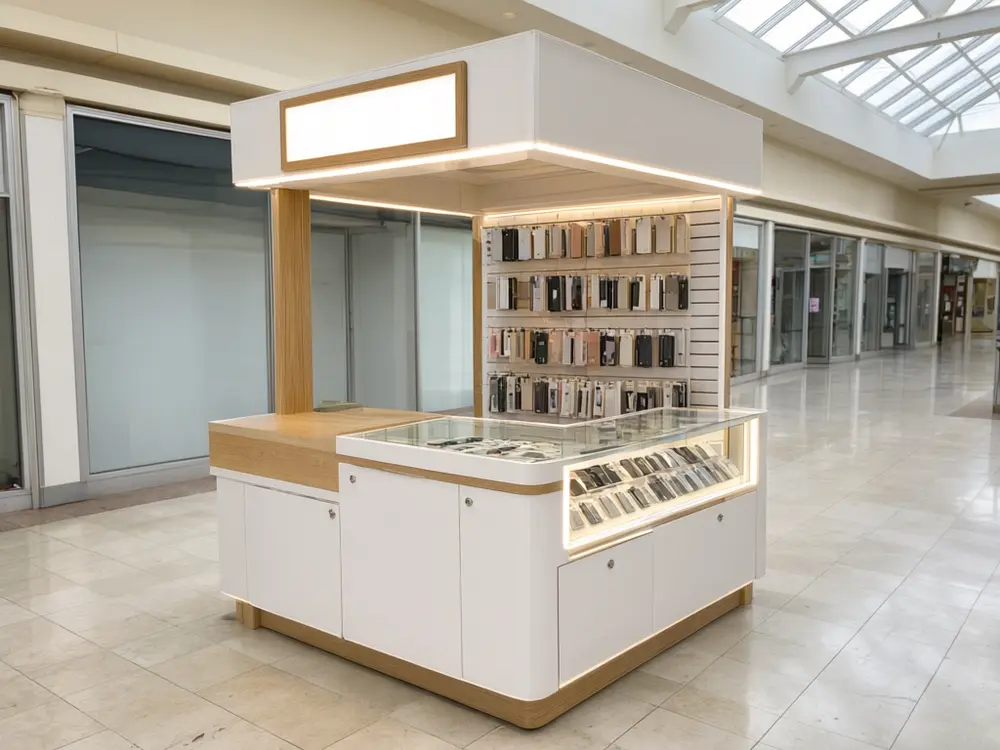
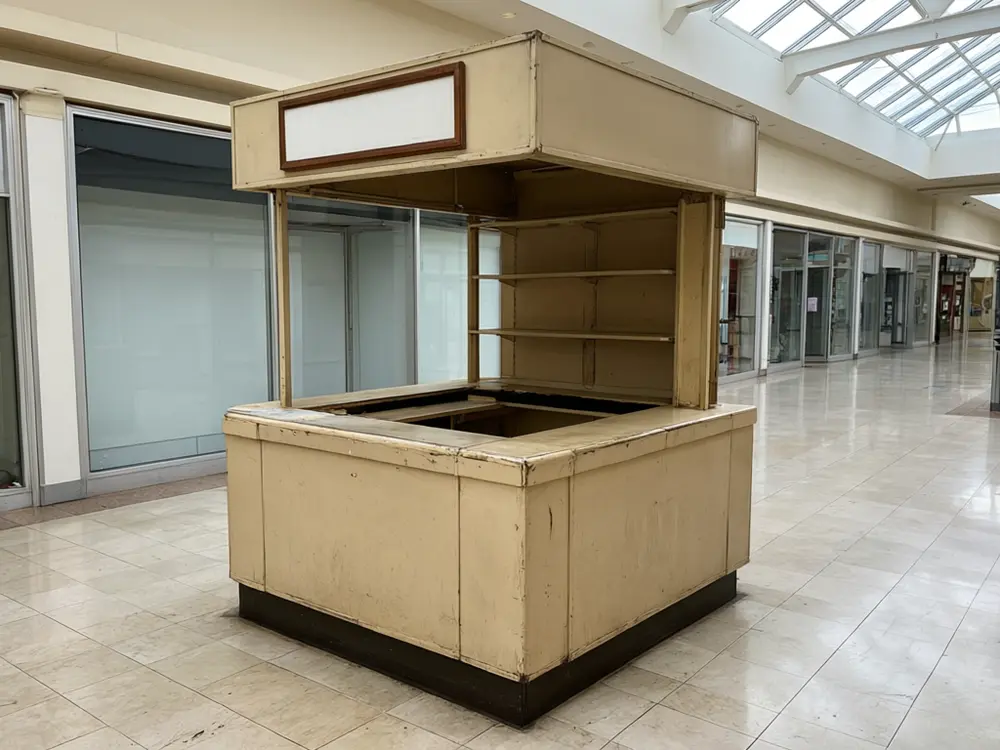
Drag to compare
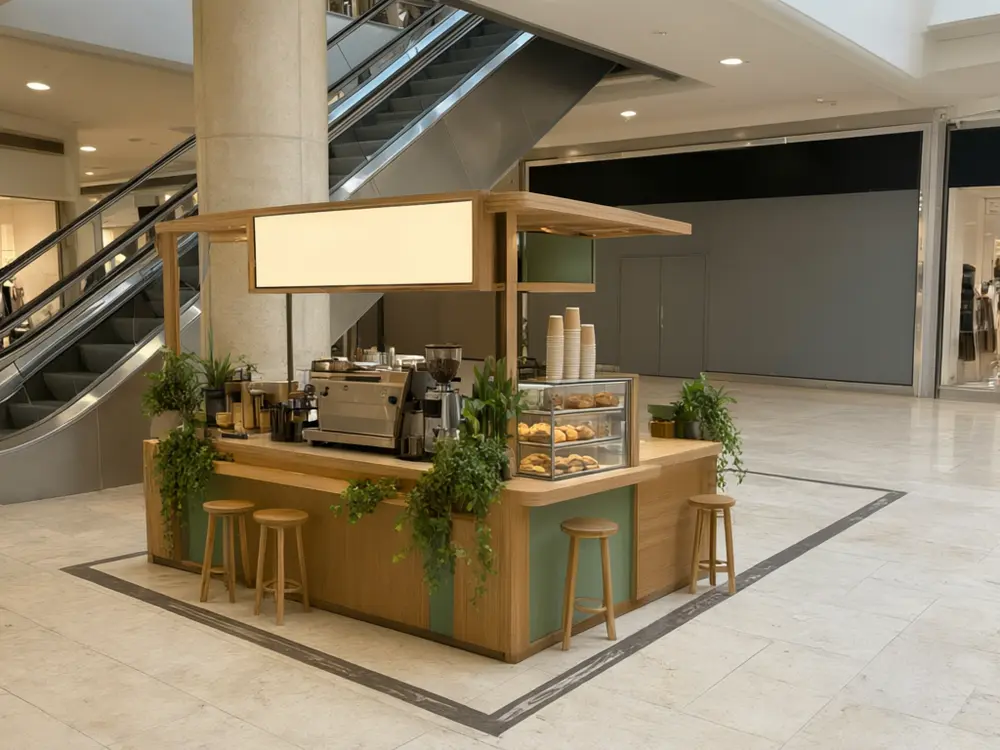
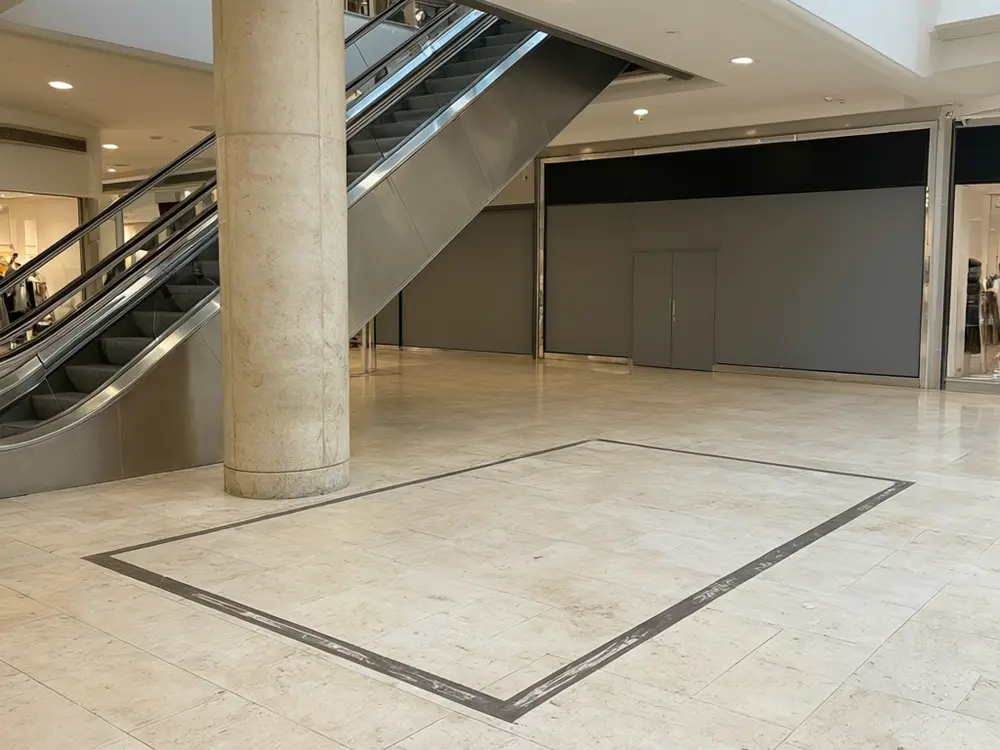
Drag to compare
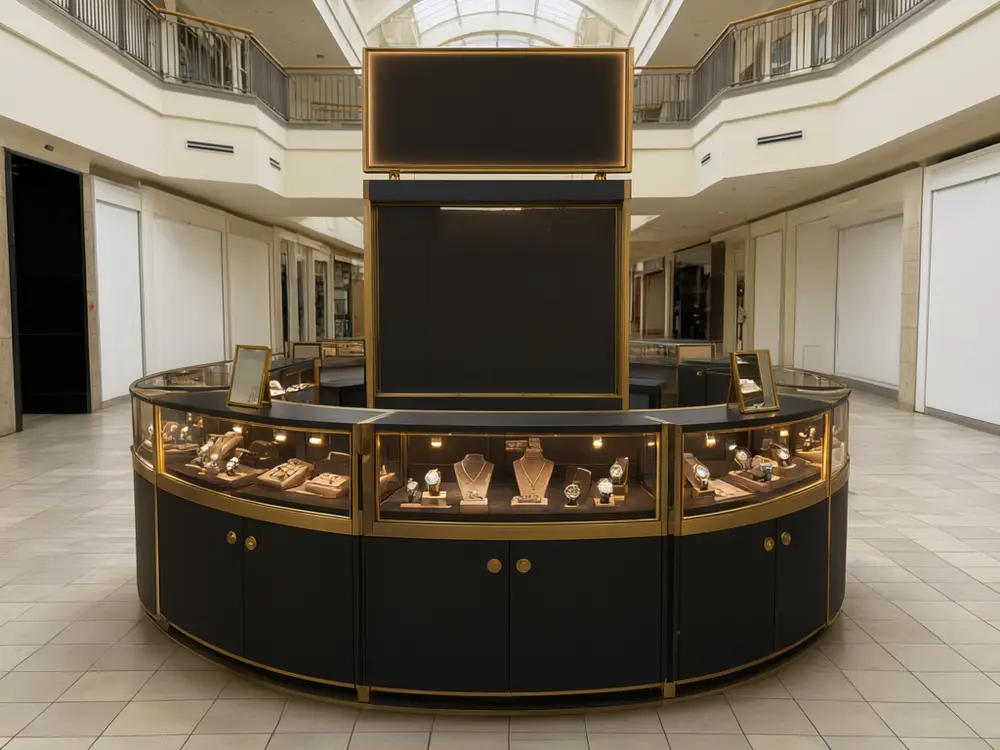
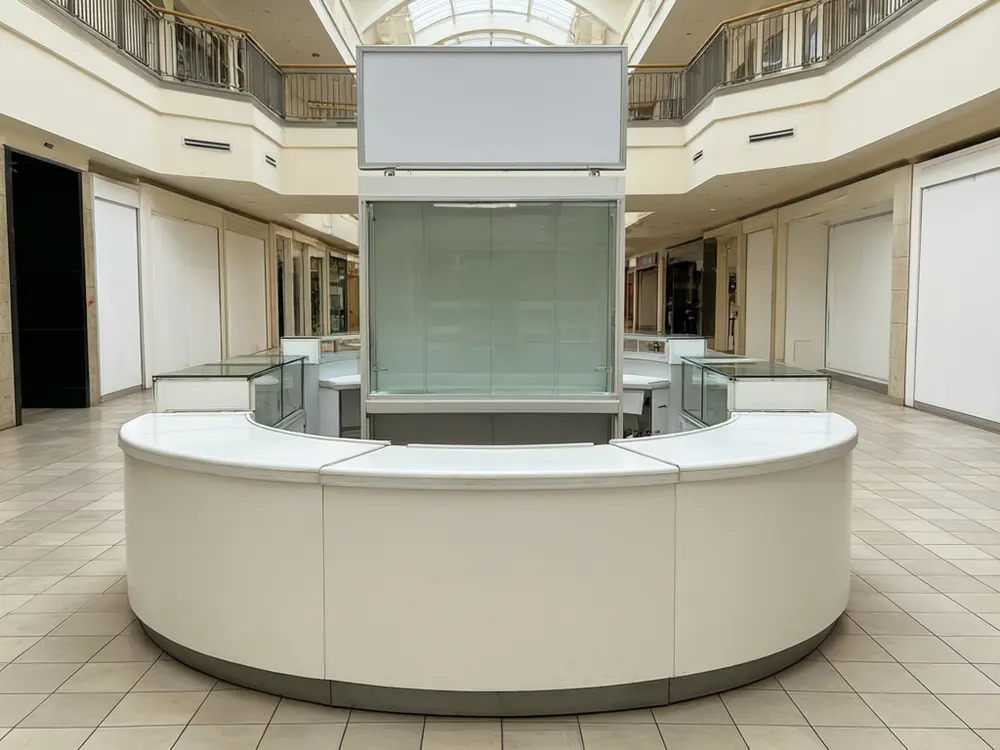
Drag to compare
Real, unretouched output from this tool. Drag any slider to compare.
Renting a mall kiosk or a retail cart is the cheapest way into a busy mall, and the design is what stops shoppers walking past. Upload a photo of your kiosk, your cart or the empty spot, choose what you sell and a style, and see it redesigned with counters, shelving, display cases, a sign panel and lighting, in the same spot and the same size.
How the AI mall kiosk design tool works
You upload a photo of a kiosk, a retail push cart or the floor space you rent, then pick a product type and a style. The tool redesigns the unit (counter, shelves, display cases, storage, sign panel and lighting) and keeps the mall around it, the footprint and the camera angle as photographed.
Each run makes one image. Run the same photo in two or three styles and compare them before you brief a fabricator.
1
Photograph from the walkway
Stand where shoppers walk and take the whole kiosk in the frame, at eye level, in normal mall light.
2
Pick the product
Each mode lays out the fixtures that product needs: hooks and slatwall for phone cases, testers and mirrors for cosmetics, a coffee bar for drinks, glass cases for jewelry.
3
Choose the style
Five finishes, from white gloss and oak to matte black and brass.
4
Add your name later
Sign panels are left blank on purpose. Add your own shop name with a sign maker or your fabricator.
The kiosk modes
Five modes plus your own.
1
Phone Accessories Kiosk
Slatwall towers of phone cases, a glass counter of chargers and earbuds, and a small repair bench.
2
Cosmetics and Skincare Kiosk
Tiered shelves of plain bottles and jars, a tester counter with mirrors and soft, flattering light.
3
Coffee Kiosk
A coffee bar counter with an espresso machine, a pastry case, a pickup point and a menu panel left blank.
4
Jewelry and Watch Kiosk
Lit glass display cases on all sides, velvet trays, small mirrors and lockable storage below.
5
Retail Cart Makeover
A mall push cart refreshed with a canopy, shelves and lighting for the products you choose.
6
Your Own Description
Describe the kiosk yourself.
Honest limits
It is a concept image, not a fit-out drawing. It does not give sizes, check the mall's design criteria, fire rules, power or accessibility, or price the build. Your mall and a kiosk fabricator decide what can really be built.
Sign panels and packaging stay blank and the tool adds no brand names or logos. The products shown are generic. AI can still change a detail of the mall around the kiosk, so compare the result with your photo and run again if something moved.
More tools for your shop
Next steps for your kiosk or shop.
Who uses an AI mall kiosk design tool
🏠
Kiosk and cart operators
✓See the kiosk you rent redesigned before you pay for a fit-out.
✓Compare styles for a new product line.
💡
New mall tenants
✓Show the mall leasing team a concept for the spot you want.
🏢
Kiosk fabricators and shopfitters
✓Show a client an early concept on a photo of the real spot.
📸
Brand and franchise owners
✓Try one kiosk look across several products before a roll-out.
📱
AI Mall Kiosk Design: See a New Kiosk or Retail Cart on Your Own Photo
AI Tool
Upload your imageTap anywhere here — your AI design will appear in this space after you generate.JPG · PNG · WebP
Cases, chargers and a repair bench
Premium users can generate images without watermark
Higher quality options available for premium users
Be specific for better results0/400
Output quality:
Frequently Asked Questions
Yes. Photograph the empty floor spot from the walkway; the tool adds a kiosk there. Results are best when the spot is clearly visible.
The tool is told to keep the footprint, the spot and the mall around it as photographed. AI can still change a detail, so compare and run again if anything grew or moved.
No. Sign panels are left blank and no brand names or logos are added. Design the sign with your own name in a sign maker, or ask your fabricator.
Yes. Use the Retail Cart Makeover mode and pick the products you sell.
Yes, as a concept to brief them. It is not a drawing to build from; the maker will measure and draw the real unit.
No. Malls have their own design criteria for height, signage and materials. Check them with the leasing team before you order.
Yes. From the actions under a finished image you can upscale it or make a short video.