
🛋️Furniture & Decor Studio
AI Furniture & Decor Studio: try it in your own room first
Upload one photo of your room. Try a new rug, curtains, sofa colour, cabinet paint or wallpaper, and get the same room back with only that one thing changed.
Free to try · sign up free for your first generation · no credit card
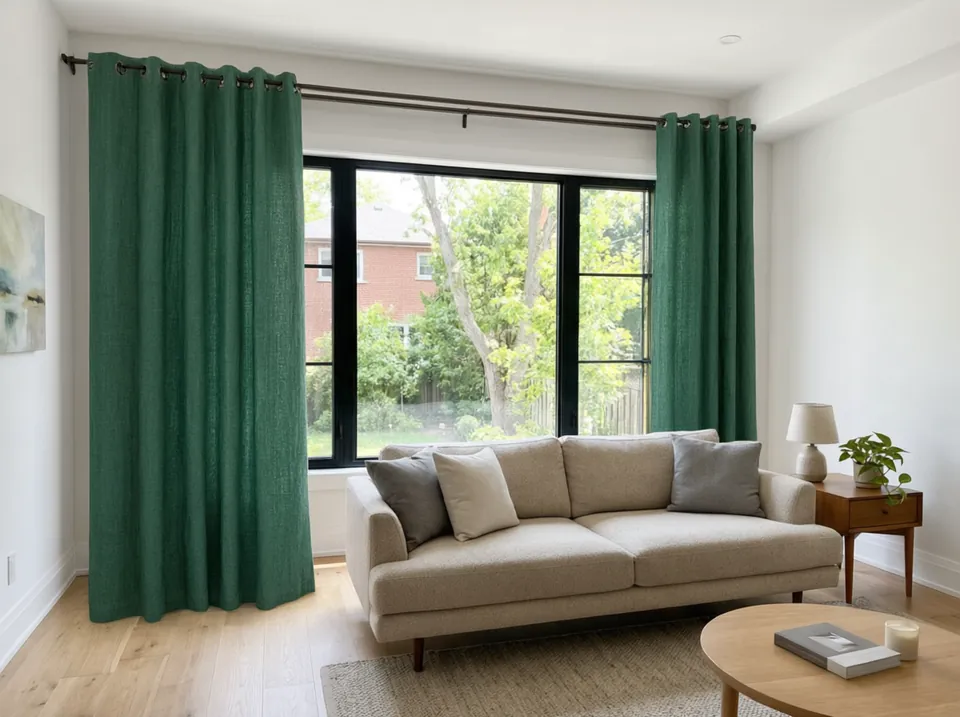
Real tool output: bare window to emerald linen drapes
Made with this studio
Sofas, Chairs & Furniture
Recolor, restyle or replace one piece and keep the rest of the room as it is.
Rugs & Floors
See a new rug colour or a new floor under your own furniture.
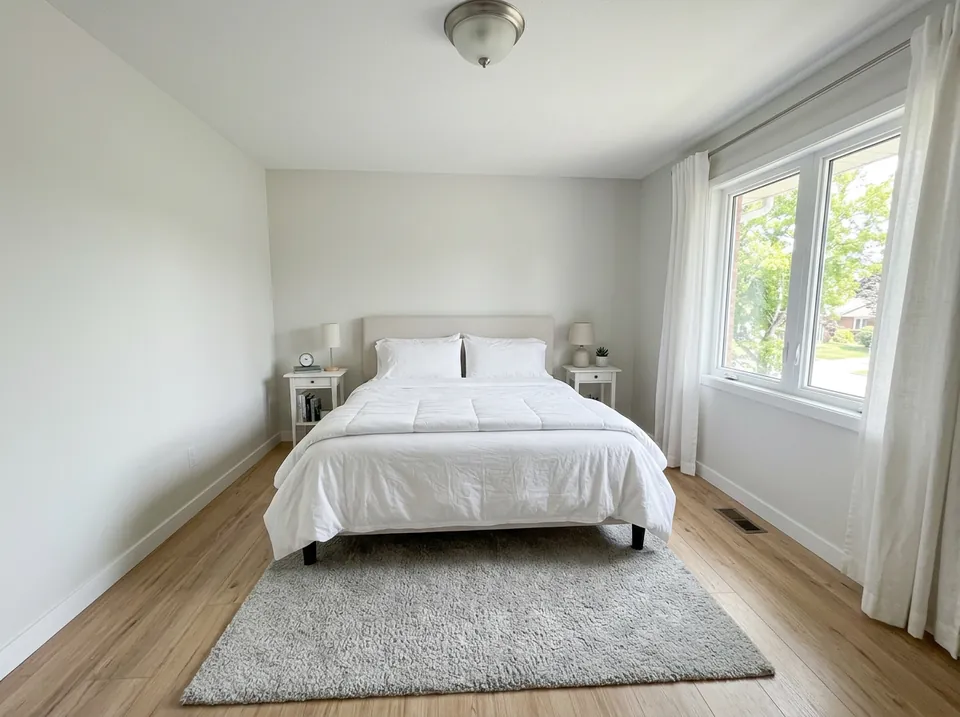
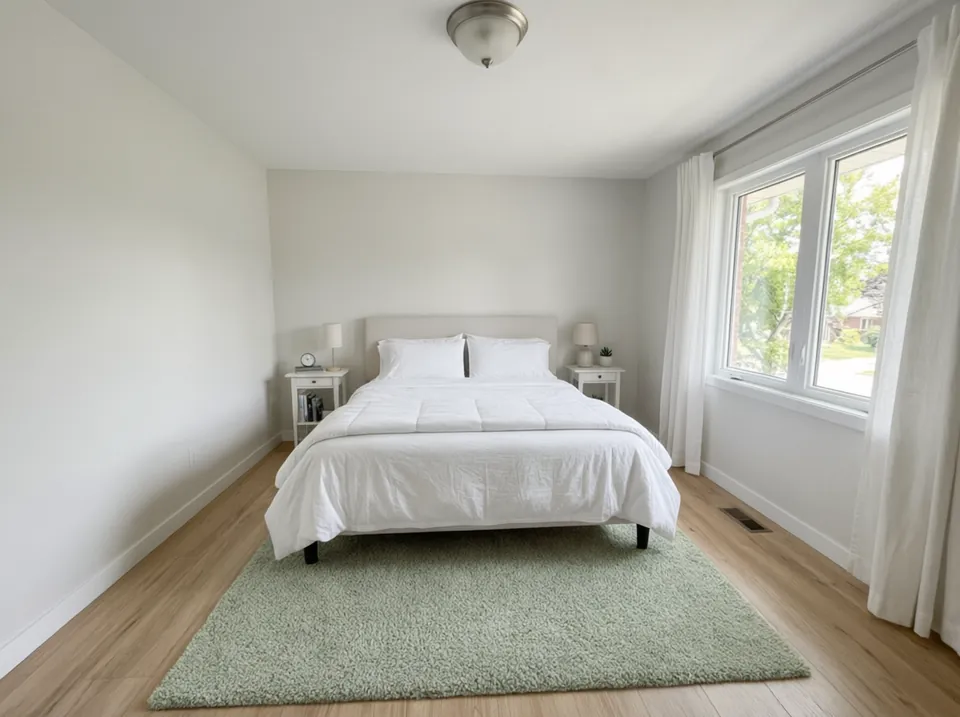
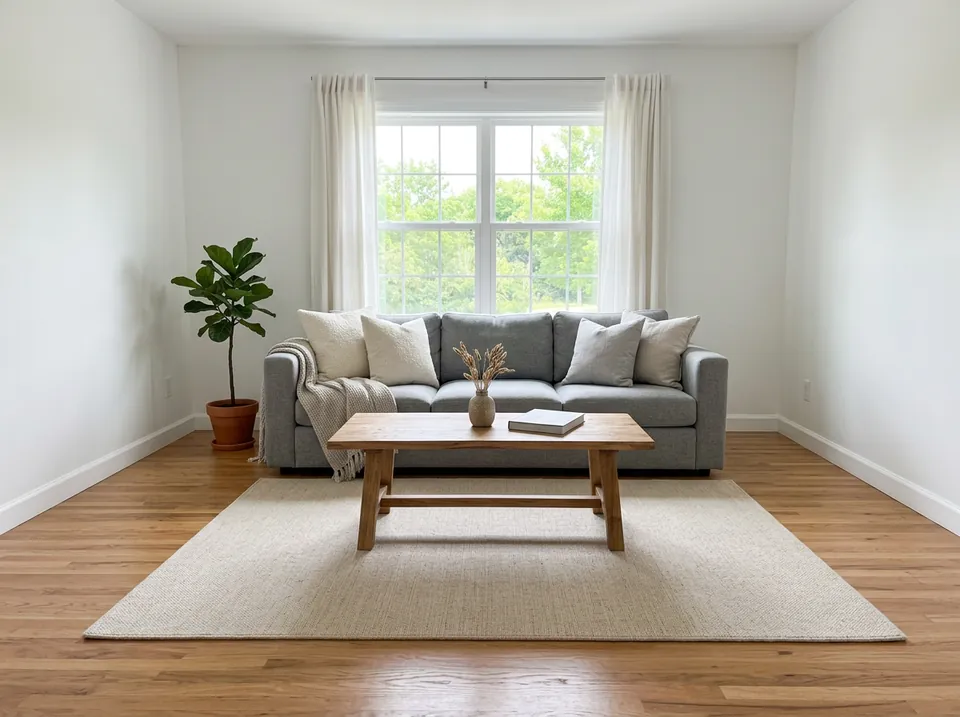
Curtains & Blinds
Fabric, colour, length and hanging style on your own windows.
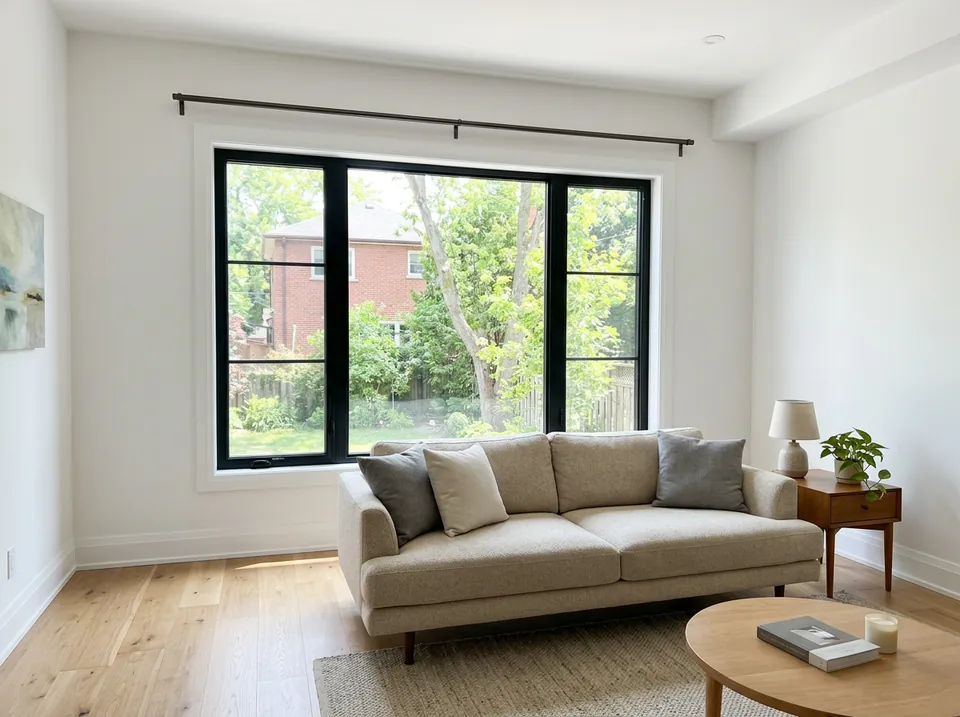
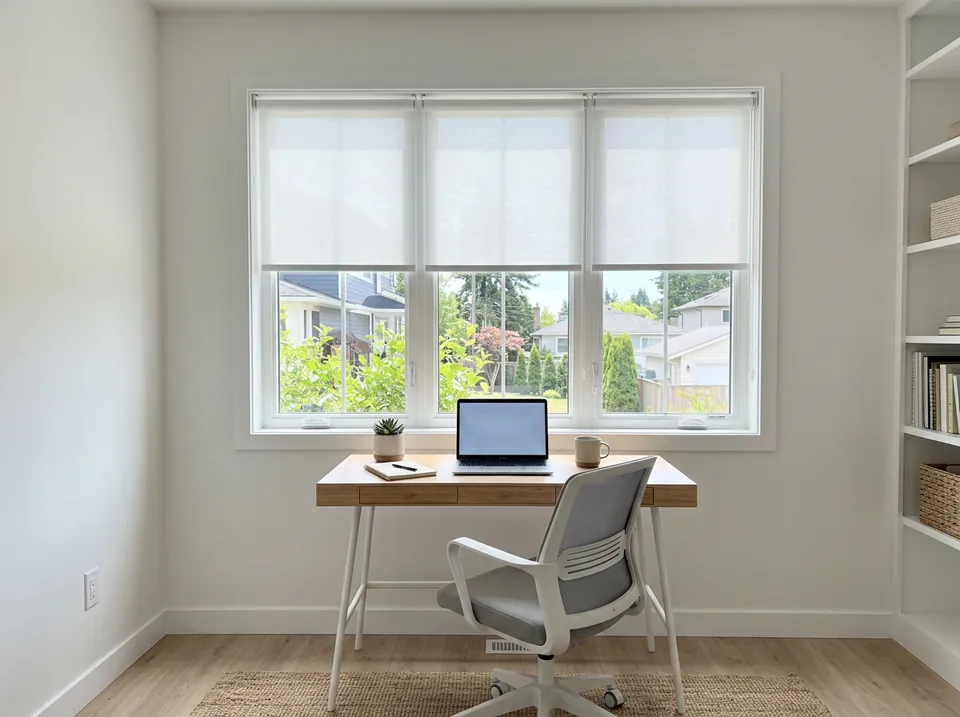
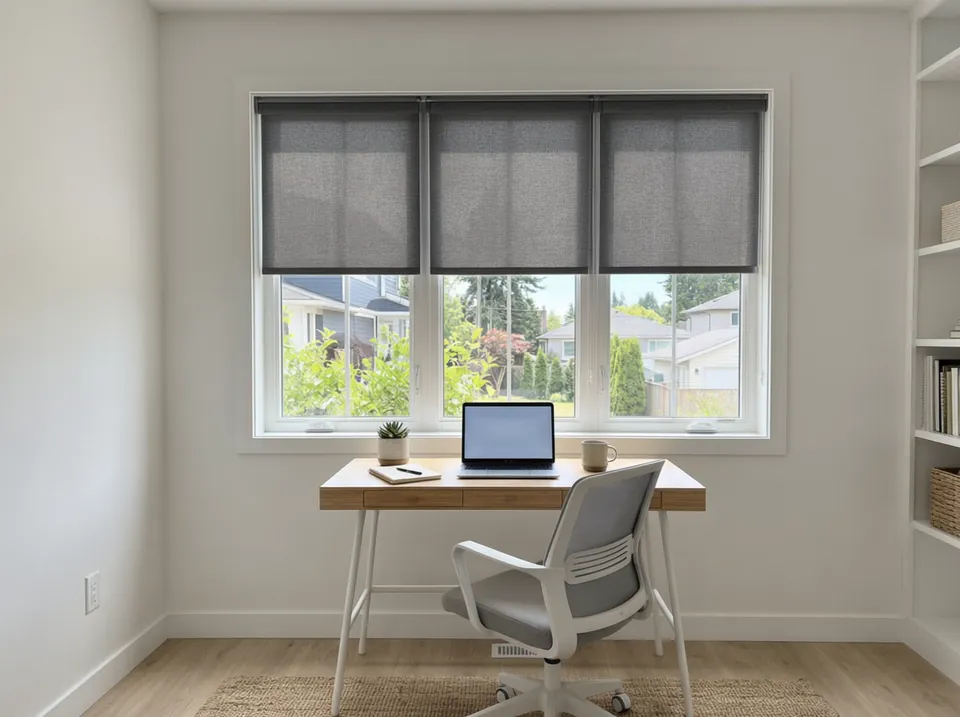
Cabinets & Walls
Cabinet paint, wallpaper and panelling, with the layout kept exactly.
Arrange, Swap & Remove
Clear a room, or plan where everything goes before you move it.
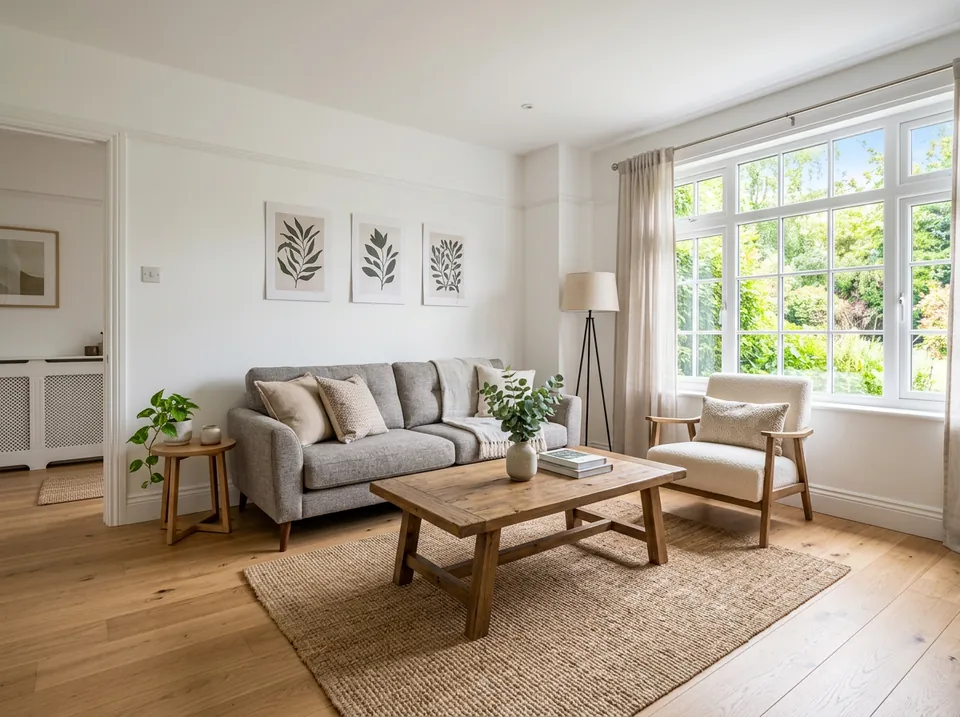
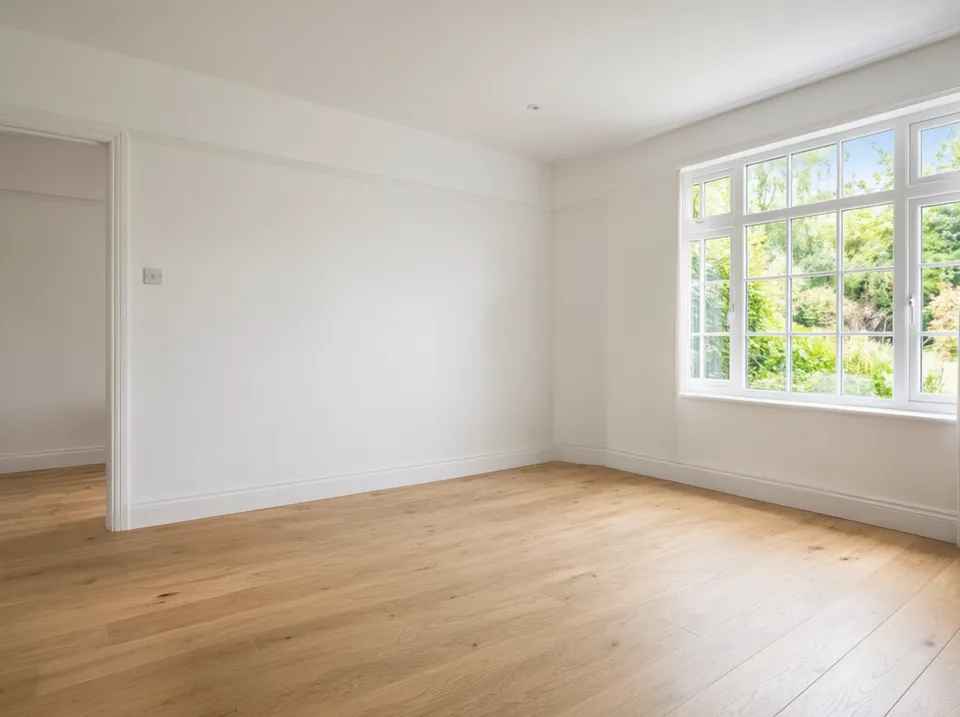
Real results
Every pair is real output of the linked tool from an ordinary room photo. Only the item changes: the walls, floor, window and light stay as they were.
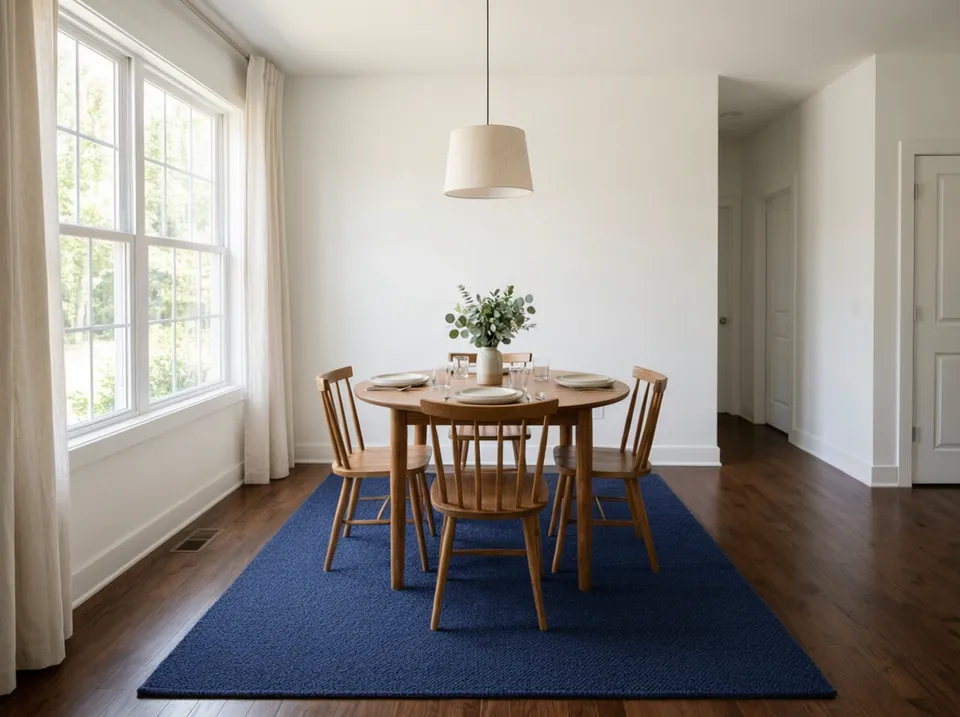
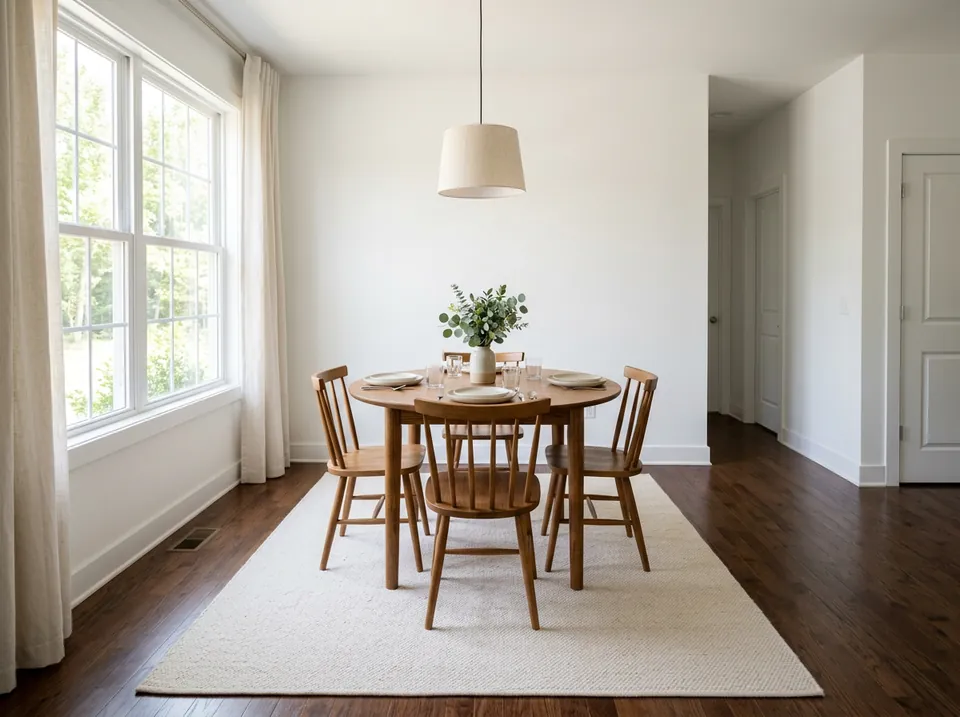
Cream dining room rug to navy blue
Before / after — drag to compare
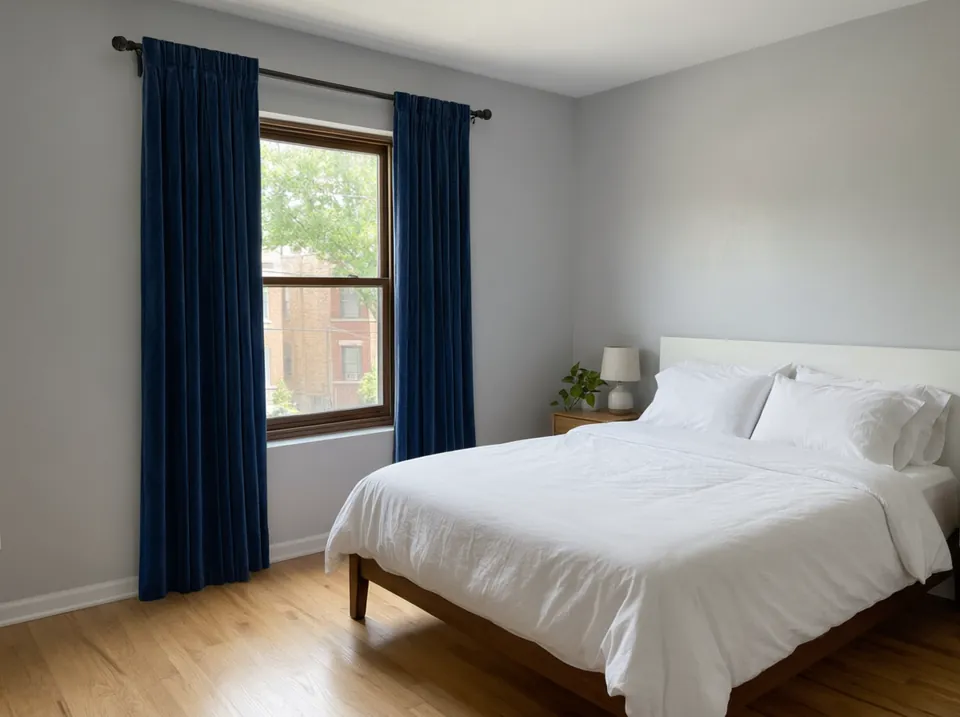
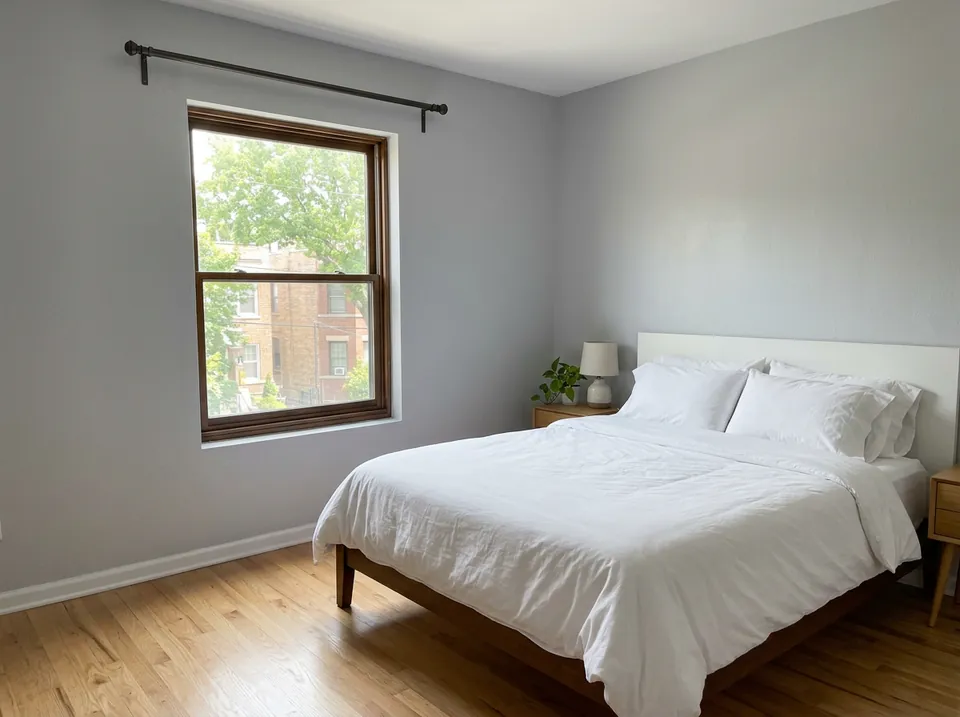
Bare bedroom window to navy velvet blackout curtains
Before / after — drag to compare
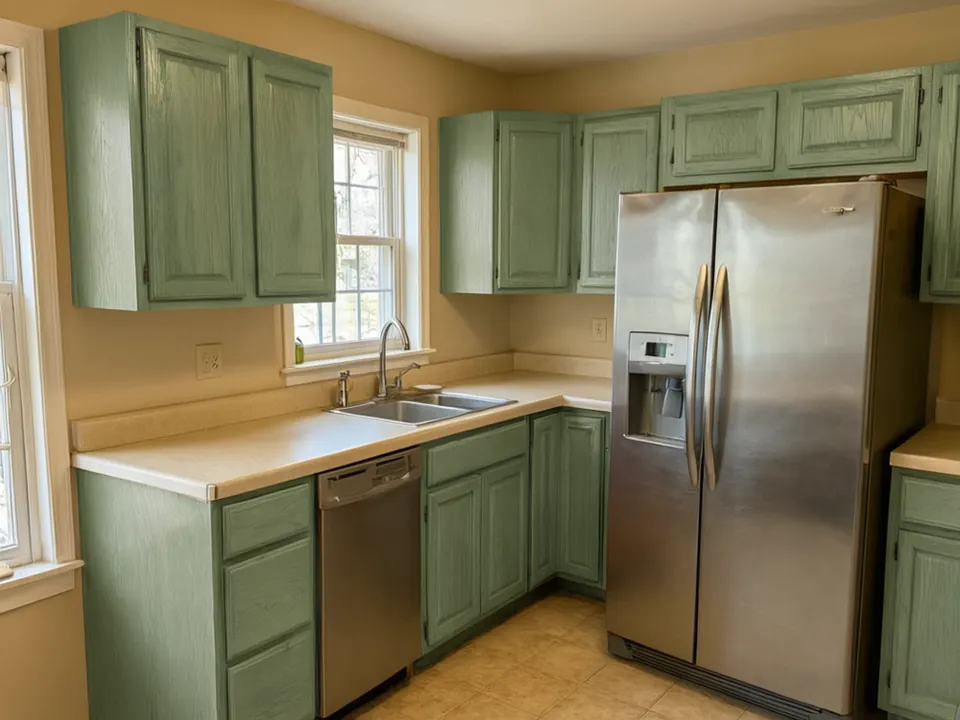
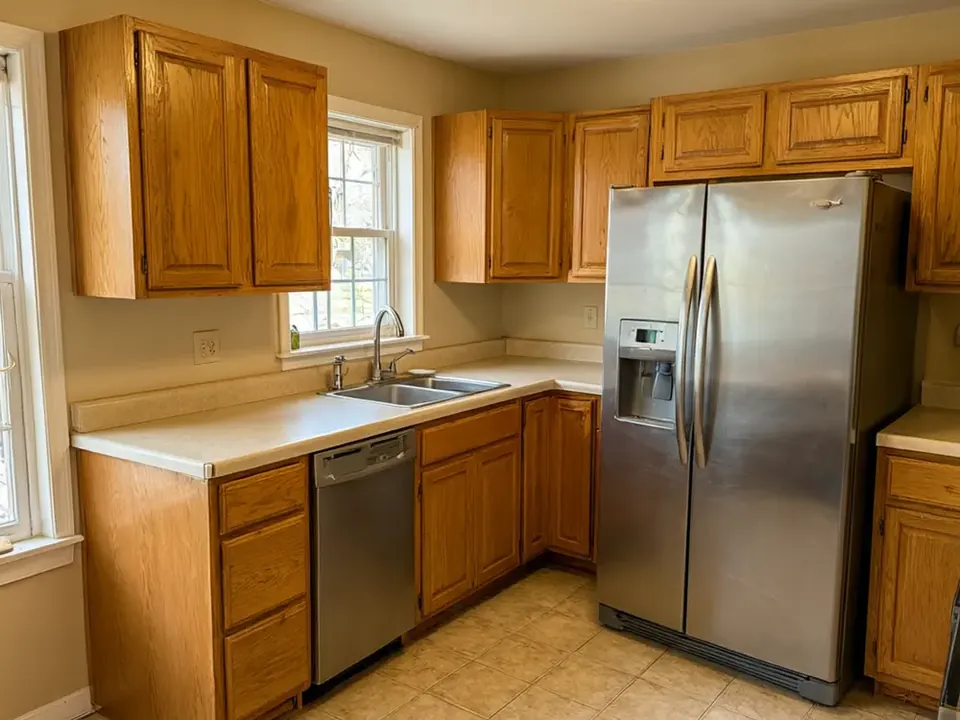
Honey oak kitchen cabinets to sage green
Before / after — drag to compare
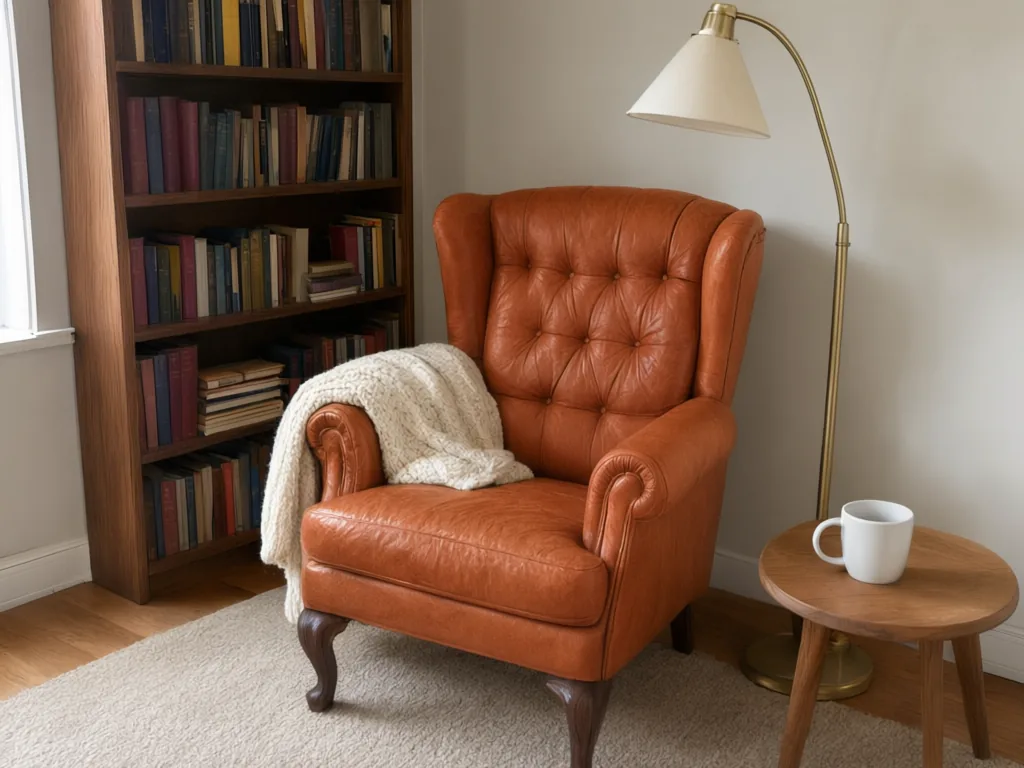
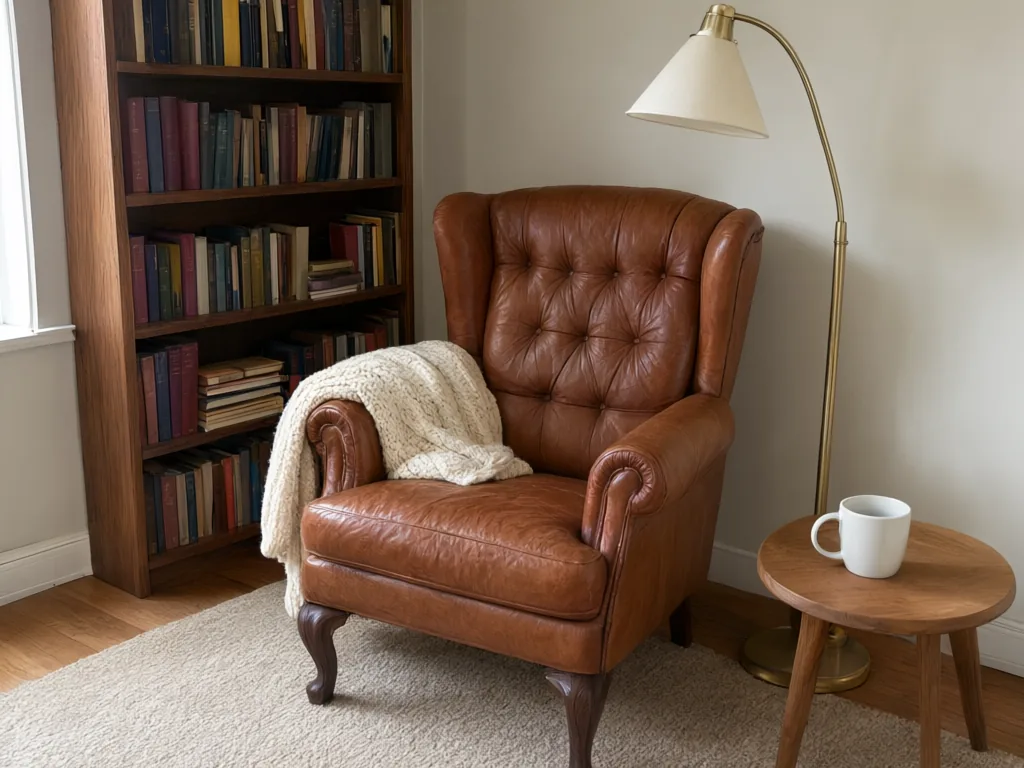
Brown leather armchair to terracotta tan
Before / after — drag to compare
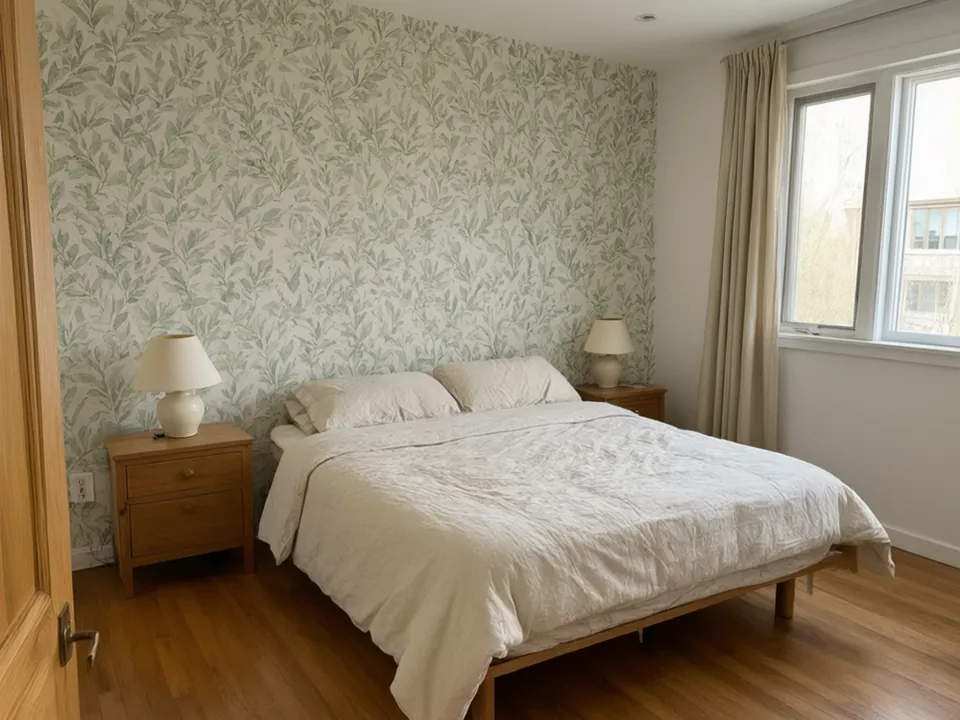
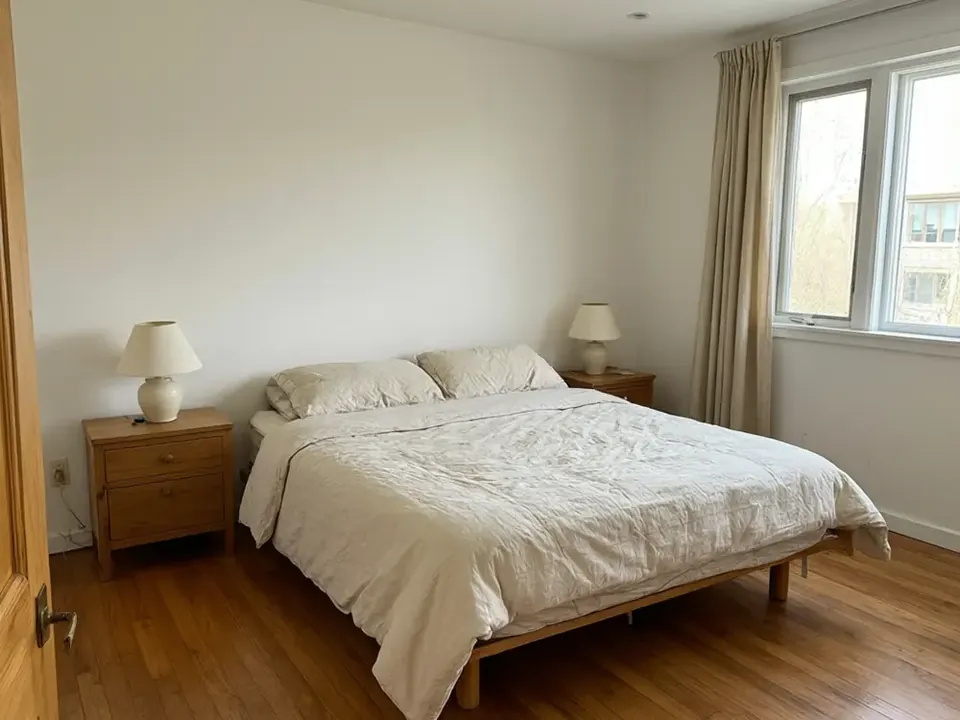
Plain wall behind the bed to a botanical wallpaper
Before / after — drag to compare
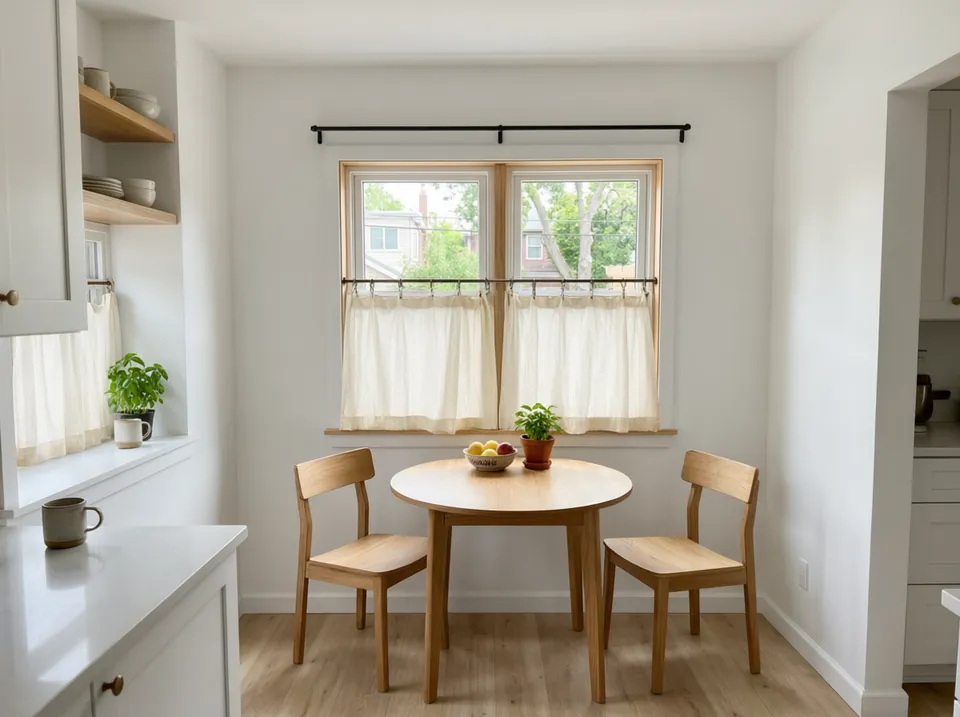
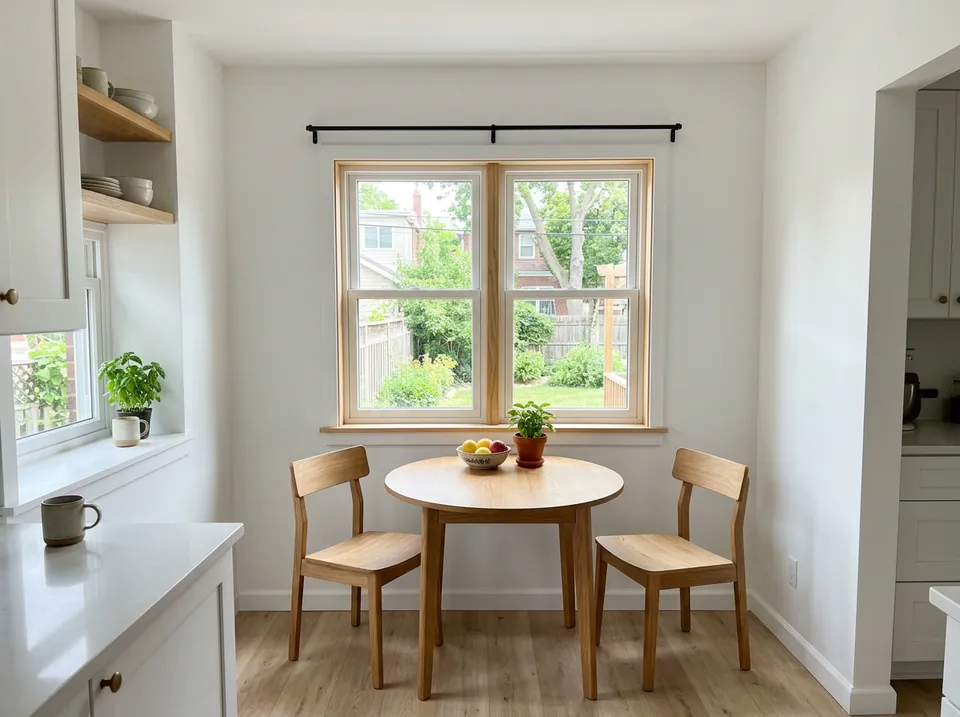
Bare kitchen window to cream cotton café curtains
Before / after — drag to compare
The process
How to try furniture and decor on your own room photo
Step 01
Take one photo of the room as it is
Stand where you normally see the room from, in daylight, and get the whole item in frame: the full rug, the window with its rod, the sofa or the run of cabinets. Clear small clutter so the tool can see the edges.
Step 02
Open the tool for the item you want to change
Pick the rug, curtain, blind, sofa, cabinet or wallpaper tool. Choose a colour, fabric or style, or type your own, for example "deep terracotta with a cream border" or "navy velvet, floor length".
Step 03
Compare a few, then buy with more confidence
Check that only that one item changed. Try two or three colours or fabrics side by side, then download the one you like and take it to the shop or send it to whoever you share the room with.
Why Furniture & Decor Studio
Why try decor on a photo before you buy
Your room, not a showroom
Product photos show a rug or sofa in a perfect room with perfect light. Here it is drawn into your own room, next to your own floor, walls and furniture.
Returns are a hassle
Big rugs, sofas and made-to-measure curtains are slow and costly to send back. Seeing the colour in your room first cuts the guesswork.
One photo, every item
The same room photo works across all the tools here, so you can try a rug, then curtains, then a new cabinet colour, and see how they sit together.
Only the item changes
Each tool is told to change one thing and keep the rest of the photo as it is, so the comparison is fair: same room, same light, one difference.
Free to try, no card
Signing up is free and your first generation is free. You see a real result on your own room before deciding on anything more.
Rugs: colour, size and where it sits
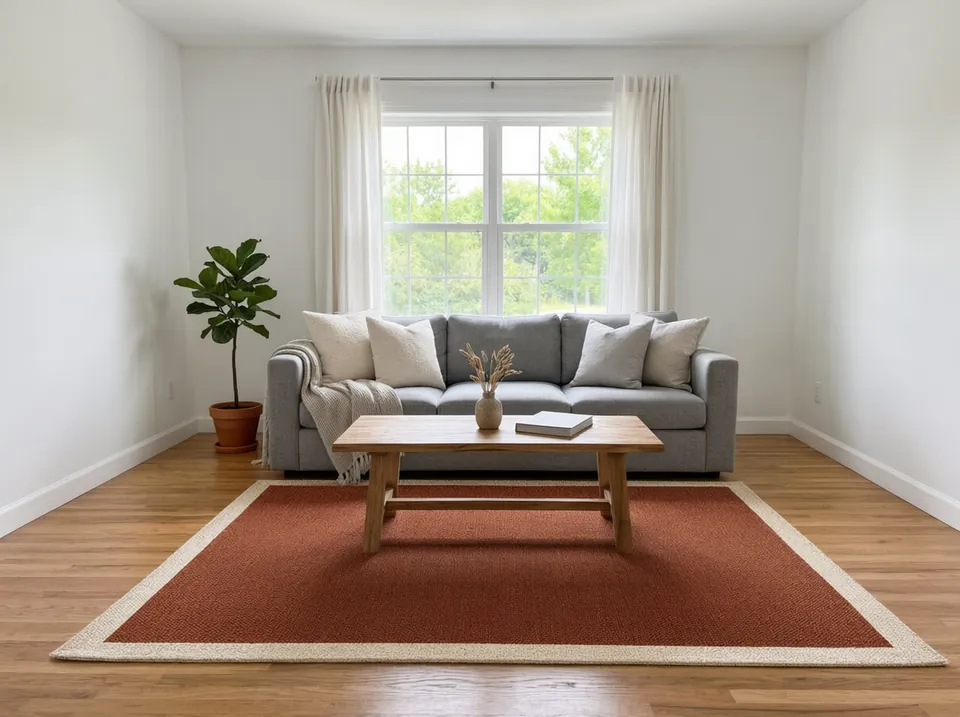
A rug sets the colour of the whole floor, which is why it is hard to pick from a small swatch. The Rug Color Changer recolors the rug already in your photo, so you see a new colour at its real size against your own floor.
Try a dark rug on a light floor and a light rug on a dark one before you choose. A rug that matches the floor too closely can disappear, and one that fights the sofa can make a room feel busy.
For a new pattern or border rather than a new colour, the Rug & Carpet Designer works from a description of the rug you want.
Curtains and blinds: fabric, length and colour
The Curtain Visualizer hangs new curtains on the window in your photo. You choose the style, fabric, colour, length and hanging style, for example floor-length linen on grommets or sill-length café curtains on rings.
Length changes a room more than most people expect. Floor-length curtains hung high make a ceiling look taller, and sill-length ones keep a kitchen or nook light and practical.
Already have curtains or blinds you like the shape of? The Curtain Color Changer and Window Blind Color tools keep them and change only the colour.
Sofas, chairs and wood furniture
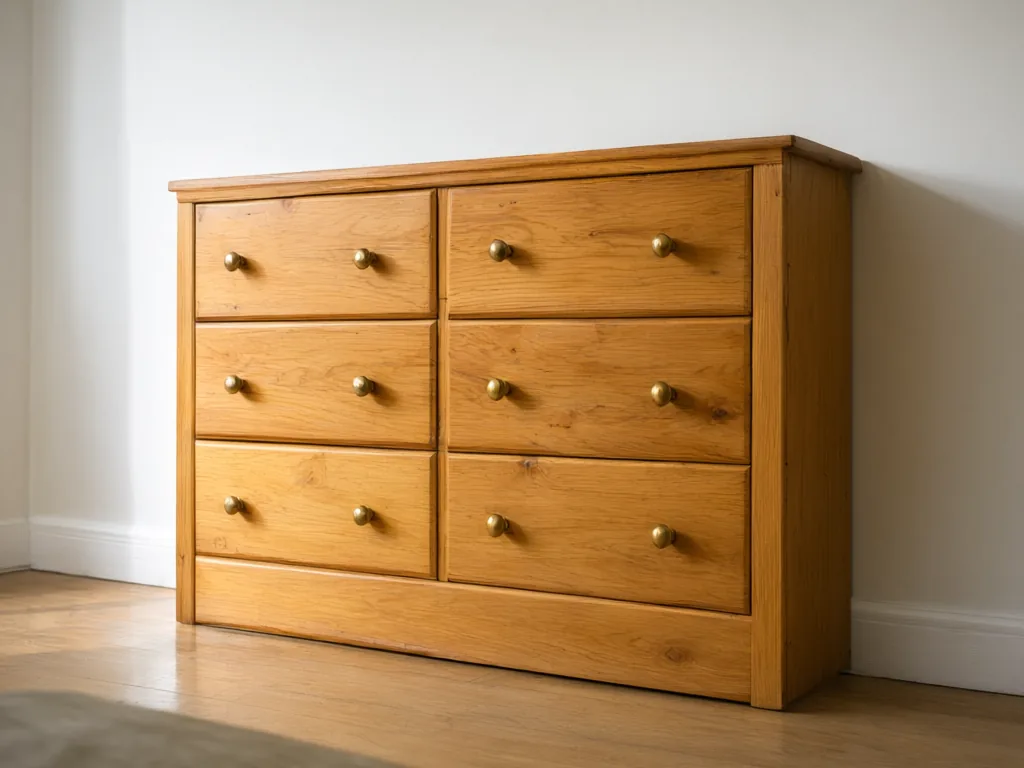
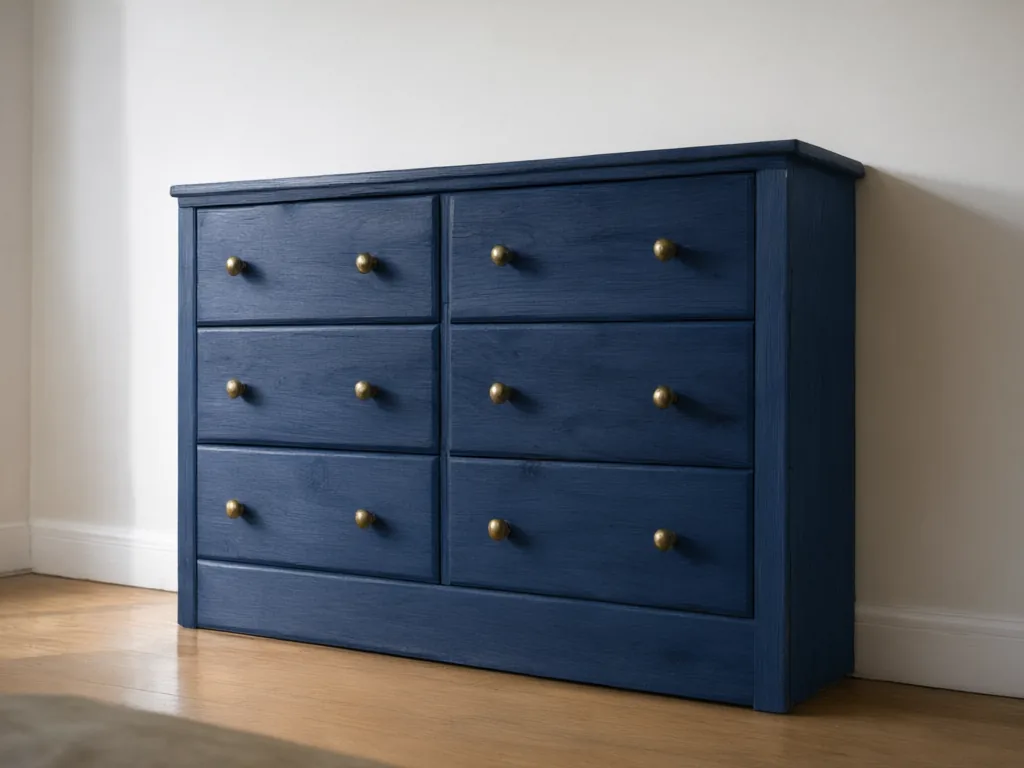
Before you paint a dresser or reupholster a chair, try the colour on a photo with the Furniture Color Changer. It keeps the shape, grain and hardware and changes only the finish.
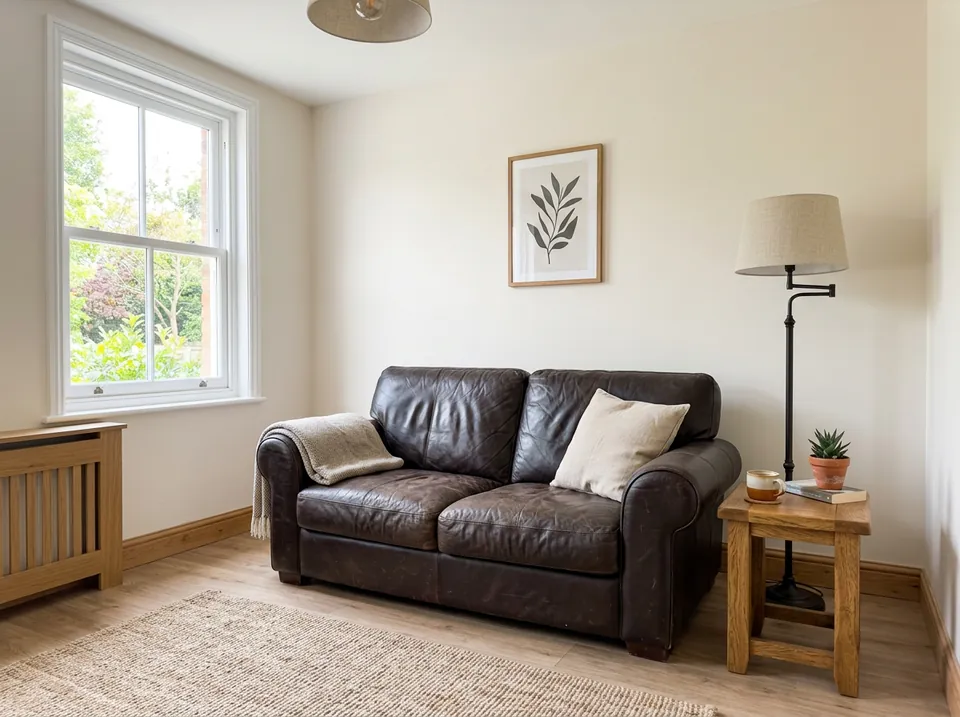
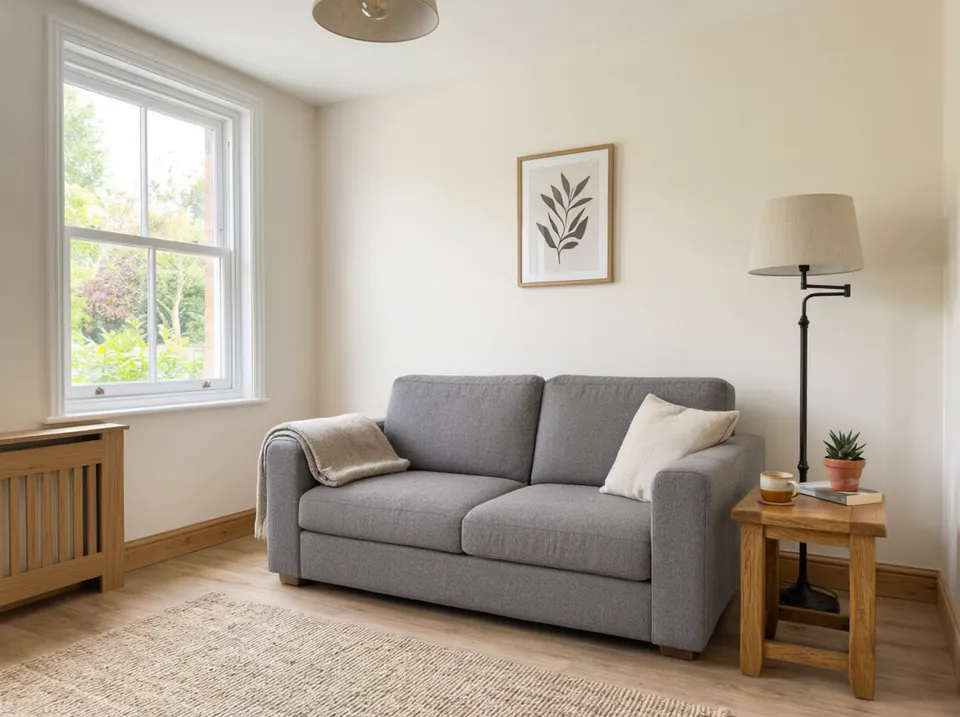
To see a different piece rather than a different colour, Furniture Replacement swaps one item, such as an old sofa, for a new style and colour sized to the same footprint.
A preview shows colour and style, not exact fabric or size. Check measurements and real swatches before you order.
Kitchen cabinets and walls
Painting cabinets is a big job to undo. The Kitchen Cabinet Color Visualizer repaints every cabinet in your photo and keeps the doors, handles, worktops and appliances exactly as they are.
For walls, the Wallpaper Visualizer papers one feature wall or the whole room, and the Wall Paneling Visualizer adds slats, wainscoting or shiplap to the wall you choose.
Paint and paper look different in morning and evening light. If you can, try the same idea on a daytime and an evening photo of the room.
Questions
Frequently asked questions
What is an AI furniture and decor studio?
It is a set of AI tools that edit a photo of your own room: rugs, curtains, blinds, sofas, chairs, cabinets, wallpaper and panelling. Each tool changes one item and keeps the walls, floor, window and the rest of the furniture as they were.
Can I see a new rug or curtains in my room before I buy?
Yes. Upload a daylight photo of the room and open the rug or curtain tool. Describe the colour, fabric or style you are considering and you get the same room back with only that item changed.
Will the rest of my room change?
No. Each tool is told to change only the item you pick. Small details can shift slightly, so compare the result with your original photo before you rely on it.
Can it show the exact product from a shop?
These tools work from a description, not a product page. Describe the colour, material and style of the piece as closely as you can, and use the result as a guide alongside the real swatch.
What photo works best?
A wide, sharp photo in daylight, taken from where you normally see the room, with the whole item in frame and small clutter cleared away.
Is it free?
Signing up is free and includes a free generation with no credit card. Paid plans add more credits and downloads.
Everything in Furniture & Decor Studio
13 of them, grouped by the job they do.
Sofas & Furniture
Rugs, Curtains & Blinds
Arrange & Remove
Popular in Furniture & Decor Studio
Create your own AI tools & assistants
Describe what you need in plain English — AI Two builds a working tool with its own shareable page, live in about a minute. No code, no setup.
Part of the Community AI platform — create, discover, and share AI-powered tools