Basketball, football, soccer, baseball, hockey, and all major sports.
AI Sports Jersey Designer
AI Sports Jersey Designer is a free AI tool that lets you design custom sports jerseys with AI. Create team uniforms, fan jerseys, and athletic wear designs. Free AI jersey designer.
Free to try · first generation free on signup · no credit card
1
Step 1
Upload Image
Start by uploading image
Upload your image
Click to browse or drag & drop
2
Step 2
Options
Configure your options
Related Tools
→try new exterior paint colors on your own photo
→redesign a home exterior from a single photo
→plan a new yard or garden layout from a photo
→repaint a car in any shade before you commit
Output quality:
Mode
Jersey Designer
Your AI Design Will Appear Here
Fill in the options on the left, then press Generate.
Upload your image
Drag & drop your file here or click to browse
JPG, PNG, WebP
Max 10MB
AI Ready
Quick facts about AI Sports Jersey Designer
- Tool nameAI Sports Jersey Designer
- PriceFree to try
- InputPhoto upload
- OutputAI-generated image
Before / After
Example results
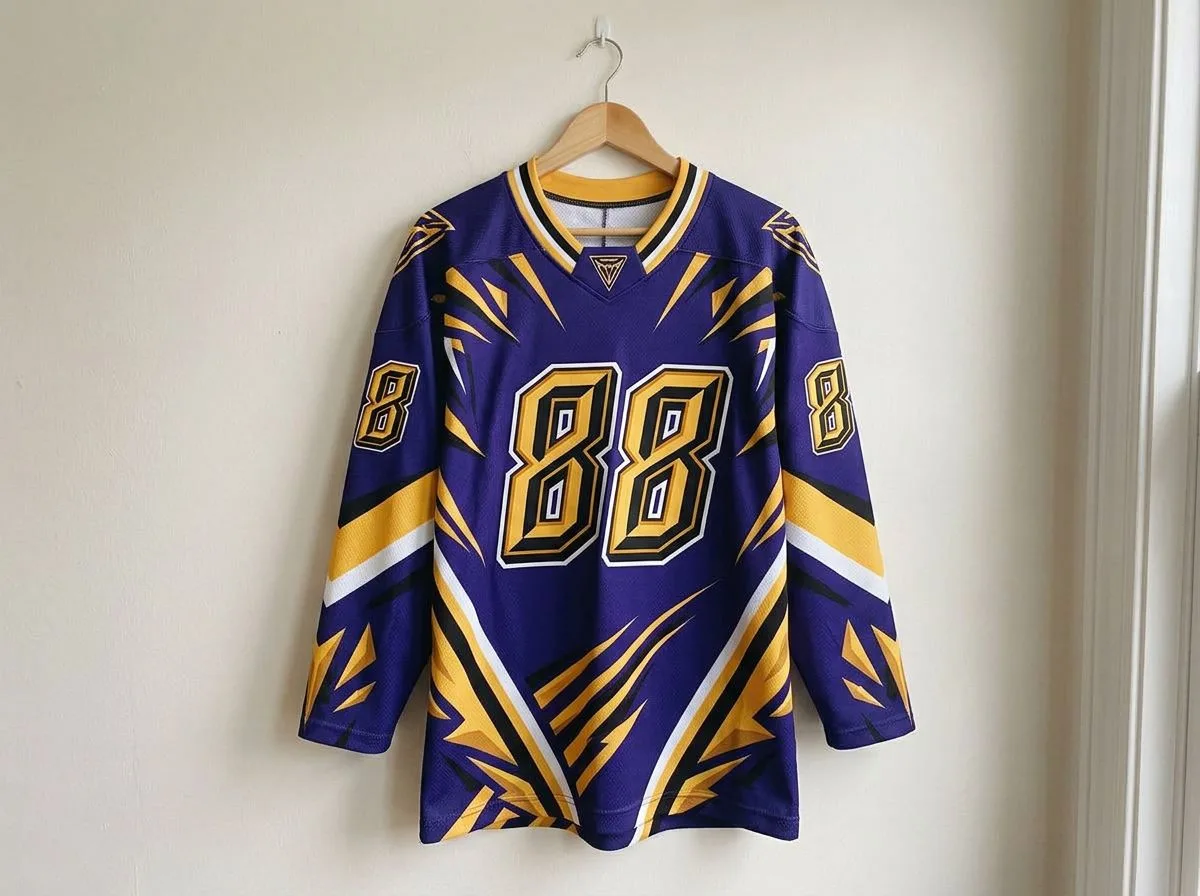
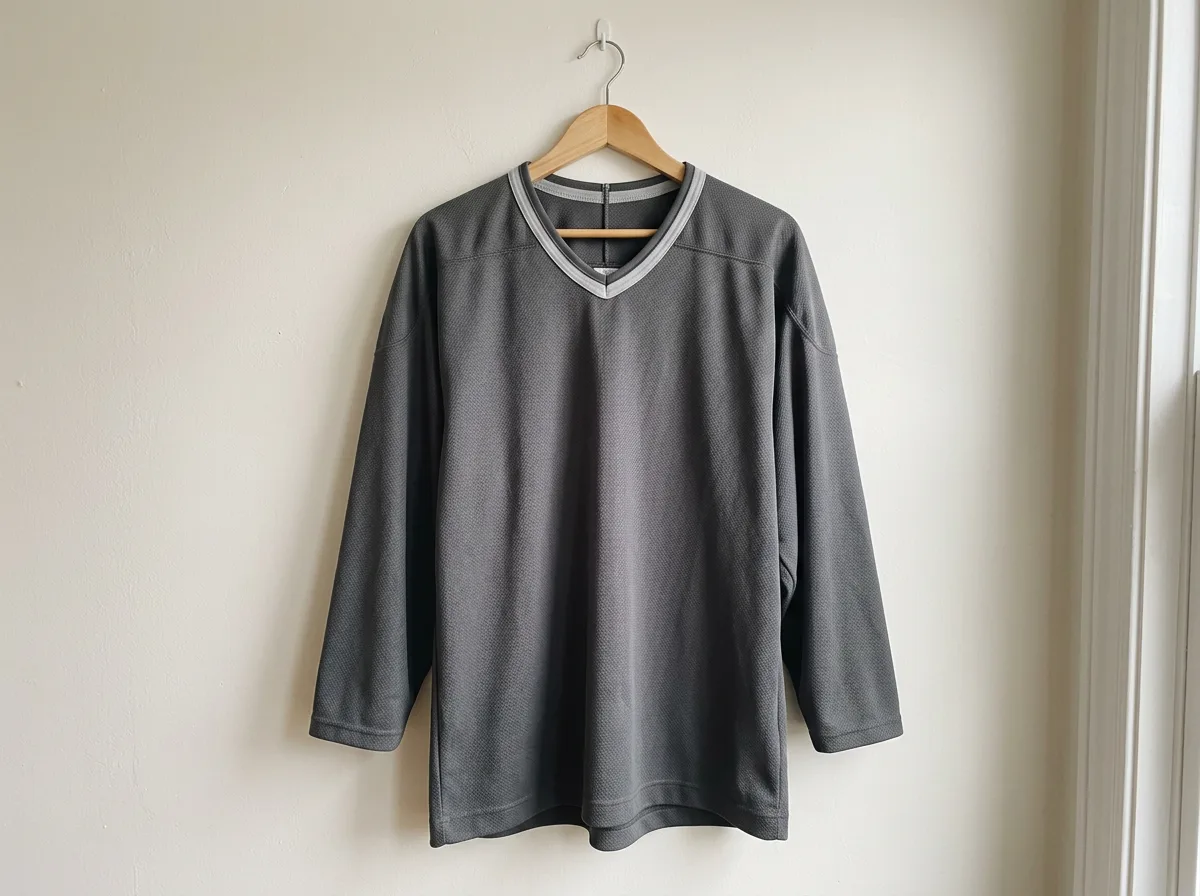
Drag to compare
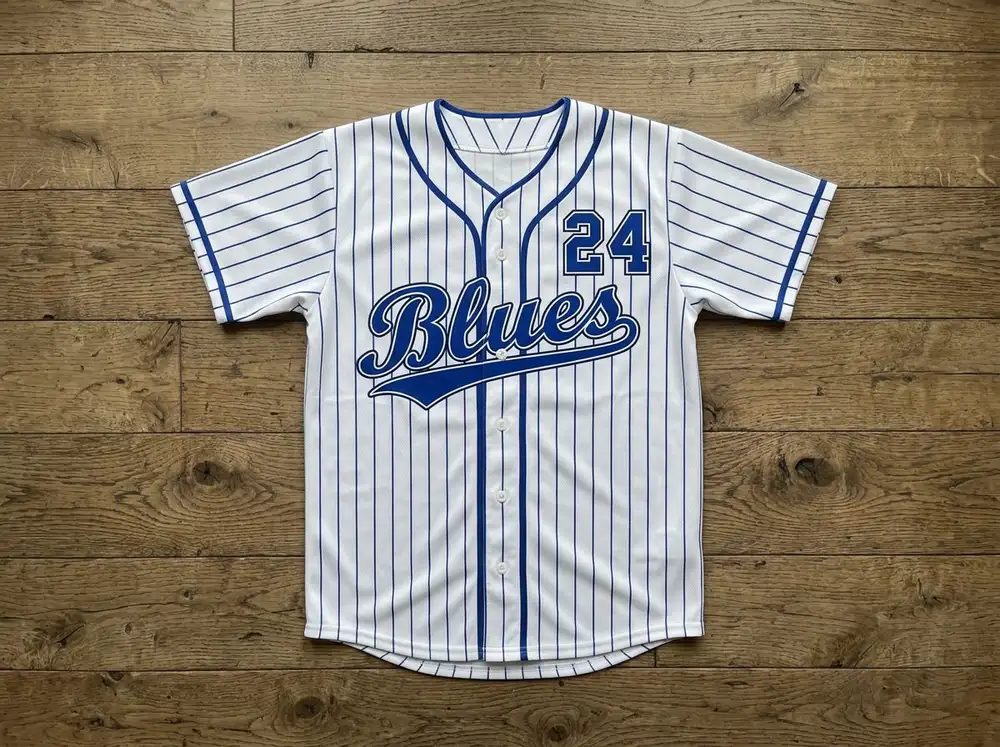
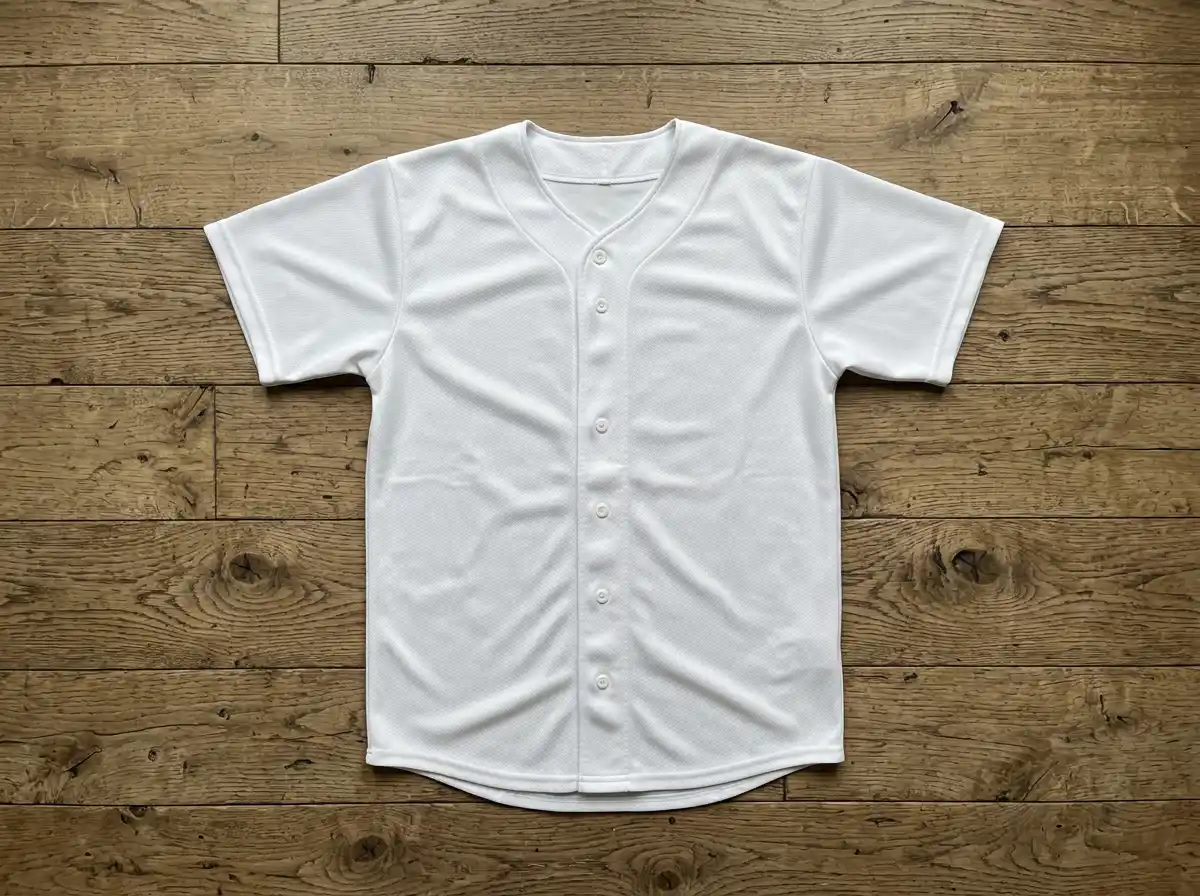
Drag to compare
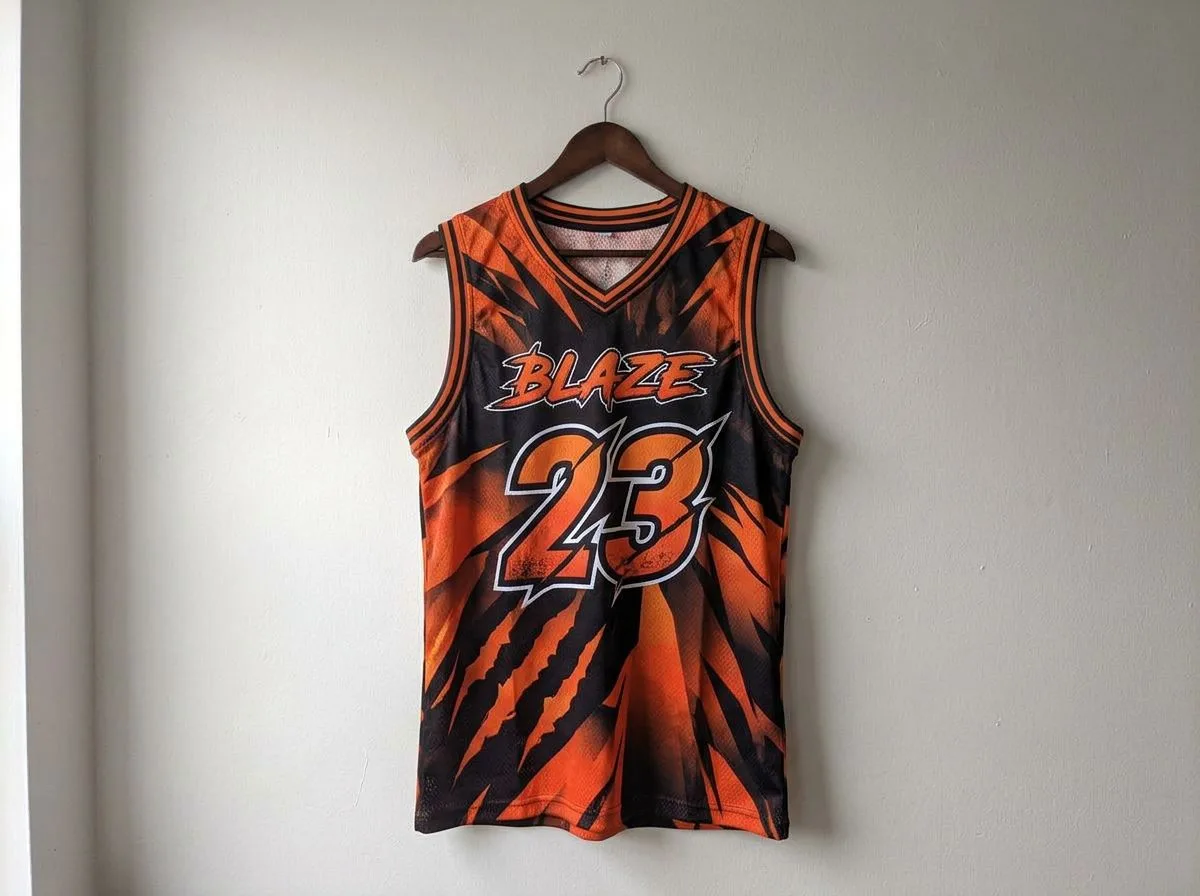
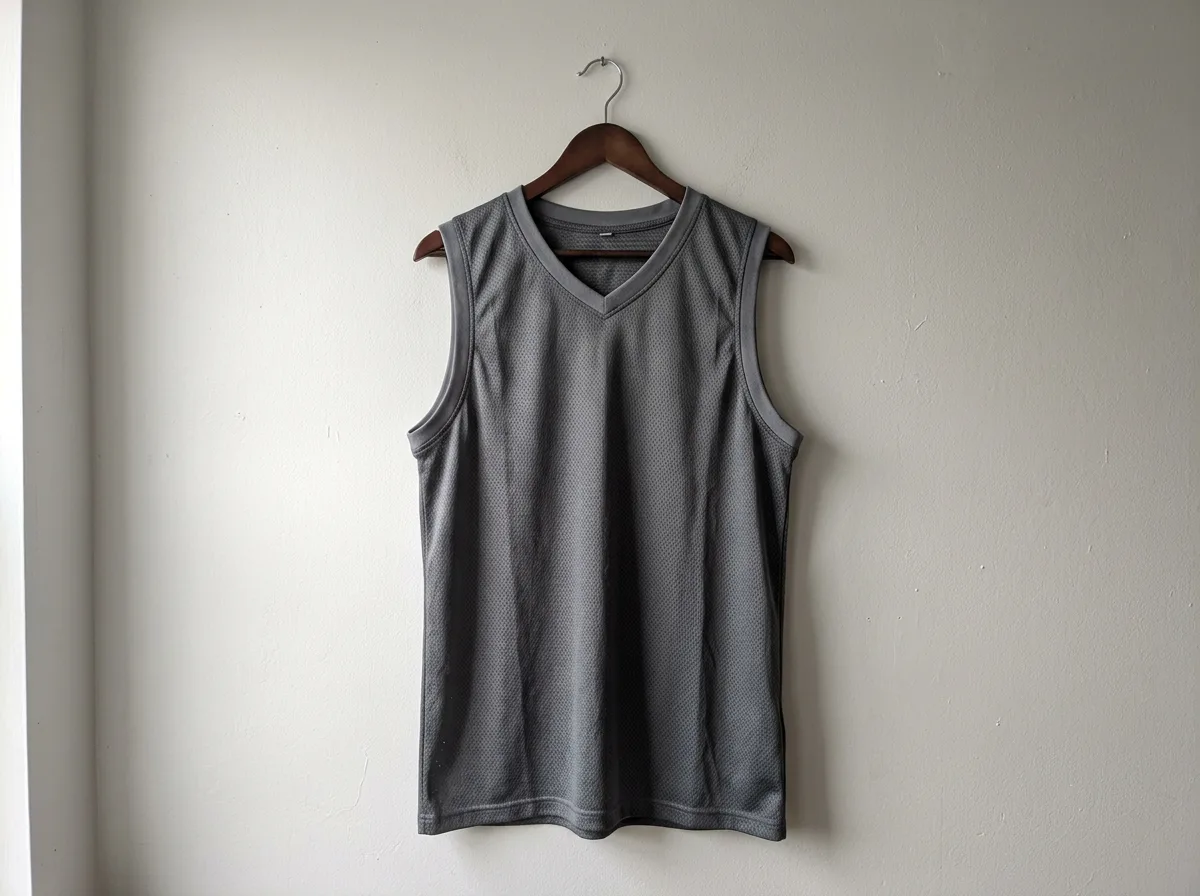
Drag to compare
Real, unretouched output from this tool. Drag any slider to compare.
AI jersey design from a photo of a plain shirt
People search for jersey design ai free and jersey design maker ai when they want to see a kit idea before paying a print shop. Upload a photo of a plain jersey, on a hanger, on a table or on a mannequin, and the AI redraws it as a finished sports jersey. The wall, floor and hanger stay as they were photographed.
The form has five parts: Sport Type (basketball, American football, soccer, baseball, hockey, volleyball or e-sports), Design Style (from modern athletic to retro vintage), Color Scheme (team colors or a preset pair such as purple and gold), Pattern Type (solid, gradient fade, stripes, geometric, camo or sublimated print) and Design Elements (number, name plate, team logo, sponsor patch).
How to design a jersey with AI
Take a front-on photo of a plain jersey in even light, with the whole shirt in the frame. Pick the sport first, because it sets the cut: a basketball tank, a soccer shirt and a hockey sweater look very different. Then choose a style, colors and a pattern, tick the elements you want and press generate. A result takes about 30 seconds.
Make several versions with one change each, for example the same colors with stripes, then with a gradient fade. Comparing them side by side is the fastest way for a team to agree on a kit.
What the AI draws and what you add yourself
If you tick Number or Name Plate, the AI writes its own sample name and number. Treat them as placeholders: AI lettering can be misspelled, so add your real names, numbers and logo in your print shop's design file.
The result is a picture of a design, not a print-ready file. Send it to your supplier as a reference for colors, pattern and layout, and ask them for a proof before you order.
More Creative AI tools
AI Album Cover Generator — Free Album Cover Maker for Singles, EPs & PlaylistsAI Calligraphy GeneratorAI Pet Portrait GeneratorAI Jewelry Design GeneratorAI Book Cover DesignerAI Recipe Card GeneratorAI Mood Board GeneratorAI Phone Wallpaper GeneratorAI Color Palette Generator from PhotoAI Wedding Invitation DesignerAI T-Shirt Design GeneratorAI Watch Face Designer
Popular on AI Two
🏀
AI Sports Jersey Designer
AI Tool
Upload your imageTap anywhere here — your AI design will appear in this space after you generate.JPG · PNG · WebP
Output quality:
Frequently Asked Questions
Yes! Use designs as concepts for custom jersey printing or team uniforms.
Pick the Sport Type, a Design Style and a Color Scheme, then a Pattern Type such as Stripes, Gradient Fade or Camo. Add Design Elements like a Number, Name Plate, Team Logo or Sponsor Patch and generate. Check any lettering carefully, because AI can misspell names, and run it again if needed.
For quick concept mockups, a tool with real jersey options works best. This one offers styles from Modern Athletic and Classic Traditional to Retro Vintage, Bold Aggressive, Minimalist Clean and Futuristic, so you can test ideas with your team in minutes. For production, a designer turns the chosen concept into print files.
Yes. Choose Team Colors (Custom) in Color Scheme, or a preset such as Red & Black, Blue & White or Purple & Gold. New accounts get free credits, with no credit card needed. Paid plans add more credits. Each jersey design uses 2 credits.
You can try it free. Your first generation is free when you sign up, with no credit card. Each result uses credits, shown before you press generate.
The AI adds a sample name and number when you tick those elements, and it may not spell yours correctly. Use the result for colors and layout, then add your exact names and numbers in the print file.
Basketball, American football, soccer, baseball, hockey, volleyball and e-sports. Pick the sport before the style, because it changes the cut of the shirt.
Yes, as a reference. The picture shows colors, pattern and placement. The shop still needs your logo files and a proper template to print from.