Upload your photo and our AI will generate the visualization based on your selected preferences.
AI Saree Draping Visualizer
AI Saree Draping Visualizer is a free AI tool that lets you visualize different saree draping styles on your photo with AI. Try Nivi, Bengali, Gujarati styles.
Free to try · first generation free on signup · no credit card
1
Step 1
Upload Image
Start by uploading image
Upload your image
Click to browse or drag & drop
2
Step 2
Options
Configure your options
Related Tools
→try new exterior paint colors on your own photo
→redesign a home exterior from a single photo
→plan a new yard or garden layout from a photo
→repaint a car in any shade before you commit
Output quality:
Mode
AI Saree Draping Visualizer
Your AI Design Will Appear Here
Fill in the options on the left, then press Generate.
Upload your image
Drag & drop your file here or click to browse
JPG, PNG, WebP
Max 10MB
AI Ready
Quick facts about AI Saree Draping Visualizer
- Tool nameAI Saree Draping Visualizer
- CategoryFashion AI
- PriceFree to try
- InputPhoto upload
- OutputAI-generated image
Before / After
Saree looks to try
Real outputs of this tool: an ordinary full-length photo, shown in a draped saree.
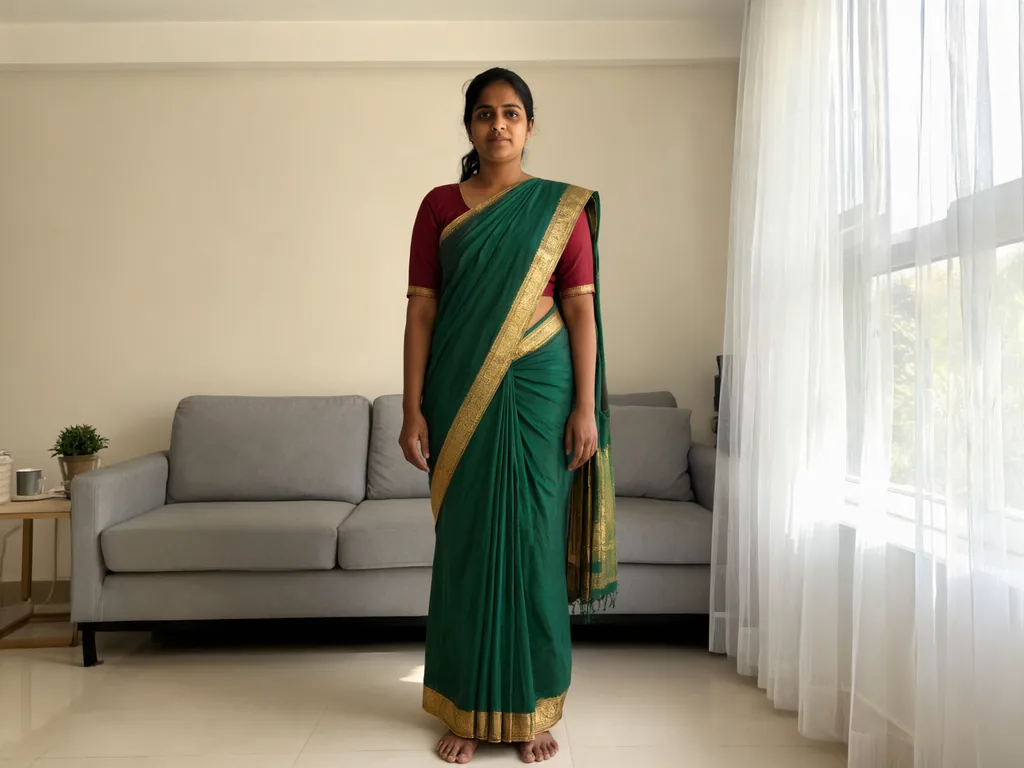
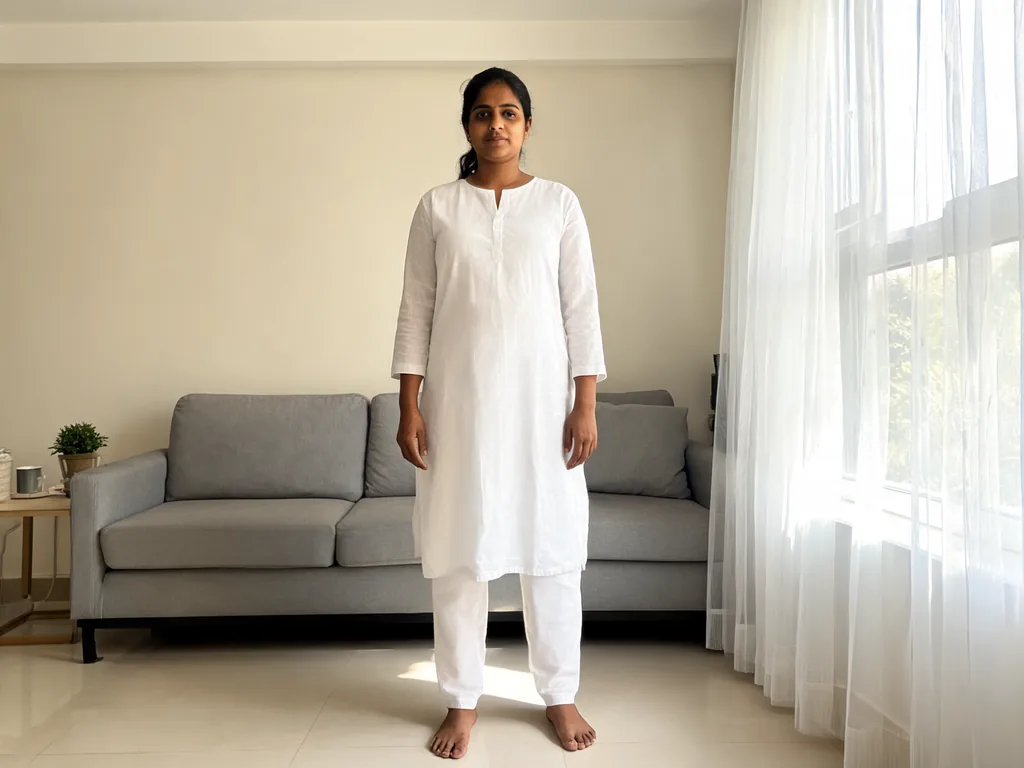
Drag to compare
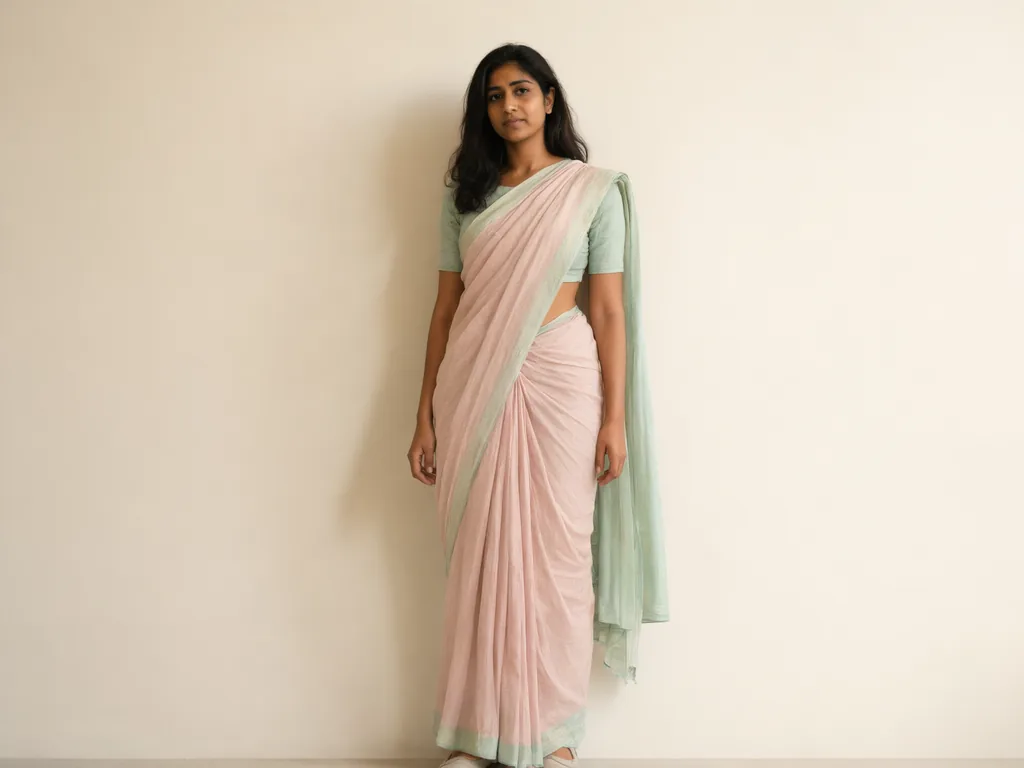
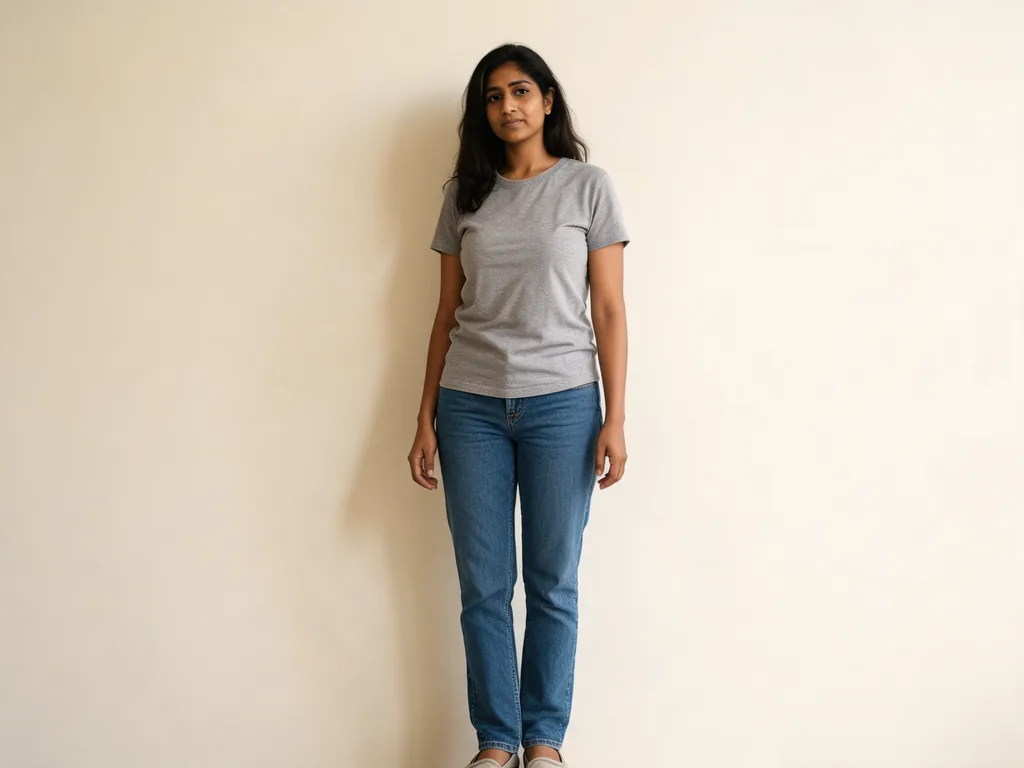
Drag to compare
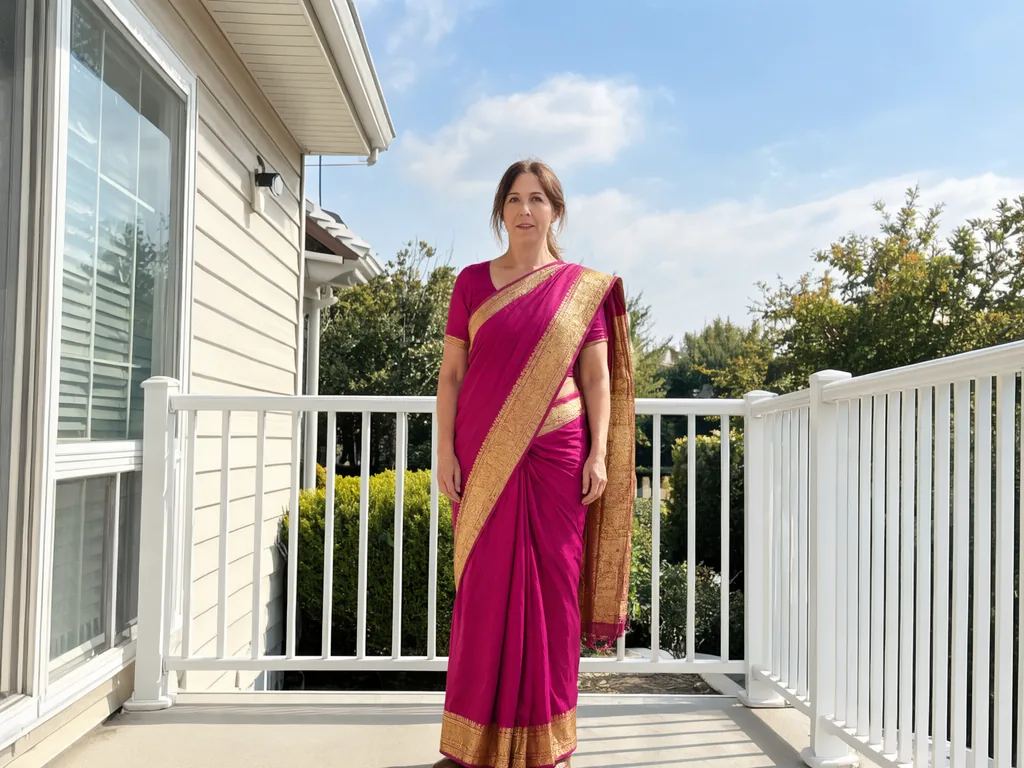
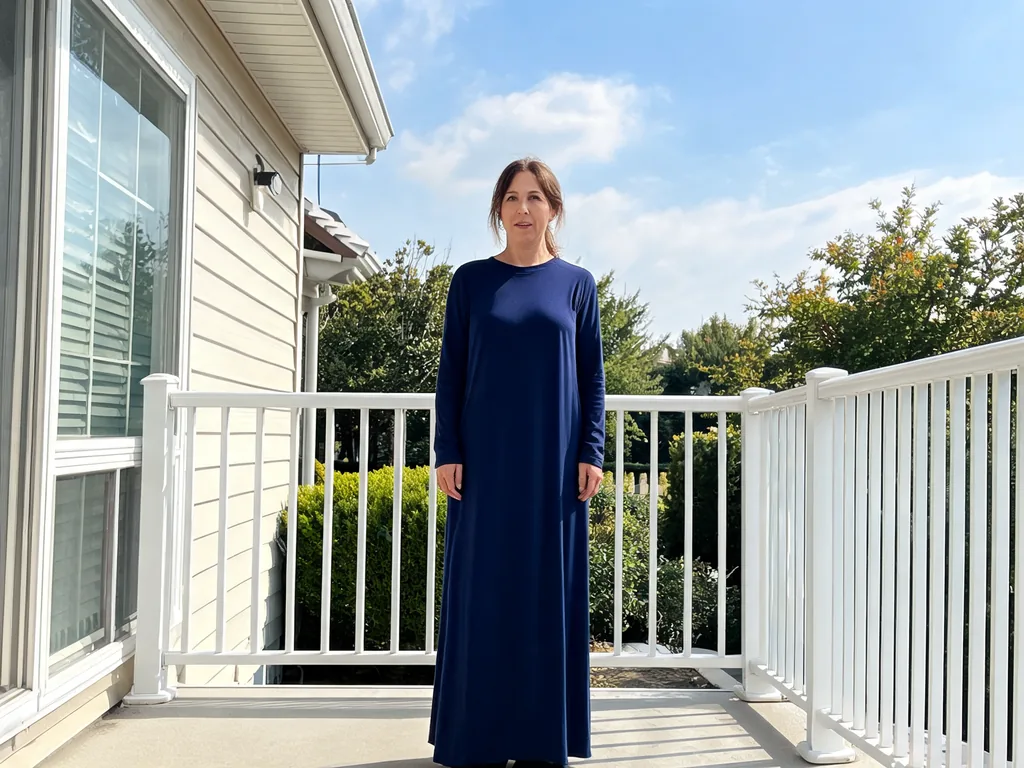
Drag to compare
Real, unretouched output from this tool. Drag any slider to compare.
See a saree drape on your own photo
People search for ai saree draping online free and saree try on ai when they want to see how a saree would look on them before a wedding, a festival or a shopping trip. Upload a clear photo of yourself and the AI dresses you in a draped saree.
The form has two choices: Style (classic, modern, trendy, vintage, minimalist, bold, elegant or casual) and Color Preference (neutral tones, bold colors, pastels, monochrome, earth tones or jewel tones). The menu does not name regional drapes such as Nivi or Bengali, so results show a general drape in the style you choose.
How to get a good saree drape result
Use a full-length photo, standing straight and facing the camera, in good light. A plain background helps the AI see where the pallu and pleats should fall. Close-up selfies cut off the drape and give weaker results.
Try two or three color choices on the same photo, for example jewel tones and pastels, and compare them side by side. A result takes about 30 seconds.
What the visualizer can and cannot show
It shows the look: color, drape and overall style on your body. It cannot match a real saree's exact fabric, weave or border, and it does not know how a fabric will fall in person.
Check your face in the result. If it looks different from you, try a sharper photo where your face is well lit and not turned away.
More Fashion AI tools
Popular on AI Two
Browse every tool in this category: Fashion AI
👗
AI Saree Draping Visualizer
AI Tool
Upload your imageTap anywhere here — your AI design will appear in this space after you generate.JPG · PNG · WebP
Output quality:
Frequently Asked Questions
Yes! You can use this tool for free with limited generations. Paid plans add credits, remove watermarks and unlock premium models.
Yes. Your first generation is free when you sign up, with no credit card. Upload a full-length photo, choose a style and color, and generate.
Not from the menu. You choose a style such as classic or elegant and a color group, and the AI draws a general drape in that style.
A full-length photo, facing the camera, standing straight, in even light, with a plain background. Avoid close-up selfies.
It shows a saree in the style and colors you pick, not one exact product. To see a specific garment from a shop photo, a virtual try-on tool is the better fit.