
How to use Driveway Design on AI Two
Upload a curb photo and preview driveway materials with Driveway Design in Home Design Studio.
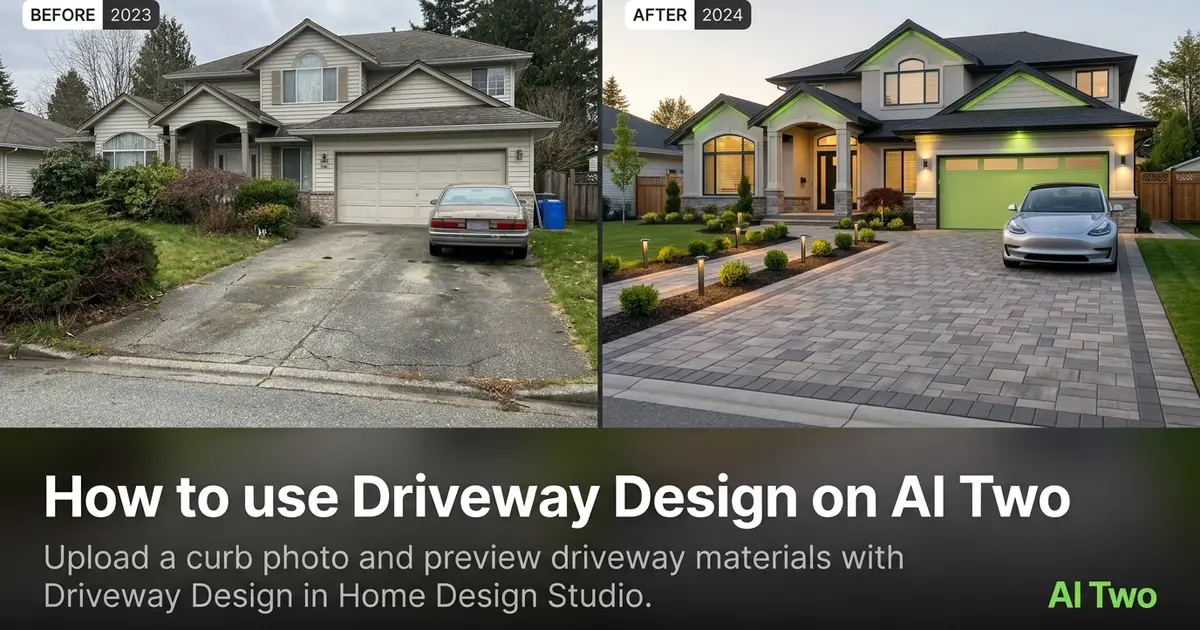
Driveway Design on AI Two is the Home Design Studio page I open when a homeowner or listing agent needs to see stamped concrete, pavers, or a darker asphalt run before anyone schedules a pour. You upload a curb or front approach photo, pick a surface direction, and get a visual draft in about 30 seconds. When I tested a cracked asphalt apron with the garage door in frame, the paver preview kept approach width and curb edge readable, which is the scale check I use before I share a still with a paving crew. I treat the download as a conversation starter for material and curb appeal, not a civil engineering plan.
What Driveway Design does
You upload a photo that shows the drive and arrival zone, choose surface options on the form, and generate a still that updates the driveway while keeping house lines and camera angle as stable as the source allows.
When I tested a two car concrete pad with oil stains near the garage, the darker paver preview showed how a new surface would read from the street without guessing joint patterns from a brochure alone.
Home Design Studio lists this page with pool, fence, and deck patio tools in the outdoor structures cluster. Credits meter each generation.
Treat the output as a visual draft for consults and listing stories. It is not a stamped drainage plan or material takeoff.
I open this page after I have one clear photo that shows the drive, curb, and garage or front wall. Guessing from memory wastes credits.
Free signup credits covered three surface tests for me before we locked a direction for the paving quote.
In my experience, including the garage door or porch steps in frame keeps driveway width believable in the preview.
I save before and after pairs in a client folder named by address so revision calls do not mix uploads from different properties.
For rental listings I note which surface direction is cosmetic staging versus which the owner might approve as a real replacement.
How to run it step by step
Step one: sign in or create a free account. Step two: upload a daylight photo that shows the full drive and house edge if you can. Step three: pick a surface style, leave extras on default for the first run. Step four: generate and wait about 30 seconds. Step five: download or change one setting and compare.
My first run with defaults was already useful. The second run only changed paver color so I could judge contrast against the siding.
I never overwrite the original phone photo. Arrival option stacks grow fast during listing week.
If the drive plane warps, reshoot from the street edge instead of stacking edits on a tight phone crop from the porch.
I write the material name that won in a note beside the address so the paving walk stays focused.
If the first run feels too busy, I change only the surface preset on run two. That keeps curb and lawn edges from shifting at the same time.
Credits apply per generation, so I lock one camera angle on the lead elevation before I batch three material options.
Which photo works best
Bright, level shots from the street or sidewalk that show the full approach beat filtered social crops. Heavy vignettes hide curb lines and garage doors.
Include the garage door, porch, or front wall when you can. Floating driveway islands with no house context look toy-like in the preview.
Soft files under about 800 pixels look muddy after redesign. Start sharp.
The studio before and after card for this tool uses a real curb approach photo. Match that kind of framing.
Clear trash cans and parked cars from the shot when you can. They copy into the redesign and hide joint patterns.
Shoot in open shade or soft daylight when possible. Harsh noon glare on concrete blows out stamp texture.
Include a scale cue like a garage door or walkway. Without scale, driveway width drifts and clients argue about car fit that was never measured.
Wet asphalt after rain looks darker and can fool tone previews. I wait for a dry surface when the brief is about material color.
Mistakes I avoid
Changing surface material, border style, and landscaping together hides which choice helped. Change one variable per run.
Expecting exact base depth or drainage grades from a preview wastes time. I take the download to a paving crew and confirm slopes on site.
Cropping out the garage door when approach width is the main question leaves the parking talk incomplete.
Running heavy filters on the phone before upload. The redesign inherits that color cast.
Sending a contractor only the AI still without the original photo. They need both to judge cracks and curb condition.
Uploading a photo where cars fully hide the drive. Move vehicles or open Declutter in the edit cluster first.
When to use another outdoor tool
Need a privacy or boundary line? Open Fence Design. Need a deck or patio surface? Deck and Patio. Need a pool as the hero feature? Pool Design. Need plant beds and lawn mood instead of hardscape? Landscaping AI in the exterior cluster is the narrower fit.
The outdoor structures cluster guide maps every sibling page. The Home Design Studio pillar covers rooms and listing edits when the driveway preview is approved.
If curb score and priority notes come first, open Curb Appeal Rater before you spend driveway credits.
Edit cluster tools help when clutter or cars block the drive plane before you spend structure credits.
After the download
I attach the original photo beside the AI still in the client email so everyone compares the real approach, not just the preview.
For paving walks I print one keeper at letter size and write the chosen material name on the margin. Phones zoom differently in sunlight.
When a homeowner asks for a second material, I rerun from the same source file instead of editing pixels by hand. That keeps geometry stable.
I store keepers in a folder named by address and date so next season reruns start from the same before file.
Listing agents get a short note that the driveway preview is a visual draft only. Drainage and base work still need a crew check.
FAQs
Related studio guides
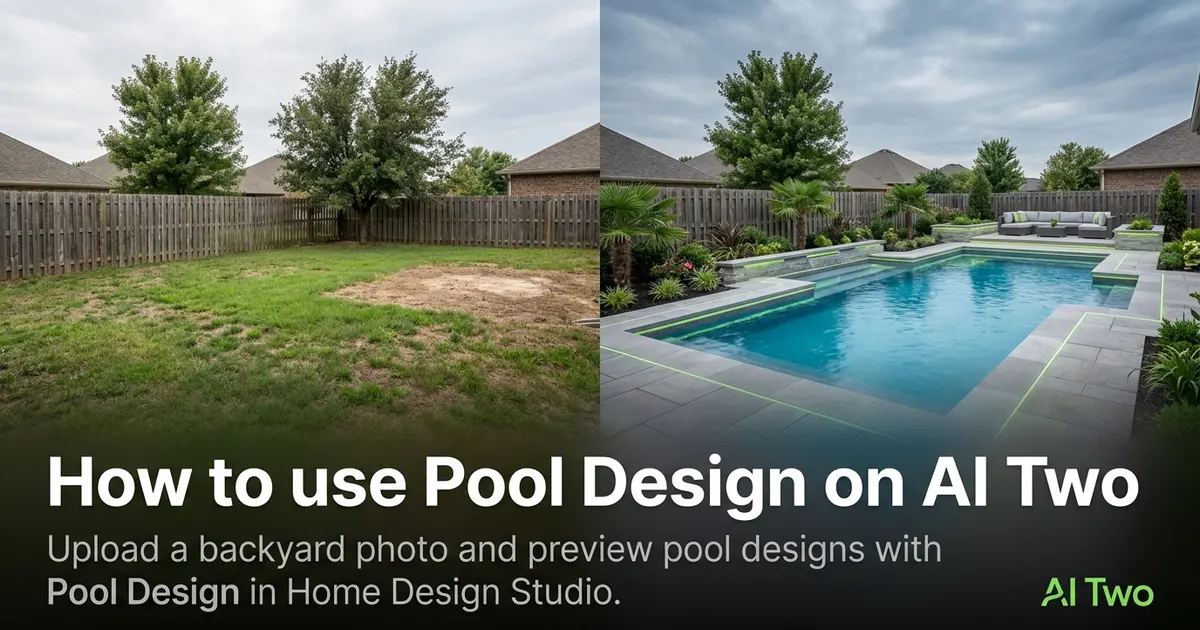
How to use Pool Design on AI Two
Upload a backyard photo and preview pool designs with Pool Design in Home Design Studio.
Read guide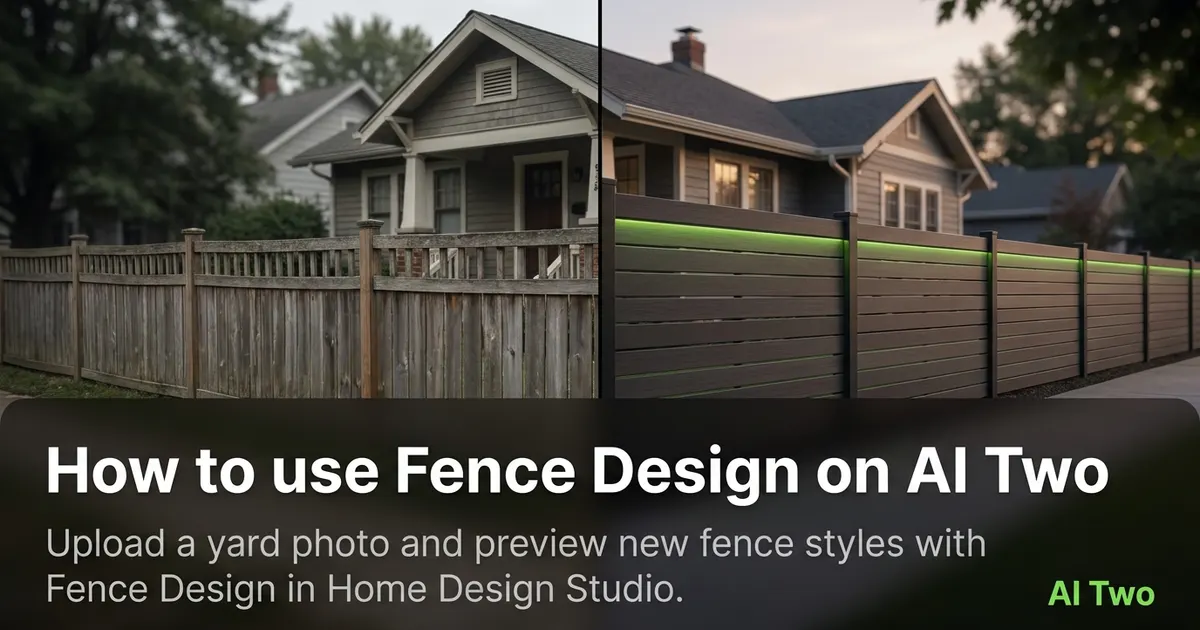
How to use Fence Design on AI Two
Upload a yard photo and preview new fence styles with Fence Design in Home Design Studio.
Read guide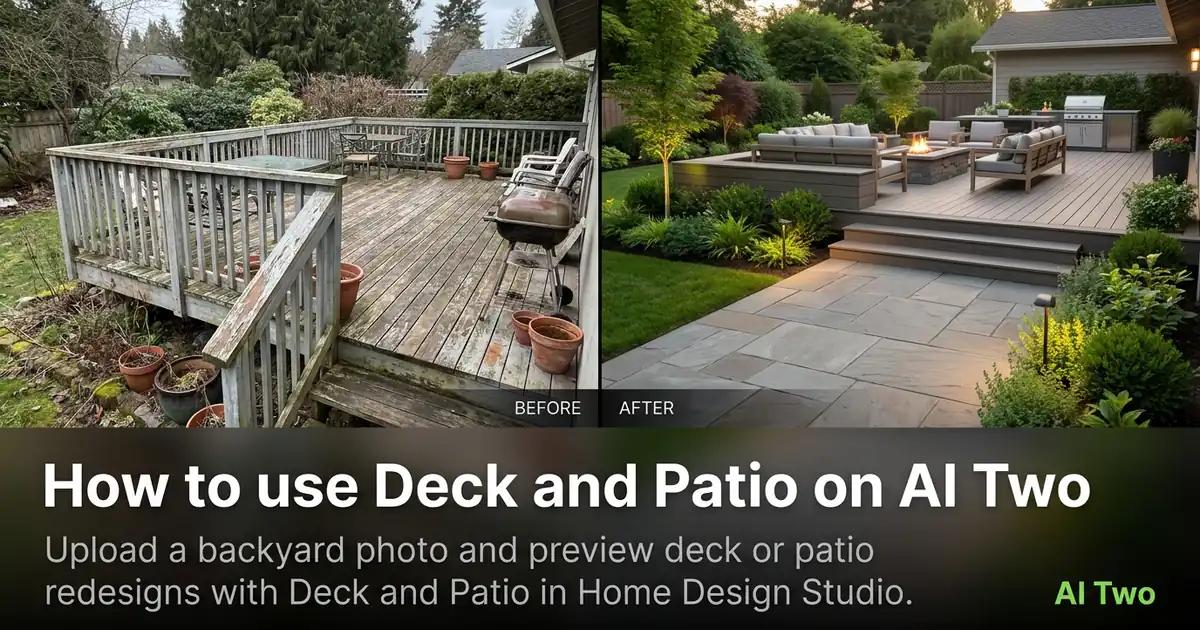
How to use Deck and Patio on AI Two
Upload a backyard photo and preview deck or patio redesigns with Deck and Patio in Home Design Studio.
Read guide