Our AI analyzes your space and preferences to generate personalized design recommendations. It considers factors like dimensions, lighting, style preferences, and functionality needs.
AI House Video Generator
AI House Video Generator is a free AI tool that lets you transform house photos into stunning videos with AI. Create professional real estate videos from static images.
Free to try · first generation free on signup · no credit card
1
Step 1
Upload Image
Start by uploading image
Upload your image
Click to browse or drag & drop
2
Step 2
Options
Configure your options
Related Tools
→try new exterior paint colors on your own photo
→redesign a home exterior from a single photo
→plan a new yard or garden layout from a photo
→repaint a car in any shade before you commit
Output quality:
Mode
Photo to Video
Your AI Design Will Appear Here
Fill in the options on the left, then press Generate.
Upload your image
Drag & drop your file here or click to browse
JPG, PNG, WebP
Max 10MB
AI Ready
Quick facts about AI House Video Generator
- Tool nameAI House Video Generator
- CategoryAI Video Generator
- PriceFree to try
- InputPhoto upload
- OutputAI-generated image
Before / After
Example results
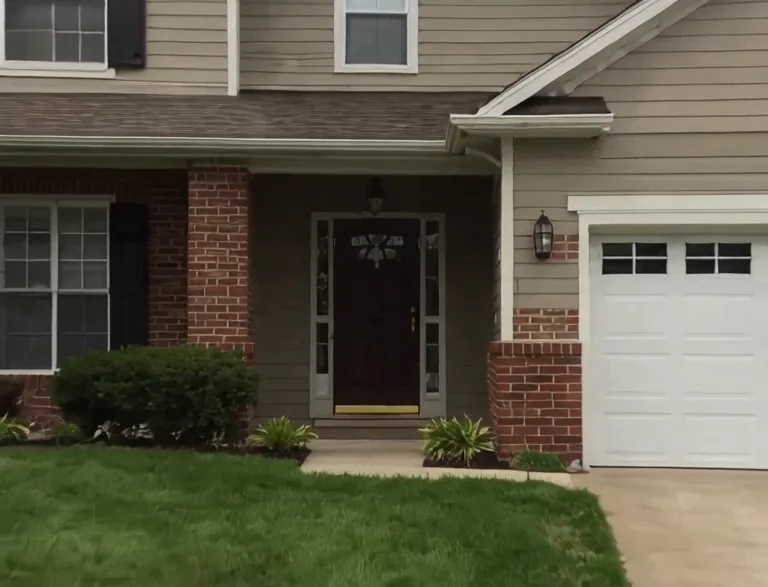
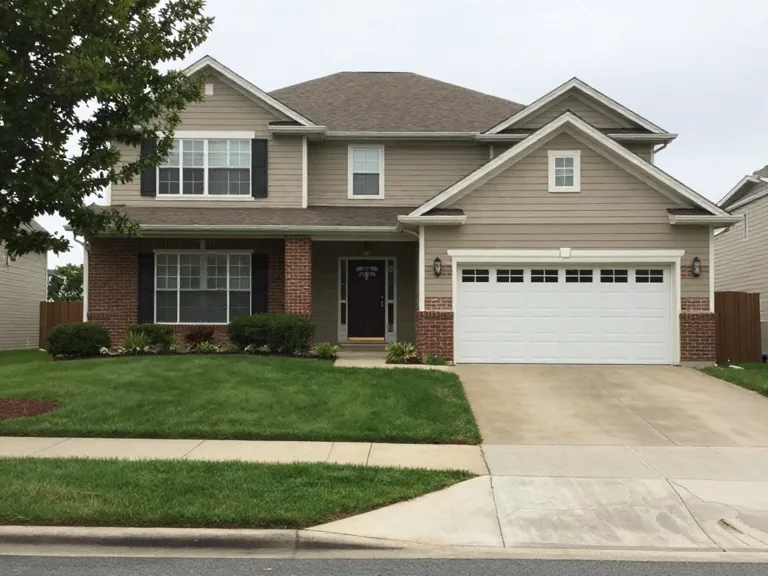
Drag to compare
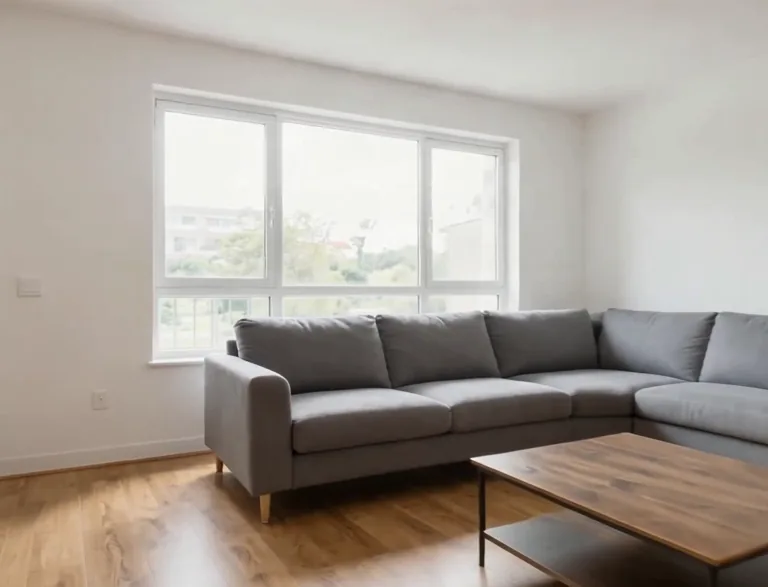
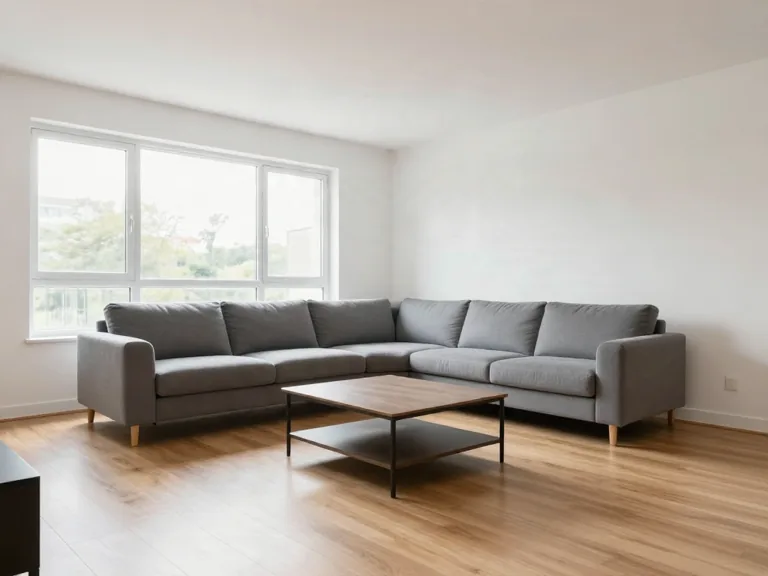
Drag to compare
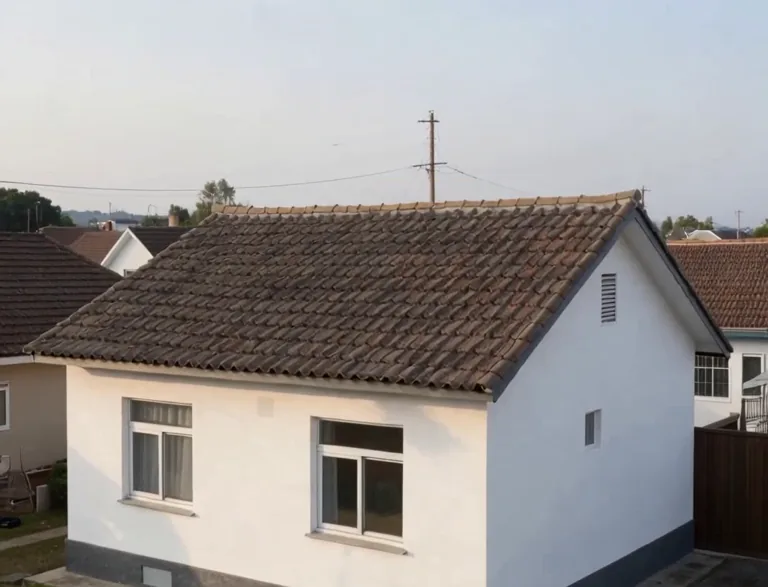
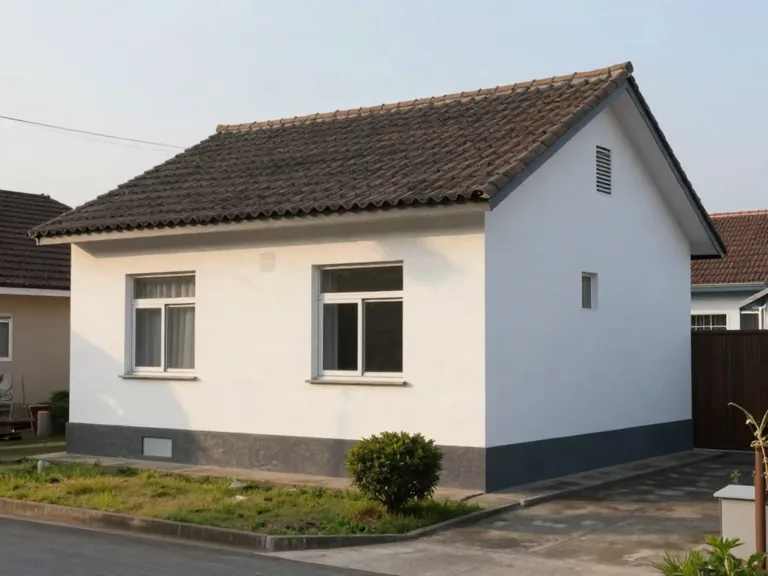
Drag to compare
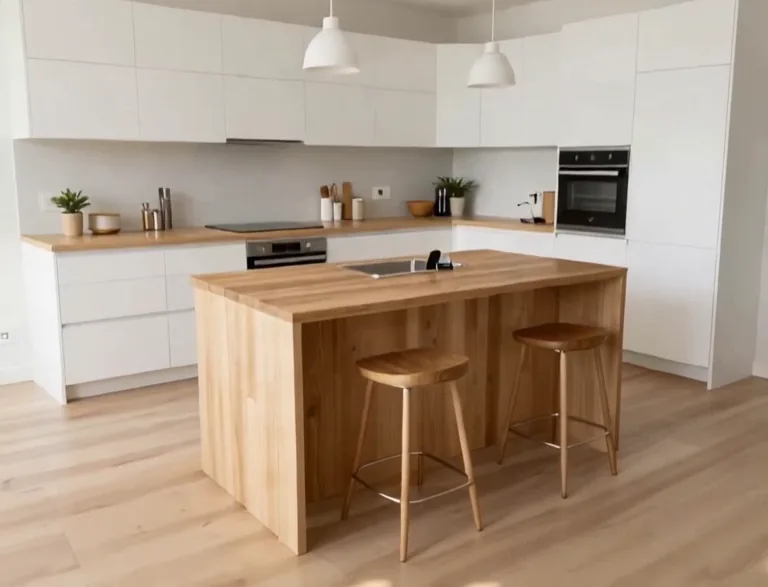
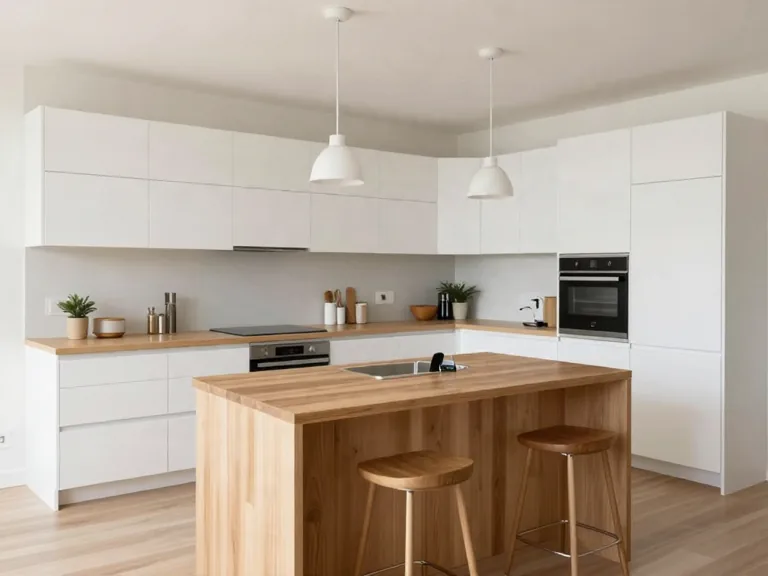
Drag to compare
Real, unretouched output from this tool. Drag any slider to compare.
Turn a house photo into a video
Upload one photo of a house, inside or out, and the AI house video generator turns it into a short clip with camera movement. Write the movement under Describe the motion, pick an AI Video Model, then set the aspect ratio, resolution and video duration. The credit cost is shown before you press Generate.
Start from a sharp, level photo taken in daylight. The AI animates what is in the picture, so a photo with the whole facade or the whole room in frame gives a steadier video than a close-up.
Motion prompts that work for a home video
Ask for one camera move per clip: "slow push in towards the front door", "gentle pan left across the living room", "drone rises over the roof at sunset" or "camera walks down the hallway into the kitchen". A prompt that asks for several moves at once usually gives a shaky or warped video.
Leave the house itself alone in the prompt. Words such as "keep the walls, windows and roof exactly as they are" help the AI move the camera without redrawing the building.
Who makes AI home videos
Agents and owners turn listing photos into short clips for Reels, Shorts and property sites. Designers and builders animate a render to show a project before it is finished. People who just redesigned their home with AI use it to show the new look as a video instead of a still.
The video shows how the photo could look on camera. For a sale, always show buyers real photos of the property as well.
More AI Video Generator tools
Popular on AI Two
Browse every tool in this category: AI Video Generator
🎬
AI House Video Generator
AI Tool
Upload your imageTap anywhere here — your AI design will appear in this space after you generate.JPG · PNG · WebP
Premium users can generate images without watermark
Higher quality options available for premium users
Strong all-rounder with optional audio, 480p to 1080p.
Very GoodAudio
Audio Disabled
Video will be generated without audio
Enable AI-generated audio and sound effects for your video
Be specific for better results63/500
Output quality:
Frequently Asked Questions
Yes! All AI-generated designs can be customized. You can adjust colors, materials, layouts, and specific elements to match your exact preferences.
We support all common image formats including JPG, PNG, WebP, and more. High-resolution images produce the best results.
Our AI creates photorealistic designs that accurately represent how your space would look with the proposed changes. The results are suitable for planning and visualization purposes.
You can try it. Your first generation is free when you sign up, with no credit card. Videos cost more credits than images; the cost is shown before you generate.
Yes. Upload a photo or a render of the house you want, describe one camera move, and the AI turns that single image into a short video.
Use 9:16 for Reels, Shorts and TikTok, 16:9 for a listing site or YouTube, and 1:1 for a square post.
Some video models can. Switch Generate Audio on if you want ambient sound; leave it off if you plan to add music in your own editor.