Your first generation is free when you sign up. Paid plans add credits, remove the watermark and unlock higher resolution.
Boat Dock Visualizer: See Boat Dock Ideas and Designs on Your Own Shoreline
Boat Dock Visualizer: See Boat Dock Ideas and Designs on Your Own Shoreline is a free AI tool. Upload a photo of your lakefront or shoreline and see a new boat dock on it: fixed pier, floating dock, L or T shape with a boat lift, a covered canopy dock or new boards on your old dock. Free to try.
Free to try · first generation free on signup · no credit card
1
Step 1
Upload Image
Start by uploading image
Upload your image
Click to browse or drag & drop
2
Step 2
Select Mode
Choose your transformation style
Straight, L or T pier on pilings
3
Step 3
Options
Configure your options
Related Tools
→try new exterior paint colors on your own photo
→redesign a home exterior from a single photo
→plan a new yard or garden layout from a photo
→repaint a car in any shade before you commit
Output quality:
Mode
Fixed Pier Dock
Your AI Design Will Appear Here
Fill in the options on the left, then press Generate.
Upload your image
Drag & drop your file here or click to browse
JPG, PNG, WebP
Max 10MB
AI Ready
Quick facts about Boat Dock Visualizer: See Boat Dock Ideas and Designs on Your Own Shoreline
- Tool nameBoat Dock Visualizer: See Boat Dock Ideas and Designs on Your Own Shoreline
- CategoryHome Design
- PriceFree to try
- InputPhoto upload + text prompt
- OutputAI-generated image
Before / After
Example results
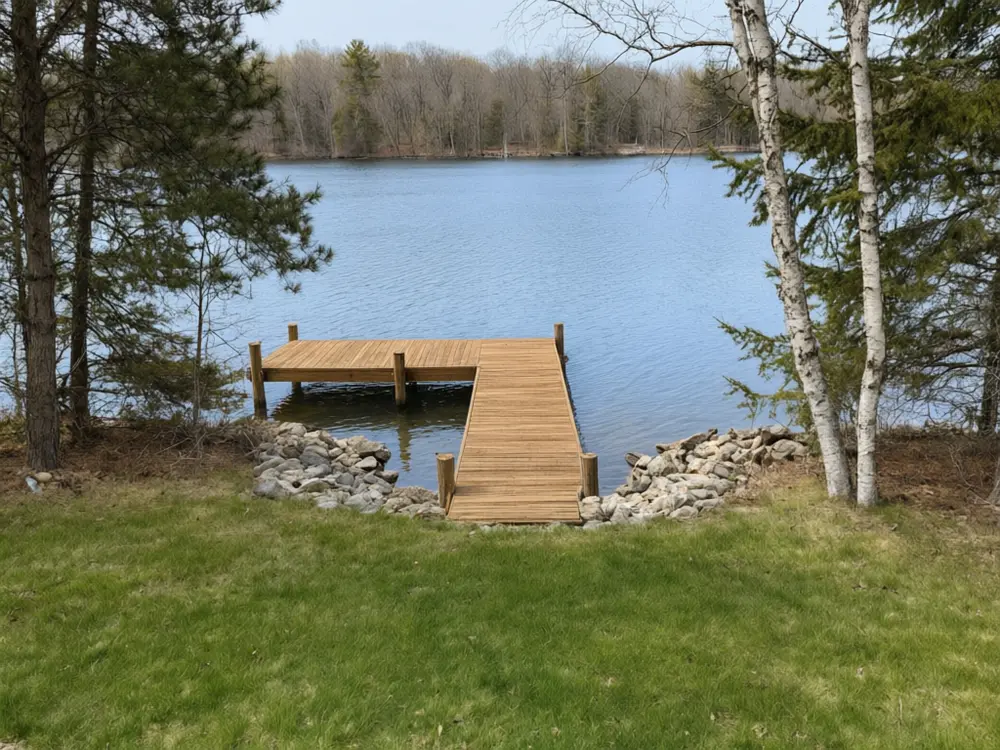
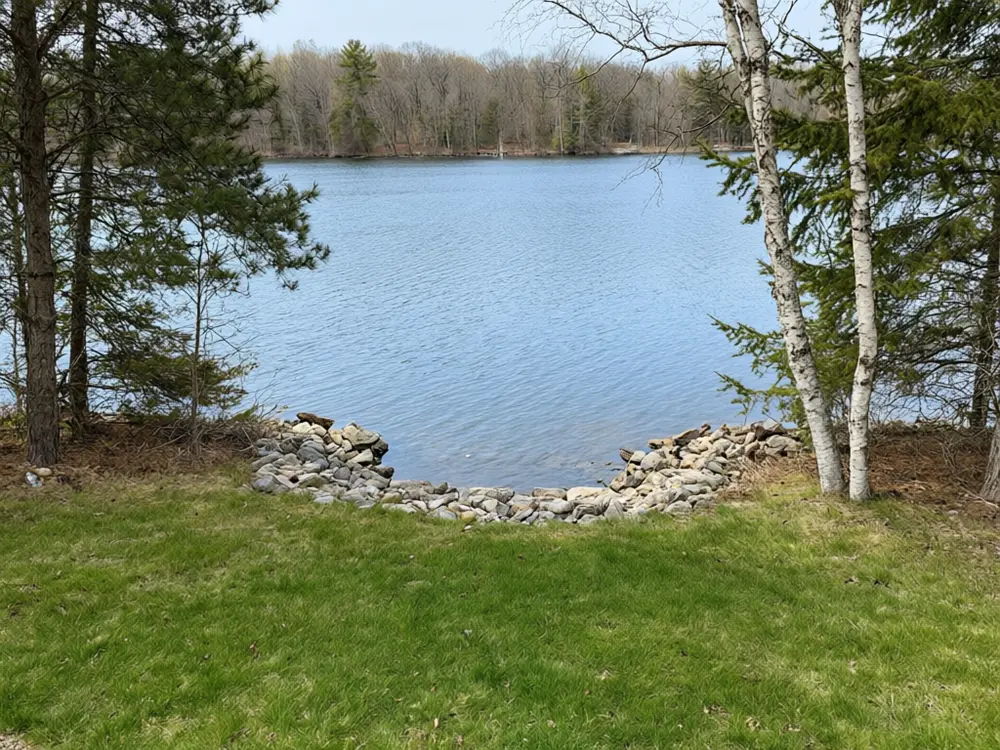
Drag to compare
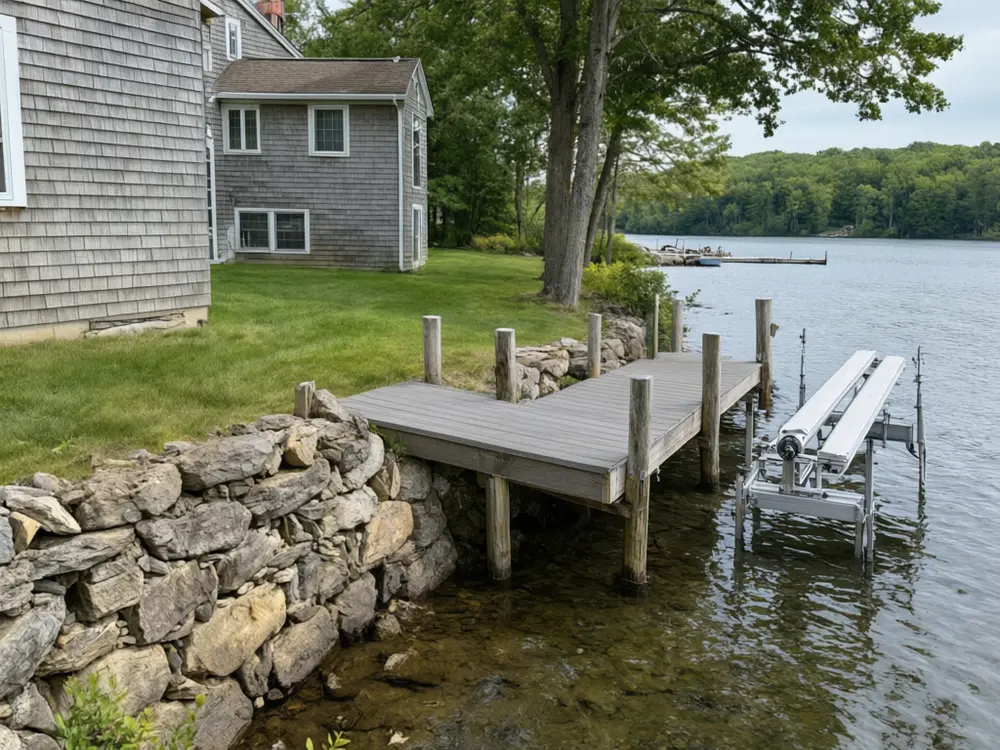
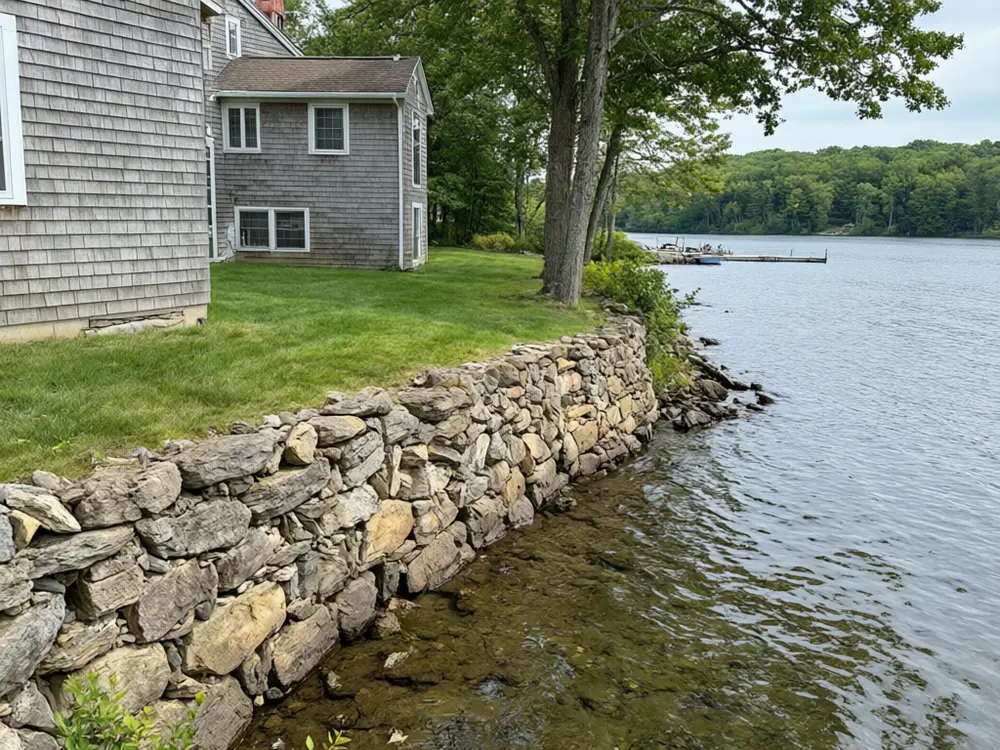
Drag to compare
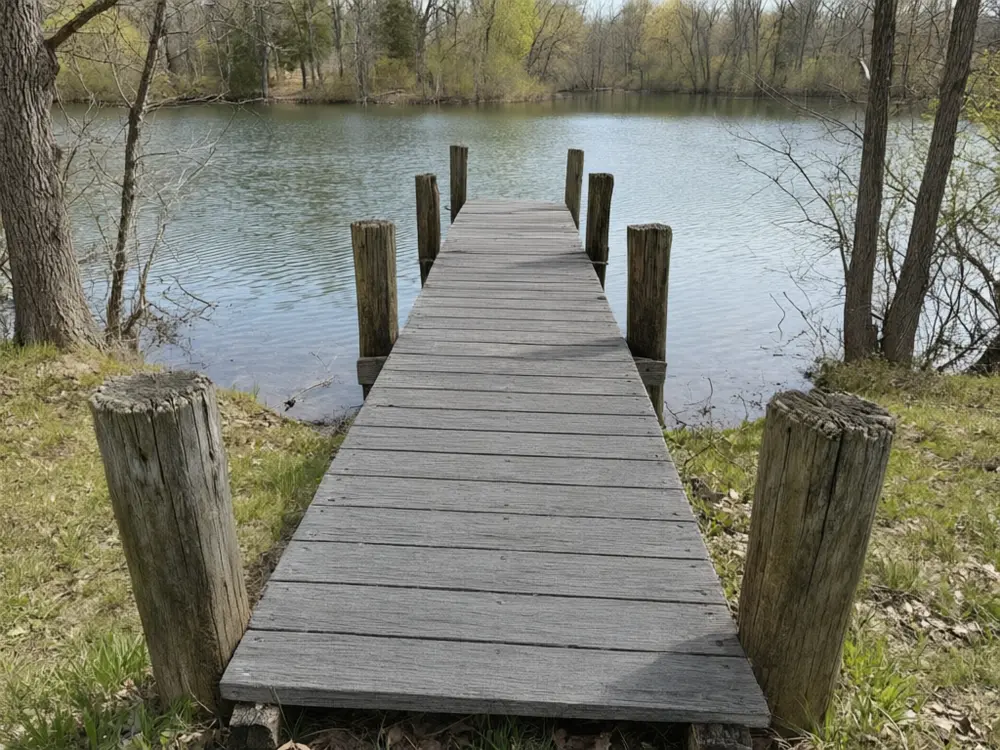
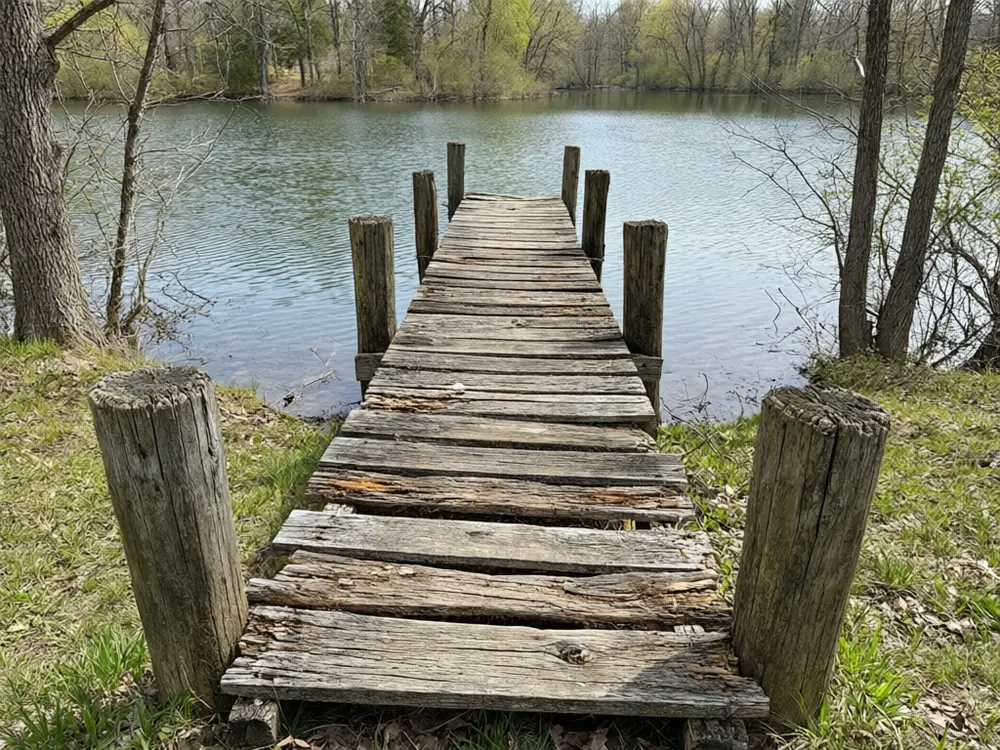
Drag to compare
Real, unretouched output from this tool. Drag any slider to compare.
See a new boat dock on your own shoreline before you call a dock builder. Upload a photo of your lakefront, pick a straight, L, T or U pier, a floating dock, a dock with a boat lift, a covered slip or a boathouse, or new composite boards for your old dock, and the tool adds it while the water, shore, house, trees and any boat stay as they are.
How the boat dock visualizer works
You upload one photo of your waterfront and choose what to change. The tool changes only the boat dock and keeps everything else the same.
Each run makes one image. Run it with other options to compare, then keep the one you like.
1
Use a clear photo
A bright daytime photo of the shoreline taken from the lawn, the house or a boat, showing the shore and the water where the dock would go.
2
Try more than one option
Run a few colours or styles and compare them side by side before you decide.
3
Use it before you spend money
A picture is cheap to change. A real boat dock is not.
4
It is a preview
The picture shows a look. It is not a quote, a plan or a survey.
The boat dock options
Five modes plus your own.
1
Fixed Pier Dock
Straight, L or T pier on pilings.
2
Floating Dock
Modular floating dock on the water.
3
Dock with Boat Lift
L or T dock with an empty boat lift.
4
Covered Dock and Boathouse
Canopy roof or boathouse over the slip.
5
Dock Board Refresh
New boards and railing on your old dock.
6
Your own description
Describe the change yourself.
Honest limits
It shows a boat dock on your photo. It is not a measured quote or a plan.
Sizes, spacing and exact products are approximate.
It does not check water depth, lake bed, water level changes, setbacks or permits, and the real layout, pilings and lift size are set by the dock builder on site; with a boat moored in the photo, the covered dock mode can build its roof over that boat and move it.
Everything else should stay the same; compare the result with your photo.
More tools for your home
Next steps for your home.
Who uses a boat dock visualizer
🏠
Lakefront owners
✓See a new dock on your own shoreline, compare layouts, decking, a lift or a canopy, and take the picture to a dock builder.
💡
Dock builders
✓Show a client a design on a photo of their own waterfront during the first visit or with a quote.
🏢
Owners of an old dock
✓See your tired dock with new composite boards or a railing before you resurface it.
📸
Buyers of a waterfront home
✓See what the shore could look like with a dock before you make an offer.
🪵
Boat Dock Visualizer: See Boat Dock Ideas and Designs on Your Own Shoreline
AI Tool
Upload your imageTap anywhere here — your AI design will appear in this space after you generate.JPG · PNG · WebP
Straight, L or T pier on pilings
Premium users can generate images without watermark
Higher quality options available for premium users
Be specific for better results0/400
Output quality:
Frequently Asked Questions
It is told to change only the boat dock and keep the water, shoreline, house, trees, sky, any boat and everything outside the dock exactly as photographed. Compare the result with your photo.
Yes. Run one option and then another to compare.
A bright daytime photo of the shoreline taken from the lawn, the house or a boat, showing the shore and the water where the dock would go.
It depends on water depth, the lake bed and how much the water level changes. Floating docks suit deep water and changing levels; fixed piers suit a firm bottom and steady water. Try both here, then ask a local dock builder.
Yes. Use Dock with Boat Lift or Covered Dock and Boathouse. The lift and slip are drawn empty. In our tests the covered dock mode sometimes built the roof over a boat already moored in the photo and moved it, so use a photo without a moored boat for that mode, or run it again.
Yes. If your photo has a dock, a new dock is drawn in the same place. To keep the old frame and only change the boards, use Dock Board Refresh.
No. It is a visual preview only. Most docks need a permit, and depth, setbacks and the lake bed are checked by the builder and your local authority.
No. Ask a dock builder for a quote.