
How to use Curb Appeal Rater on AI Two
Upload a front-of-house photo and get an AI curb appeal score with notes in Home Design Studio.
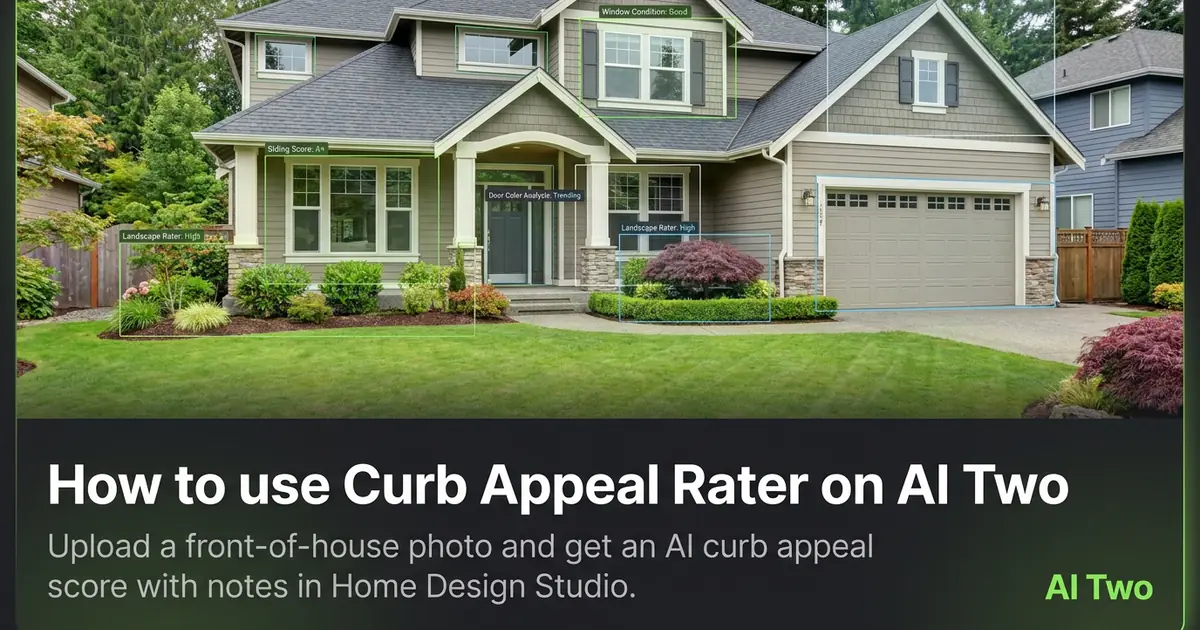
Curb Appeal Rater on AI Two is the Home Design Studio analyze page I open when a seller asks what hurts the first impression before we touch paint or landscaping pixels. You upload a front elevation and get a score with notes about facade, entry, and yard cues. When I tested a brick ranch with overgrown shrubs, the notes named landscaping and front door contrast as the quick wins, which matched what I saw on site. I treat the read as a planning draft, then send the same photo to Paint My House AI or Architecture AI when the client wants visuals.
What Curb Appeal Rater does
You upload a front-of-house photo, run the rater, and receive a curb appeal score with written notes about strengths and weak spots.
When I tested a split level with faded siding, the score separated roof and trim issues from yard clutter so we could prioritize spend.
Home Design Studio lists this page with Color Combination AI, Interior Design Rater, House Style Identifier, and Renovation Cost Estimator in the analyze cluster.
This is analysis, not a redesign. It does not repaint the facade or add landscaping by itself.
I open this page at the start of a listing consult when the seller thinks only the kitchen matters but the search card is the front photo.
Free signup credits covered several consult passes for me on one property. Paid plans raise monthly limits when you analyze many addresses.
In my experience, one clean elevation pass beats five reruns on the same blurry file.
The notes help me choose whether Exterior paint, Landscaping AI, or Architecture AI is the next credit spend.
I screenshot the score page into the client folder so everyone sees the same numbers on follow-up calls.
How to run it step by step
Step one: sign in or create a free account. Step two: upload a daylight front elevation that shows roof, walls, and entry when possible. Step three: run the rater and read the score and notes. Step four: list two fixes the notes repeat. Step five: open a visual tool in Exterior or edit cluster if the client wants a still preview.
I keep the original consult photo unedited. Analysis should see the real house, not a staged fantasy.
When I tested a townhouse row, stepping back to include the stoop and yard edge improved the notes about entry clarity.
Credits apply per generation. One pass plus my own site photos is enough for most seller meetings.
If the score feels off, I re-shoot level across the street before I rerun.
I write the top two note themes on a sticky for the walkthrough so we do not forget them indoors.
When two facades matter, like front and side garage, I run separate uploads instead of one cropped corner.
I bring the score screenshot to the paint store only after the client agrees which elevation we are changing.
Which photo works best
Bright, level front elevations with the full facade in frame beat tight door crops. Include yard edge and driveway when you can.
Soft files under about 800 pixels hide trim and roof detail the rater needs. Start sharp.
Heavy Instagram filters skew color and make paint notes less useful. Shoot natural daylight.
Parked cars blocking the entry confuse entry readability in the notes. Move them or shoot early.
Winter shots with bare trees can help roof line reads. Summer vines covering walls hide problems the score should catch.
Shoot from across the street when safety allows. Angled phone tilts distort facade proportions.
If the house sits on a hill, I level the phone so vertical lines stay true.
Mistakes I avoid
Treating the score as an appraisal or inspection report. It is a photo read for marketing priorities.
Uploading a staged or heavily edited export instead of the real consult photo.
Running the rater on a side yard photo when the job is front curb appeal.
Ignoring the notes and jumping straight to five exterior edits without a plan.
Spamming reruns on the same soft file instead of re-shooting once in better light.
When to use another analyze tool
Need palette ideas from a room photo? Color Combination AI. Need a room score instead of facade? Interior Design Rater. Need an architectural style label? House Style Identifier. Need rough remodel cost framing? Renovation Cost Estimator.
The analyze cluster guide maps sibling pages. Edit and exterior clusters apply changes once you agree on priorities.
If the client already picked paint chips, skip analysis and open Paint My House AI directly.
After the score
I turn the top two note themes into a one-page seller handout with the score screenshot and one phone photo from the same angle.
When landscaping is the theme, I open Landscaping AI on the same file. When paint is the theme, I open Paint My House AI before we order quarts.
For listings going live soon, I fix physical clutter first, then rerun the rater on a cleaner shoot to see if the score moves.
I tell clients to get local contractor bids before they treat Renovation Cost Estimator ranges as quotes.
The score lives in my consult folder beside the eventual hero photo so the next agent on the team sees why we prioritized the front.
FAQs
Related studio guides
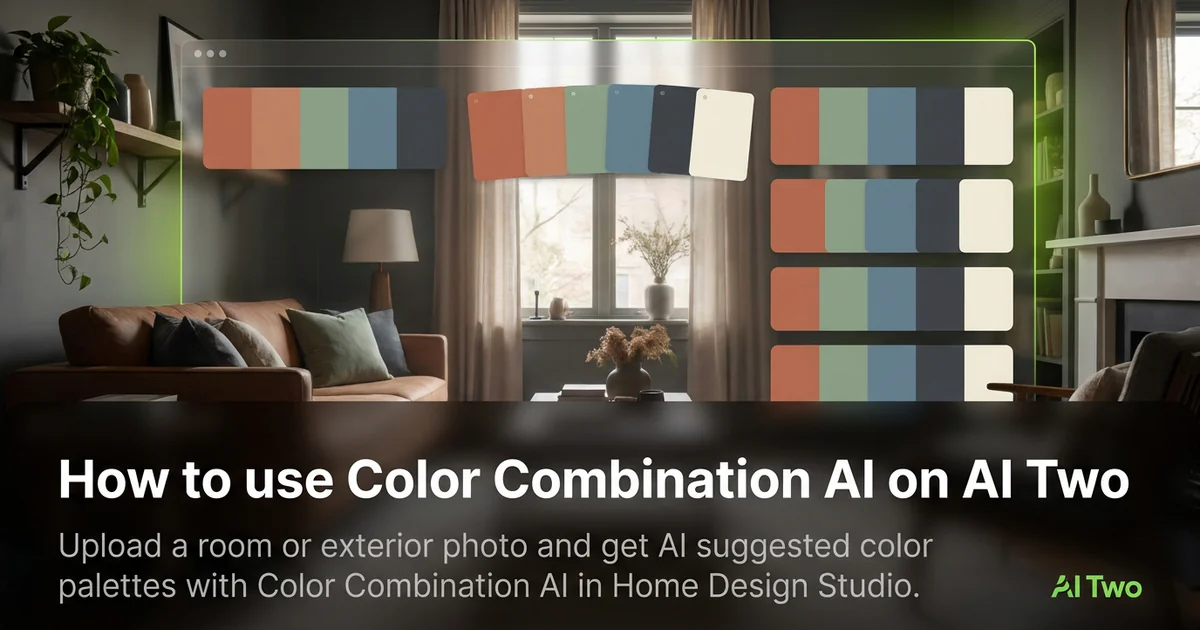
How to use Color Combination AI on AI Two
Upload a room or exterior photo and get AI suggested color palettes with Color Combination AI in Home Design Studio.
Read guide
How to use Interior Design Rater on AI Two
Upload a room photo and get an interior design score with notes using Interior Design Rater in Home Design Studio.
Read guide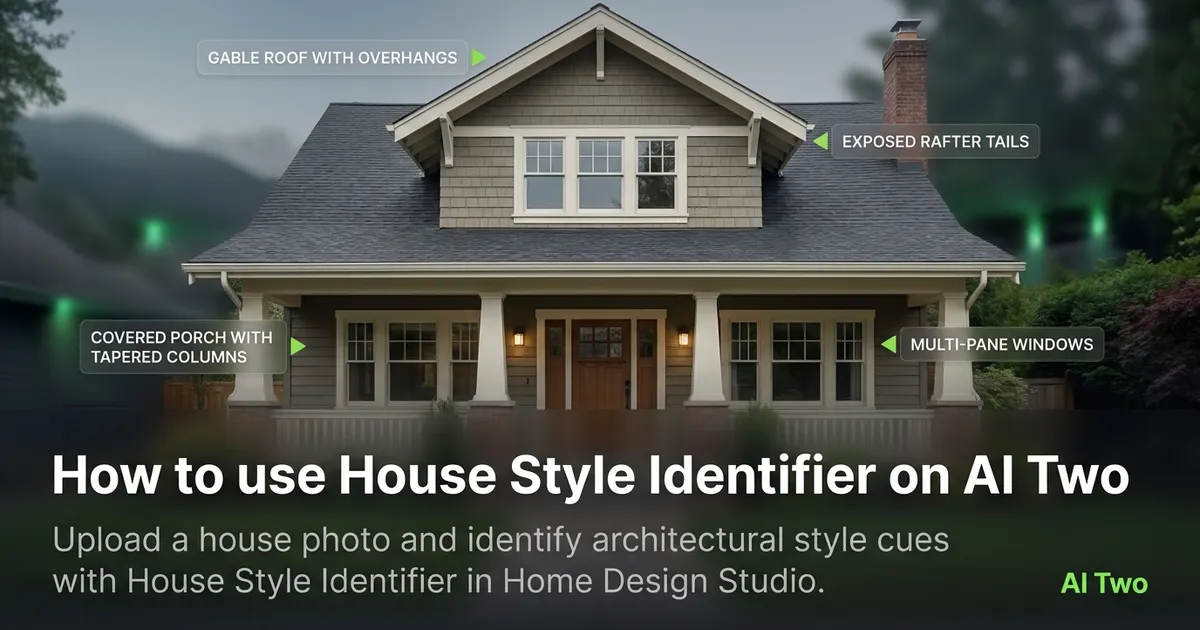
How to use House Style Identifier on AI Two
Upload a house photo and identify architectural style cues with House Style Identifier in Home Design Studio.
Read guide