
How to use Color Combination AI on AI Two
Upload a room or exterior photo and get AI suggested color palettes with Color Combination AI in Home Design Studio.
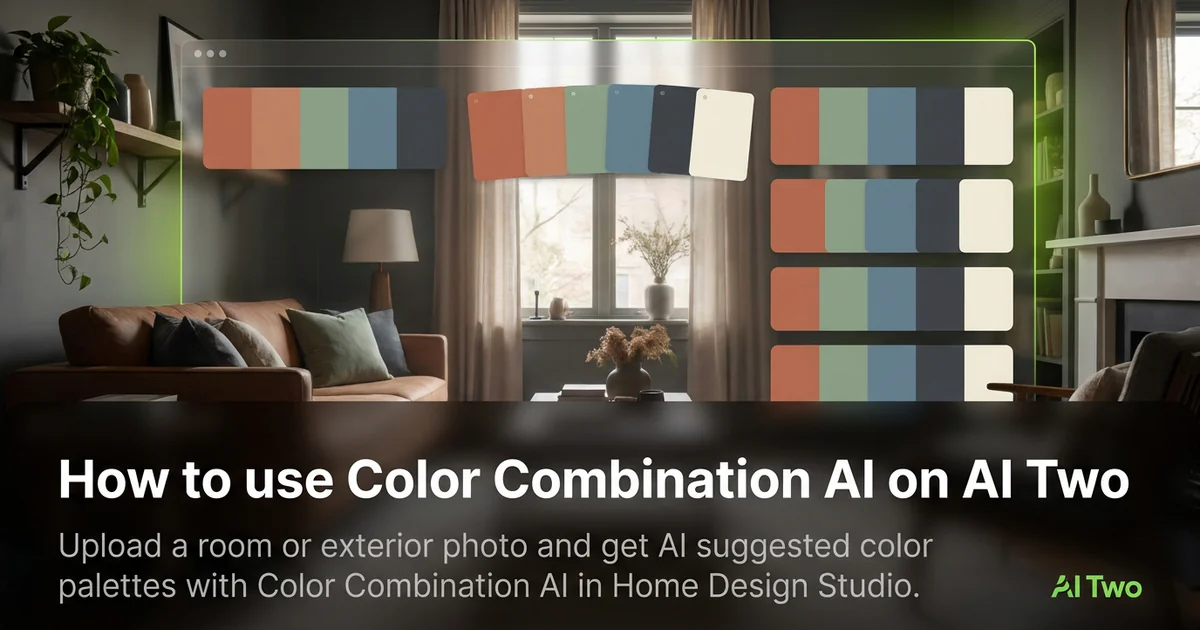
Color Combination AI on AI Two reads a room or exterior photo and suggests palettes you can test before you buy paint chips. I open it when a homeowner says they want something warmer or more modern but cannot name colors yet. In my experience, one straight photo with walls and trim visible beats guessing from a fan deck alone.
What Color Combination AI does
You upload a photo, run the analysis, and get palette directions tied to what is already in the frame.
When I tested a beige living room with oak trim, the suggested sage and warm white pair looked coherent enough to take to the paint store the same day.
Home Design Studio lists this page with curb appeal and interior raters in the analyze cluster. Credits meter each generation.
Treat the output as a starting palette. Confirm undertones with physical swatches in the room.
I open this page before I open Paint My House AI when the client has not picked colors yet.
Free signup credits covered several palette tests for me on one listing photo.
When I tested an exterior brick facade, the tool suggested trim colors that respected the existing masonry tone.
I screenshot the palette notes beside the listing folder so the paint crew sees the same names I used in Paint My House AI.
For open plan homes I upload the wall that guests see first from the entry. That palette usually sets the tone for adjacent rooms.
How to run it step by step
Step one: sign in or create a free account. Step two: upload a daylight photo that shows the surfaces you might paint. Step three: run the tool, read the palette notes. Step four: pick one direction and carry it to Paint My House AI or Wall Changer for a visual still. Step five: compare two palette directions before you buy quarts.
I save palette names beside the room photo in my project folder.
My first run pointed at undertone issues I had missed under yellow bulbs.
If the photo is dark, I brighten the room and reshoot instead of forcing analysis on a muddy file.
I write the winning hex or color name on the swatch bag before I leave the store.
When two palettes tie, I test both on the same upload in the paint tool instead of repainting mentally.
I bring phone photos of the palette screen to the store so clerks can match undertone when fan decks use different names.
Which photo works best
Bright, straight photos beat night shots with mixed bulbs. Show walls, trim, and one major furniture piece when possible.
Soft files under about 800 pixels hide undertone clues. Start sharp.
Turn off heavy orange lamps before you shoot. They skew warm suggestions.
Include the floor tone when it will stay. Carpet color influences what reads balanced on walls.
For exteriors, shoot in open shade or morning light so brick and siding color read true.
Clear clutter that covers large wall planes. Hidden surfaces mean missing palette cues.
Shoot level. Angled phone tilts distort wall color across the frame.
Mistakes I avoid
Treating the first palette as final without a physical swatch in the room.
Uploading a photo with five different white balances from window and lamp mix.
Skipping a paint preview still after palette analysis. Names alone do not sell the client.
Changing every room at once before testing the palette on the main living wall.
Sending a contractor only color names without the source photo context.
When to use another analyze tool
Need a score on overall curb appeal instead of palette ideas? Curb Appeal Rater. Need room style naming? House Style Identifier. Need cost framing? Renovation Cost Estimator.
The analyze cluster guide maps sibling pages. Paint and wall tools in the edit cluster apply palettes visually once you pick a direction.
The Home Design Studio pillar covers full room redesign when color is only one part of the job.
After the palette pick
I tape physical swatches beside the AI still on a foam board for client meetings so everyone judges color under the same light.
For listings I save palette notes in the photo metadata field agents already read on upload day.
When a homeowner hesitates, I run one more palette pass on a second room photo to show cohesion across spaces.
FAQs
Related studio guides
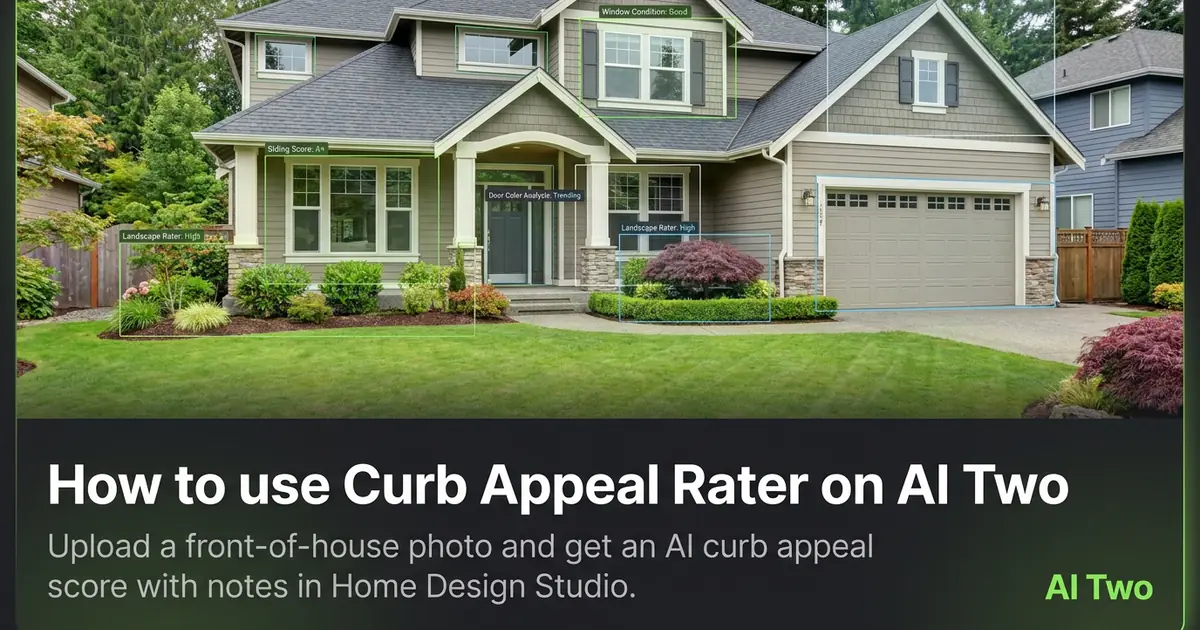
How to use Curb Appeal Rater on AI Two
Upload a front-of-house photo and get an AI curb appeal score with notes in Home Design Studio.
Read guide
How to use Interior Design Rater on AI Two
Upload a room photo and get an interior design score with notes using Interior Design Rater in Home Design Studio.
Read guide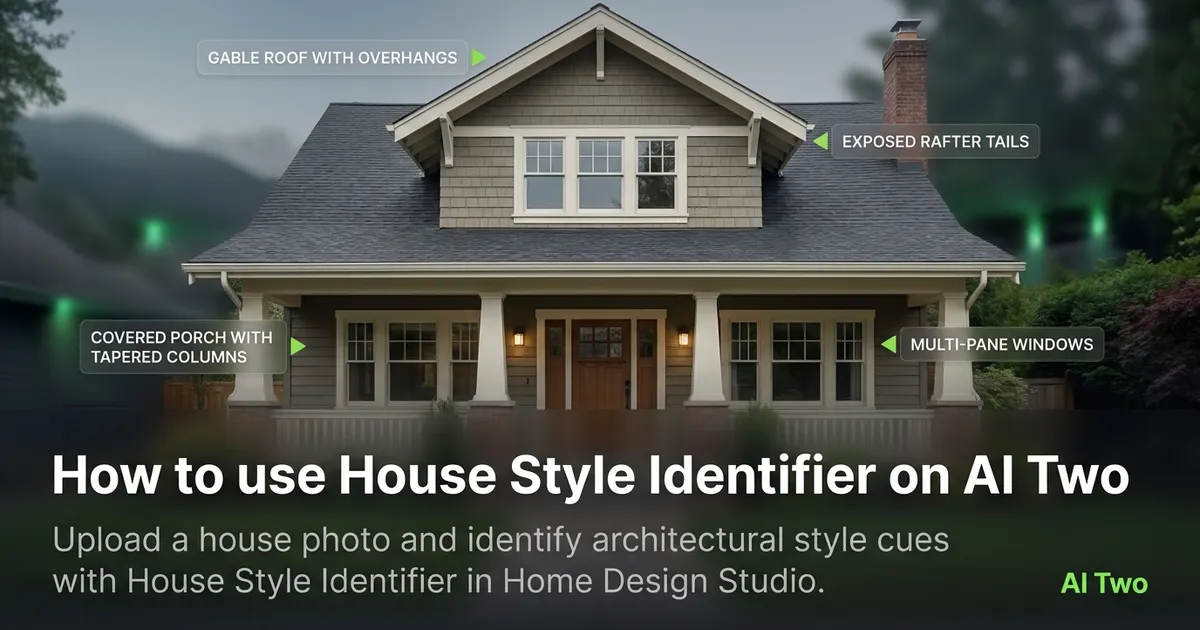
How to use House Style Identifier on AI Two
Upload a house photo and identify architectural style cues with House Style Identifier in Home Design Studio.
Read guide