
How to use Footwear AI on AI Two
Create footwear product stills with Footwear AI in Fashion Studio.
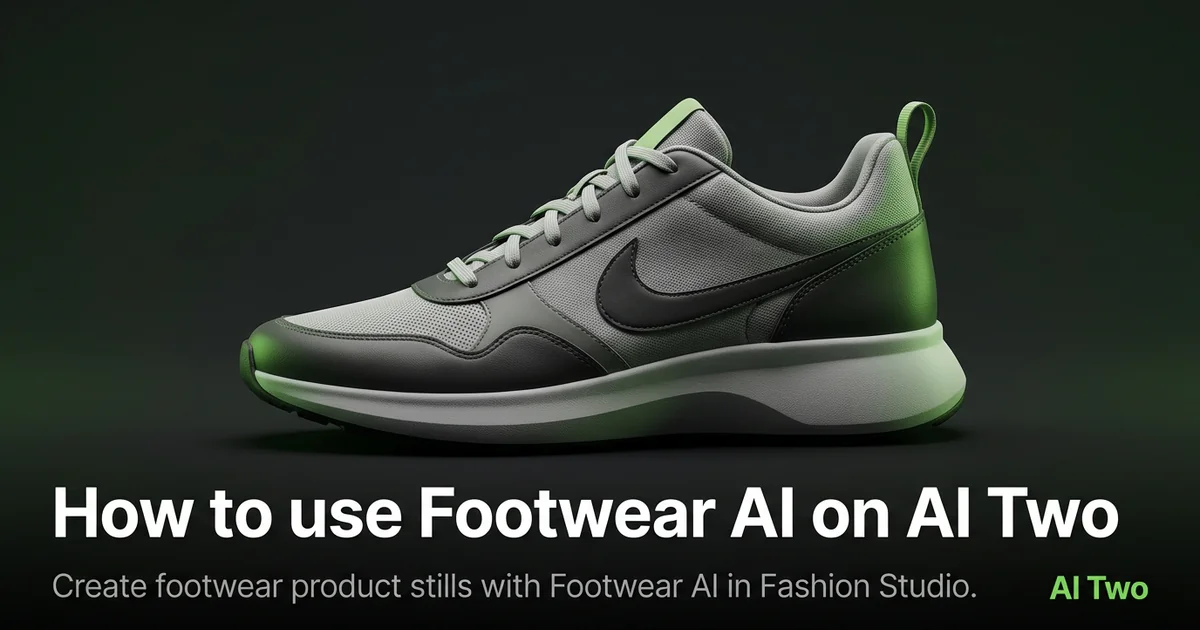
Footwear AI on AI Two is the Fashion Studio hub I open when a shoe SKU needs a clean product still for a marketplace grid or wholesale line sheet. Sellers use it for sneakers, heels, and boots when a physical shoe shoot is late or a colorway needs a fast refresh. When I tested a white leather sneaker pair on a gray board, the three quarter output kept sole tread and logo edges readable at zoom. This cluster is for footwear sellers building catalog frames, not for consumer outfit planning. Free signup credits covered a few pair angles for me. Paid plans raise monthly limits when a drop ships many widths and colorways.
What Footwear AI does
You upload a shoe photo, choose options on the form, and generate a product still that cleans presentation while keeping silhouette, stitching, and brand marks as readable as the source allows.
When I tested a running shoe with busy mesh, the output kept lace paths clear enough for a marketplace thumbnail. That is the check I use.
Fashion Studio lists this beside shoes on models, high heels, sneakers, and footwear ecommerce pages in the footwear cluster.
Built for sellers who need listing ready shoe photography. It is not a size recommendation tool for shoppers.
I open this page after I wipe soles and dust the uppers. Dirt in the source becomes permanent texture in the output.
Free signup credits covered three angles for me on one SKU before I batched the colorway set. Paid plans raise monthly limits for full catalog seasons.
In my experience, pair shots need both shoes on the same plane. Mismatched scale is the top buyer complaint on pair listings.
I name downloads with SKU and angle so heels and sneakers do not mix in one folder.
For wholesale sheets I note which angle matched the approved still so reps send consistent PDFs.
How to run it step by step
Step one: sign in or create a free account. Step two: upload a sharp shoe photo with both pairs visible when the listing sells a set. Step three: pick the mode, keep defaults on run one. Step four: generate and wait about 30 seconds. Step five: download or adjust one setting and compare.
Keep originals. Colorways share sole molds across seasons.
When I tested a heel, I checked stiletto tips at full zoom before I approved the pack.
I run three quarter and side profiles as separate uploads when the channel wants both. One extreme top down hides silhouette.
Credits apply per generation, so I lock one angle on the hero SKU before I batch five colorways.
If patent leather looks blown out, I reshoot with softer side light instead of stacking more runs on a flash photo.
If left and right shoes look like different sizes, I re-shoot on the same board instead of rerunning AI alone.
Which photo works best
Three quarter product angles work better than extreme top down shots that hide the silhouette. Keep both shoes in frame when the listing shows a pair.
Natural side light shows material better than direct flash. Flash hotspots on patent leather often survive into the output.
Match the framing on the Fashion Studio before and after card for this tool when you can.
Wipe soles and lace areas before you shoot. Scuffs read as damage on a product page.
Use a neutral board or sweep. Busy floor texture pulls attention away from the vamp.
For heels, keep the heel tip in focus. Soft tips look damaged even when the real shoe is fine.
For sneakers, include tongue and laces clearly. Buyers zoom there first.
Soft files under about 800 pixels look muddy after cleanup. Start sharp.
Mistakes I avoid
Uploading on foot lifestyle shots when the listing needs a clean product frame first.
Changing background, angle, and color direction together on run one.
Expecting on model height storytelling from this product hub. Open Shoes on Fashion Models when the channel needs a worn frame.
Batching five colorways from one blurry phone snap.
Mixing heel and sneaker SKUs in one folder without naming conventions.
Sending only the AI still to a factory without the original photo when they judge sole mold alignment.
When to use another tool
Need shoes on a female or male cast? Open Shoes on Fashion Models. Need heel or sneaker specialist framing? High Heels or Sneakers under Footwear AI. Need marketplace packshot rules? Footwear Ecommerce. Need apparel on the same drop? Apparel on models cluster after footwear heroes are approved.
The footwear cluster guide maps sibling pages. The Fashion Studio pillar covers jewelry and post production when the catalog grows.
Background Remover in post production helps when the channel demands pure white after the product still is approved.
After the download
I upload the product still beside the raw shoe photo in the listing draft so the merchandiser can approve before the SKU goes live.
For seasonal drops I name files by SKU, angle, and colorway so weekend uploads do not mix hero and alternate views.
When a marketplace asks for white background compliance, I run Footwear Ecommerce or post production cleanup after this hero is approved.
If stitching looks soft, I return to the sharpest original and rerun with one presentation change rather than stacking fixes on a soft file.
I keep approved stills in the DAM with tool metadata so contractors know Footwear AI produced the file.
When returns cite color mismatch, I compare the still against the physical swatch under daylight instead of rerunning blindly.
FAQs
Related studio guides
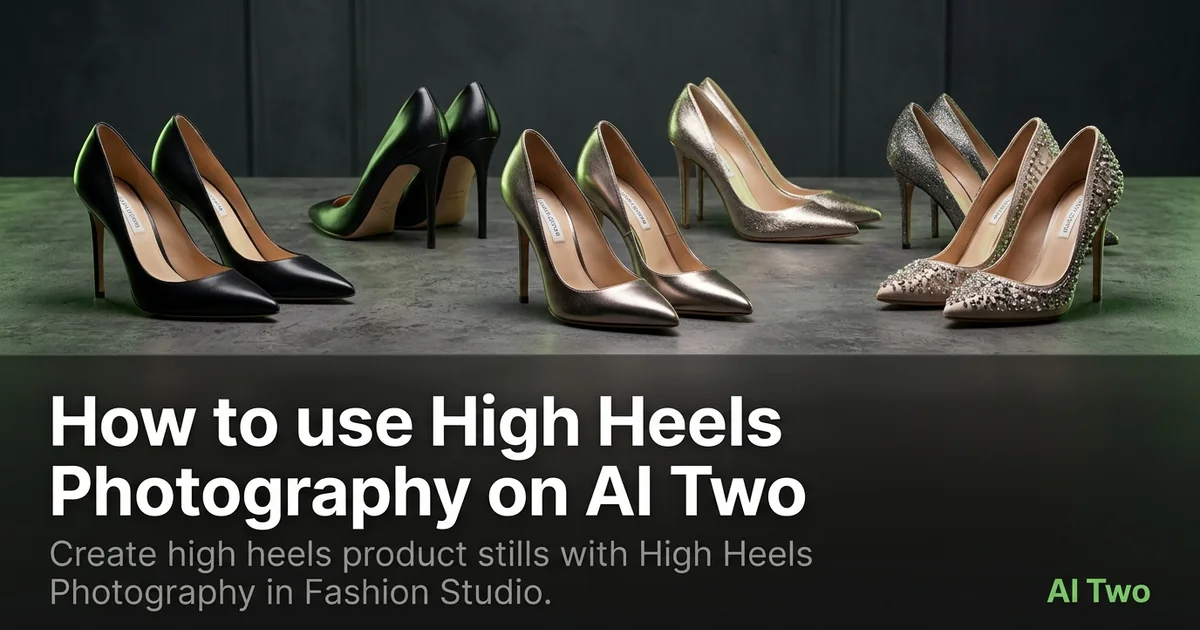
How to use High Heels Photography on AI Two
Create high heels product stills with High Heels Photography in Fashion Studio.
Read guide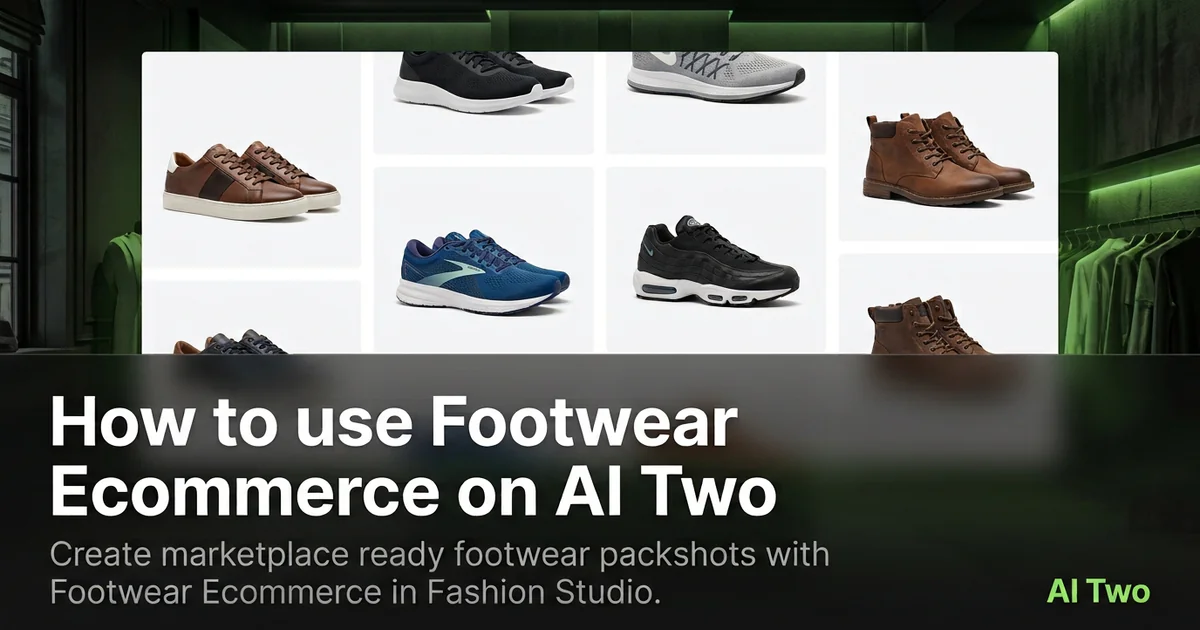
How to use Footwear Ecommerce on AI Two
Create marketplace ready footwear packshots with Footwear Ecommerce in Fashion Studio.
Read guideHow to use High Heels Photography on AI Two
Create high heels product stills with High Heels Photography in Fashion Studio.
Read guide