
How to create a Text QR Code on AI Two
Generate a scan verified text QR code for short messages and notes. Free in QR Studio.
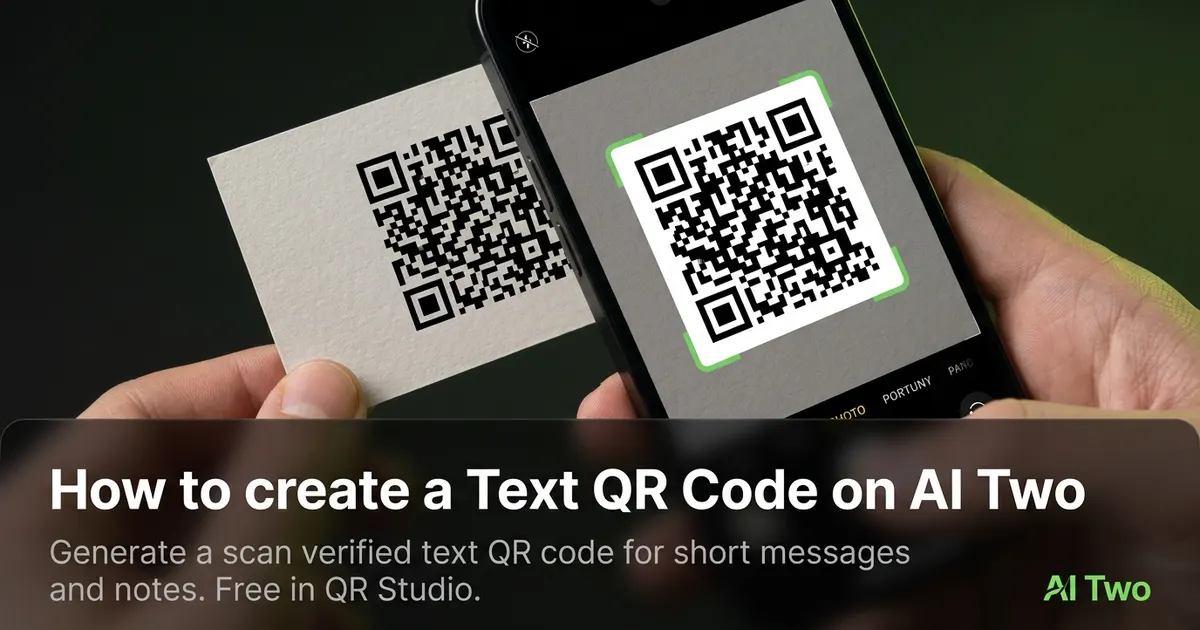
Text QR codes on AI Two live in QR Studio essential tools. I open Text to QR Code when a poster, shelf tag, or event handout should reveal a short message, promo code, or safety note without guests typing on a phone keyboard. Every code is scan verified before download. When I tested a twenty word welcome note on a matte table tent, both phones showed the full text under warm cafe lights without truncation. I keep payloads short because dense text modules shrink on print and older cameras struggle. I regenerate the PNG whenever the copy changes so old stickers do not show last month wording.
What a Text QR code does
You enter plain text in the form, generate a QR image, and download a scan verified PNG for print or screen.
When I tested a short thank you line for a pop up booth, the scan opened the message view so staff did not need to dictate spelling in a noisy room.
Credits apply per generation. I lock the final copy first, then pick size and color styling if the form offers it.
Stay in QR Studio for WiFi, URL, menu, and PDF generators when the destination is not raw text.
I treat text codes like seasonal signage. If marketing rewrites the line, I regenerate and reproof.
Scan verification catches broken patterns before download. I still proof on paper at final size.
In my experience, a short call to action beside the code helps guests know the scan shows text, not a website.
For event seasons I date the filename so old handouts are not mixed with a new message after a copy refresh.
I keep a printed proof in the kit binder so weekend staff scan the same code guests see on the counter.
When a one night event runs only once, I still export at the final print width the vendor quotes instead of stretching a small PNG later.
I write the message version and service date on the proof margin so staff can retire the card when the promo ends.
How to run it step by step
Step one: write the final short message in a notes app and count characters. Step two: open Text to QR Code in QR Studio. Step three: paste the text, generate, wait for scan verification, download. Step four: print or embed at the size you need. Step five: scan with two phones before a large print run.
I keep a screenshot of the decoded text on both phones in the project folder beside the PNG.
Store the file with the venue name and message version in the filename notes.
If marketing changes the wording, regenerate. Do not edit modules in a layout app.
When I proofed a window sticker, afternoon sun glare was the real test, not the monitor preview.
I note print width in millimeters beside the filename for vendor reorders.
If one phone struggles, I shorten the copy ten percent or enlarge the art and regenerate.
I add the key line in plain text under the code for guests who prefer reading without scanning on slow networks.
I proof once on iOS and once on Android before I approve a sticker run. One platform can fail while the monitor looks fine.
Credits apply per generation, so I lock the message and call to action text before I explore color styling options.
When the same card also needs a menu link, I keep a separate Menu QR in the same folder instead of stuffing a long URL into the text payload.
Print and placement tips
Use high contrast modules on a light field for shelf tags and counter cards.
Matte stock reduces glare. Glossy stickers can mirror shop lights into the camera.
Size for the real viewing distance. Guests often scan from arm length at a register.
Leave a quiet zone free of logos and patterns.
Place the code where thumbs naturally reach on a table tent. Corner placement on folded stock fails in the wild.
Test under the lighting that matches the install location, including warm restaurant bulbs.
Avoid printing over busy photography backgrounds without a white sticker island.
For outdoor booths, bump module size and quiet zone because phone cameras struggle under mixed string lights.
Older cameras need bigger quiet zones than new flagships, so I size for the weakest phone I expect at the venue.
Long messages need larger print width. I trim copy before I shrink modules below what a phone camera can read.
Mistakes I avoid
Pasting paragraphs of legal copy when a short note would scan reliably on a small tag.
Skipping the phone proof because the PNG verified on screen.
Printing five hundred stickers before a two phone test.
Saving a low resolution PNG and upscaling in the layout app.
Mixing QR art with heavy dither textures that eat module edges on press.
Using special characters that look fine in design software but decode oddly on one mobile OS.
When to use another QR tool
Need guest WiFi credentials? Open WiFi QR Code. Need a website or landing page? URL QR. Need a hosted menu page? Menu QR. Need a document file? PDF QR. Need a chat app link? WhatsApp QR in the essential cluster.
The essential types cluster guide maps sibling pages. The QR Studio pillar maps social and contact tools when the job is not plain text.
Business cards that promote a profile sometimes need a social code instead of a long text block.
If you need scan counts by campaign, use dynamic codes in My QR Codes rather than a static text PNG alone.
After the download
I attach the verified PNG to the print vendor ticket with quiet zone notes so prepress does not crop modules.
For retail counters I schedule a lunch hour scan test after install when foot traffic and lighting match peak service.
If marketing rotates copy monthly, I date the filename and retire old stickers so staff do not post outdated messages.
I keep a text file of the exact payload beside the PNG in the project folder for quick audits when a guest reports wrong wording.
Weekend staff sometimes swap counter creative without telling marketing, so the binder proof is the source of truth for which code is live today.
I store character count and print width in the folder notes so the next reorder matches the scan test that passed.
FAQs
Related studio guides
How to create a WiFi QR Code on AI Two
Generate a scan verified WiFi QR code for guest networks and venues. Free in QR Studio.
Read guide
How to create a Link QR Code on AI Two
Generate a scan verified website link QR code for print and signage. Free in QR Studio.
Read guide
How to create a Menu QR Code on AI Two
Generate a scan verified restaurant menu QR code for tables and windows. Free in QR Studio.
Read guide