
How to create an App Download QR code on AI Two
Generate a scan verified App Download QR code in QR Studio so posters and packaging send people to the right install destination.
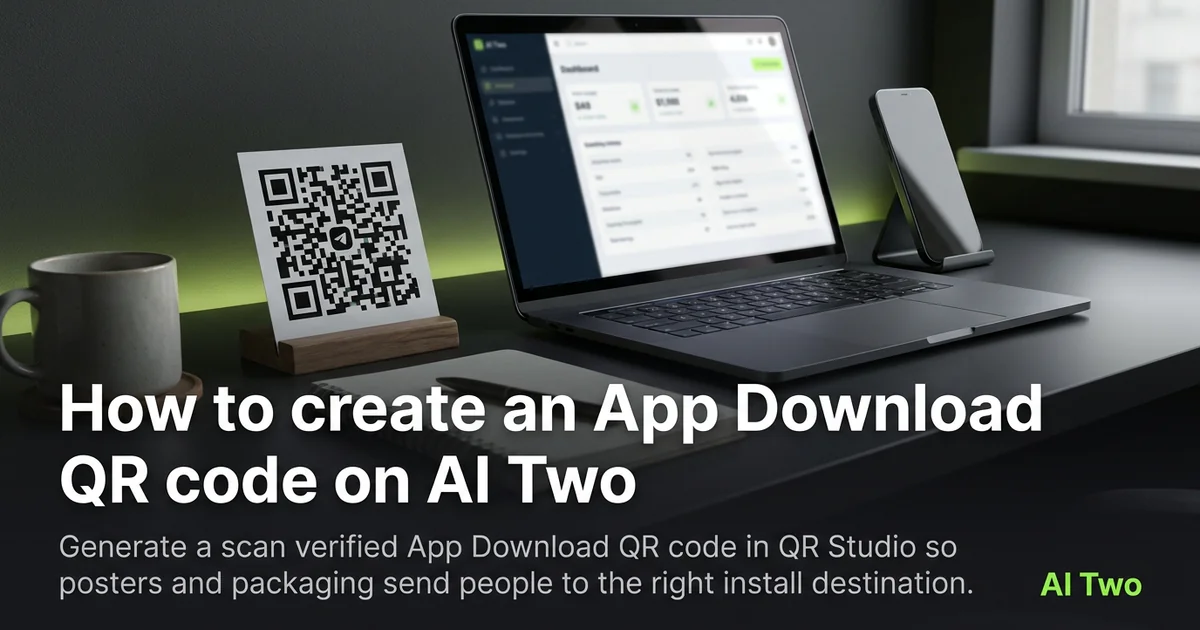
App Download QR codes on AI Two live in QR Studio. I use them when a poster, insert, or pack should send people to install an app without typing a store URL. Every code is scan verified before download. When I tested a retail endcap insert, both phones reached the live listing on the first scan, which is the bar I use before I approve a print run.
What an App Download QR code does
You enter the install destination the page asks for, generate, and download a scan verified pattern. Scanners open that destination instead of a random marketing page you hope redirects well.
When I tested an app launch flyer, both phones reached the store listing on the first scan. That is the bar I use before a print order.
Credits meter generations. Lock the final store URL before you regenerate for layout tweaks.
Stay in QR Studio. This is not a Home Design or Fashion tool.
I open this page after the store listing is live and the marketing URL is final. Regenerating for a typo burns credits and reprint budget.
Free signup credits cover a few proofs. Paid monthly credits help when you ship packs for every retailer.
In my experience, a short call to action beside the code on the art file helps staff explain what the scan does at a busy counter.
How to run it step by step
Step one: copy the official store or install URL. Step two: open App Download QR Code in QR Studio. Step three: paste the destination and generate. Step four: wait for scan verification, download, and proof on iOS and Android when both matter.
I keep separate assets when iOS and Android need different store links. One vague marketing URL that redirects poorly wastes a whole flyer run.
Print a small proof first. Scan verification protects the file. Print size and contrast still need a phone test.
Store the payload string next to the PNG name for reprints.
When I launched a small utility app flyer, I labeled the two PNGs “ios-store” and “android-store” so the printer could not mix them.
After scan verification passes, I still print one sheet at home before I order five hundred inserts. Paper glare and ink density can fail even when the file decoded fine on screen.
Payload and print tips
Use the store listing you are ready to show strangers. Beta links that expire break printed packs.
High contrast and clear quiet zones matter on photo heavy posters.
Matte stock beats glossy glare under retail lights.
If brand color is required, lock the payload here first, then open the colored QR cluster only if contrast still passes.
Size for arm’s length scans in aisles, not desk distance only.
I avoid placing the code over busy product photography without a light backing square.
Retail lighting is harsh. Matte stock and a white patch behind the code beat glossy full bleed art that mirrors into the camera.
Write the store region in your filename notes if you ship different listings by country. Reprints months later stay accurate.
Mistakes I avoid
Printing before both platform destinations are tested.
Crowding logos into the quiet zone.
Regenerating twelve layout variants before the store URL is final.
Using a tracking link that still redirects through three hops and fails offline.
Shrinking the code to fit a logo lockup. Install prompts need arm’s length scan size on shelf talkers.
Assuming one smart link works worldwide without checking the listing on a phone in each target region.
When to use another QR tool
Need a website that is not an app install? Use Link QR in the essential cluster. Need scan counts after print? Create a dynamic code in My QR Codes. Spotify, PayPal, Maps, and GitHub live in the business cluster with this page.
The business and apps cluster guide maps sibling deep links. The QR Studio pillar covers the full toolkit.
If a printed install code is damaged later, open the fix and track guide for restore and dynamic options.
FAQs
Related studio guides
How to create a Spotify QR Code on AI Two
Generate a scan verified Spotify QR code for playlists and tracks. Free in QR Studio.
Read guide
How to create a PayPal QR Code on AI Two
Generate a scan verified PayPal payment QR code for print and checkout. Free in QR Studio.
Read guide
How to create a Google Maps QR Code on AI Two
Generate a scan verified Google Maps location QR code for print and signage. Free in QR Studio.
Read guide