
How to use AI Bedroom Design on AI Two
Upload a bedroom photo and preview new layouts, finishes, and furniture looks with AI Bedroom Design in Home Design Studio.

AI Bedroom Design on AI Two turns a photo of your real bedroom into a redesigned still in about 30 seconds. I open it when I am stuck between paint colors and headboard styles and I need to see them on my actual walls before I buy anything. In my experience, one clear photo from the doorway beats a Pinterest board of rooms with different window heights.
What AI Bedroom Design does
You upload a bedroom photo, pick a style or finish direction, and generate. The tool keeps the room volume and camera angle while it updates walls, bedding, and furniture looks in the preview.
When I tested a small guest room with dark cherry furniture, the lighter walls and simpler bed frame looked calm enough to share with my partner in the same chat as the paint swatches.
Home Design Studio lists this page with kitchen, bathroom, and interior tools in the rooms cluster. Credits meter each generation.
Treat the output as a visual draft. It is not a furniture order form.
I open this page after I have one clear photo that shows the bed wall. Guessing from memory wastes credits.
Free signup credits covered three style tests for me before I locked a direction. Paid plans raise the monthly cap when you batch many listing bedrooms.
When I tested a narrow kids room, the tool kept the window and closet door believable while it refreshed the wall color. That saved a weekend of sample painting.
How to run it step by step
Step one: sign in or create a free account. Step two: upload a daylight photo that shows the bed and one side wall if you can. Step three: pick a style, leave extras on default for the first run. Step four: generate and wait about 30 seconds. Step five: download or change one setting and compare.
My first run with defaults was already useful. The second run only changed wall tone so I could judge contrast against the bedding.
I never overwrite the original phone photo. Staging tests stack fast.
If furniture warps, reshoot straighter instead of stacking edits on a skewed file.
I write the style name that won in a note next to the room measurements so the store trip stays focused.
If the first run feels too hotel like, I change only the style preset on run two. That keeps walls and bedding from shifting at the same time.
Which photo works best
Bright, straight photos beat dark lamp only shots. Show the floor and the bed wall when possible.
Soft files under about 800 pixels look muddy after redesign. Start sharp.
The studio before and after card for this tool uses a real bedroom photo. Match that kind of framing.
Make the bed and clear nightstand clutter before you shoot. Laundry piles copy into the redesign.
Open curtains if you can. Mixed yellow bulbs make paint color hard to judge later at the store.
Stand in the doorway and shoot level. Angled phone tilts make the bed look crooked in the preview.
Include the closet door when storage is part of the decision. Cropping it out leaves the layout talk incomplete.
Mistakes I avoid
Changing style, paint, and furniture together hides which choice helped. Change one variable per run.
Expecting exact SKU numbers from a preview wastes time. I take the download to a store and match finishes in person.
Cropping out the window when light is the main problem leaves the redesign conversation incomplete.
Running five dark filters on the phone before upload. The redesign inherits that cast.
Sending a partner or designer only the AI still without the original photo. They need both to judge scale and bed placement.
When to use another rooms tool
Need a whole house interior mood first? Open Interior AI. Kitchens and bathrooms have their own pages when those rooms are next. Declutter or object removal helps before redesign if the shot is messy.
The rooms cluster guide maps every room tool. The Home Design Studio pillar covers exterior and outdoor work when the bedroom is done.
If you only need a wall color change and not a full bedroom redesign, Wall Changer in the edit cluster may be the narrower tool.
FAQs
Related studio guides
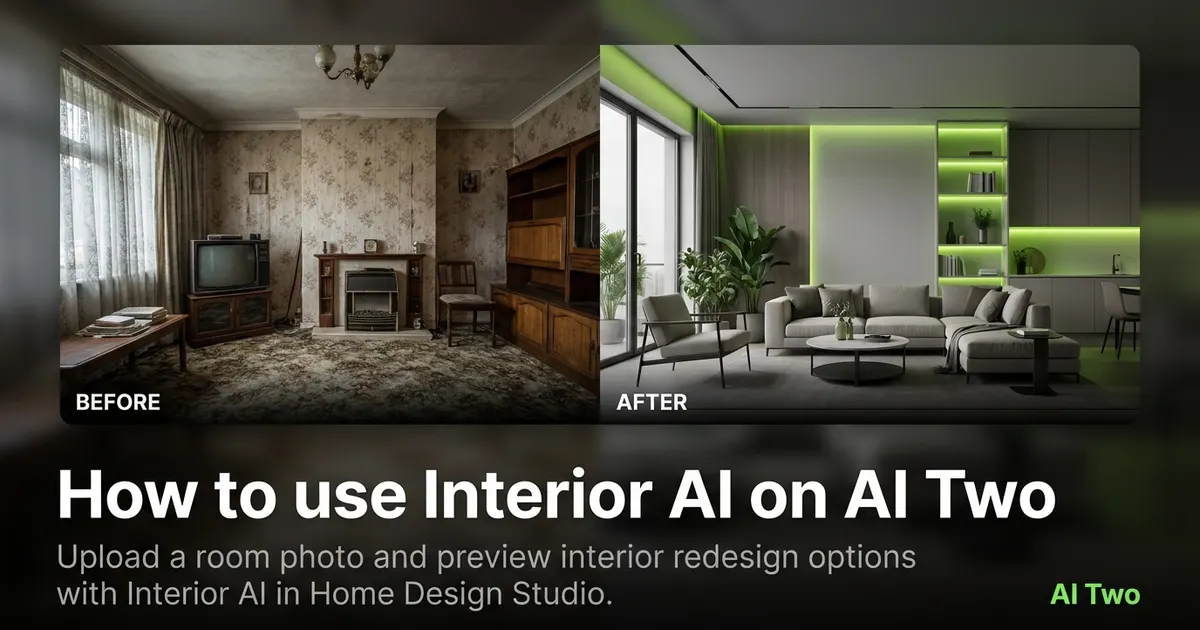
How to use Interior AI on AI Two
Upload a room photo and preview interior redesign options with Interior AI in Home Design Studio.
Read guide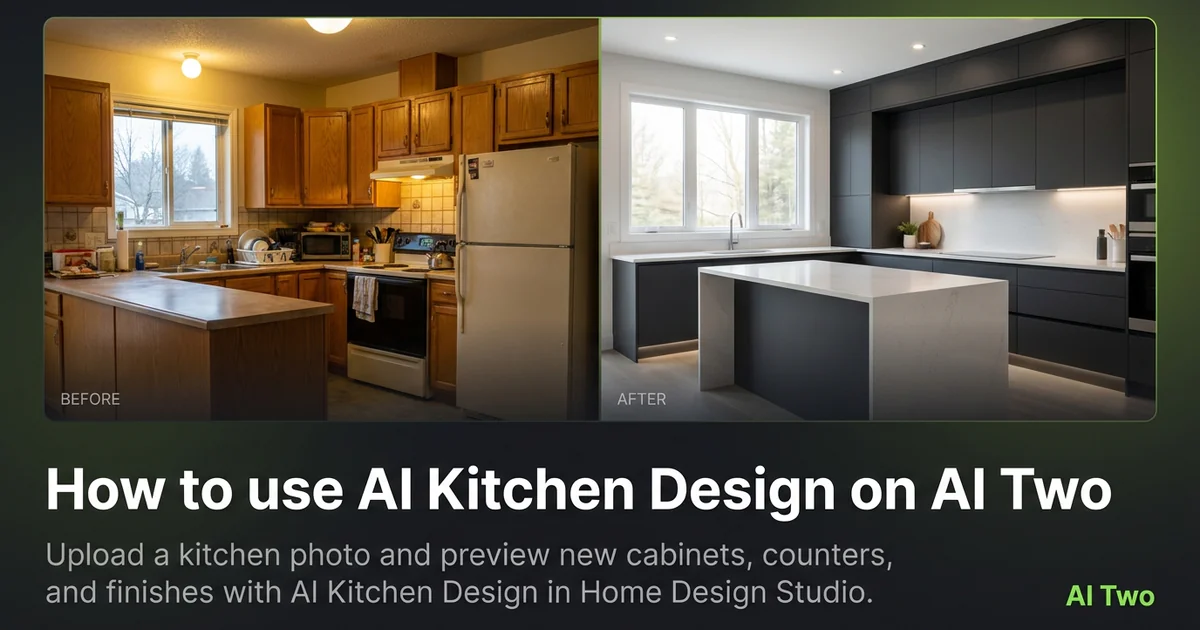
How to use AI Kitchen Design on AI Two
Upload a kitchen photo and preview new cabinets, counters, and finishes with AI Kitchen Design in Home Design Studio.
Read guide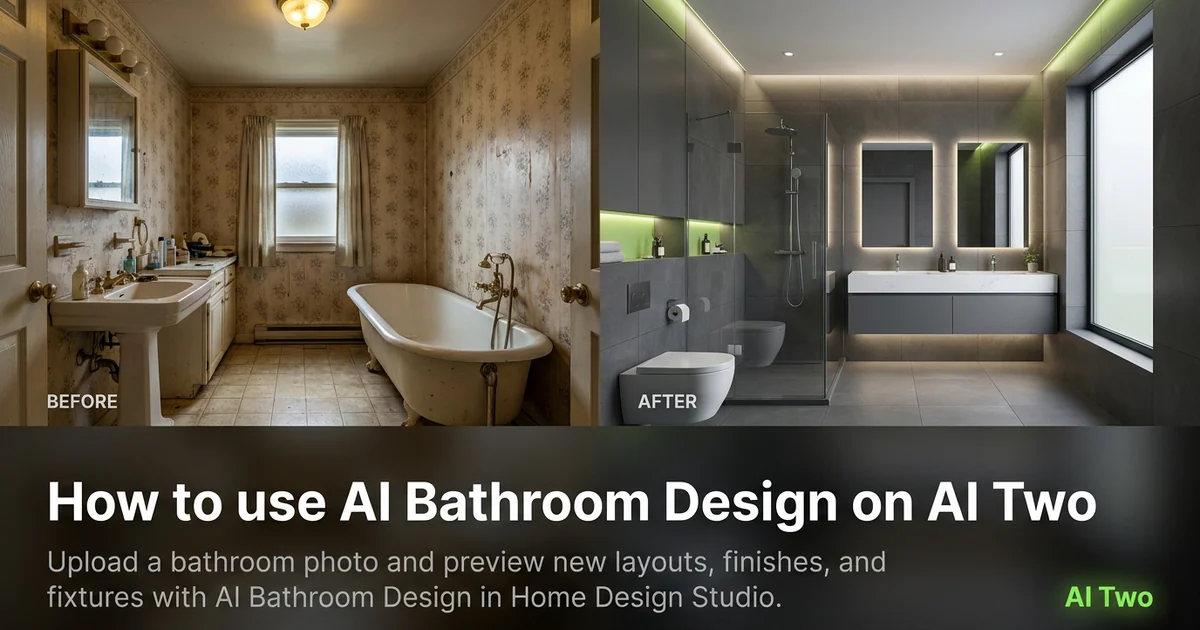
How to use AI Bathroom Design on AI Two
Upload a bathroom photo and preview new layouts, finishes, and fixtures with AI Bathroom Design in Home Design Studio.
Read guide