
What is image to video AIand how does it work
You upload one photo. AI creates movement. That is the promise. This guide shows what is real, what still breaks, and how to get clean clips.
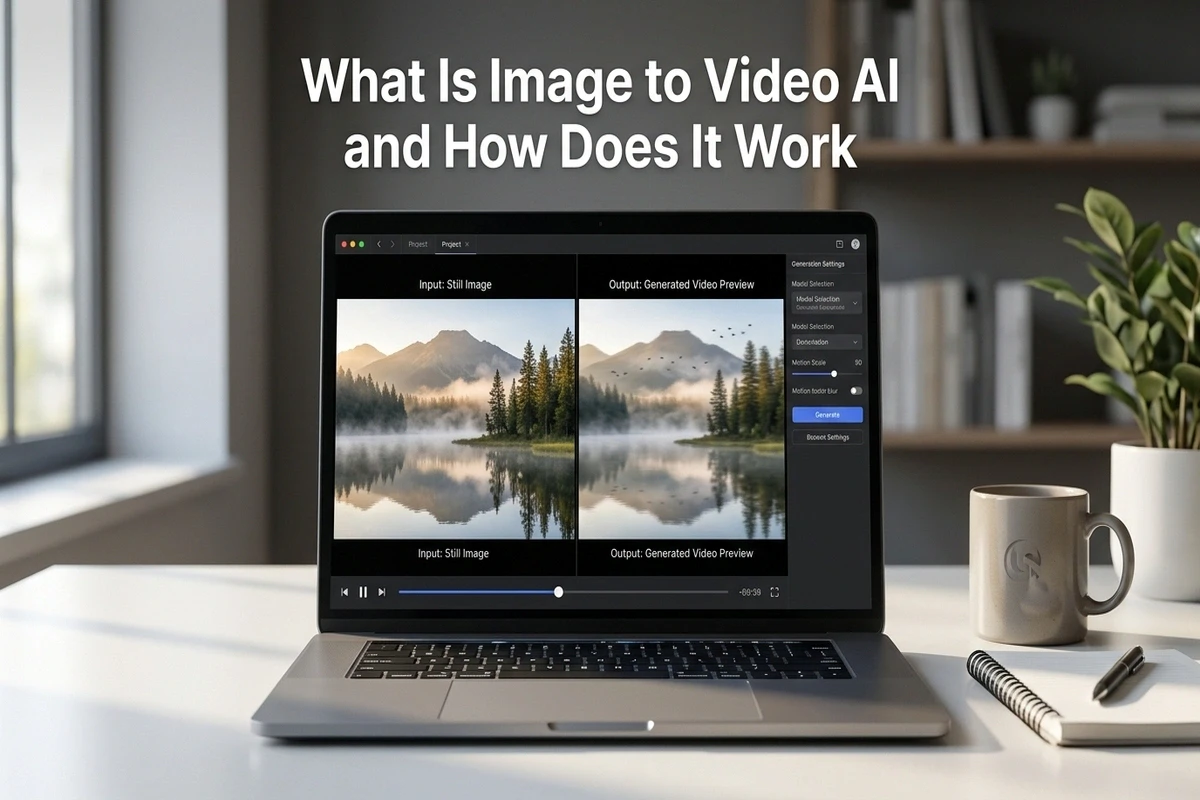
Image to video AI means generating a short motion clip from one still image. The model keeps the identity of the image and predicts how each frame should move. You can ask for a slow camera pan, a zoom, wind in hair, water ripple, or facial motion.
I started using it for product photos because shooting ten ad angles in a studio was expensive. My first results looked overdone because I asked for dramatic movement. When I switched to simple prompts like "slow push in, natural motion, stable frame," output quality jumped fast.
If you are starting from pure text, read what is text to video AI first. If you already have photos and want a full workflow, this guide plus how to turn any photo into a video with AI will get you live quickly.
How image to video models create motion
The model reads your image, maps the objects inside it, then predicts frame changes over time. It does not "record" anything. It creates motion mathematically based on patterns learned during training. This is why hair, hands, and text overlays are the first areas that can fail.
A good prompt has three parts. First, the camera action. Second, the motion detail. Third, the stability instruction. Example: "slow pan right, trees moving lightly in wind, keep face and background stable." That stability phrase reduces weird warping.
In my testing, frame consistency improves when the source image is clean and bright. Dark images with noise give the model less detail to preserve, so it invents too much motion. Before generating, fix exposure and sharpness in any basic editor.
When image to video works best
| Use case | Why this mode fits | Prompt style |
|---|---|---|
| Ecommerce product ads | You already have catalog photos and brand assets | Slow push in, soft light shift, stable product edges |
| Real estate listings | MLS photo sets convert into walkthrough style clips | Slow pan left to right, keep walls and windows stable |
| Portrait animation | You keep person identity from the original image | Natural blink, slight head move, no face distortion |
| Social hooks | Fast clips from one hero image for Reels and TikTok | Subtle zoom, 9 by 16 frame, clean motion |
For product teams, pair this with our AI video for ecommerce product ads. For agents, the full property workflow is in AI video for real estate listings.
Top mistakes and quick fixes
- ✗Too much camera movement. Fast orbit and hard zoom create unnatural geometry. Keep movement slow and single direction.
- ✗Using low resolution images. Blurry sources produce flicker. Upscale first or use a sharper original.
- ✗Ignoring aspect ratio at generation. Generate 9 by 16 for vertical platforms from the start. Cropping later removes useful content.
- ✗Prompting style without motion instruction. "Cinematic shot" is vague. Write exact movement words and frame behavior.
Last month I reran one skincare image across Kling, Hailuo, and Pixverse with the same prompt. Kling gave the cleanest hand motion. Hailuo gave fastest draft time. That side by side test is why I now generate in a multi model flow instead of trusting one engine.
How to choose the right model in 2026
Choose by output goal, not by hype. If face detail matters, start with Kling. If speed matters for social testing, start with Hailuo. If you need stronger world detail and can wait longer, test Sora or Veo. Run one prompt across two models and keep the winner.
You can compare model behavior in Sora vs Veo vs Kling comparison and the wider market in 10 best AI video generators 2026. If you need hands on direction after generation, read our new Kling motion control tutorial.
Ready to test your first clip now? Open AITWO video generator and start with one clear image. Then run the same prompt in two models, compare side by side, and keep only the stable output.
Try image to video with your own photo
Upload one image, choose a model, and export a short motion clip in minutes.