Kling motion control tutorialfor cleaner AI videos
If your Kling clips look jumpy or overcooked, motion settings are usually the reason. This walkthrough shows the exact setup I use for stable shots.
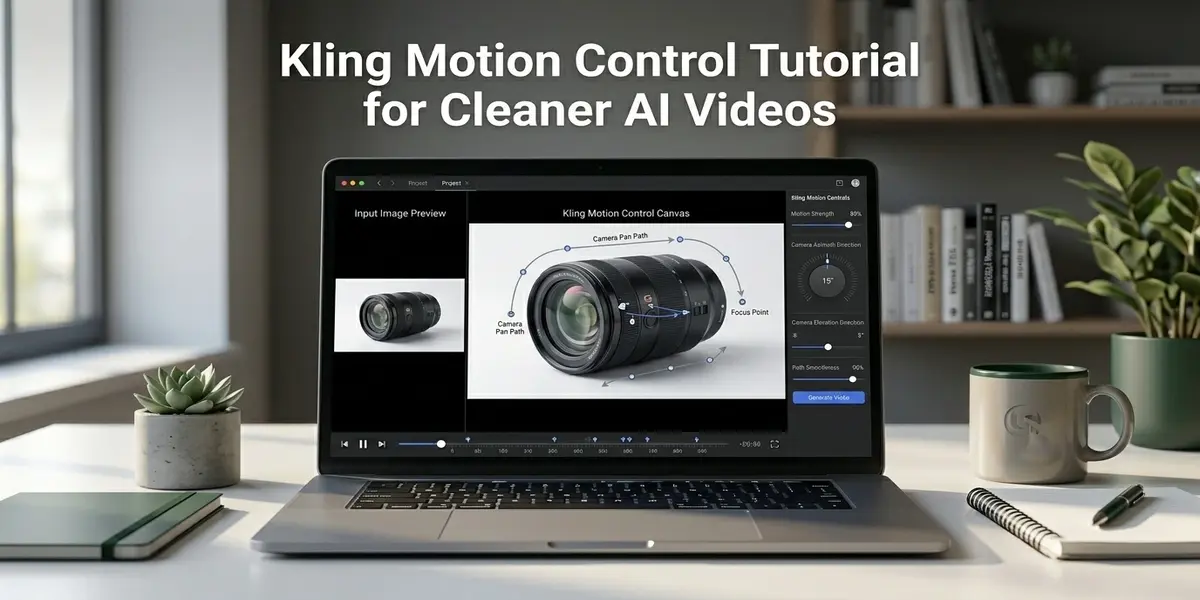
Kling is one of the better models for natural motion in 2026. You can still get broken frames if motion control is too aggressive or prompt instructions fight each other. Most bad output I review has one issue in common. The prompt asks for too many movements at once.
Last week I tested the same product shot with three settings. High motion strength looked dramatic but warped label text. Medium strength looked usable. Low strength with a simple camera move gave the cleanest ad clip. That result is why this tutorial focuses on control and stability, not flashy motion.
If you are fully new to this mode, read what is image to video AI first. Then come back and apply these settings inside AITWO video generator where Kling is available.
Setup before you touch motion settings
- Use a sharp source image at 1080 wide or higher.
- Pick the final ratio first, 9 by 16 for vertical or 16 by 9 for horizontal.
- Write one camera action, not two or three.
- Keep clip length short at first, 5 to 8 seconds.
Clean setup removes half the problems before generation starts. When I skip this and rush into settings, I usually waste credits on corrections. Starting from a clean frame saves more time than any advanced trick.
Kling motion control settings that work
| Setting | Safe start value | When to increase |
|---|---|---|
| Motion strength | Low to medium | Only when scene feels too static |
| Camera move | Single slow pan or push in | After base output stays stable |
| Frame length | 5 to 8 seconds | For story shots once consistency is good |
| Prompt detail | One subject and one action | Add style words after movement is stable |
Use this baseline and adjust one variable per run. Do not change prompt, strength, and ratio together. You will not know which change fixed or broke the shot.
Prompt formulas for cleaner movement
I use this simple structure in Kling. Subject plus camera movement plus motion behavior plus stability instruction.
"close shot of skincare bottle on marble table, slow push in camera move, soft light flicker from window, keep logo and bottle edges stable"
"living room interior photo, slow pan right, curtains moving lightly from air, keep walls and furniture lines stable"
If you need a stronger prompt foundation, read how to create AI video from text. If you want to animate existing property photos, pair this with AI video for real estate listings.
Troubleshooting when output still looks wrong
- ✗Face or object warps. Lower motion strength and shorten clip length.
- ✗Camera jumps mid clip. Remove extra movement words and keep one direction only.
- ✗Output looks soft. Start from a sharper source image and avoid heavy compression inputs.
- ✗Result feels static. Increase motion strength by one step only and rerun.
You can compare Kling against other models in Sora vs Veo vs Kling comparison and our 2026 AI video generator ranking. That helps when a shot fails in Kling but works in another engine.
Run this Kling setup in AITWO now
Upload one image, start with low motion strength, and generate your first stable clip in minutes.