
AI video for real estatelistings that actually sell
Every agent knows listings with video get more clicks. Most agents still skip it because filming costs $300 per property. Here is how I started putting video on every listing without hiring anyone.
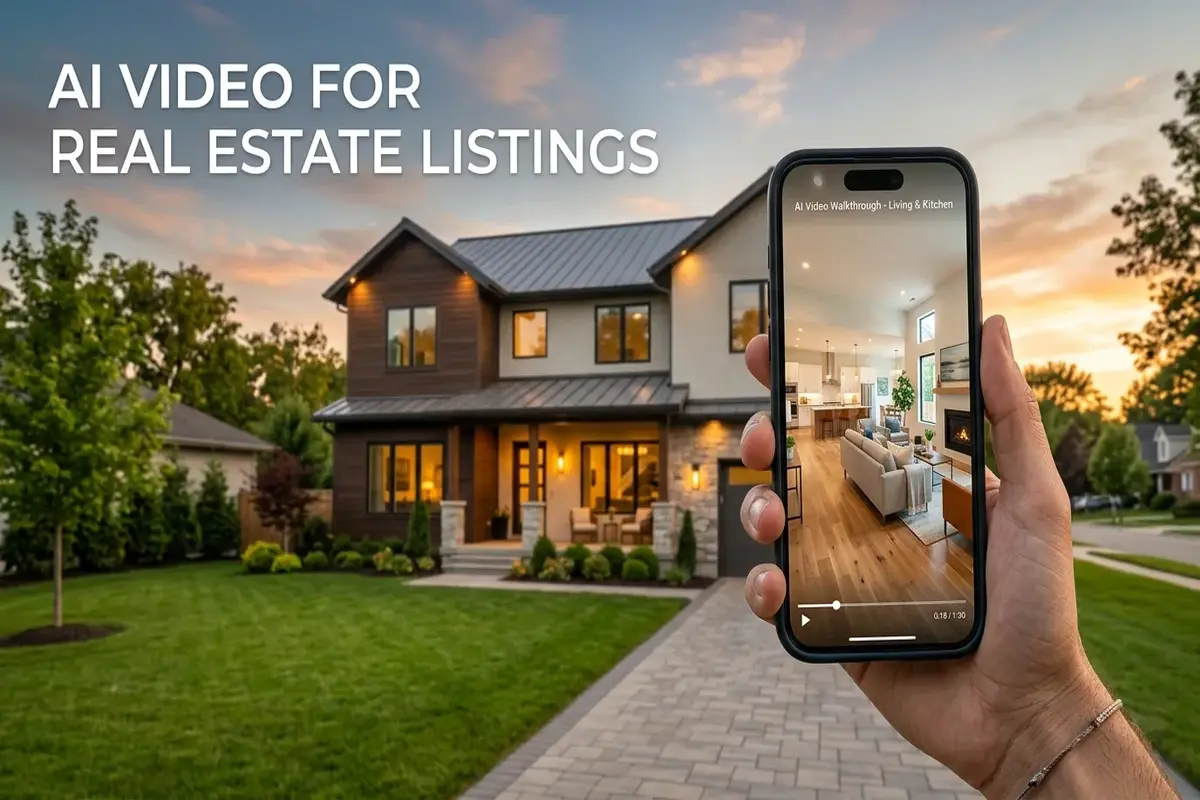
NAR data from 2025 showed that listings with video got 403% more inquiries than those without. That number floats around every conference. The problem is that most agents cannot afford $300 to $500 per shoot for every listing in their pipeline.
I started testing AI video on listings about six months ago. The idea was simple: take the photos I already pay for in a listing package and turn them into short walkthrough clips. No tripod, no editor, no scheduling a crew. The first one took me about eight minutes and honestly looked better than I expected. Not cinematic, but better than a slideshow with music.
This guide covers the workflow I settled on after testing it on about 30 listings. If you want to try the tool directly, AITWO's video generator is where I run most of these. For the full photo-to-video method, see our photo-to-video tutorial.
Why listing photos are perfect source material
Most AI video tools need a clean source image to produce usable motion. Listing photos are already that. Wide angle, good lighting, decluttered rooms. The photographer already did the hard part. You just need to add movement.
A slow pan across a kitchen or a gentle push toward a window makes a static photo feel like a walkthrough. Buyers scroll past photos. They stop for video. I noticed this on my own listings: the ones with even a basic 10-second clip got noticeably more saves on Zillow and more messages on Instagram.
You already have the photos. The gap between "photos on MLS" and "video on social" is about five minutes per room with AI. That math works even on a rental listing where the commission does not justify a film crew.
Step by step from listing photo to video
1. Pick your strongest 4 to 6 photos. Front exterior, kitchen, primary bedroom, living area, backyard if it looks good. Skip utility rooms. Buyers want to see the spaces they will actually live in.
2. Upload to image-to-video. In AITWO's generator, set the mode to image-to-video. Upload one photo at a time. Write a simple motion prompt like "slow camera pan left to right across the room, natural light, no people."
3. Keep motion subtle. Slow pans and gentle push-ins look professional on property footage. Fast zooms and dramatic orbits look gimmicky. In my experience, the clips that perform best on Instagram are the ones where the camera barely moves. Buyers want to study the space, not get dizzy.
4. Set the right aspect ratio before generating. 9:16 for Reels and TikTok, 16:9 for YouTube and MLS. Do not crop later. Cropping a wide-angle room shot almost always cuts off something that matters.
5. Stitch clips in any free editor. Drop 4 to 6 clips into CapCut or iMovie. Add the address as a text overlay. Add a music track. Export. Total time: under 15 minutes for a complete listing video. The text-to-video approach from our text prompt guide works if you want to generate scenes from scratch, but photos give you more control on property content.
What works on which platform
| Platform | Format | Length | What works |
|---|---|---|---|
| Instagram Reels | 9:16 | 8 to 15 sec | Front of house hook, then kitchen, then "DM for details" overlay |
| TikTok | 9:16 | 10 to 20 sec | Trending audio + room transitions. Text overlay with price and beds/baths |
| YouTube | 16:9 | 30 to 90 sec | Full walkthrough. Voiceover or music. Address and agent info at end |
| MLS / Zillow | 16:9 | 15 to 45 sec | Clean walkthrough, no text overlays, no music with lyrics |
| Facebook feed | 1:1 or 4:5 | 10 to 20 sec | Autoplay-friendly. Text overlay with price since most scroll muted |
I wasted time early on making one long video and then trying to crop it for every platform. Faster to just generate 9:16 and 16:9 separately from the same source photos. Two runs, two exports, done.
Mistakes that make listing videos look cheap
- ✗Too much camera motion. A wild orbit around a bathroom makes buyers question the space, not admire it. Slow pan only. When I first started I used "cinematic orbit" in every prompt and every clip looked like a real estate fever dream.
- ✗Dark source photos. AI cannot fix bad lighting. If the original photo is dim, the video will be dim with weird shadow motion. Use the best-lit photos from your set.
- ✗Mixing ratios after generation. A 16:9 kitchen clip cropped to 9:16 shows half a countertop. Set vertical before you hit generate.
- ✗No address or price on social posts. Buyers watching Reels do not click your bio to find out where the house is. Put the address and price directly on the video.
Comparing models? Our Sora vs Veo vs Kling comparison covers which engine handles interiors best. The full generator ranking is useful if you are also making product ads or social clips alongside your listings. And if you want to compare Runway's filmmaker controls against a multi-model setup, read the Runway vs AITWO breakdown. For tighter camera guidance inside Kling, use our motion control tutorial.
The real cost math for agents
A videographer charges $200 to $500 per property depending on the market. If you close 15 listings a year and film 10 of them, that is $2,000 to $5,000 in video alone. AI video from existing photos runs under $1 per clip on AITWO. Even if you generate ten clips per listing and toss half, you are under $10 per property.
Last quarter I ran the numbers on my own listings. The AI-video listings averaged 22% more saves on Zillow than photo-only ones. That is not a controlled study, just my count. But the pattern was clear enough that I stopped skipping video on anything, even the $180k condos where a film crew makes no financial sense.
Luxury listings still get a videographer. Everything else gets AI. The ecommerce product video guide covers a similar cost logic if you also sell products alongside your real estate work.
Turn your listing photos into video today
Upload a listing photo, write a short motion prompt, and download a walkthrough clip. Works with MLS stills you already have.