
How to use Indian Fashion Models on AI Two
Place apparel on Indian fashion models with Indian Fashion Models in Fashion Studio.
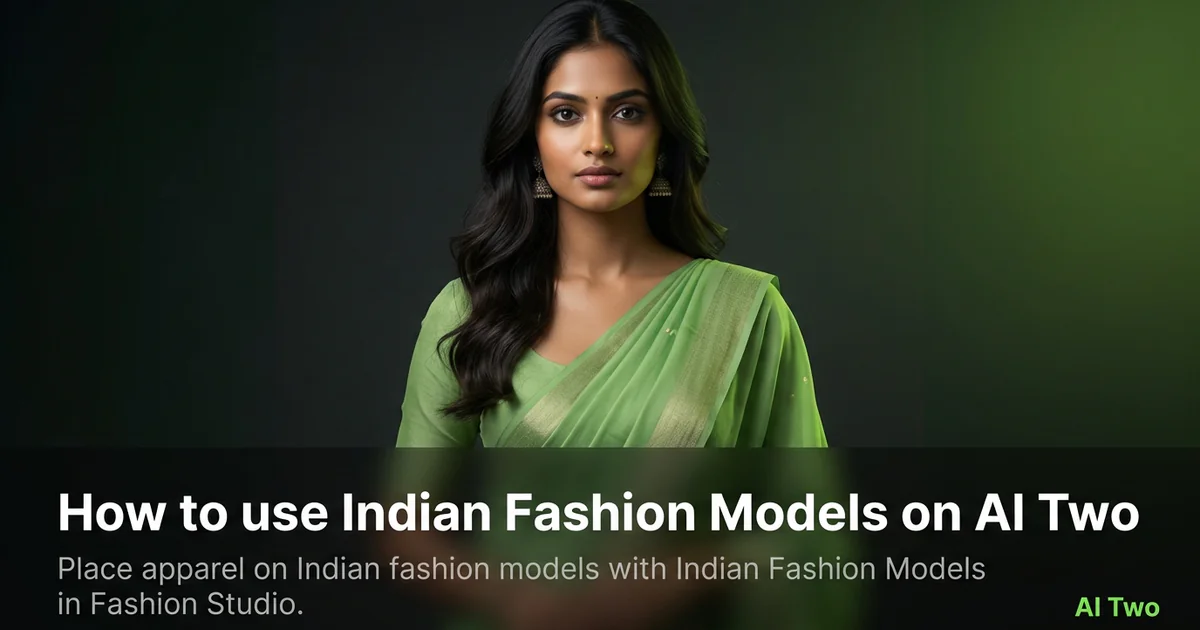
Indian Fashion Models on AI Two is the Fashion Studio page I open when a brand needs South Asian cast context for saree blouses, kurtas, lehengas, and everyday western SKUs sold in India or diaspora markets. Apparel sellers use it to place product on a photorealistic Indian cast without flying a full crew for every colorway. When I tested a block print kurta on a flat lay, the output kept border alignment readable at zoom, which is the check I use before upload. This page is for catalog and casting work for sellers, not for consumers planning personal wardrobes. Free signup credits covered early SKUs for me. Paid plans raise monthly limits when a festive drop needs many variants.
What Indian Fashion Models does
You upload a garment photo, choose presentation options on the form, and generate an on model still with an Indian fashion cast. Embroidery, dupatta drape cues, and necklines should stay readable after the run when the source photo supports them.
When I tested an indigo kurta flat shot, the on model output kept placket stitching sharp enough for a marketplace zoom. That is the check I use.
Fashion Studio lists this beside female, male, kids, and virtual model pages in the apparel on models cluster.
Built for brands that need Indian model looks for catalog and marketplace listings. It is not a personal styling page for picking festival outfits at home.
I open this page after lint is gone and the garment is flat or on a form. Wrinkles copy into the listing still.
Free signup credits covered several hero SKUs for me before a Diwali drop. Paid plans raise monthly limits for full catalog batches.
In my experience, heavy embroidery needs raking light on the flat lay. Flat overhead bulbs wash thread detail before the on model pass.
I keep drape notes in the project folder when a SKU ships with a dupatta or stole so contractors match the approved still.
For multi channel drops I note which cast direction matched the approved still so sibling colorways stay consistent.
Treat the output as a catalog draft. Styling claims still need your product copy and size chart on the PDP.
When I tested a linen co ord set, I checked inseam length at full zoom before I sent files to the marketplace ops team.
How to run it step by step
Step one: sign in or create a free account. Step two: upload a sharp garment photo with seams and border work visible. Step three: pick the mode, keep defaults on run one. Step four: generate and wait about 30 seconds. Step five: download or adjust one setting and compare.
Keep originals. Festive colorways share embroidery patterns across seasons.
When I tested a saree blouse, I checked sleeve cap seams at full zoom before I approved the pack.
I run front and back as separate uploads when both sides sell the SKU. One twisted hang hides border placement buyers need.
Credits apply per generation, so I lock one presentation mode on the hero SKU before I batch five colorways.
If fabric looks plastic, I reshoot with softer daylight instead of stacking more runs on a harsh flash photo.
If the cast scale feels off for the size chart, I change one body presentation setting on run two instead of also changing background and crop together.
I write the styling note that won beside the SKU so wholesale reps send the same cast direction.
When a channel wants a neutral western cast for export listings, I duplicate the SKU folder and run Female or Male Fashion Models separately instead of mixing briefs on one run.
Which photo works best
Even daylight or softbox light shows weave and embroidery better than mixed yellow bulbs.
Lay garments flat or on a form so borders and necklines are clear. Crumpled piles hide drape.
Match the framing on the Fashion Studio before and after card for this tool.
Remove lint before you shoot. Jewel tones show every speck on camera.
Avoid heavy beauty filters. Buyers zoom, and soft threadwork gets returns.
Smooth wrinkles along hems, plackets, and yokes. Creases read as fit problems in a thumbnail.
Shoot on a neutral surface. Busy studio floors pull attention away from border lines.
Include the full garment in frame. Cropped hems hide length shoppers compare across brands.
For dupatta SKUs, photograph the main garment first with the scarf folded neatly beside it so scale reads before the on model pass.
Shoot metallic thread under diffused light so highlights do not clip to white blobs in the source file.
Mistakes I avoid
Uploading festival lifestyle shots when the listing needs a clean on model product frame first.
Changing pose, background, and garment presentation together on run one.
Using generic western cast pages when this dedicated Indian cast page fits the marketplace brief.
Batching five colorways from one blurry phone snap.
Skipping a lint pass on dark fabric. Every fleck shows in the download.
Confusing cultural styling notes with costume language. Keep copy retail and respectful for ecommerce.
Expecting exact drape physics for every fabric weight from one visual draft. Heavy silk and light cotton behave differently on set too.
When to use another tool
Need a western female or male cast without regional styling context? Open Female Fashion Models or Male Fashion Models. Need childrenswear? Kids Clothing Modeling. Need a neutral virtual cast? Virtual Model. Need hair, makeup, or retouch on an approved on model photo? Open Hair Styles, Makeup Editor, or Portrait Retouching in post production.
The apparel on models cluster guide maps sibling model pages. The Fashion Studio pillar covers jewelry and accessory photography when the SKU set grows.
Ghost mannequin helps when you need an invisible form shape instead of a worn view for the same SKU.
After the download
I upload the on model still beside the flat garment photo in the listing draft so the merchandiser can approve before the SKU goes live.
For festive drops I name files by SKU and cast direction so weekend uploads do not mix hero and alternate poses.
When a marketplace asks for both flat and on model frames, I keep both in one folder with the same color reference swatch.
If embroidery edges look soft, I return to the sharpest flat original and rerun with one presentation change rather than stacking fixes on a soft file.
I keep approved stills in the DAM with model page metadata so contractors know which cast page produced the file.
When returns cite fit confusion, I compare the on model still against the size chart photo rather than rerunning cast blindly.
For diaspora campaigns I note which still is approved for India PDP versus export PDP so legal copy stays aligned.
FAQs
Related studio guides
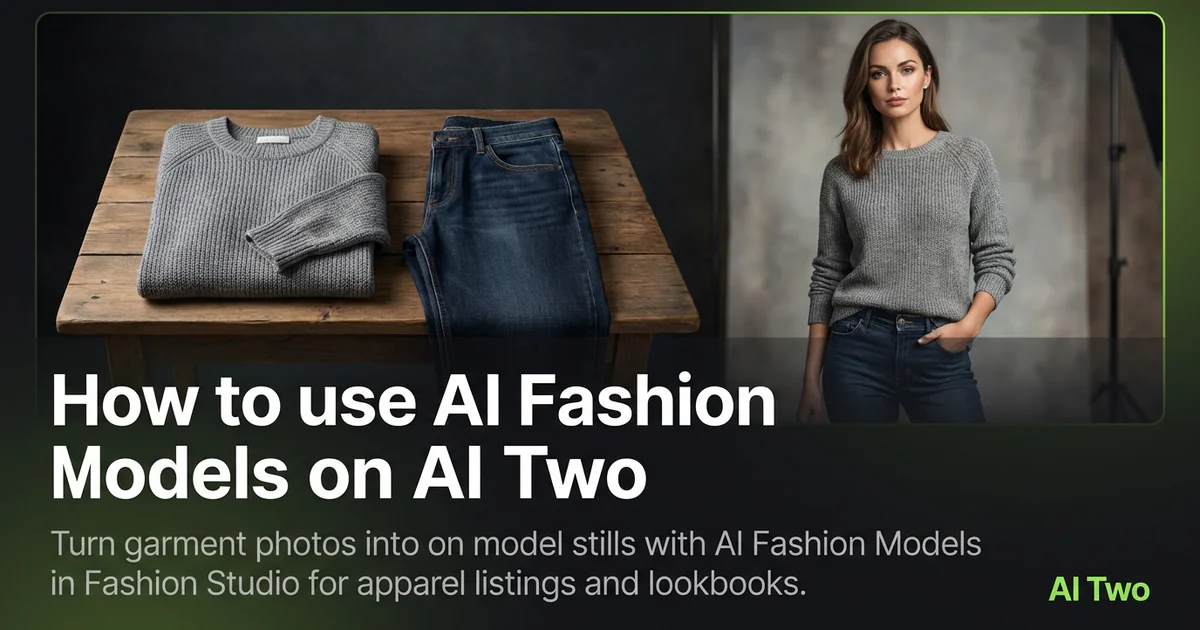
How to use AI Fashion Models on AI Two
Turn garment photos into on model stills with AI Fashion Models in Fashion Studio for apparel listings and lookbooks.
Read guide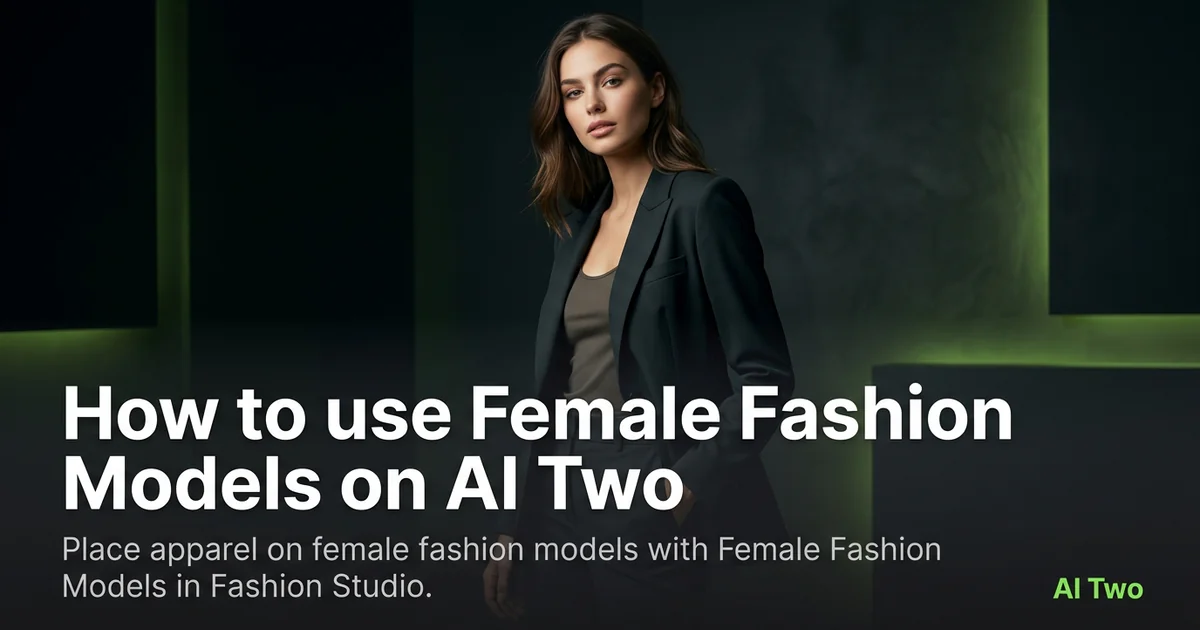
How to use Female Fashion Models on AI Two
Place apparel on female fashion models with Female Fashion Models in Fashion Studio.
Read guide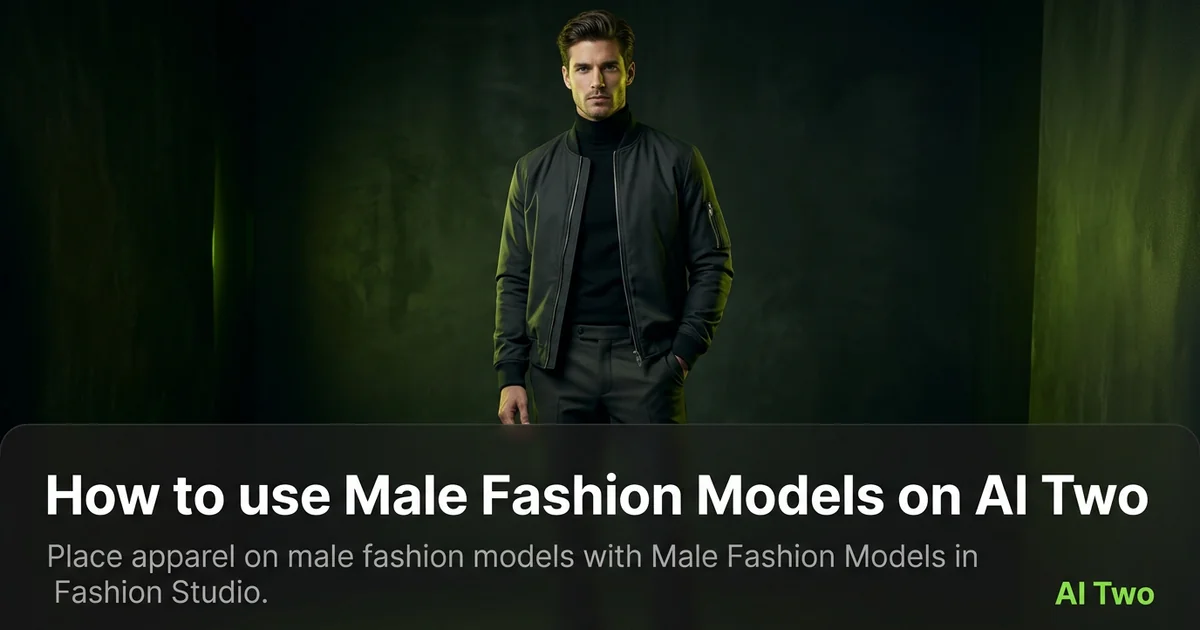
How to use Male Fashion Models on AI Two
Place apparel on male fashion models with Male Fashion Models in Fashion Studio.
Read guide