
How to use AI Virtual Model on AI Two
Create a reusable virtual model for your catalog and dress it across SKUs with AI Virtual Model in Fashion Studio.
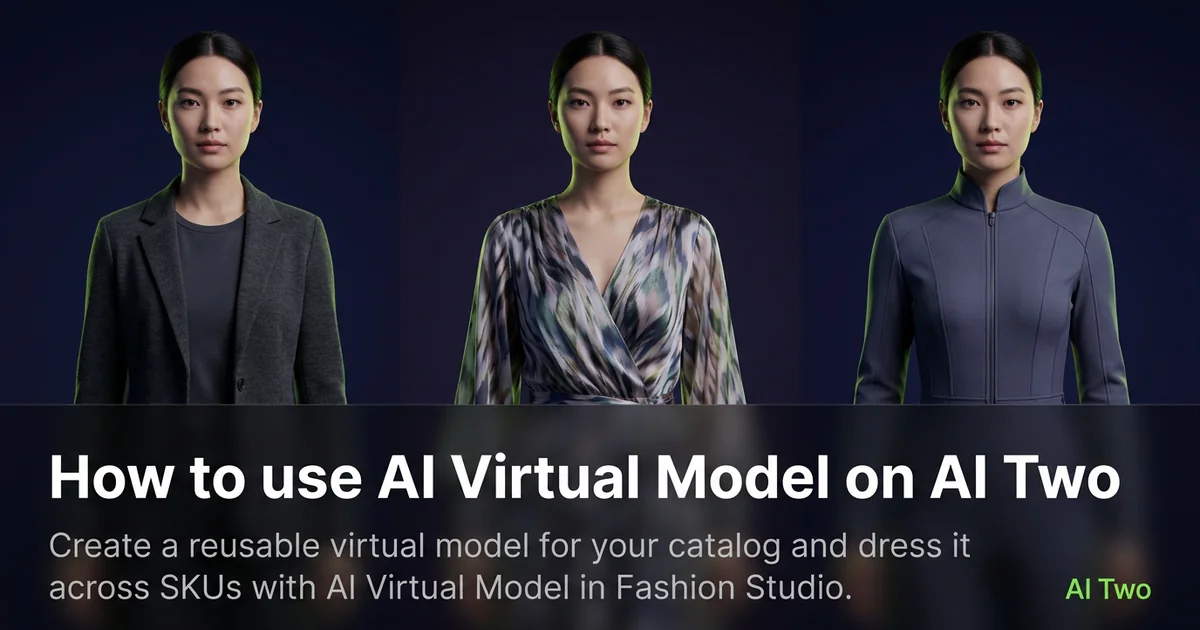
AI Virtual Model on AI Two is the Fashion Studio page I open when a catalog needs one consistent face and body across dozens of SKUs. Sellers use it to build a virtual cast member, then dress that model across seasons without booking a new shoot for every drop. When I tested a neutral studio cast on three tops, the face stayed stable enough that buyers recognized the shop style in the thumbnail grid.
What AI Virtual Model does
You configure or select a virtual model presentation, upload garments, and generate on model stills that reuse the same cast identity across runs.
When I tested three shirts on one virtual cast, the jawline and hairline stayed consistent while fabric changed. That is the workflow I want for a storefront grid.
Fashion Studio lists this beside fashion models and outfit pages in the apparel cluster.
Built for sellers who need repeatable model identity, not one off consumer styling.
I open this page after I know which demographic the channel needs. Changing cast mid catalog breaks recognition.
Free signup credits covered my first cast tests. Paid plans raise monthly limits for large SKU batches.
In my experience, locking pose and background on the hero SKU before colorway batches saves credits.
I store cast settings in a short text note beside the SKU folder so contractors on my team rerun the same face next quarter.
For marketplaces with strict model policies, I keep the approved hero screenshot in the listing draft as a reference frame.
How to run it step by step
Step one: sign in or create a free account. Step two: pick or configure the virtual model direction on the form. Step three: upload a sharp garment photo, keep defaults on run one. Step four: generate and wait about 30 seconds. Step five: download, then reuse the same cast settings on the next SKU.
Keep a note of the settings that produced the cast you liked. Season two drops should match season one.
When I tested a virtual cast, I checked ear and hair consistency at thumbnail size before I batch five colors.
I run front and back as separate uploads when both sides sell the SKU.
Credits apply per generation, so I lock cast and crop on the hero SKU before I batch the catalog.
If skin tone drifts between runs, I stop and reuse the exact settings from the approved hero instead of guessing.
I export the approved cast still at full resolution before I open background remover for marketplace white fields.
Which photo works best
Even daylight or softbox light shows fabric texture better than mixed yellow bulbs.
Lay garments flat or on a form so edges are clear.
Match the framing on the Fashion Studio before and after card for this tool.
Remove lint before you shoot. Dark fabrics show every speck on a consistent cast.
Avoid heavy beauty filters on garment source photos. Buyers zoom, and soft logos get returns.
Keep garment photos consistent across SKUs. The virtual model stays stable, but wrinkled sources still look sloppy.
Include the full garment in frame. Cropped sleeves hide length shoppers compare across listings.
Mistakes I avoid
Changing cast identity every SKU. Recognition is the point of a virtual model.
Changing pose, background, and garment color together on run one.
Expecting editorial campaign motion from a catalog virtual model tool.
Batching twenty SKUs before the hero cast is approved.
Skipping a lint pass on dark fabric. Every fleck shows on a repeated face.
When to use another Fashion tool
Need a one off on model still without building a cast? Open AI Fashion Models. Need a full styled look with multiple pieces? AI Outfit on Models. Need casting changes on an existing photo? Body Type Modifier or Model Age Changer.
The apparel on models cluster maps sibling pages. The Fashion Studio pillar covers the wider toolkit.
Portrait retouching and background remover help after the virtual model still is approved.
After the download
I add the approved cast still to a brand board doc so contractors know which settings produced the face buyers recognize.
For seasonal drops I rerun new SKUs before I change cast identity so the storefront grid stays coherent.
When a marketplace asks for lifestyle variants, I reuse the same cast in shoot type pages instead of inventing a new face per channel.
FAQs
Related studio guides
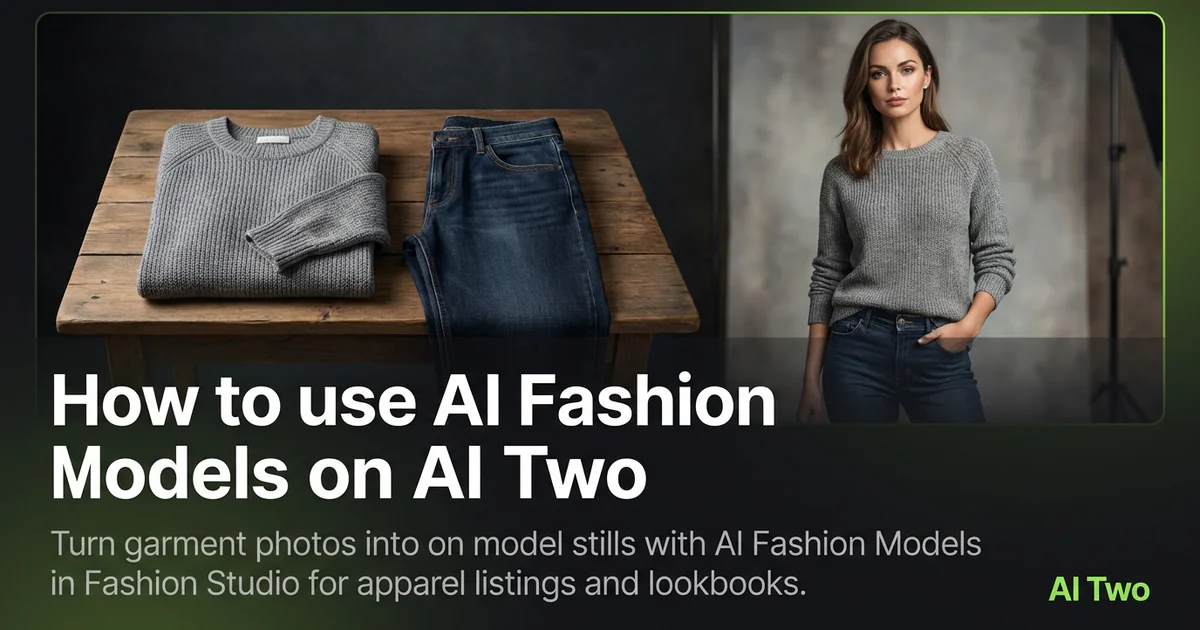
How to use AI Fashion Models on AI Two
Turn garment photos into on model stills with AI Fashion Models in Fashion Studio for apparel listings and lookbooks.
Read guide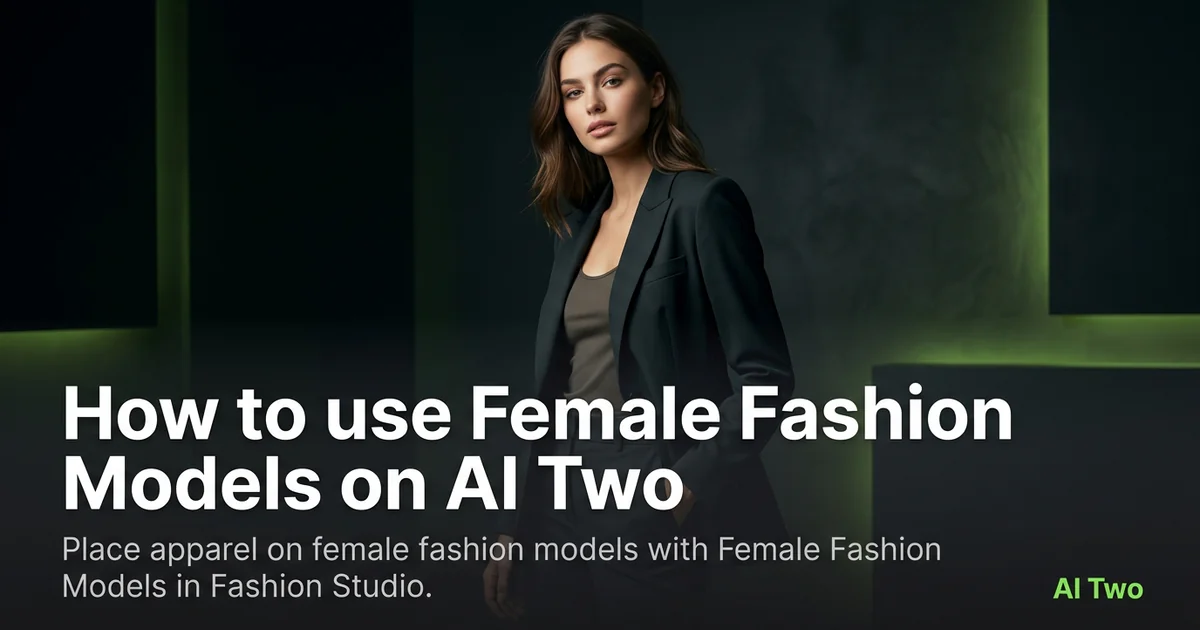
How to use Female Fashion Models on AI Two
Place apparel on female fashion models with Female Fashion Models in Fashion Studio.
Read guide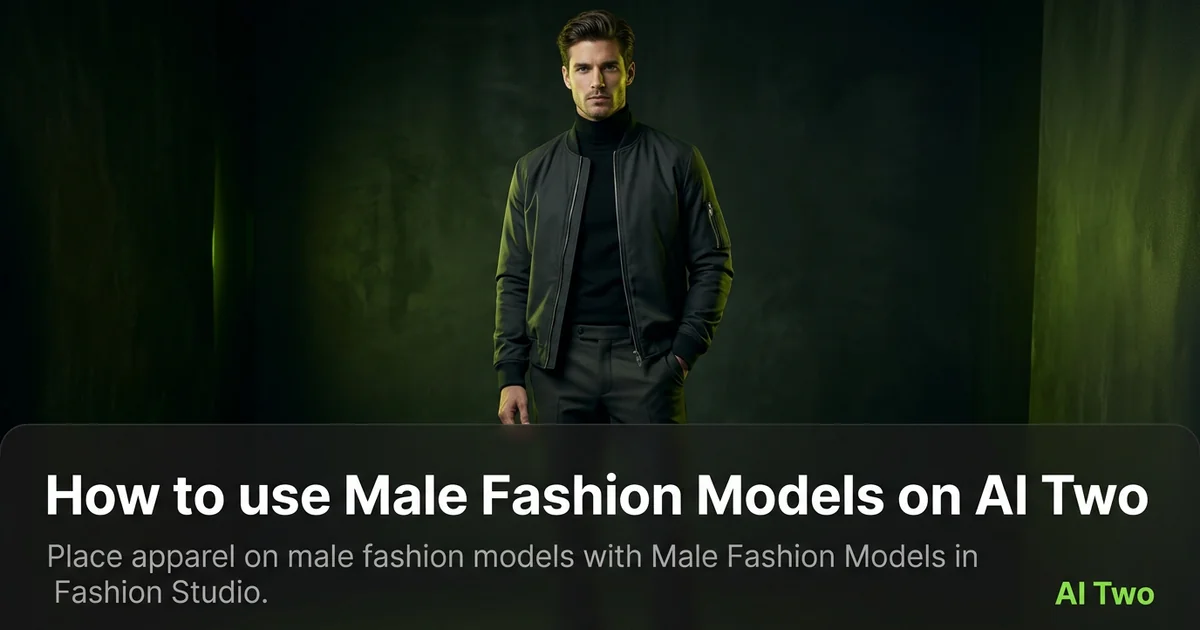
How to use Male Fashion Models on AI Two
Place apparel on male fashion models with Male Fashion Models in Fashion Studio.
Read guide