
How to visualize your home exteriorbefore renovating with AI
See exactly what your house could look like with new siding, paint colors, roofing, and landscaping — all before you spend a single dollar on materials or contractors.
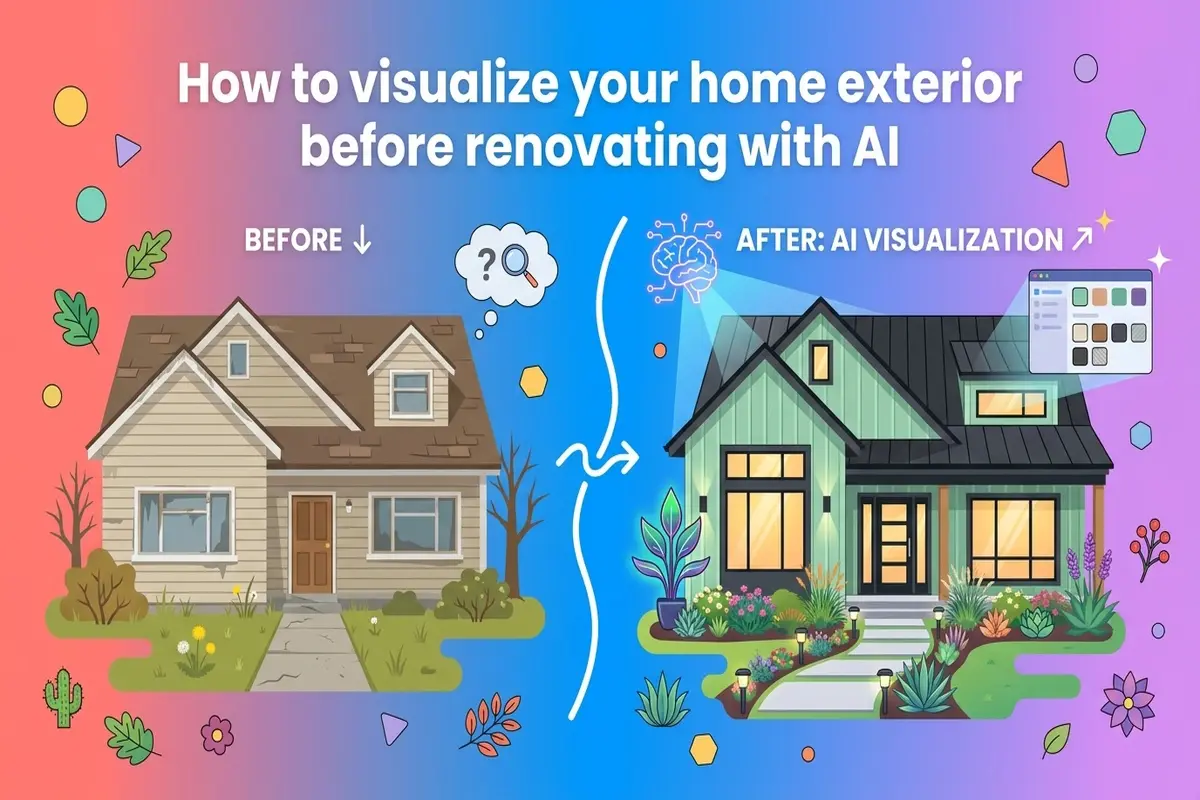
Exterior renovations are expensive. A new roof runs $10,000 to $30,000. Siding replacement costs $8,000 to $20,000. Even a professional exterior paint job can hit $5,000 or more. And the worst part? You do not know exactly what it will look like until the work is done.
That uncertainty leads to expensive mistakes. You pick a siding color from a tiny sample and discover it looks completely different at full scale. You invest in landscaping that clashes with your facade. You spend months second-guessing whether you made the right choice.
AI exterior design tools eliminate that guesswork. You upload a photo of your house, and the AI generates photorealistic renders showing exactly what it would look like with new finishes, materials, and landscaping. You can test dozens of combinations in minutes — for free or nearly free — before committing to anything.
This guide walks you through the entire process. By the end, you will know how to use AITWO's AI exterior design tool to visualize any exterior change, from a simple paint refresh to a complete curb appeal transformation. You will also learn which changes work best together, how to avoid common pitfalls, and how to use your AI renders to communicate with contractors.
Why you should always visualize before you renovate
The traditional approach to exterior renovation is shockingly primitive. You look at small material samples in a showroom, maybe drive around the neighborhood to see how certain colors look on other houses, and then make a decision worth tens of thousands of dollars based on guesswork and imagination.
This works poorly for several reasons. First, colors look different at different scales. A siding sample that looks perfect in your hand might look completely wrong covering your entire facade. Second, lighting matters enormously. The same color can look warm and inviting in morning light and harsh and cold in afternoon sun. Third, context matters. A color that looks great in isolation might clash with your existing roof, windows, or the houses on either side of you.
AI visualization solves all of these problems. The tool applies your chosen materials to your actual house, at full scale, in realistic lighting conditions. You see exactly what you are getting — before you sign a contract, before you order materials, before you tear anything off your house.
The real cost of guessing wrong
- ✗Replacing siding you just installed because the color was wrong: $8,000 – $20,000 wasted
- ✗Repainting an exterior because the color looked different than expected: $3,000 – $5,000 wasted
- ✗Landscaping that needs to be redone because it does not match the new facade: $2,000 – $10,000 wasted
- ✓Using AI to visualize all options first: $0 – $40
What you can visualize with AI exterior design
Modern AI exterior tools are surprisingly comprehensive. They do not just swap paint colors — they can reimagine nearly every visible element of your home's exterior. Here is what AITWO's exterior design tool and similar platforms can handle.
| Category | What you can change |
|---|---|
| Siding and facade | Vinyl siding, fiber cement, wood, brick, stone, stucco, board-and-batten, shingles, metal panels. Swap materials entirely or just change colors. |
| Roofing | Asphalt shingles, metal roofing, tile, slate, cedar shake. Change roof color or material type. |
| Paint and trim | Main body color, trim color, accent colors, door color, shutter color. Test combination after combination. |
| Windows and doors | Window frame colors, window styles, front door style and color, garage door style. |
| Landscaping | Trees, shrubs, flower beds, lawn, gardens, walkways, driveways, patios, decks, fences, outdoor lighting. |
| Architectural details | Shutters, columns, porch railings, decorative trim, gables, dormers. Add or remove elements. |
The AI preserves your home's exact proportions, window placement, and structural elements while transforming the finishes. This is critical — you are seeing your actual house with new materials, not a generic house that vaguely resembles yours.
Step by step: from photo to photorealistic render
The entire visualization process takes less than five minutes. Here is exactly how to do it using AITWO's AI house design tool.
Step 1: Take a good photo of your home
Walk across the street or to the end of your driveway. You want to capture the entire front facade in one shot. Daytime photos work best — overcast days actually produce the most accurate color representation because there are no harsh shadows.
Do not worry about perfection. The AI can handle trees partially blocking the view, cars in the driveway, and imperfect angles. Phone photos work fine. Just make sure the whole house is visible and reasonably in focus.
Step 2: Upload and let the AI analyze
Upload your photo to the exterior design tool. The AI automatically detects walls, roof, doors, windows, and landscaping areas. This takes a few seconds. You do not need to manually outline anything — the AI handles the segmentation.
Step 3: Choose your transformation style
You have two options. You can select a specific style — Modern Farmhouse, Craftsman, Contemporary, Mediterranean, Colonial, etc. — and let the AI suggest a complete transformation. Or you can customize individual elements: pick your siding material, roof color, trim color, and landscaping theme separately.
Start with a style preset to see what is possible, then customize from there. This is faster than building from scratch and often produces more cohesive results.
Step 4: Generate and compare options
Click generate. In 30 to 60 seconds, you will have a photorealistic render of your transformed home. Save it, then generate another variation. Most people create 10 to 20 variations before settling on a direction.
Use the side-by-side comparison feature to evaluate options. Sometimes a color that looks great in isolation is clearly worse when you see it next to an alternative.
Step 5: Download and share
Download your favorite renders in high resolution. You can share these with family members for feedback, show them to your HOA for pre-approval, or present them to contractors to communicate exactly what you want. The renders are clear enough to use in any of these contexts.
Best practices for exterior visualization
After working with hundreds of homeowners using AI exterior design, clear patterns emerge. These practices consistently produce better results.
- 1.Start with your roof. The roof is the largest single element of your exterior. Its color constrains everything else. If you are keeping your existing roof, photograph it carefully and make sure your new siding and paint choices complement it. If you are changing the roof, decide that first.
- 2.Consider your neighbors. Your house does not exist in isolation. Generate renders and then look at them in the context of your street. A bright yellow house might look stunning alone but jarring next to your neighbor's gray colonial. Aim for distinction, not disruption.
- 3.Test in different lighting. If possible, take photos of your house in morning light, afternoon light, and overcast conditions. Generate renders from each. Colors shift dramatically throughout the day, and you want to make sure you love your choice at all times, not just in the golden hour.
- 4.Do not forget the fifth facade. Landscape architects call your front yard the “fifth facade.” The most stunning siding in the world will not save a neglected lawn and overgrown shrubs. Use the AI's landscaping features to visualize the complete transformation.
- 5.Generate more options than you think you need. The marginal cost of another render is nearly zero. People who generate 15 to 20 variations consistently end up happier with their final choice than people who stop at three or four. You do not know what you do not know until you see it.
Who uses AI exterior visualization and why
AI exterior design is not just for homeowners planning renovations. Several professional groups have adopted it as a core part of their workflow.
Real estate agents and home sellers
Listing photos showing “potential after renovation” dramatically increase buyer interest. Agents use AI renders to show what a dated property could look like with modest curb appeal upgrades. This sells homes faster and often at higher prices, without the seller actually doing any work.
Contractors and renovation companies
Showing a client a photorealistic render of their finished project closes deals faster than showing material samples. Contractors use AI visualization in their sales process to help clients see the end result before signing a contract. It reduces hesitation and speeds up decision-making.
Landscape designers
Presenting landscaping proposals with photorealistic visuals is far more compelling than sketches or verbal descriptions. Landscape designers use AI to show clients exactly how new plantings, hardscaping, and lighting will transform their property's curb appeal.
Real estate investors and flippers
Before purchasing a property, investors use AI visualization to estimate the curb appeal improvement potential and forecast the resulting property value increase. This helps them make better acquisition decisions and set more accurate renovation budgets.
If you work with interiors too, check out our comparison of AI interior design vs hiring a decorator. The same principles apply — visualize first, renovate with confidence.
Pair exterior visualization with video and voice
If you are a real estate professional or content creator, you can take your AI-generated exterior renders further by turning them into video content.
Use AI photo-to-video tools to animate your before-and-after renders into engaging clips. Add a professional voiceover with AITWO's AI voice generator to create property walkthrough videos or renovation transformation content for social media.
For a full rundown of the best video tools available, see our 10 best AI video generators for 2026. The combination of AI exterior visualization, AI video, and AI voice gives you a complete content creation pipeline without filming anything.
See your house transformed in 60 seconds
Upload a photo of your home's exterior. Choose new siding, paint, roofing, and landscaping. Get a photorealistic render of the transformation before you spend a dollar on contractors. For siding-specific color testing, read our AI siding color picker guide.