The Future of AI Talking Photos: Hand Expression
The latest breakthrough in AI video — images that don't just lip-sync, they gesture, point, wave, and express with their hands. HeyGen's Avatar IV, OmniHuman v1.5, and Google Veo 3 all support hand expressions. This is the future of AI talking photos. Viewers respond 3x more to content that mirrors how we actually communicate — and human communication is roughly 55% body language.
Regular lip-sync alone looks robotic. Add natural hand gestures and your AI talking images feel human. Studies show viewers retain 40% more information when presenters use gestures. Platforms rank gesture-rich videos higher. Marketers and creators are racing to adopt this style.
AITwo lets you create this effect with its Image-to-Video mode using detailed motion prompts. You describe exactly how the person should gesture — and the AI brings it to life. Here's the complete workflow.
Why Hand Expressions Matter
Regular lip-sync looks robotic. Human communication is 55% body language. Hand gestures make AI videos feel 3x more engaging. Studies show viewers retain 40% more information when the presenter uses gestures. Platforms like TikTok and YouTube rank gesture-rich videos higher in discovery. If you want your AI talking images to stand out, hand expression is the upgrade.
Step-by-Step: Make Images Talk with Hand Expression on AITwo
Five steps from static image to gesture-rich talking video.
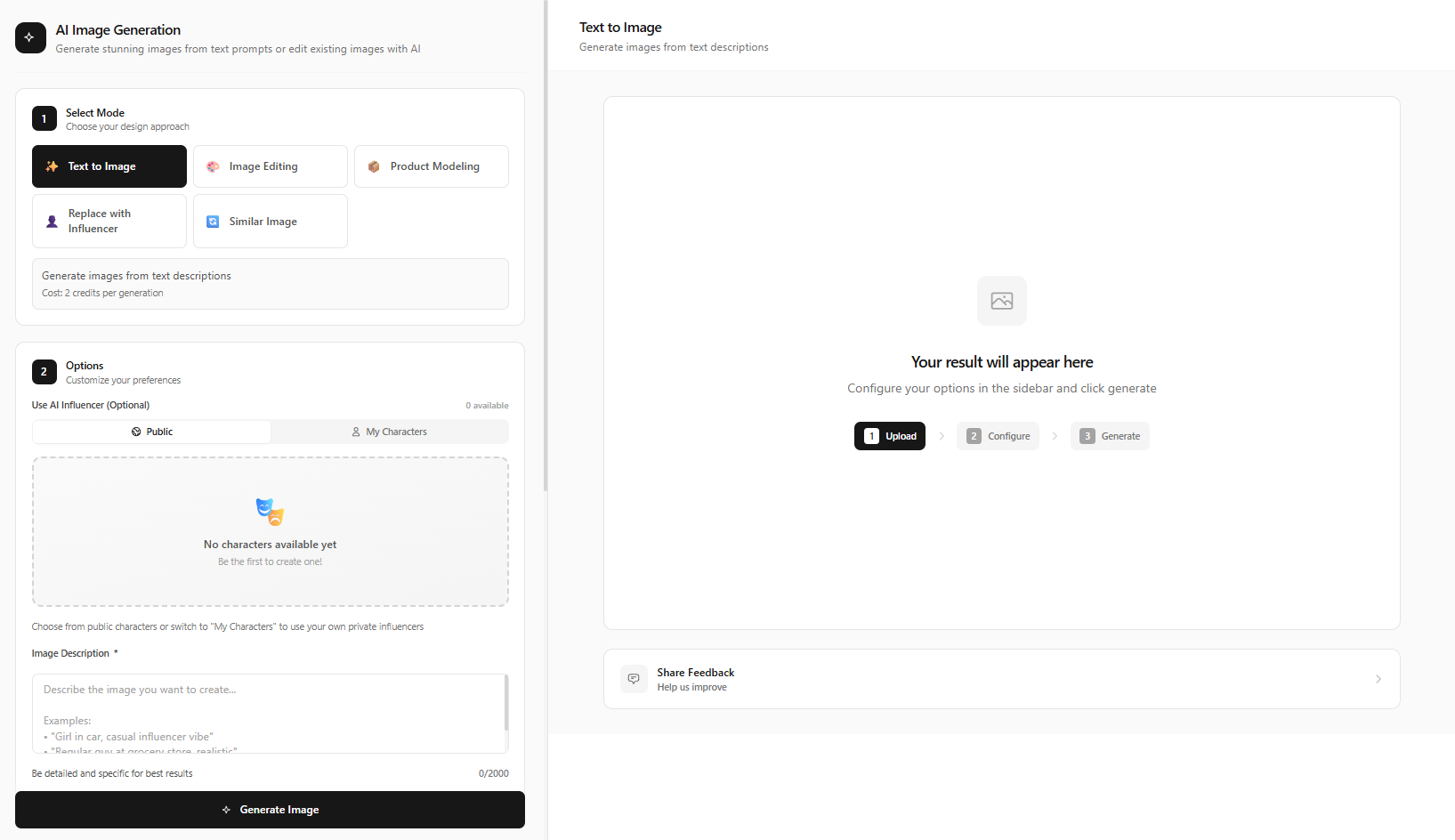
Create or Upload a Full-Body/Half-Body Portrait
Go to /image-generation and select "Text to Image" mode. CRITICAL: Your prompt must show hands/arms for gesture animation to work. Avoid headshot-only crops.
Half-body portrait
"Half-body portrait of a professional woman in a blazer, hands visible at chest level, confident pose, clean studio background, sharp focus"
Full-body shot
"Full-body shot of a male presenter in business casual, standing with hands at sides, neutral studio, soft lighting"
Click "Generate Image".
Pro tip:
Include "hands visible" or "half-body" or "full-body" in your prompt. Close-up headshots won't show hand expressions.
Open Video Generation → Image to Video Mode
Navigate to /video-generation. Select "Image to Video" mode from the mode tabs. Upload your generated portrait (or any photo showing hands).
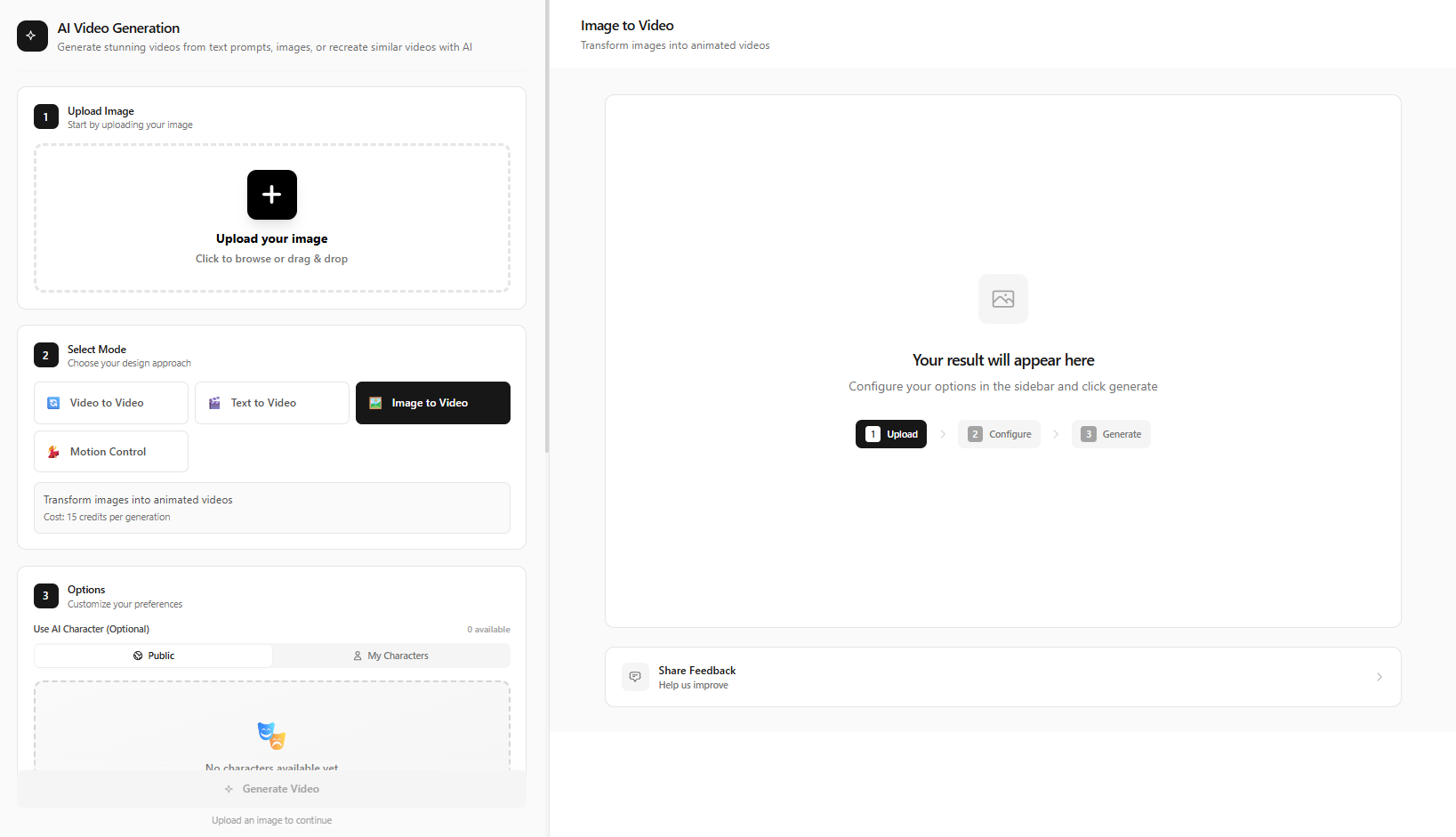
Write a Detailed Motion Prompt with Hand Gestures
This is the KEY step — your motion prompt must explicitly describe hand movements. Examples:
Professional presenter
"The person speaks to the camera, gesturing with right hand to emphasize points, occasional left hand palm-up gesture, natural head movement, expressive facial expressions, professional presentation style"
Enthusiastic creator
"She explains enthusiastically, counting on her fingers, pointing forward, waving hand, animated body language, TikTok creator energy"
Calm TED-style
"He presents calmly, open palm gestures, steepled fingers, occasional nod, subtle hand movements, TED talk presenter style"
Pro tip:
Use specific gesture words: "pointing", "waving", "counting on fingers", "palm-up", "steepled hands", "thumbs up". Generic prompts like "moving" won't produce distinct gestures.
Configure Video Settings
Choose aspect ratio: 9:16 for TikTok/Reels, 16:9 for YouTube, 1:1 for Instagram. Select video duration. Enable AI prompt enhancement for better motion quality.
Click "Generate Video" and Download
Hit "Generate Video" — processing takes 1-3 minutes. Preview the result. If gestures aren't prominent enough, adjust your prompt and regenerate. Download and post.
Best Prompts for Hand Expressions
Organize your prompts by style. The key is combining speech description with specific gesture words. Here are 10 templates you can adapt:
Hand Expression vs Regular Lip Sync
The difference is stark. Regular lip-sync videos feel stiff — the mouth moves but nothing else. Viewers notice the uncanny valley. Add hand expressions and the same video feels natural. Engagement rates increase. Retention improves. Platforms favor content that keeps viewers watching. Here's the side-by-side:
| Factor | Regular Lip Sync | With Hand Expression |
|---|---|---|
| Movement | Mouth only | Full-body communication |
| Feel | Robotic | Natural |
| Engagement | Low | 3x higher |
Common Mistakes to Avoid
1. Using headshot-only images
Fix: Use half-body or full-body shots with hands visible.
2. Generic motion prompts
Fix: Use specific words: "pointing", "waving", "counting on fingers".
3. Ignoring aspect ratio
Fix: Match 9:16 for Reels/TikTok, 16:9 for YouTube.
4. Expecting gestures from face-only prompts
Fix: You must describe hand movements explicitly in the motion prompt.
5. Giving up after one attempt
Fix: Refine your prompt and regenerate — small tweaks can improve results.
Troubleshooting Hand Gestures
If your generated video doesn't show clear hand movements, check: (1) Is the source image half-body or full-body with hands visible? (2) Did you use specific gesture words in the motion prompt? (3) Try regenerating with more explicit language — "pointing forward with right hand" often works better than "hand movements." Small prompt tweaks can significantly improve results.
Create Your First Talking Image with Hand Expression
Make AI talking images that feel human. Free to start — no credit card required.